
eppfun LS003
eppfun Open Ear Bluetooth Headphones User Manual
รุ่น : LS003
การแนะนำ
This manual provides detailed instructions for the eppfun Open Ear Bluetooth Headphones, Model LS003. These headphones feature an open-ear design for comfort, Bluetooth 5.4 connectivity, and a built-in microphone with noise cancellation for clear calls. Please read this manual thoroughly before using the product to ensure proper operation and maintenance.
เนื้อหาแพ็คเกจ
ก่อนดำเนินการต่อ โปรดตรวจสอบให้แน่ใจว่ามีสิ่งของครบถ้วนในบรรจุภัณฑ์:
- eppfun Open Ear Bluetooth Headphones (Model LS003)
- สายชาร์จ (แม่เหล็ก)
- คู่มือผู้ใช้ (เอกสารนี้)

Image: eppfun Open Ear Bluetooth Headphones (LS003) with its magnetic charging cable.
การตั้งค่า
1. การชาร์จหูฟัง
Before first use, fully charge the headphones. The headphones utilize a magnetic charging cable.
- ต่อปลายแม่เหล็กของสายชาร์จเข้ากับพอร์ตชาร์จบนหูฟัง
- เชื่อมต่อปลายสายด้าน USB-A เข้ากับแหล่งจ่ายไฟ USB ที่ใช้งานร่วมกันได้ (เช่น พอร์ต USB ของคอมพิวเตอร์ อะแดปเตอร์ติดผนัง USB)
- A full charge takes approximately 1.5 hours. The LED indicator will change color to indicate charging status (refer to LED indicator section for details).
- The headphones provide up to 12 hours of playtime on a full charge.
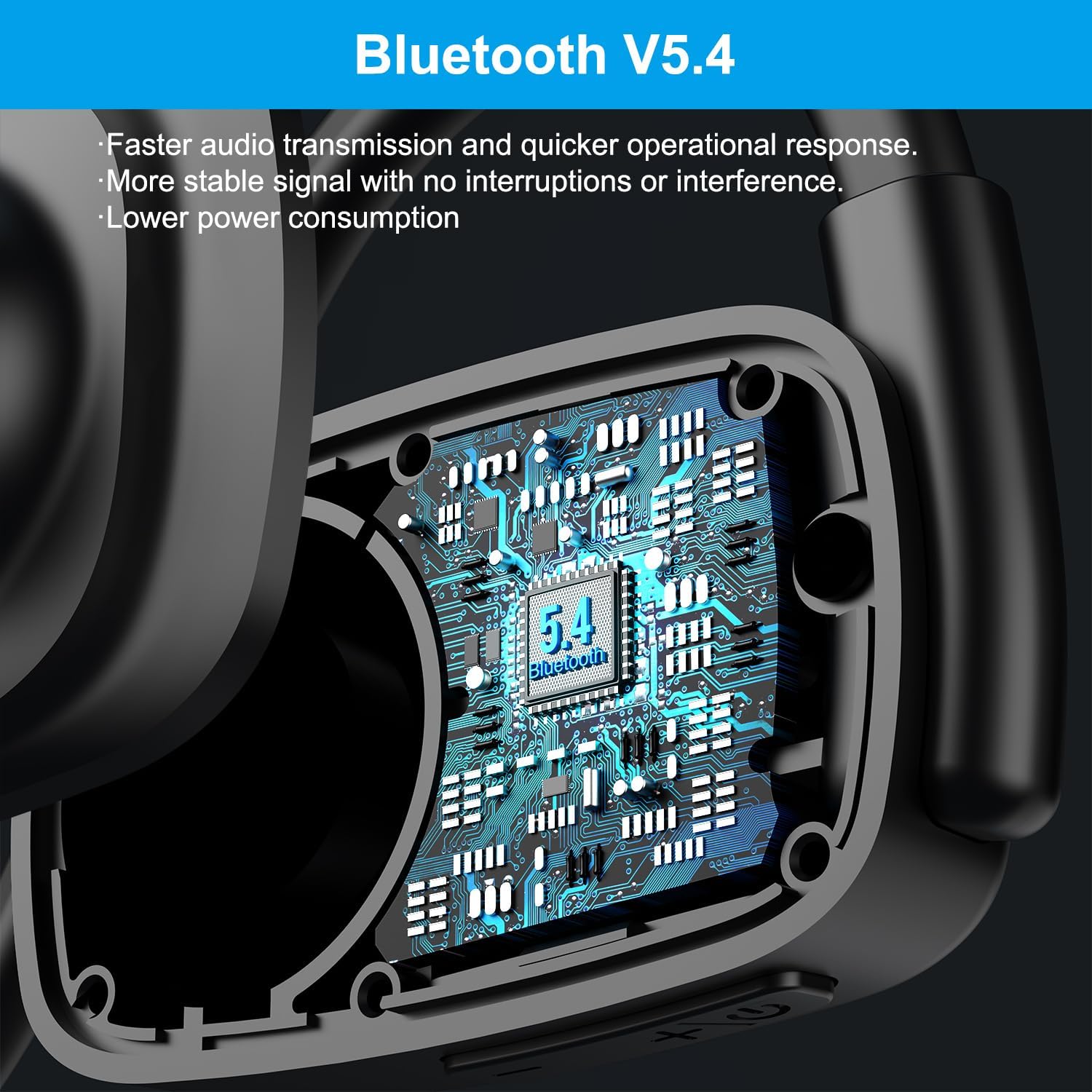
Image: Visual representation of charging time (1.5 hours) and playtime (12 hours) for the headphones.

ภาพ: รายละเอียด view of the magnetic charging interface and battery life indicators.
2. การจับคู่กับอุปกรณ์บลูทูธ
The headphones use Bluetooth 5.4 for stable and efficient wireless connection.
- ตรวจสอบให้แน่ใจว่าหูฟังได้รับการชาร์จและปิดเครื่องแล้ว
- กดปุ่มมัลติฟังก์ชันค้างไว้ (โดยปกติคือปุ่มเปิด/ปิด) จนกว่าไฟ LED จะกะพริบเป็นสีแดงและสีน้ำเงิน แสดงโหมดจับคู่
- บนอุปกรณ์ของคุณ (สมาร์ทโฟน แท็บเล็ต แล็ปท็อป) เปิดใช้งาน Bluetooth และค้นหาอุปกรณ์ที่มีอยู่
- Select "eppfun LS003" or a similar name from the list of found devices.
- เมื่อเชื่อมต่อแล้ว ไฟ LED แสดงสถานะจะสว่างเป็นสีน้ำเงิน หรือดับลง ขึ้นอยู่กับรุ่นของอุปกรณ์

Image: Illustration of the Bluetooth 5.4 chip inside the headphones, emphasizing faster transmission and lower power consumption.
3. การเชื่อมต่อแบบหลายจุด
These headphones support multipoint connections, allowing them to be connected to two Bluetooth devices simultaneously.
- จับคู่หูฟังกับอุปกรณ์แรกตามที่อธิบายไว้ข้างต้น
- ปิดใช้งานบลูทูธในอุปกรณ์เครื่องแรก หูฟังจะเข้าสู่โหมดจับคู่อีกครั้ง
- จับคู่หูฟังกับอุปกรณ์ที่สอง
- เปิดใช้งานบลูทูธบนอุปกรณ์เครื่องแรกอีกครั้ง หูฟังควรเชื่อมต่อกับอุปกรณ์ทั้งสองเครื่องโดยอัตโนมัติ
- เสียงจะเล่นจากอุปกรณ์ที่กำลังส่งสัญญาณเสียงอยู่
คำแนะนำการใช้งาน
ควบคุมมากกว่าview
หูฟังมีระบบควบคุมที่ใช้งานง่ายสำหรับฟังก์ชั่นต่างๆ:
| การทำงาน | การกระทำ |
|---|---|
| เปิด/ปิดเครื่อง | กดปุ่มมัลติฟังก์ชันค้างไว้ |
| เล่น/หยุดเพลง | กดปุ่มมัลติฟังก์ชั่นเพียงครั้งเดียว |
| เพิ่มระดับเสียง | กดปุ่มระดับเสียง + |
| ลดระดับเสียง | กดปุ่มปรับระดับเสียง - |
| เพลงถัดไป | กดปุ่มเพิ่มระดับเสียงค้างไว้ |
| เพลงก่อนหน้า | กดปุ่มลดเสียงค้างไว้ |
| รับสาย/วางสาย | กดปุ่มมัลติฟังก์ชั่นเพียงครั้งเดียว |
| ปฏิเสธการรับสาย | กดปุ่มมัลติฟังก์ชันค้างไว้ |
| ปิดเสียงไมโครโฟน | Press the dedicated mute button on the microphone arm. |
Call Management and Noise Cancellation
The extended microphone design and Environmental Noise Cancellation (ENC) technology enhance call clarity.
- เทคโนโลยี ENC: The headphones are equipped with ENC to reduce ambient noise during calls, making your voice clearer to the recipient. This technology can block up to 90% of ambient noise.
- ฟังก์ชั่นปิดเสียง: A dedicated mute button on the microphone arm allows for quick muting and unmuting during calls or online meetings.
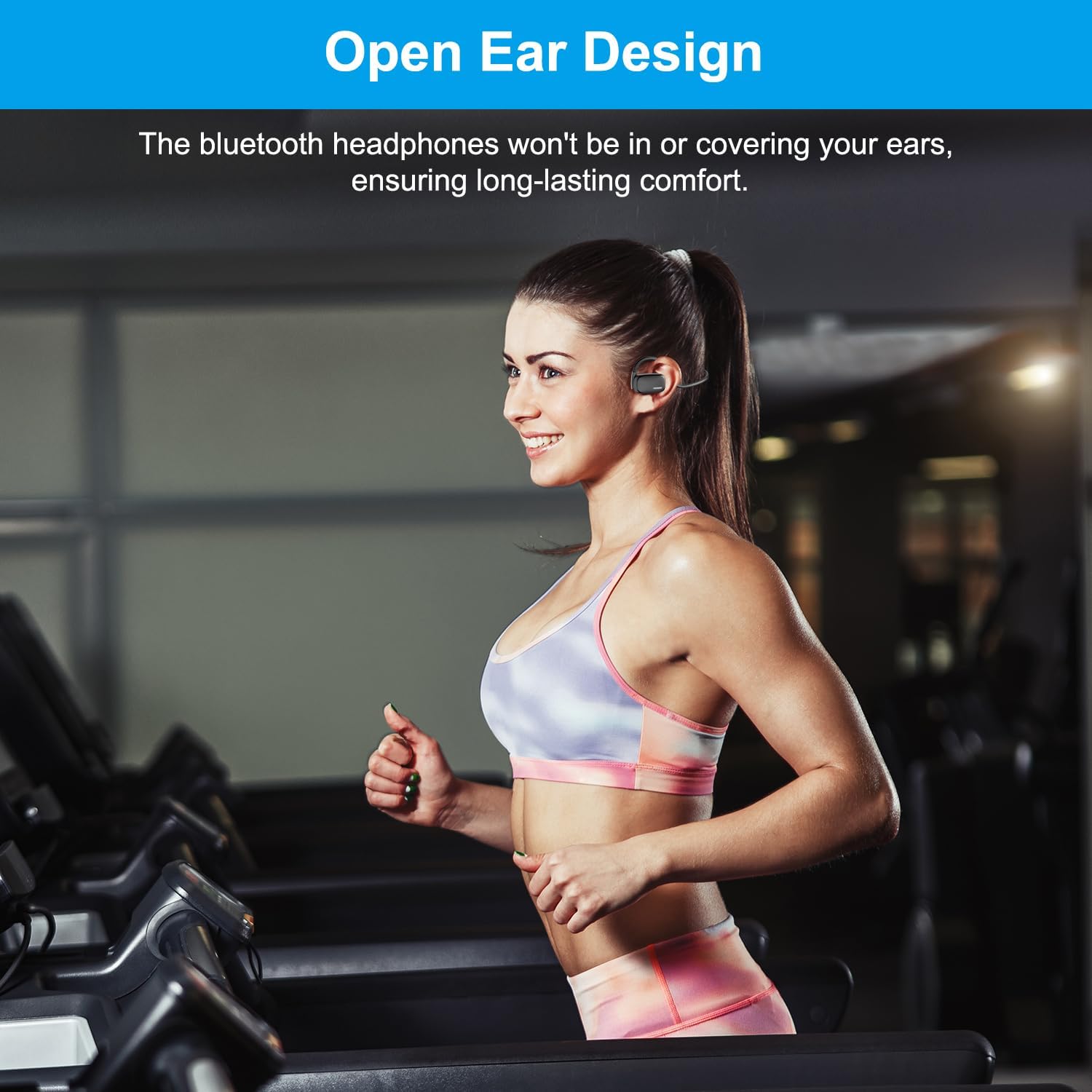
Image: Demonstrates the effect of ENC noise cancellation and the location of the mute button on the microphone arm.

Image: Illustrates the use of headphones in a video conference setting, highlighting the ENC feature.
การสวมหูฟัง
The open-ear design ensures comfort and situational awareness.
- Place the headphones over your ears, ensuring the ear hooks rest comfortably behind your ears.
- The speaker units should sit just outside your ear canals, allowing you to hear both audio and your surroundings.

Image: Demonstrates the open-ear design being worn during physical activity, highlighting comfort.
คุณภาพเสียง
The headphones are equipped with 15.4mm diaphragm drivers for enhanced audio performance, including heavy bass.

Image: Illustrates the 15.4mm diaphragm drivers responsible for audio output.
การซ่อมบำรุง
- การทำความสะอาด: Wipe the headphones with a soft, dry cloth. Do not use abrasive cleaners or immerse in water.
- พื้นที่จัดเก็บ: เก็บหูฟังไว้ในที่แห้งและเย็น หลีกเลี่ยงแสงแดดโดยตรงและอุณหภูมิที่สูงหรือต่ำเกินไป
- การชาร์จ: Use only the provided magnetic charging cable. Avoid using damaged cables or chargers.
- ความต้านทานน้ำ: หูฟังเหล่านี้เป็น ไม่ water resistant. Avoid exposure to rain, sweat, or other liquids.
การแก้ไขปัญหา
| ปัญหา | สาเหตุที่เป็นไปได้ / วิธีแก้ไข |
|---|---|
| หูฟังไม่สามารถเปิดเครื่องได้ | แบตเตอรี่เหลือน้อย กรุณาชาร์จหูฟังให้เต็ม |
| ไม่สามารถจับคู่กับอุปกรณ์ได้ |
|
| ไม่มีเสียงหรือเสียงเบา |
|
| คุณภาพการโทรไม่ดี |
|
ข้อมูลจำเพาะ
| คุณสมบัติ | รายละเอียด |
|---|---|
| ชื่อรุ่น | Cutemeet 310 (LS003) |
| เทคโนโลยีการเชื่อมต่อ | ไร้สาย (Bluetooth) |
| เวอร์ชันบลูทูธ | 5.4 |
| ช่วงบลูทูธ | 10 เมตร |
| การควบคุมเสียงรบกวน | Active Noise Cancellation (ENC for microphone) |
| ขนาดไดร์เวอร์เสียง | 15.4 มิลลิเมตร |
| อายุการใช้งานแบตเตอรี่ | นานถึง 12 ชั่วโมง |
| เวลาในการชาร์จ | ประมาณ 1.5 ชั่วโมง |
| ประเภทการชาร์จ | แม่เหล็ก |
| รูปทรงของหูฟัง | Ear hook or wing (Open Ear) |
| วัสดุ | พลาสติก |
| น้ำหนักสินค้า | 4.6 ออนซ์ |
| ระดับความต้านทานต่อน้ำ | ไม่ทนน้ำ |
การรับประกันและการสนับสนุน
For warranty information and customer support, please refer to the official eppfun webหรือติดต่อฝ่ายบริการลูกค้าโดยตรง เก็บใบเสร็จรับเงินไว้เพื่อใช้ในการเคลมประกัน
ผู้ผลิต: เอ็ปฟัน
วันที่เข้าใช้งานครั้งแรก: 12 กรกฎาคม 2024
หากต้องการความช่วยเหลือเพิ่มเติม โปรดไปที่ eppfun Store on Amazon.
Ask a question about this manual
Ask about setup, troubleshooting, compatibility, parts, safety, or missing instructions. Manuals+ will review the question and use this page’s manual context to help answer it.