
การแนะนำ
Thank you for choosing the Alecto DVM-64 Video Baby Monitor. This manual provides essential information for the safe and effective operation of your device. The DVM-64 offers a secure, interference-free connection, a large display, night vision, two-way talk, and an extended range to help you monitor your baby with peace of mind.
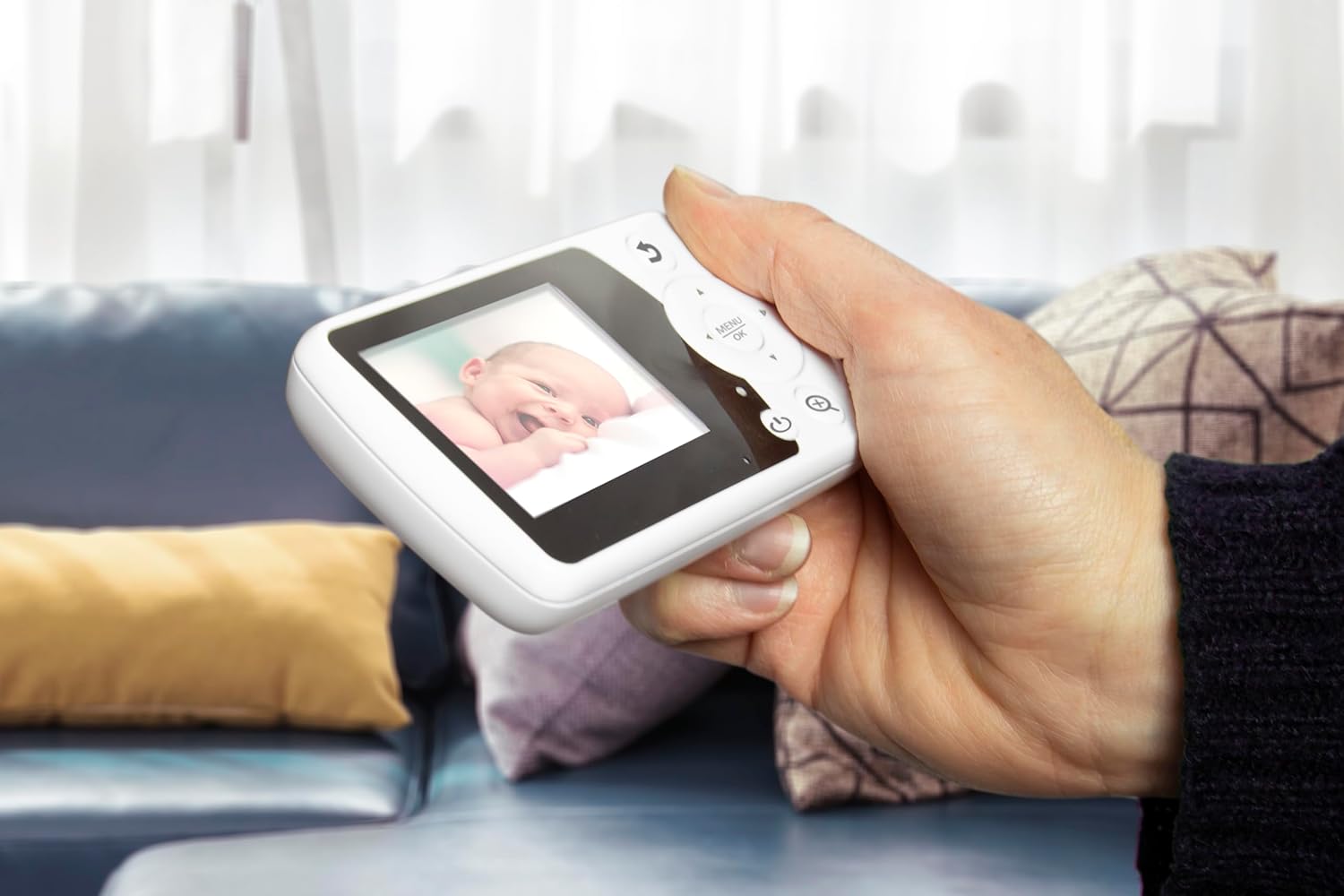
The Alecto DVM-64 parent unit in use, showing a clear image of a baby.
มีอะไรอยู่ในกล่อง
กรุณาตรวจสอบเนื้อหาในแพ็คเกจเพื่อให้แน่ใจว่ามีสินค้าครบทั้งหมด:
- หน่วยเด็ก (กล้อง)
- หน่วยหลัก (จอภาพ)
- อะแดปเตอร์ไฟฟ้า 2x
- ฮาร์ดแวร์สำหรับติดตั้ง
- Instruction Manual (Multi-language)
- Quick Start Guide with illustrations
- กฎระเบียบความปลอดภัยทั่วไป
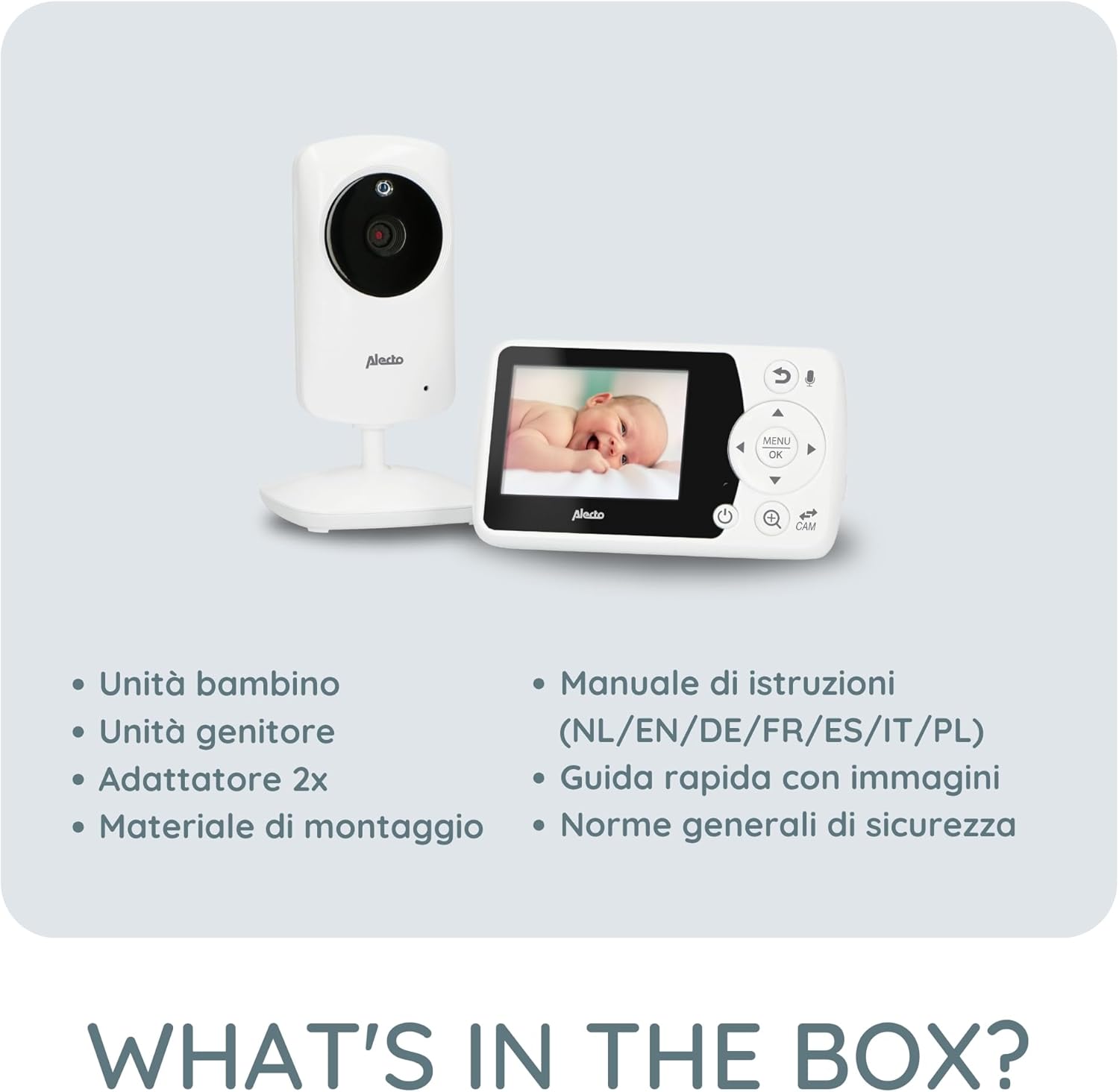
Illustration of all items included in the Alecto DVM-64 package.
คุณสมบัติหลัก
- หน้าจอขนาดใหญ่: The parent unit features an 11-centimeter (2.4-inch) diagonal screen for clear viewใช้งานง่ายและควบคุมได้สะดวก
- การมองเห็นตอนกลางคืน: Automatic night vision mode provides a clear image in low-light conditions or complete darkness.
- Two-Way Talk (Intercom): Communicate with your baby remotely through the parent unit.
- Secure & Interference-Free Connection: Ensures privacy and reliable monitoring.
- ระยะขยาย: Up to 50 meters indoors and 300 meters outdoors. An out-of-range warning alerts you if the connection is lost.
- ฟังก์ชั่น VOX: Image and sound activate automatically when noise is detected, conserving power. Adjustable sensitivity.
- แสดงอุณหภูมิ: Monitor the room temperature with an alarm function for optimal comfort.
- เพลงกล่อมเด็ก: 8 integrated lullabies to soothe your baby.
- ขยายได้: Supports connection of up to 4 cameras (DVM-64C, sold separately) for monitoring multiple rooms.
- ชุดควบคุมสำหรับผู้ปกครองแบบชาร์จไฟได้: Offers up to 10 hours of standby time.
- ติดตั้งง่ายบนผนัง: The baby unit can be easily mounted on a wall.

Visual representation of key features including out-of-range alert and night vision.

Details on the monitor's wide range and the camera's wall-mounting option.
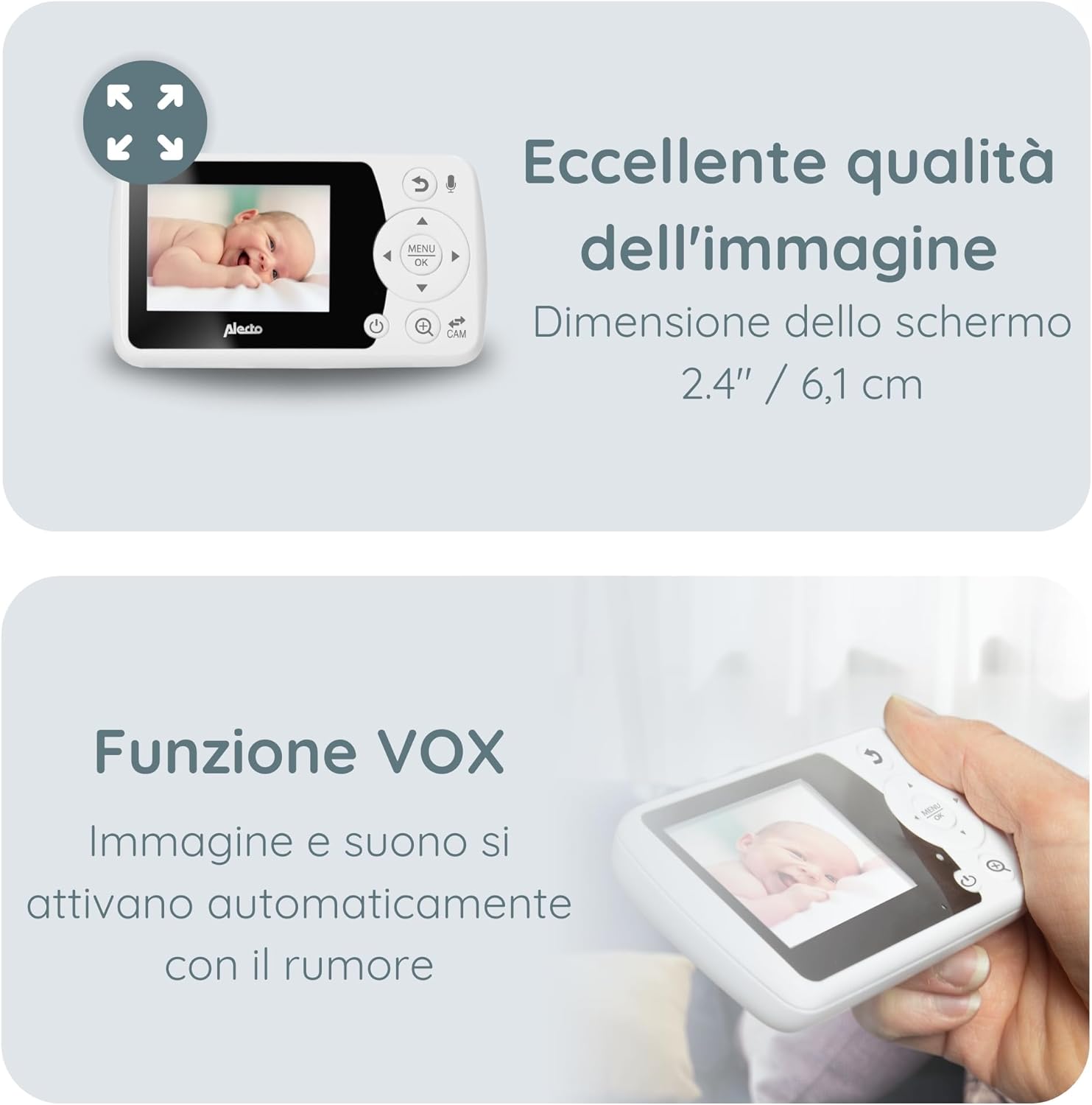
Information on the monitor's image quality, screen dimensions, and VOX feature.

Details on temperature monitoring and the option to add up to four cameras.
การตั้งค่า
1. การชาร์จอุปกรณ์หลัก (Parent Unit)
Before first use, fully charge the parent unit for approximately 8 hours. Connect one of the provided power adapters to the parent unit and a power outlet. The battery indicator on the screen will show charging status.
2. การเปิดใช้งานชุดอุปกรณ์สำหรับเด็ก (กล้อง)
Connect the second power adapter to the baby unit and a power outlet. The baby unit does not have a battery and must remain connected to power during operation.
3. การจัดวางตำแหน่งเครื่องให้ทารก
วางหน่วยเด็กไว้ในตำแหน่งที่ให้แสงชัดเจน view of your baby's crib or play area. Ensure it is out of reach of children (at least 1 meter away from the crib) and that the power cable is not a strangulation hazard. The camera can be manually rotated and tilted to adjust the viewing angle. For optimal night vision, avoid placing the camera directly facing a light source.
4. เปิดเครื่อง
Once both units are connected to power, press and hold the power button on the parent unit to turn it on. The units should automatically connect. If they do not connect, refer to the troubleshooting section for pairing instructions.
คำแนะนำการใช้งาน
การควบคุมหน่วยผู้ปกครอง
The parent unit features a screen and several buttons for navigation and control:
- ปุ่มเปิด/ปิด: เปิด/ปิดเครื่อง
- ปุ่มเมนู/ตกลง: เข้าถึงเมนูและยืนยันการเลือก
- ปุ่มนำทาง (ขึ้น/ลง/ซ้าย/ขวา): เลือกดูตัวเลือกในเมนูและปรับการตั้งค่า
- ปุ่มพูดคุย: Activates the two-way talk function.
- ปุ่มสลับกล้อง: Switches between connected cameras (if multiple are paired).
- ปุ่มปรับระดับเสียง: ปรับระดับเสียง
การมองเห็นตอนกลางคืน
The baby unit automatically switches to night vision mode in low-light conditions. The image will appear in black and white, providing a clear view ของลูกน้อยของคุณ
ฟังก์ชั่นพูดคุยสองทาง
Press and hold the Talk button on the parent unit to speak to your baby through the baby unit's speaker. Release the button to hear your baby again.
กล่อม
Access the menu on the parent unit to select and play one of the 8 integrated lullabies. You can also adjust the volume of the lullabies.
ฟังก์ชัน VOX (ระบบแลกเปลี่ยนข้อมูลด้วยเสียง)
The VOX function allows the monitor to enter a power-saving standby mode when no sound is detected. When your baby makes a sound, the monitor will automatically activate the screen and sound. You can adjust the VOX sensitivity in the menu to suit your environment.
การตรวจวัดอุณหภูมิ
The baby unit continuously monitors the room temperature and displays it on the parent unit's screen. You can set temperature alarms in the menu to be notified if the room becomes too hot or too cold.
Adding Additional Cameras (DVM-64C)
The Alecto DVM-64 system can be expanded with up to 4 cameras (model DVM-64C, sold separately). To add a new camera, navigate to the camera pairing option in the parent unit's menu and follow the on-screen instructions.
การซ่อมบำรุง
การทำความสะอาด
เช็ดทำความสะอาดอุปกรณ์ด้วยผ้าแห้งเนื้อนุ่ม ห้ามใช้สารทำความสะอาดที่มีฤทธิ์กัดกร่อนหรือตัวทำละลาย ตรวจสอบให้แน่ใจว่าไม่มีของเหลวเข้าไปในอุปกรณ์
การดูแลรักษาแบตเตอรี่ (สำหรับผู้ปกครอง)
To prolong battery life, avoid fully discharging the parent unit frequently. If the unit will not be used for an extended period, charge it fully and then store it in a cool, dry place. Recharge it every few months to prevent deep discharge.
การแก้ไขปัญหา
| ปัญหา | วิธีแก้ปัญหาที่เป็นไปได้ |
|---|---|
| No image/sound on parent unit |
|
| คุณภาพของภาพไม่ดี |
|
| ไฟฟ้าสถิตหรือการรบกวน |
|
| คำเตือนนอกช่วง |
|
ข้อมูลจำเพาะ
- ยี่ห้อ: อาเล็กโต
- ชื่อรุ่น : ดีวีเอ็ม-64
- เทคโนโลยีการเชื่อมต่อ: ไร้สาย
- ขนาดหน้าจอ: 2.4 inches / 6.1 cm (diagonal)
- ช่วงในร่ม: สูงสุด 50 เมตร
- ช่วงกลางแจ้ง: สูงสุด 300 เมตร
- Parent Unit Battery Life (Standby): นานถึง 10 ชั่วโมง
- เพิ่มขยาย: Up to 4 cameras (DVM-64C)
- คุณสมบัติพิเศษ: Night Vision, Two-Way Talk, VOX Function, Temperature Display with Alarm, Lullabies, Out-of-Range Warning.

Physical dimensions of the Alecto DVM-64 parent and baby units.
การรับประกันและการสนับสนุน
For warranty information and customer support, please refer to the general safety regulations document included in your package or visit the official Alecto webไซต์นี้ โปรดเก็บหลักฐานการซื้อไว้เพื่อใช้ยืนยันการรับประกัน