1. บทนำ
This manual provides detailed instructions for the setup, operation, and maintenance of your LOUKIENE Wireless Calling System. This system is designed to facilitate efficient communication between individuals needing assistance and caregivers or service staff in various environments such as restaurants, bars, hospitals, clinics, and homes.
2. สินค้าหมดview
The LOUKIENE Wireless Calling System consists of a wrist watch receiver and multiple call buttons. The system supports one-to-many calls, allowing a single call button to alert multiple watch receivers simultaneously.
2.1 ส่วนประกอบ
- 1 x Wrist Watch Receiver
- 10 x Call Buttons
- Charging Cable for Watch Receiver
- สายคล้องสำหรับปุ่มกดเรียก
2.2 คุณสมบัติหลัก
- ตั้งค่าได้ง่าย: No reprogramming required; the system is ready for use out of the box.
- One-to-Many Calling: Multiple pagers can use the same number, and a single transmitter call button can call multiple pager watches simultaneously.
- อายุการใช้งานแบตเตอรี่ยาวนาน: The wrist watch has a built-in 3.7V 200mAh rechargeable battery, offering up to 48 hours of standby time. Call buttons use 23A/12V alkaline batteries for extended standby.
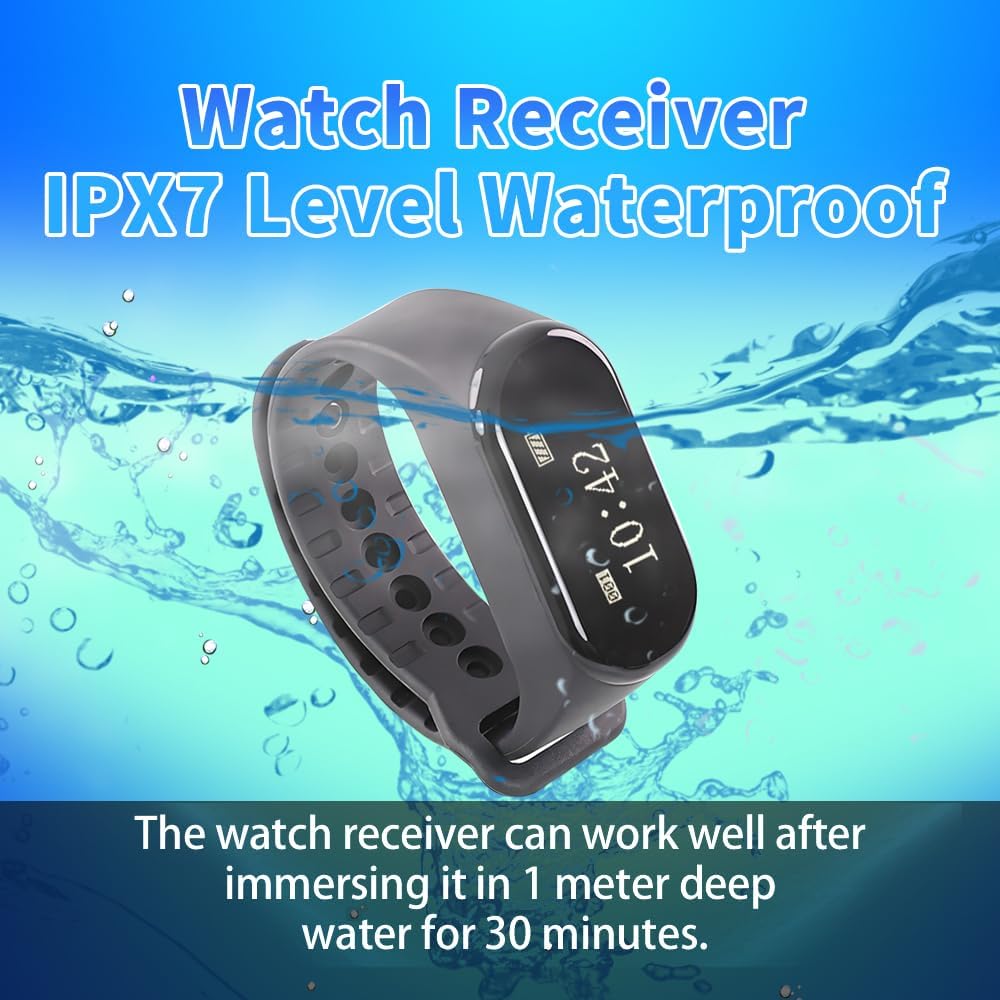
- การออกแบบกันน้ำ: Both the wrist watch receiver (IPX7) and call buttons (life waterproof) are designed to withstand daily splashes and cleaning.
- การใช้งานที่ยืดหยุ่น: Customizable on/off schedules for the watch and priority call features ensure timely responses.
- ระยะทางการทำงานที่ยาวนาน: Up to 200 meters (656 feet) in open areas. Obstacles like walls may affect signal transmission.
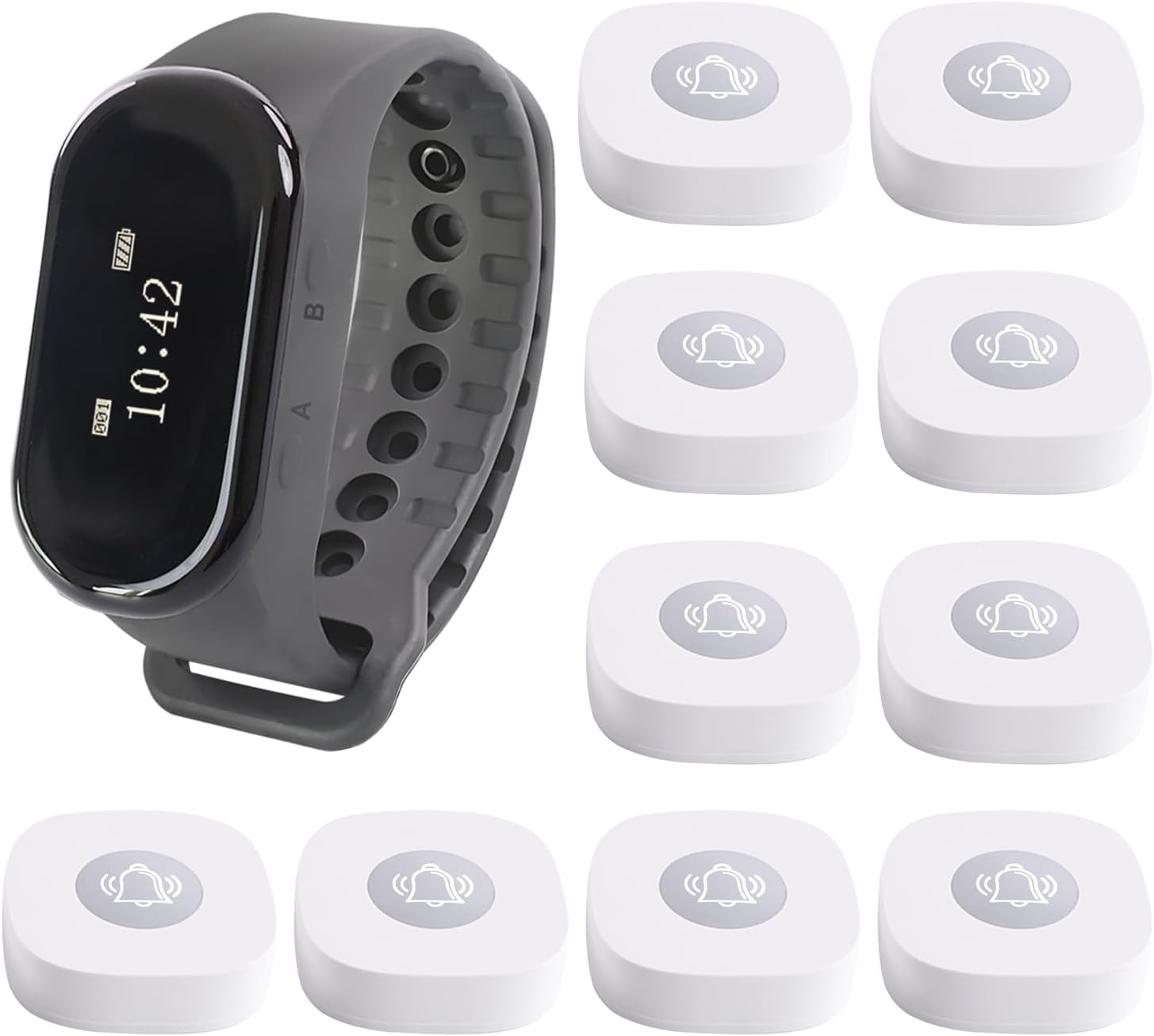
This image displays the complete LOUKIENE Wireless Calling System, featuring a sleek wrist watch receiver and ten compact white call buttons, illustrating the full package contents.

This image provides the physical dimensions of both the wrist watch receiver (48x25x15 mm, 1.9*1*0.6 inch, Hoop Perimeter 140-190 mm, 5.5-7.5 inch) and the call button (57x57x16 mm, 2.2*2.2*0.6 inch) for easy reference.
3. การตั้งค่า
3.1 Charging the Wrist Watch Receiver
The wrist watch receiver comes with a built-in rechargeable battery. Use the provided charging cable to charge the watch. A full charge provides up to 48 hours of standby time.

This image shows the wrist watch receiver alongside its proprietary clip-style charging cable, highlighting the charging mechanism.
3.2 Installing Call Button Batteries
Each call button requires a 23A/12V alkaline battery (included). To install, carefully open the call button casing and insert the battery, ensuring correct polarity. Close the casinก. อย่างปลอดภัย
3.3 Setting the Time on the Watch Receiver
To ensure accurate time display on your watch receiver, follow the instructions in the video below:
This video demonstrates the step-by-step process for setting the current time on your LOUKIENE Wireless Calling System's wrist watch receiver.
3.4 Pairing Call Buttons with the Receiver
The call buttons need to be paired with the watch receiver to function correctly. Follow the pairing procedure outlined in the video:
This video tutorial guides you through the process of pairing your LOUKIENE call buttons with the wrist watch receiver, ensuring they communicate effectively.
4. คู่มือการใช้งาน
4.1 โทรออก
To request assistance, simply press the call button. The button will send a signal to the paired wrist watch receiver(s).
4.2 การรับสาย
When a call button is pressed, the wrist watch receiver will alert the wearer through vibration and/or an audible tone, displaying the number of the calling button. This allows for immediate identification of the source of the call.
This image illustrates the wireless communication between a call button and the wrist watch receiver, showing the watch displaying a call notification.
4.3 โหมดพร้อมท์
The wrist watch receiver supports various prompt modes, including vibration and audible alerts. You can configure these settings to suit your environment and preferences.
This image highlights the 'Prompt Mode' feature of the wrist watch receiver, indicating the option to enable or disable vibration alerts.
4.4 Powering On/Off the Watch
For instructions on how to turn the watch receiver on or off, please refer to the video below:
This video demonstrates the procedure for powering the LOUKIENE wrist watch receiver on and off.
5. การบำรุงรักษา
5.1 Call Button Battery Replacement
When the call button battery is low, it may affect performance. Replace the 23A/12V alkaline battery as needed. Refer to the following videos for guidance:
This video provides instructions on how to replace the battery in your LOUKIENE call button.
This video offers a more detailed guide on the battery replacement process for the LOUKIENE call button.
5.2 การทำความสะอาด
Both the wrist watch receiver and call buttons are designed to be life waterproof. You can clean them with a damp ผ้า. หลีกเลี่ยงการใช้สารเคมีรุนแรงหรือวัสดุกัดกร่อน
6 การแก้ไขปัญหา
- No signal on receiver: Ensure call button battery is not depleted. Re-pair the call button with the receiver (refer to Section 3.4). Check for excessive distance or obstructions between the button and receiver.
- Watch receiver not turning on: ตรวจสอบให้แน่ใจว่านาฬิกาชาร์จเต็มแล้ว
- การแสดงเวลาไม่ถูกต้อง: Re-set the time on the watch receiver (refer to Section 3.3).
- สัญญาณอ่อน: Reduce the distance between the call button and the receiver. Avoid placing the system near large metal objects or other wireless devices that may cause interference.
7. ข้อมูลจำเพาะ
- ขนาดสินค้า : 8 x 5 x 3 นิ้ว
- น้ำหนักสินค้า: 1.41 ปอนด์
- ผู้ผลิต: ลูคีน
- หมายเลขรุ่นสินค้า: LK-W1B10
- แบตเตอรี่: 10 Lithium Ion batteries required (included for call buttons, rechargeable for watch)
- Waterproof Rating (Watch): IPX7
- Waterproof Rating (Buttons): กันน้ำได้
- ระยะสัญญาณไร้สาย: Up to 200 meters / 656 feet (open area)
8. การรับประกันและการสนับสนุน
For warranty information or technical support, please contact LOUKIENE customer service through the retailer where the product was purchased or visit the official LOUKIENE website. Please have your model number (LK-W1B10) and purchase details ready.