
การแนะนำ
This manual provides essential instructions for setting up, operating, maintaining, and troubleshooting your C idea CM776 Tablet. Please read this manual thoroughly before using your device to ensure proper function and longevity.

Image: The C idea CM776 Tablet, featuring a vibrant display and icons representing its core specifications.
การตั้งค่า
1. การชาร์จแท็บเล็ต
Before first use, fully charge the tablet using the provided USB cable and power adapter. The battery indicator on the screen will show charging status.
2. การเปิด/ปิดเครื่อง
- การเปิดเครื่อง: กดปุ่มเปิด/ปิดค้างไว้จนกว่าหน้าจอจะสว่างขึ้น
- วิธีปิดเครื่อง: กดปุ่มเปิด/ปิดค้างไว้ จากนั้นเลือก "ปิดเครื่อง" จากตัวเลือกบนหน้าจอ
- ในการรีสตาร์ท: กดปุ่มเปิด/ปิดค้างไว้ จากนั้นเลือก "รีสตาร์ท" จากตัวเลือกบนหน้าจอ
3. การตั้งค่าเริ่มต้น
เมื่อเปิดเครื่องครั้งแรก ให้ทำตามคำแนะนำบนหน้าจอดังนี้:
- เลือกภาษาที่คุณต้องการ
- เชื่อมต่อกับเครือข่าย Wi-Fi
- ลงชื่อเข้าใช้ด้วยบัญชี Google ของคุณหรือสร้างบัญชีใหม่
- ตั้งค่าการล็อคหน้าจอและคุณสมบัติด้านความปลอดภัยอื่นๆ
4. การเชื่อมต่อหูฟัง
Connect standard 3.5mm headphones to the audio jack for private listening.
การดำเนินงาน
1. การนำทางพื้นฐาน
The tablet uses a touch-sensitive screen. Use the following gestures:
- แตะ: การเลือกสินค้าหรือเปิดแอป
- ปัด: การเลื่อนดูหน้าหรือรายการ
- หยิก: การซูมเข้าหรือออกจากภาพและ web หน้า
- กดแบบยาว: เพื่อเข้าถึงเมนูบริบทหรือย้ายไอคอนแอป
2 การเชื่อมต่อ Wi-Fi
ในการเชื่อมต่อกับ Wi-Fi:
- ไปที่ การตั้งค่า > เครือข่ายและอินเตอร์เน็ต > ไวไฟ.
- เปิด Wi-Fi
- เลือกเครือข่ายที่คุณต้องการจากรายการ และป้อนรหัสผ่านหากจำเป็น
3. โหมดควบคุมโดยผู้ปกครอง
The tablet features a Parental Control Mode to manage content, limit screen time, and restrict app access for children. This mode helps create a safe digital environment.

Image: The tablet demonstrating its Parental Control Mode features, ensuring a safe experience for young users.
4. การเล่นสื่อ
The tablet supports various media formats for videos and music. You can stream content or play fileที่จัดเก็บไว้ในเครื่อง

ภาพ: แท็บเล็ตที่แสดง...asing its ability to play videos and display a range of entertainment content.
5. Educational and Learning Features
The tablet is designed to support learning through play, offering access to educational applications and content.
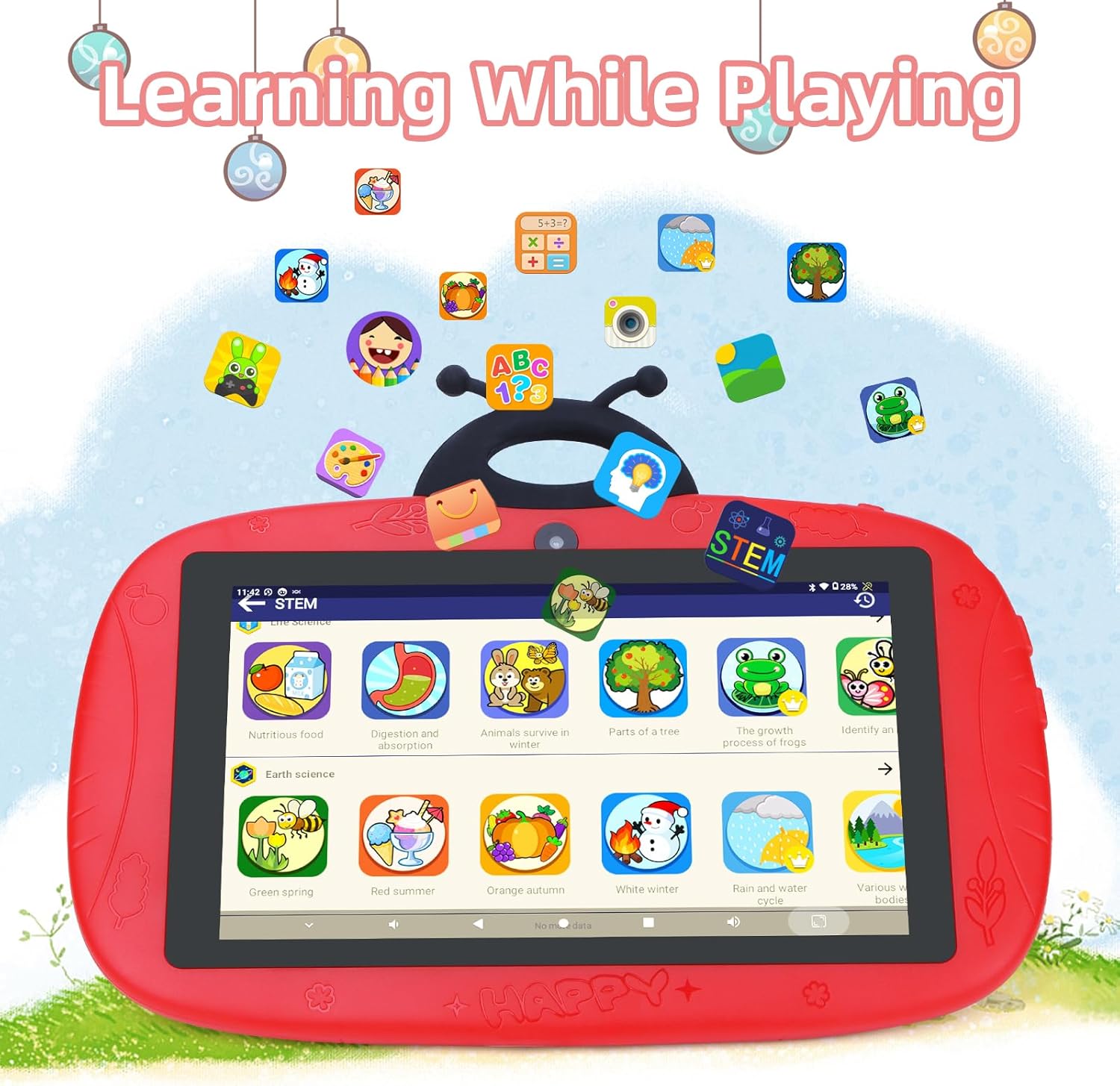
Image: The tablet interface showing educational applications, promoting learning through interactive content.
6. การใช้กล้องถ่ายรูป
The tablet is equipped with dual cameras (2MP front, 5MP rear) for capturing photos and videos.
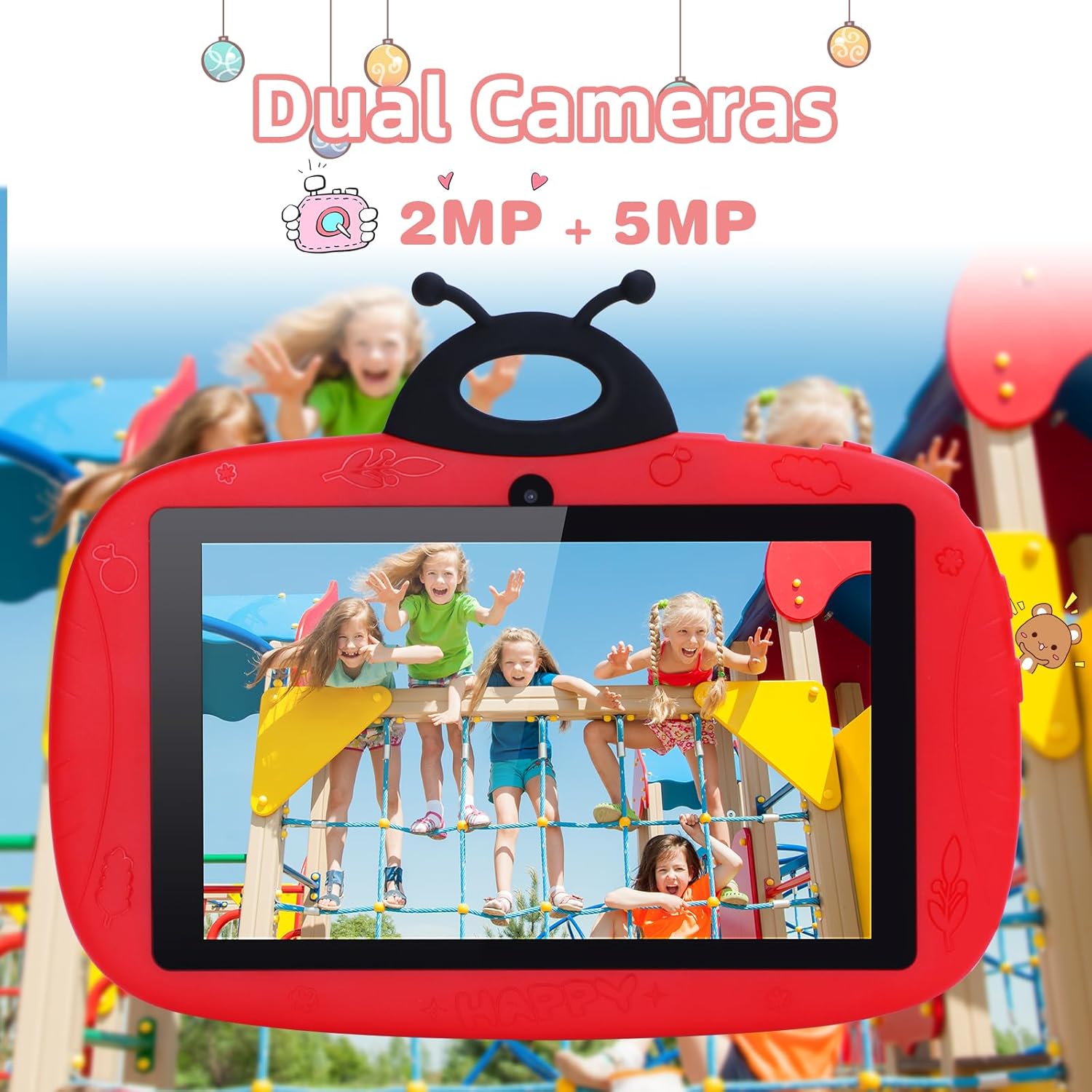
Image: The tablet's camera functionality demonstrated by a picture of children, highlighting its dual camera setup.
การซ่อมบำรุง
1. การทำความสะอาดแท็บเล็ต
ใช้ผ้านุ่มที่ไม่เป็นขุยทำความสะอาดหน้าจอและตัวเครื่องแท็บเล็ต หลีกเลี่ยงการใช้สารเคมีรุนแรงหรือวัสดุที่มีฤทธิ์กัดกร่อน
2. การดูแลแบตเตอรี่
- หลีกเลี่ยงอุณหภูมิที่สูงหรือต่ำเกินไป
- อย่าปล่อยให้แบตเตอรี่หมดจนหมดบ่อยๆ
- ใช้เฉพาะเครื่องชาร์จดั้งเดิมหรือเครื่องชาร์จที่ได้รับการรับรองว่าใช้งานร่วมกันได้เท่านั้น
3. การอัปเดตซอฟต์แวร์
ตรวจสอบและติดตั้งการอัปเดตซอฟต์แวร์เป็นประจำเพื่อให้มั่นใจถึงประสิทธิภาพและความปลอดภัยที่เหมาะสมที่สุด ไปที่ การตั้งค่า > ระบบ > การอัพเดทระบบ.
4. การจัดการการจัดเก็บข้อมูล
To free up storage space, regularly delete unnecessary fileถอนการติดตั้งแอปที่ไม่ใช้งาน และล้างแคชของแอป คุณสามารถตรวจสอบการใช้งานพื้นที่จัดเก็บข้อมูลได้ใน การตั้งค่า > พื้นที่จัดเก็บ.
การแก้ไขปัญหา
แท็บเล็ตไม่เปิดเครื่อง
- ตรวจสอบให้แน่ใจว่าแบตเตอรี่ชาร์จเต็มแล้ว เสียบที่ชาร์จและรอสักครู่ก่อนลองเปิดเครื่อง
- Try holding the Power button for 10-15 seconds to force a restart.
ปัญหาการเชื่อมต่อ Wi-Fi
- ตรวจสอบว่าได้เปิดใช้งาน Wi-Fi ในการตั้งค่าหรือไม่
- รีสตาร์ทเราเตอร์ Wi-Fi และแท็บเล็ตของคุณ
- ลืมเครือข่ายและเชื่อมต่อใหม่โดยป้อนรหัสผ่านอีกครั้ง
ประสิทธิภาพการทำงานช้า / แอปพลิเคชันหยุดทำงาน
- ปิดแอพพลิเคชันพื้นหลังที่ไม่ได้ใช้งาน
- ล้างแคชของแอป (การตั้งค่า > แอปพลิเคชั่น > เลือกแอป > การจัดเก็บและแคช > ล้างแคช).
- ตรวจสอบให้แน่ใจว่ามีพื้นที่เก็บข้อมูลว่างเพียงพอ
- รีสตาร์ทแท็บเล็ต
รีเซ็ตเป็นค่าเริ่มต้นจากโรงงาน (วิธีสุดท้าย)
If issues persist, a factory reset can resolve many software problems. คำเตือน: การดำเนินการนี้จะลบข้อมูลทั้งหมดบนแท็บเล็ตของคุณ โปรดสำรองข้อมูลสำคัญก่อนดำเนินการต่อ
- ไปที่ การตั้งค่า > ระบบ > ตัวเลือกการรีเซ็ต.
- เลือก ลบข้อมูลทั้งหมด (รีเซ็ตเป็นค่าโรงงาน).
- ยืนยันการเลือกของคุณ
ข้อมูลจำเพาะ
| คุณสมบัติ | รายละเอียด |
|---|---|
| ยี่ห้อ | ไอเดียซี |
| ชื่อรุ่น | CM776 |
| ระบบปฏิบัติการ | แอนดรอยด์ |
| ขนาดหน้าจอ | 7 นิ้ว |
| ความละเอียดการแสดงผลสูงสุด | 600x1024 พิกเซล |
| ขนาดแรม | 4GB |
| ความจุในการเก็บข้อมูล | 32GB |
| การเชื่อมต่อ | ไวไฟ |
| พอร์ต USB รวม | 1 |
| อุปกรณ์ที่รองรับ | หูฟัง |
| องค์ประกอบของแบตเตอรี่ | ลิเธียมโพลิเมอร์ |
| ฮาร์ดแวร์อินเตอร์เฟซ | เสียง 3.5 มม |
| รุ่นปี | 2024 |
ข้อมูลการรับประกัน
The C idea CM776 Tablet comes with a การรับประกันจากผู้ผลิต 1 ปี from the date of purchase. This warranty covers defects in materials and workmanship under normal use. It does not cover damage caused by misuse, accidents, unauthorized modifications, or external causes.
โปรดเก็บหลักฐานการซื้อของคุณไว้เพื่อเรียกร้องการรับประกัน
สนับสนุน
For further assistance, technical support, or warranty claims, please contact C idea customer service. Refer to the packaging or the official C idea webเว็บไซต์สำหรับรายละเอียดการติดต่อ
When contacting support, please have your tablet's model number (CM776) and proof of purchase readily available.