
1. บทนำ
This manual provides detailed instructions for the setup, operation, and maintenance of your UPERFECT 4K 15.6-inch Portable Monitor. Please read this manual thoroughly before using the product to ensure proper functionality and to prevent damage. Keep this manual for future reference.
2. สินค้าหมดview
2.1 คุณสมบัติหลัก
- ความละเอียด 4K UHD (3840x2160): Delivers stunning, high-definition visuals.
- 100% AdobeRGB Color Gamut: Ensures accurate and vibrant color reproduction, suitable for professional use.
- High Contrast Ratio (1200:1) & Brightness (400 cd/m²): Provides deep blacks and bright whites for dynamic images.
- แผง IPS: ให้มุมมองกว้างถึง 178° viewมุมการเอียง
- รองรับ HDR: Enhances dynamic range for more detailed visuals.
- เทคโนโลยี FreeSync: Synchronizes refresh rates to reduce screen tearing and stuttering during gaming.
- Fast Response Time (3ms): Minimizes motion blur for smooth fast-paced content.
- การเชื่อมต่อที่หลากหลาย: Features 2x USB Type-C ports and 1x Mini HDMI port.
- ติดตั้ง VESA เข้ากันได้: Supports 75x75mm (M3*4mm) VESA standard for flexible mounting options.
- Lightweight Metal Body: ดีไซน์ทนทานและพกพาสะดวก
- สมาร์ทคัฟเวอร์: Doubles as a protective cover and adjustable stand.
2.2 เนื้อหาบรรจุภัณฑ์
ตรวจสอบว่ามีรายการทั้งหมดอยู่ในแพ็คเกจ:
- UPERFECT 4K 15.6-inch Portable Monitor
- ฝาครอบป้องกันอัจฉริยะ
- สาย USB-C ถึง USB-C
- สายมินิ HDMI เป็น HDMI
- อะแดปเตอร์แปลงไฟ
- คู่มือการใช้งาน (เอกสารนี้)
3. การตั้งค่า
3.1 การใช้ฝาครอบอัจฉริยะเป็นขาตั้ง
ฝาครอบอัจฉริยะที่ให้มาสามารถพับเพื่อใช้เป็นขาตั้งได้ ช่วยให้คุณสามารถวางจอภาพในมุมต่างๆ ได้ viewมุมการเอียง
- Lay the monitor face down on a soft, clean surface.
- Fold the smart cover along its creases to form a triangular support.
- Place the monitor into the grooves of the folded cover to secure it in an upright position.
3.2 การเชื่อมต่อกับแหล่งจ่ายไฟ
The monitor requires external power for operation. Connect the provided power adapter to one of the USB Type-C ports on the monitor and then to a power outlet.
3.3 การเชื่อมต่อกับอุปกรณ์
The monitor supports various devices via USB Type-C or Mini HDMI.
3.3.1 USB Type-C Connection (Full-Featured)
For devices with a full-featured USB Type-C port (supporting DisplayPort Alternate Mode and power delivery), a single USB-C to USB-C cable can transmit both video signal and power.
- Connect one end of the USB-C to USB-C cable to your device (e.g., laptop, smartphone).
- Connect the other end to either of the USB Type-C ports on the monitor.
- If the device cannot provide sufficient power, connect the monitor to an external power source using the provided power adapter.
3.3.2 Mini HDMI Connection
For devices with an HDMI output (e.g., PC, game console, Raspberry Pi), use the Mini HDMI port.
- เชื่อมต่อปลายด้านหนึ่งของสาย Mini HDMI to HDMI เข้ากับพอร์ต HDMI ของอุปกรณ์ของคุณ
- Connect the Mini HDMI end to the Mini HDMI port on the monitor.
- Ensure the monitor is connected to an external power source using the provided power adapter.

Image: Monitor connected to a laptop, demonstrating an extended display setup.
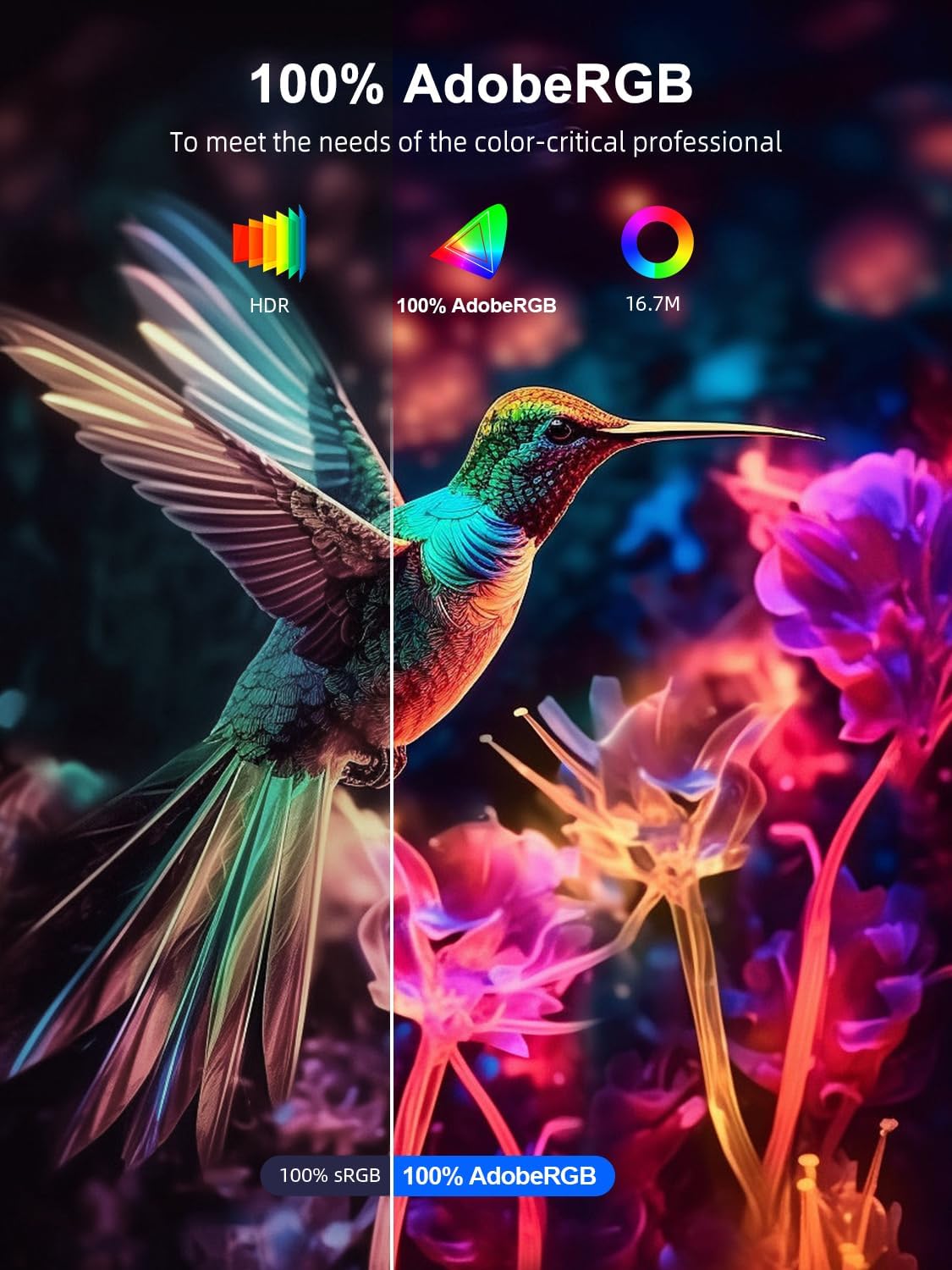
Image: Monitor displaying a video game, connected to a console, highlighting its use as a portable gaming display.
4. คู่มือการใช้งาน
4.1 เปิด/ปิดเครื่อง
Press and hold the power button (usually located on the side or back of the monitor) for a few seconds to turn the monitor on or off. A short press typically activates or deactivates the On-Screen Display (OSD) menu.
4.2 เมนูการแสดงผลบนหน้าจอ (OSD)
The OSD menu allows you to adjust various display settings. Use the control buttons (joystick or individual buttons) on the monitor to navigate the menu.
4.2.1 การตั้งค่า OSD ทั่วไป
- ความสว่าง/คอนทราสต์: ปรับความสว่างโดยรวมและความแตกต่างระหว่างบริเวณสว่างและบริเวณมืด
- การตั้งค่าสี: ปรับอุณหภูมิสี เฉดสี และความอิ่มตัวของสี
- แหล่งสัญญาณเข้า: เลือกพอร์ตเชื่อมต่อระหว่าง USB Type-C และ Mini HDMI ด้วยตนเอง
- อัตราส่วนภาพ: Choose between 16:9, 4:3, or other available options.
- โหมด HDR: เปิดใช้งานหรือปิดใช้งานช่วงไดนามิกสูง (High Dynamic Range)
- ฟรีซิงค์: Enable or disable adaptive sync technology.
- โหมดเกม: Activates optimized settings for gaming.
- ปริมาณ: Adjust audio output if using the monitor's built-in speakers or headphone jack.
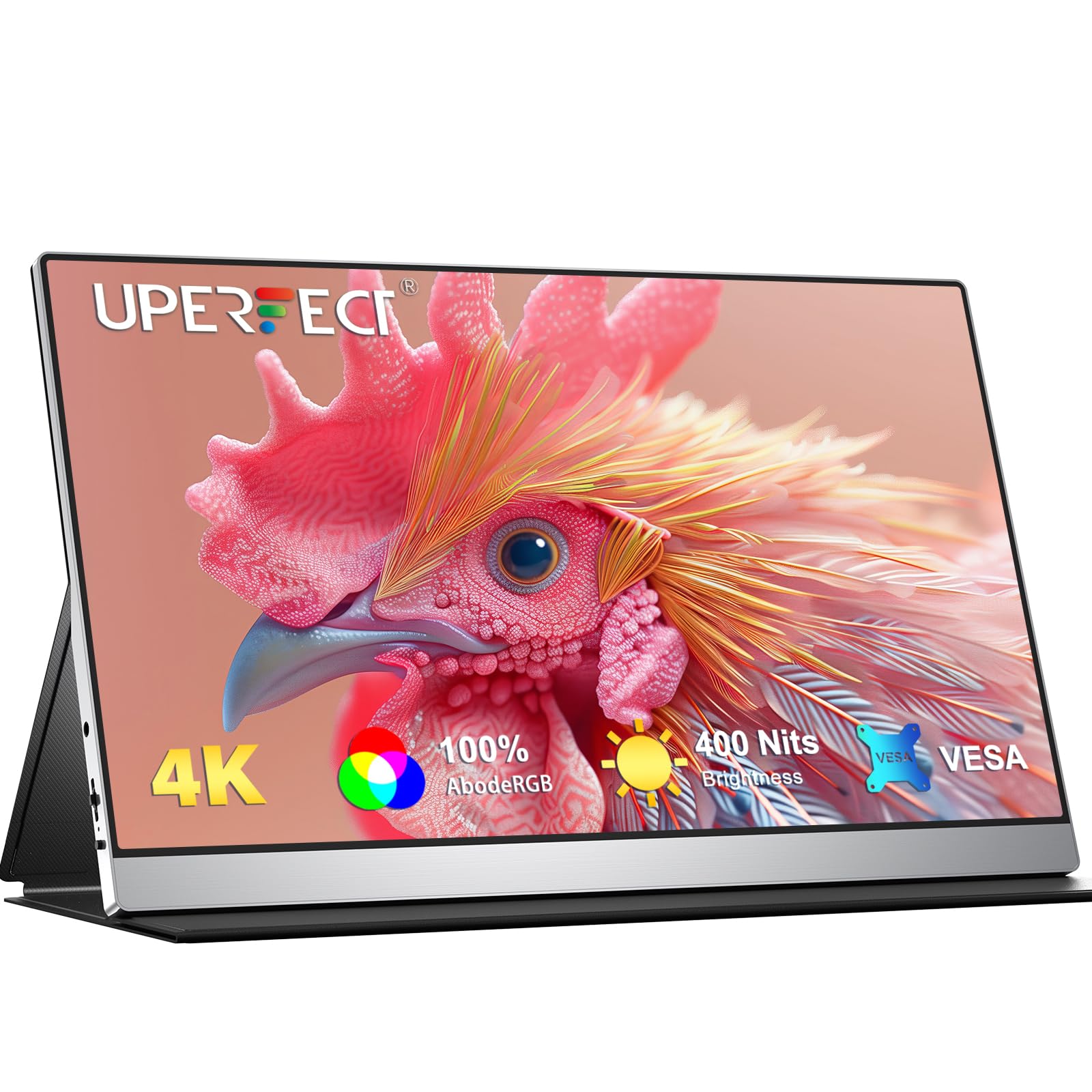
ภาพ: จอภาพแสดงasing its 4K UHD resolution, IPS viewing angle, and contrast ratio capabilities.

Image: Visual representation of the monitor's 1200:1 contrast ratio and 400 nits brightness for dynamic image details.
Image: Illustrates the monitor's 100% AdobeRGB color accuracy, ideal for color-critical applications.
5. การเชื่อมต่อ
The monitor is equipped with the following ports:
- พอร์ต USB Type-C 2 พอร์ต: For video, audio, and power delivery (requires a full-featured USB-C port on the source device).
- 1 x Mini HDMI Port: For video and audio input from HDMI-enabled devices.
- 1 x 3.5mm Audio Jack: สำหรับเชื่อมต่อหูฟังหรือลำโพงภายนอก

ภาพ: ระยะใกล้ view ของพอร์ตเชื่อมต่อของจอภาพ
6. การติดตั้งแบบ VESA
The monitor features standard VESA mounting holes (75x75mm, M3*4mm screws) on the back, allowing it to be mounted on a compatible desk mount or wall mount.
- Ensure the monitor is powered off and disconnected from all cables.
- Carefully remove the smart cover if it is attached.
- Align the VESA mount bracket with the mounting holes on the back of the monitor.
- Secure the monitor to the bracket using M3*4mm screws (not included with the monitor, typically provided with the VESA mount). Do not overtighten.
- Mount the monitor assembly to your desired desk or wall mount.

Image: Illustration of VESA compatibility and mounting process.
7. การบำรุงรักษา
7.1 การทำความสะอาดหน้าจอ
ในการทำความสะอาดหน้าจอมอนิเตอร์ ให้เช็ดเบาๆ ด้วยผ้าเนื้อนุ่มที่ไม่เป็นขุย สำหรับคราบฝังแน่น ให้เช็ดเบาๆ อีกครั้งampชุบผ้าด้วยน้ำหรือน้ำยาทำความสะอาดหน้าจอ หลีกเลี่ยงการใช้สารเคมีรุนแรง แอลกอฮอล์ หรือวัสดุที่มีฤทธิ์กัดกร่อน
7.2 การดูแลทั่วไป
- หลีกเลี่ยงการวางของหนักบนจอภาพ
- อย่าให้จอภาพสัมผัสกับอุณหภูมิที่สูงหรือความชื้นสูง หรือแสงแดดโดยตรง
- Use the smart cover to protect the screen during transport.
- Disconnect the power adapter during thunderstorms or when not in use for extended periods.
8 การแก้ไขปัญหา
หากคุณพบปัญหาเกี่ยวกับจอภาพของคุณ โปรดดูปัญหาทั่วไปและวิธีแก้ไขต่อไปนี้:
| ปัญหา | สาเหตุที่เป็นไปได้ | สารละลาย |
|---|---|---|
| No image/No signal | เลือกแหล่งอินพุตไม่ถูกต้อง การเชื่อมต่อสายเคเบิลหลวม พลังงานไม่เพียงพอ อุปกรณ์ไม่ส่งสัญญาณออก | Check cable connections; Select correct input source via OSD; Ensure monitor is powered; Verify device output settings. |
| หน้าจอกระพริบ | Faulty cable; Graphics driver issue; Refresh rate mismatch. | Replace cable; Update graphics drivers; Adjust refresh rate in device settings. |
| จอภาพไม่เปิดใช้งาน | No power; Faulty power adapter. | Ensure power adapter is securely connected to monitor and outlet; Try a different power outlet. |
| คุณภาพของภาพไม่ดี | Incorrect resolution; OSD settings; Cable quality. | Set device resolution to 3840x2160; Adjust brightness, contrast, color in OSD; Use high-quality cables. |
9. ข้อมูลจำเพาะ
| คุณสมบัติ | ข้อมูลจำเพาะ |
|---|---|
| ยี่ห้อ | สุดยอด U |
| หมายเลขรุ่น | B0D3LXB44S |
| ขนาดหน้าจอ | 15.6 นิ้ว |
| ปณิธาน | 3840 x 2160 (4K UHD) |
| อัตราส่วนภาพ | 1.77:1 (16:9) |
| อัตราส่วนคอนทราสต์ | 1200:1 น. |
| เวลาตอบสนอง | 3 มิลลิวินาที |
| อัตราการรีเฟรช | 60 เฮิรตซ์ |
| ประเภทจอภาพ | ไอพีเอส |
| ความสว่าง | 400 ซีดี/ตรม. |
| ช่วงสี | 100% AdobeRGB |
| การเชื่อมต่อ | 2x USB Type-C, 1x Mini HDMI |
| ความเข้ากันได้ของ VESA | 75x75 มม. (M3*4 มม.) |
| ขนาด (ลxกxส) | 22P x 36l x 1H ซม. |
| การซิงค์แบบปรับตัว | ฟรีซิงค์ |

Image: Italian Product Information Sheet with detailed technical data.

Image: EU Energy Label for the monitor, indicating energy efficiency. For more details, visit eprel.ec.europa.eu/qr/1803782.
10. การรับประกันและการสนับสนุน
10.1 ข้อมูลการรับประกัน
For specific warranty terms and conditions, please refer to the warranty card included with your product or contact the retailer where the product was purchased. Warranty coverage typically includes defects in materials and workmanship under normal use.
10.2 การสนับสนุนลูกค้า
If you require technical assistance, troubleshooting beyond this manual, or have questions about your product, please contact UPERFECT customer support. Contact details can usually be found on the official UPERFECT webไซต์หรือบนบรรจุภัณฑ์ผลิตภัณฑ์