
1. บทนำ
This manual provides essential information for the proper use and maintenance of your Andoer Mini Digital Video Camera. Please read it thoroughly before operating the device to ensure optimal performance and longevity.
2. เนื้อหาบรรจุภัณฑ์
ตรวจสอบว่ารายการทั้งหมดที่ระบุไว้ด้านล่างนี้รวมอยู่ในแพ็คเกจของคุณ:
- Andoer Mini Digital Video Camera
- สายชาร์จ USB
- คู่มือการใช้งาน (เอกสารนี้)
Note: A Micro SD card is required for operation and is not included in the package.
3. สินค้าหมดview
The Andoer Mini Digital Video Camera is a compact and lightweight device designed for capturing photos and 1080P videos. It features a built-in LCD screen for direct viewing and a flash for improved low-light performance.

Image: The Andoer Mini Digital Video Camera, demonstrating its small form factor when held in hand.
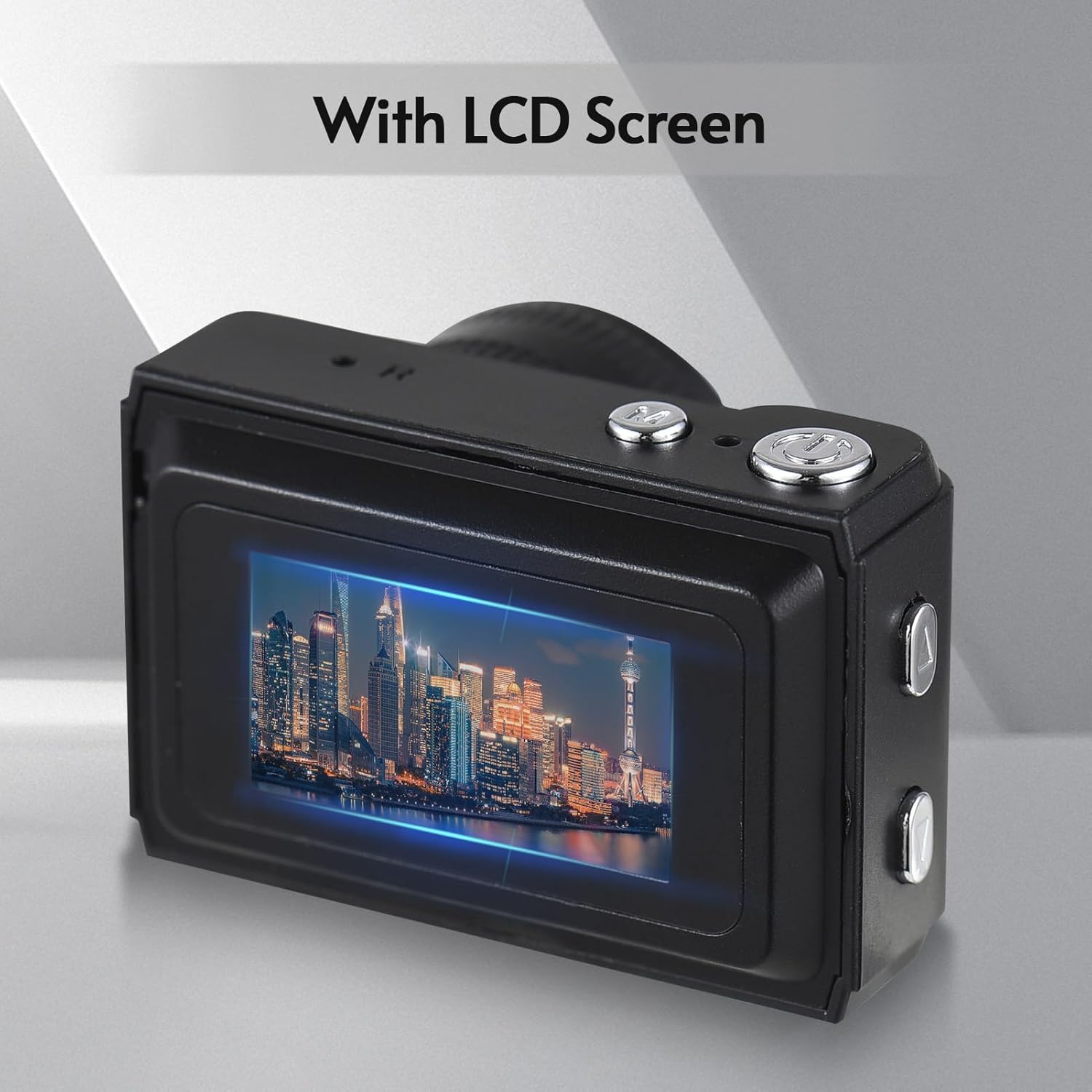
ภาพ: ด้านหลัง view of the camera, highlighting the integrated LCD screen displaying an image.

ภาพ: ด้านข้าง view of the camera with approximate dimensions indicated, showing its compact design.
4. การตั้งค่า
4.1. การชาร์จแบตเตอรี่
The camera features a built-in rechargeable battery. Before first use, fully charge the camera using the provided USB charging cable.
- เสียบปลายสาย USB ด้านเล็กเข้ากับพอร์ต USB ของกล้อง
- ต่อปลายสาย USB ด้านที่ใหญ่กว่าเข้ากับอะแดปเตอร์แปลงไฟ USB (ไม่ได้รวมอยู่ในชุด) หรือพอร์ต USB ของคอมพิวเตอร์
- ไฟแสดงสถานะการชาร์จจะสว่างขึ้น เมื่อชาร์จเต็มแล้ว ไฟอาจเปลี่ยนสีหรือดับลง

Image: Illustration of the camera's built-in rechargeable battery and its USB charging interface.
4.2. การใส่การ์ด Micro SD
A Micro SD card (not included) is required to store photos and videos. The camera supports Micro SD cards up to a certain capacity (refer to specifications for details).
- ค้นหาช่องเสียบการ์ด Micro SD บนกล้อง
- Insert the Micro SD card with the metal contacts facing down until it clicks into place.
- ในการถอด ให้ดันการ์ดเข้าไปเบาๆ จนกระทั่งการ์ดเด้งออกมา
5. คู่มือการใช้งาน
5.1. การเปิด/ปิดเครื่อง
Press and hold the Power button (usually located on the top or side) for a few seconds to turn the camera on or off.
5.2.การถ่ายภาพ
The camera can capture still images with 1080P resolution.
- Ensure the camera is in photo mode (indicated on the LCD screen).
- จัดกรอบภาพของคุณโดยใช้หน้าจอ LCD
- Press the Shutter button (typically on top) to take a photo.
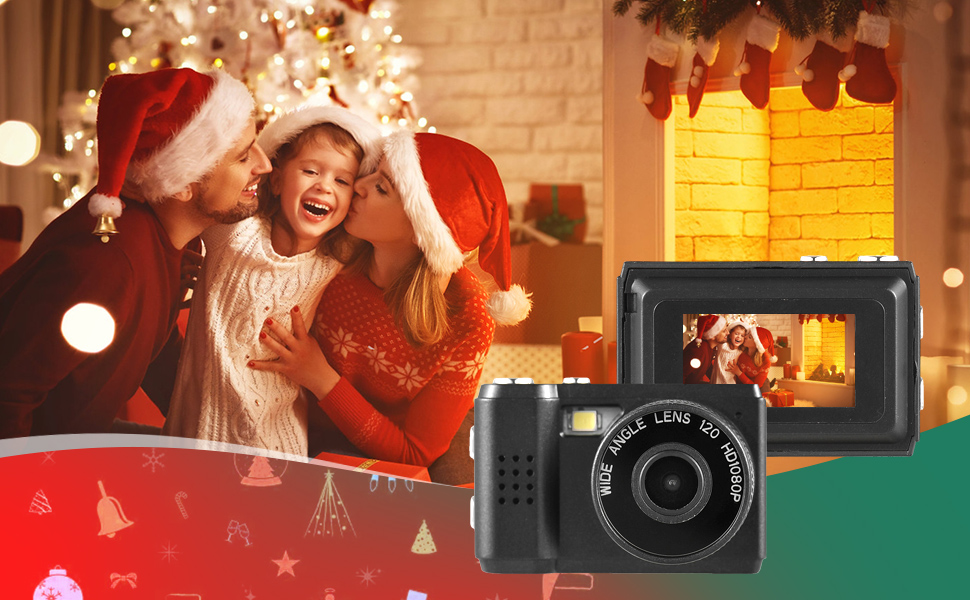
ภาพ: อดีตamples of scenes that can be captured with the camera's photo and video functions.
5.3. บันทึกวิดีโอ
Record videos in 1080P resolution.
- เปลี่ยนกล้องเป็นโหมดบันทึกวิดีโอ
- Press the Record button (often the same as the Shutter button, or a dedicated button) to start recording.
- กดปุ่มบันทึกอีกครั้งเพื่อหยุดการบันทึก
5.4. การใช้แฟลชในตัว
The camera includes a built-in flash for illuminating subjects in low-light conditions.
- Access the flash settings through the camera's menu.
- Select the desired flash mode (e.g., Auto, On, Off).
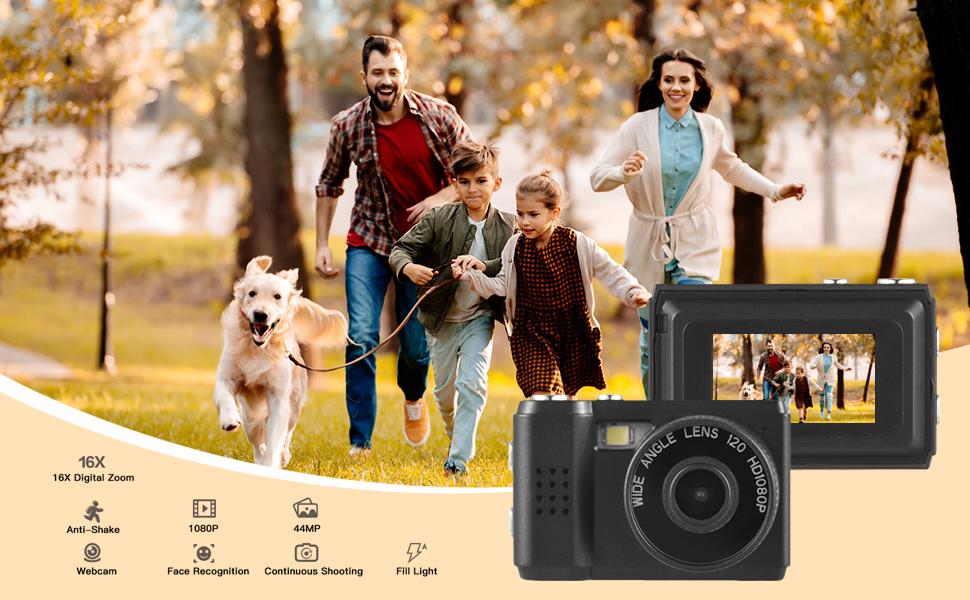
Image: The camera's built-in flash in operation, providing illumination for a photo.
5.5. Applying Filter Effects
The camera offers various filter effects to enhance your photos.
- In photo mode, navigate to the filter settings in the menu.
- Select from the available filter options to apply them to your images.
5.6. การเชื่อมต่อกับคอมพิวเตอร์
You can transfer photos and videos to your computer using the USB cable.
- ตรวจสอบให้แน่ใจว่ากล้องเปิดอยู่
- เชื่อมต่อกล้องเข้ากับคอมพิวเตอร์โดยใช้สาย USB
- กล้องควรปรากฏเป็นไดรฟ์แบบถอดได้บนคอมพิวเตอร์ของคุณ
- เข้าถึงที่เก็บไว้ fileและคัดลอกไฟล์เหล่านั้นไปยังคอมพิวเตอร์ของคุณ
6. การบำรุงรักษา
- การทำความสะอาด: Use a soft, dry cloth to clean the camera body. For the lens and LCD screen, use a specialized lens cleaning cloth. Avoid abrasive materials or harsh chemicals.
- พื้นที่จัดเก็บ: เก็บกล้องไว้ในที่แห้งและเย็น หลีกเลี่ยงแสงแดดโดยตรงและอุณหภูมิที่สูงหรือต่ำเกินไป ถอดการ์ด Micro SD ออกหากจะเก็บรักษาเป็นเวลานาน
- การดูแลแบตเตอรี่ To maintain battery health, avoid fully discharging the battery frequently. Charge it regularly, even if not in use.
7 การแก้ไขปัญหา
- กล้องไม่เปิด: ตรวจสอบให้แน่ใจว่าแบตเตอรี่ชาร์จเต็มแล้ว หากปัญหายังคงอยู่ ให้ลองชาร์จเป็นเวลานานขึ้น
- "No SD Card" error: Verify that a Micro SD card is properly inserted and that it is not full or corrupted. Try reinserting the card or using a different one.
- คุณภาพของภาพ/วิดีโอไม่ดี: Ensure adequate lighting. Check lens for smudges or dirt. Note that image quality may vary based on environmental conditions and the camera's compact sensor.
- กล้องหยุดนิ่ง: If the camera becomes unresponsive, try pressing and holding the Power button for an extended period (e.g., 10-15 seconds) to force a shutdown.
8. ข้อมูลจำเพาะ
| คุณสมบัติ | ข้อมูลจำเพาะ |
|---|---|
| ยี่ห้อ | อันโดเออร์ |
| หมายเลขรุ่น | d26ed34e-1e4d-4f4c-8a08-ff20d919aeaa |
| ความละเอียดวิดีโอ | 1080p |
| ความละเอียดของภาพนิ่งที่มีประสิทธิภาพ | 1.92 MP |
| เทคโนโลยีโฟโต้เซนเซอร์ | ซีมอส |
| ขนาดหน้าจอ | 4.2 Centimeters (LCD) |
| ระบบป้องกันภาพสั่นไหว | ออฟติคอล |
| ประเภทหน่วยความจำแฟลช | ไมโคร SD |
| ความจุในการบันทึก | 330 นาที |
| เทคโนโลยีการเชื่อมต่อ | ยูเอสบี |
| น้ำหนักสินค้า | 0.05 กิโลกรัม |
| มีแบตเตอรี่รวมอยู่ด้วยหรือไม่ | ใช่ (ในตัว) |
| สี | สีดำ |
9. การรับประกันและการสนับสนุน
For warranty information and technical support, please refer to the documentation provided with your purchase or contact Andoer customer service through their official webไซต์นี้ โปรดเก็บหลักฐานการซื้อไว้เพื่อใช้ยืนยันการรับประกัน