
การแนะนำ
Thank you for choosing the VOOPEAK Solar Trail Camera. This manual provides essential information for setting up, operating, and maintaining your camera. This camera is designed for outdoor use, capturing high-quality 4K video and 48MP photos of wildlife with its integrated solar panel for extended battery life and robust IP66 waterproofing.

Image: The VOOPEAK Solar Trail Camera, featuring an integrated solar panel, mounted on a tree in a natural environment with a deer nearby. This illustrates the camera's primary use for wildlife monitoring.
คู่มือการติดตั้ง
1 การชาร์จแบตเตอรี่เบื้องต้น
- Before first use, fully charge the built-in rechargeable battery for 8 hours using the provided micro USB cable and a 5V wall adapter (not included).
- The integrated solar panel charges only the built-in battery, not any inserted AA batteries.
- For optimal performance in low temperatures or limited sunlight, use AA batteries as a backup power source.
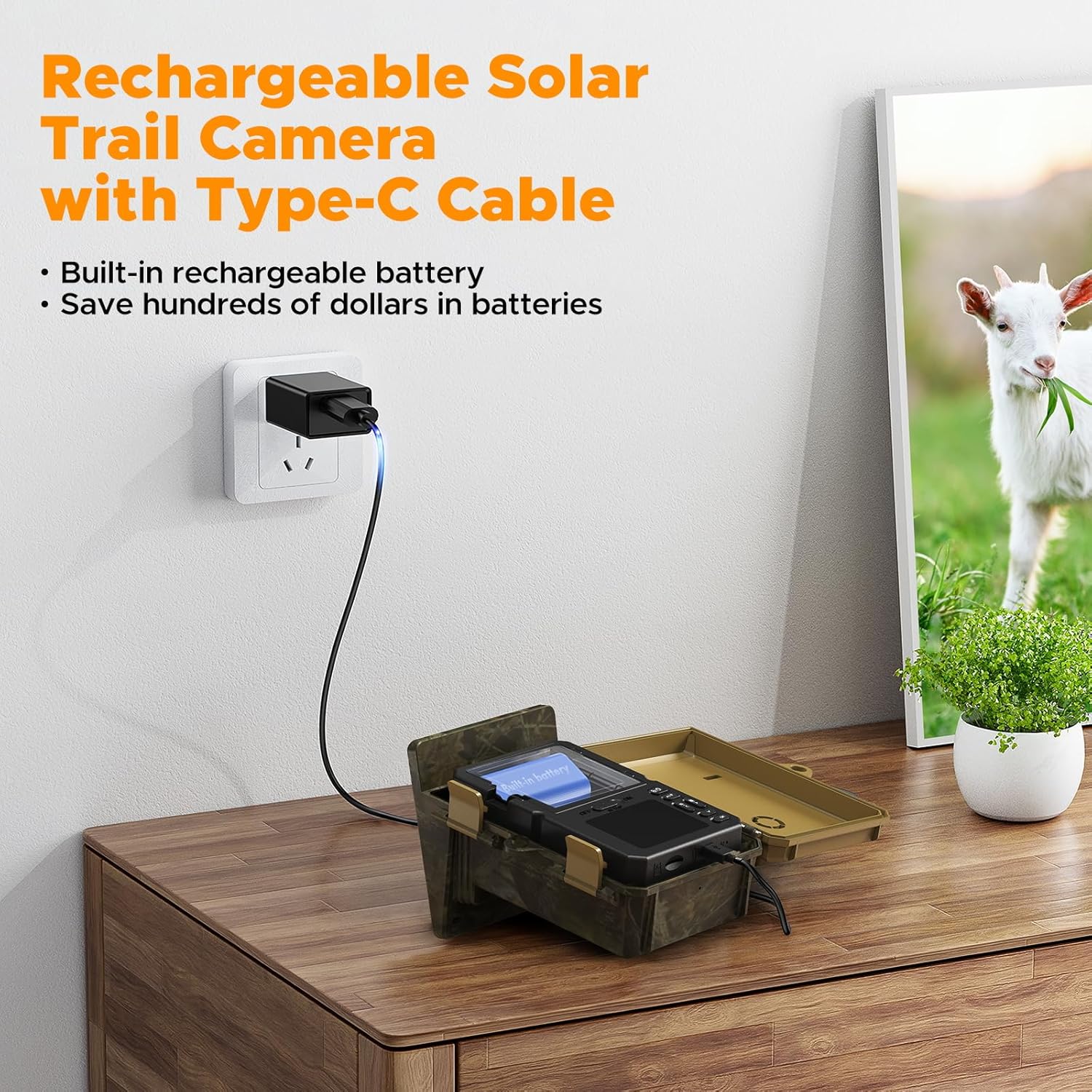
Image: The VOOPEAK Solar Trail Camera connected to a wall charger via a Type-C USB cable, indicating the internal battery charging process. This shows how to prepare the camera for use.
2. การติดตั้งการ์ด Micro SD
- Insert a Class 10 or higher Micro SD card (maximum 32GB capacity) into the designated slot.
- Ensure the card is inserted correctly until it clicks into place.
- Activate the loop recording function in the camera settings to ensure continuous recording when the card is full.
3. การติดตั้งกล้อง
- Securely attach the camera to a tree or other stable surface using the provided mounting strap.
- Position the camera to ensure the solar panel receives adequate sunlight throughout the day.
- Adjust the camera angle to cover the desired monitoring area.
คำแนะนำการใช้งาน
1. การเปิด/ปิดเครื่อง
- ในการเปิดเครื่อง ให้เลื่อนสวิตช์เปิด/ปิดไปที่ตำแหน่ง 'เปิด'
- หากต้องการปิดเครื่อง ให้เลื่อนสวิตช์เปิด/ปิดไปที่ตำแหน่ง 'ปิด'
2. การเลือกโหมด
The camera typically offers three modes: Photo, Video, and Photo+Video. Use the mode switch or menu options to select your desired recording mode.
- โหมดภาพถ่าย: Captures still images (up to 48MP) when triggered.
- โหมดวิดีโอ: Records video clips (up to 4K 30FPS) when triggered.
- โหมดภาพถ่าย + วิดีโอ: Captures a photo followed by a video clip when triggered.
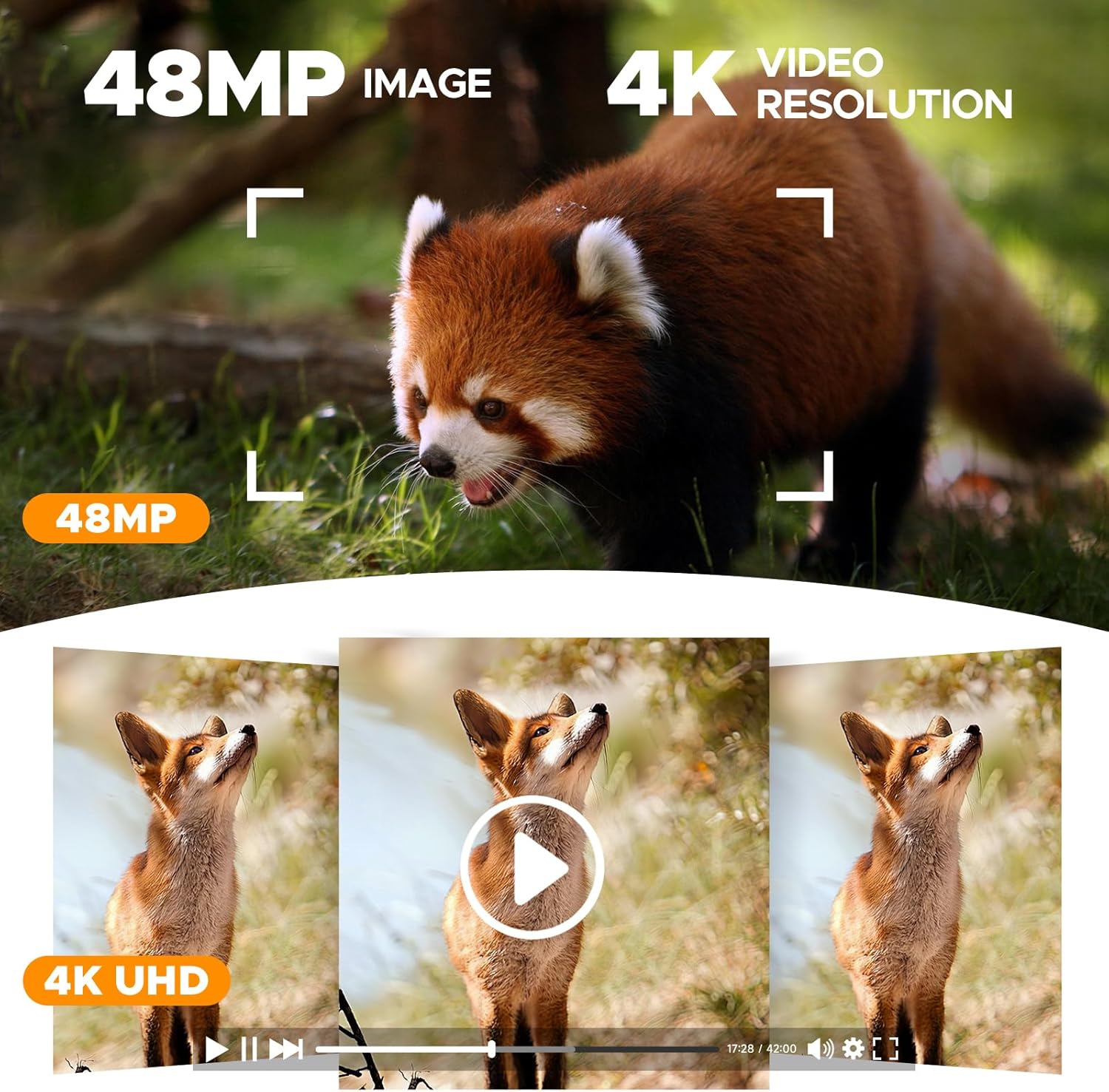
Image: A visual representation showcasing the high-quality 48MP image and 4K video resolution capabilities of the camera, with examples of captured wildlife footage.
3. PIR Sensor and Trigger Speed
The camera features a 0.1s trigger speed and a detection range of up to 20 meters (15 meters at night) to capture fast-moving subjects.
- Adjust PIR sensitivity in the settings menu to suit your environment and avoid false triggers.
- The 120° wide-angle lens ensures a broad field of view.
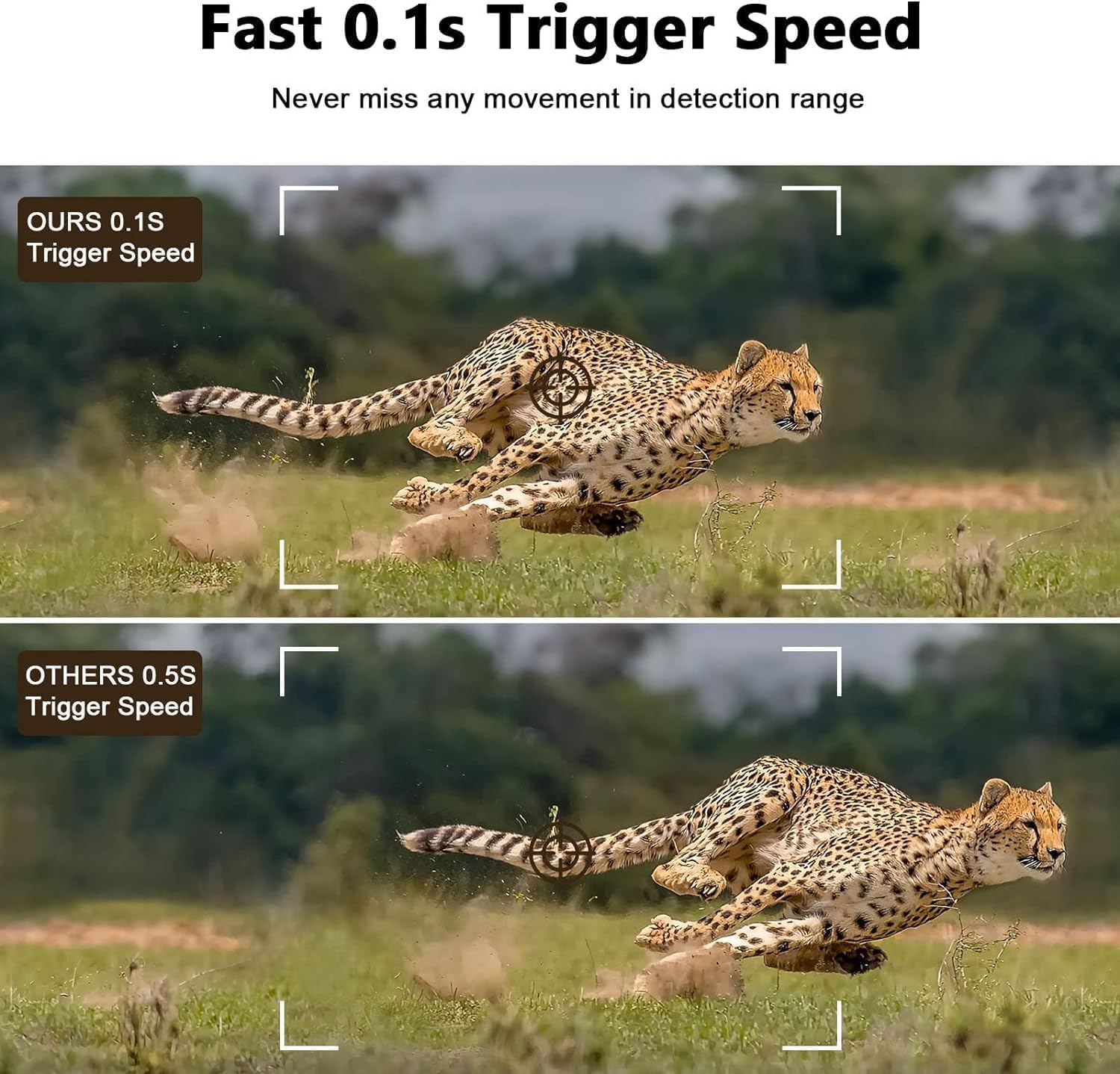
Image: A comparison demonstrating the camera's rapid 0.1-second trigger speed, capturing a fast-moving cheetah clearly, contrasted with a slower trigger speed that results in a blurred image.
4. การมองเห็นในเวลากลางคืน
Equipped with 26pcs 850nm infrared LEDs, the camera records clear images and videos in night vision without startling wildlife.

Image: The VOOPEAK Solar Trail Camera mounted on a tree, illuminating a bear at night with its advanced night vision capabilities, demonstrating its effectiveness in low-light conditions.
5. การบันทึกแบบวนซ้ำ
The camera supports loop recording. When the Micro SD card is full, the camera continues recording by overwriting the oldest footagพร้อมกับการบันทึกเสียงใหม่ๆ
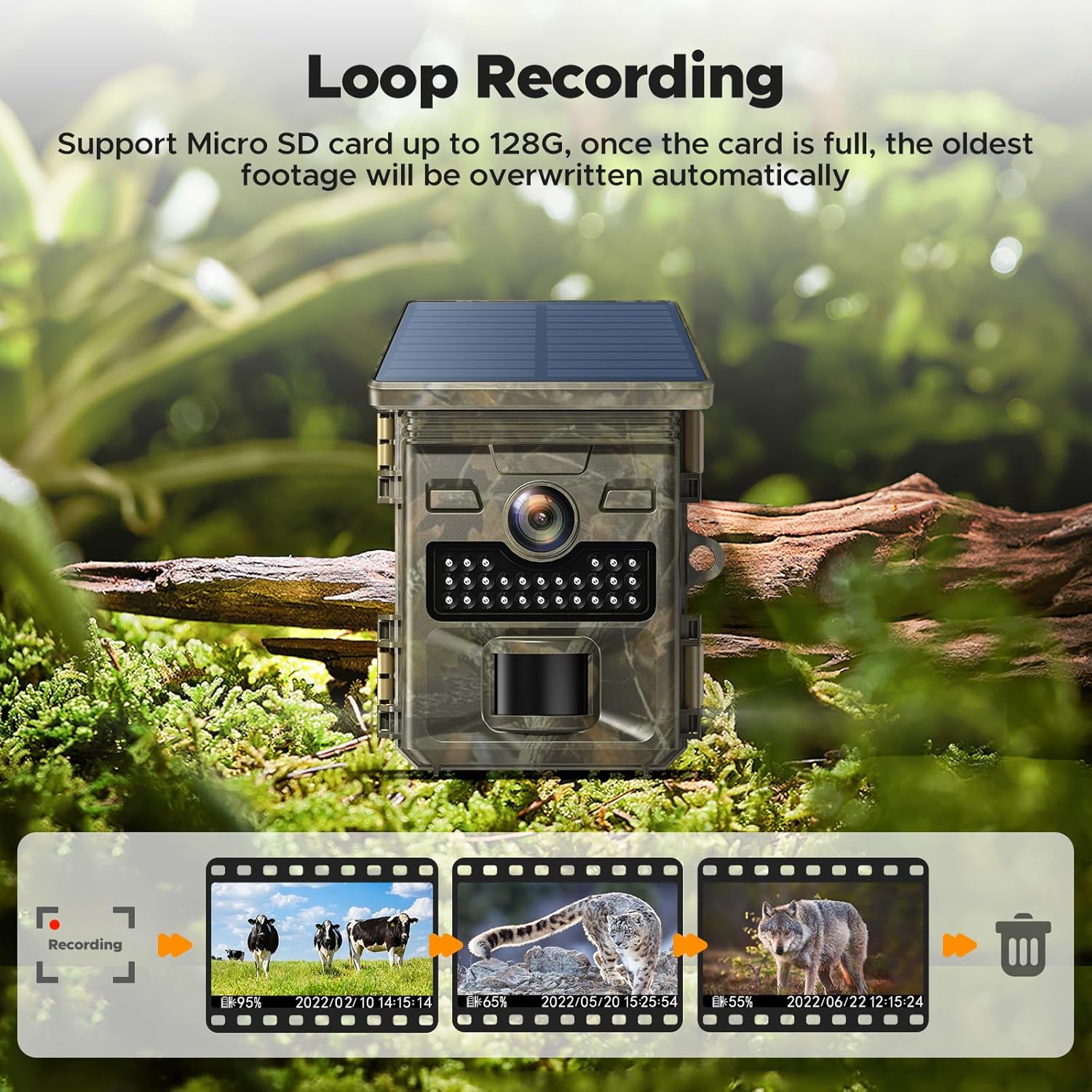
Image: A visual explanation of the loop recording feature, depicting how the camera continuously records by replacing the oldest files on the Micro SD card once its capacity is reached.
การซ่อมบำรุง
- การทำความสะอาด: Regularly clean the camera lens and solar panel with a soft, dry cloth to ensure optimal performance. Avoid abrasive materials.
- การตรวจสอบแบตเตอรี่: Periodically check the battery level. Recharge the internal battery as needed and replace AA backup batteries when depleted.
- การจัดการการ์ด SD: Format the Micro SD card regularly to maintain optimal recording performance and prevent data corruption. Back up important footage ก่อนการจัดรูปแบบ
- ซีลกันน้ำ: Ensure all covers and seals are properly closed and free from debris to maintain the IP66 waterproof rating.

Image: The VOOPEAK Solar Trail Camera securely mounted on a tree during rainfall, demonstrating its IP66 waterproof design that protects it from environmental elements like rain and dust.
การแก้ไขปัญหา
กล้องไม่เปิดเครื่อง
- ตรวจสอบว่าแบตเตอรี่ภายในชาร์จเต็มแล้วหรือไม่
- Ensure AA backup batteries (if used) are inserted correctly and are not depleted.
- ตรวจสอบว่าสวิตช์ไฟอยู่ในตำแหน่ง "เปิด"
คุณภาพภาพ/วิดีโอไม่ดี
- ทำความสะอาดเลนส์กล้องเพื่อขจัดสิ่งสกปรกหรือรอยเปื้อน
- Ensure the camera is stable and not vibrating.
- Check lighting conditions. For night vision, ensure no obstructions block the IR LEDs.
No Recordings
- Verify that a Micro SD card is inserted and properly formatted.
- Check if the SD card is full. If loop recording is off, recordings will stop.
- Adjust PIR sensor sensitivity; it might be too low to detect movement.
- Ensure the camera is in the correct recording mode (Photo, Video, or Photo+Video).
แผงโซล่าเซลล์ไม่ชาร์จ
- Ensure the solar panel is clean and free from obstructions (leaves, dirt).
- Reposition the camera to maximize direct sunlight exposure.
- Note that the solar panel only charges the internal battery, not AA batteries.
ข้อมูลจำเพาะผลิตภัณฑ์
| คุณสมบัติ | ข้อมูลจำเพาะ |
|---|---|
| ยี่ห้อ | วูปปีค |
| หมายเลขรุ่น | TC19/HELIJP0711 |
| ข้อแนะนำการใช้ | กล้องติดตาม |
| Effective Capture Resolution | 48 ล้านพิกเซล |
| ความละเอียดในการบันทึกวิดีโอ | 4K |
| รูปแบบการจับภาพวิดีโอ | เอ็มพี 4 |
| ความเร็วในการเรียก | 0.1 วินาที |
| ช่วงการมองเห็นตอนกลางคืน | 20 เมตร |
| Viewอิงแองเกิล | 120 องศา |
| ซูมออปติคอล | 3x |
| การให้คะแนนการคุ้มครองระหว่างประเทศ | IP66 |
| แหล่งพลังงาน | Solar Power, Internal Rechargeable Battery, AA Batteries (backup) |
| วัดtage | 2.5 วัตต์ |
| พื้นที่จัดเก็บ | Micro SD Card (Class 10+, Max 32GB) |
| ขนาดรายการ | 8 x 5 x 14 เซนติเมตร |
| ประเภทการติดตั้ง | ติดต้นไม้ |
| การเชื่อมต่อ | No Wi-Fi for direct phone connection. |
ข้อมูลการรับประกัน
VOOPEAK products are manufactured to high-quality standards. For specific warranty details, including coverage period and terms, please refer to the warranty card included with your product or contact VOOPEAK customer support. Keep your purchase receipt as proof of purchase for any warranty claims.
การสนับสนุนลูกค้า
If you encounter any issues or have questions regarding your VOOPEAK Solar Trail Camera, please contact our customer support team. Refer to the contact information provided in your product packaging or visit the official VOOPEAK webเว็บไซต์เพื่อขอความช่วยเหลือ