
3M 90570-DC
3M WorkTunes Connect Wireless Hearing Protector User Manual
Model: 90570-DC
ยี่ห้อ: 3M
การแนะนำ
The 3M WorkTunes Connect Wireless Hearing Protector provides both audio entertainment and essential hearing protection. Designed with Bluetooth wireless technology and a 26 dB Noise Reduction Rating (NRR), these headphones enhance your work experience while safeguarding your hearing. They are built to be water and sweat resistant, ensuring durability for extended use in various environments.

Figure 1: 3M WorkTunes Connect Wireless Hearing Protector with packaging.
คุณสมบัติหลัก:
- การป้องกันการได้ยิน: 26 dB Noise Reduction Rating (NRR) for effective sound attenuation.
- เทคโนโลยีบลูทูธ: Seamless wireless connection for streaming audio and calls.
- คุณภาพเสียงระดับพรีเมียม: High-fidelity speakers deliver clear audio.
- Safe Volume Control/Limiter: Automatically adjusts volume to help maintain safe listening levels.
- ทนน้ำและเหงื่อ: Designed for durability in demanding conditions.
- อายุการใช้งานแบตเตอรี่ยาวนาน: Built-in rechargeable battery offers 40+ hours of use with USB-C charging.
- ไมโครโฟนในตัว: Allows for hands-free phone calls without removing the headset.
- การควบคุมตามหลักสรีรศาสตร์: Volume controls are designed for easy operation, even with gloves.
- การออกแบบที่สะดวกสบาย: Soft, conformable earcups and a vented headband ensure all-day comfort.
คู่มือการติดตั้ง
1. การชาร์จอุปกรณ์
Before first use, fully charge your 3M WorkTunes Connect Hearing Protector. The device features a built-in rechargeable battery and a USB-C port for convenient charging.
- Locate the USB-C charging port on the headset.
- Connect the provided USB-C cable to the headset and a compatible USB power source (e.g., wall adapter, computer USB port).
- ไฟแสดงสถานะการชาร์จจะสว่างขึ้น เมื่อชาร์จเต็มแล้ว ไฟอาจเปลี่ยนสีหรือดับลง ขึ้นอยู่กับรุ่น

Figure 2: The headset features a built-in rechargeable battery with a USB-C cord and port for charging.
2. การจับคู่บลูทู ธ
Pair your hearing protector with your smartphone or other Bluetooth-enabled device to stream music or make calls.
- ตรวจสอบว่าชุดหูฟังปิดอยู่
- Press and hold the power button until the Bluetooth indicator light begins to flash, indicating pairing mode.
- บนอุปกรณ์มือถือของคุณ ให้ไปที่การตั้งค่าบลูทูธ แล้วค้นหาอุปกรณ์ที่ใช้งานได้
- Select "3M WorkTunes Connect" from the list.
- Once connected, the Bluetooth indicator light on the headset will typically turn solid.
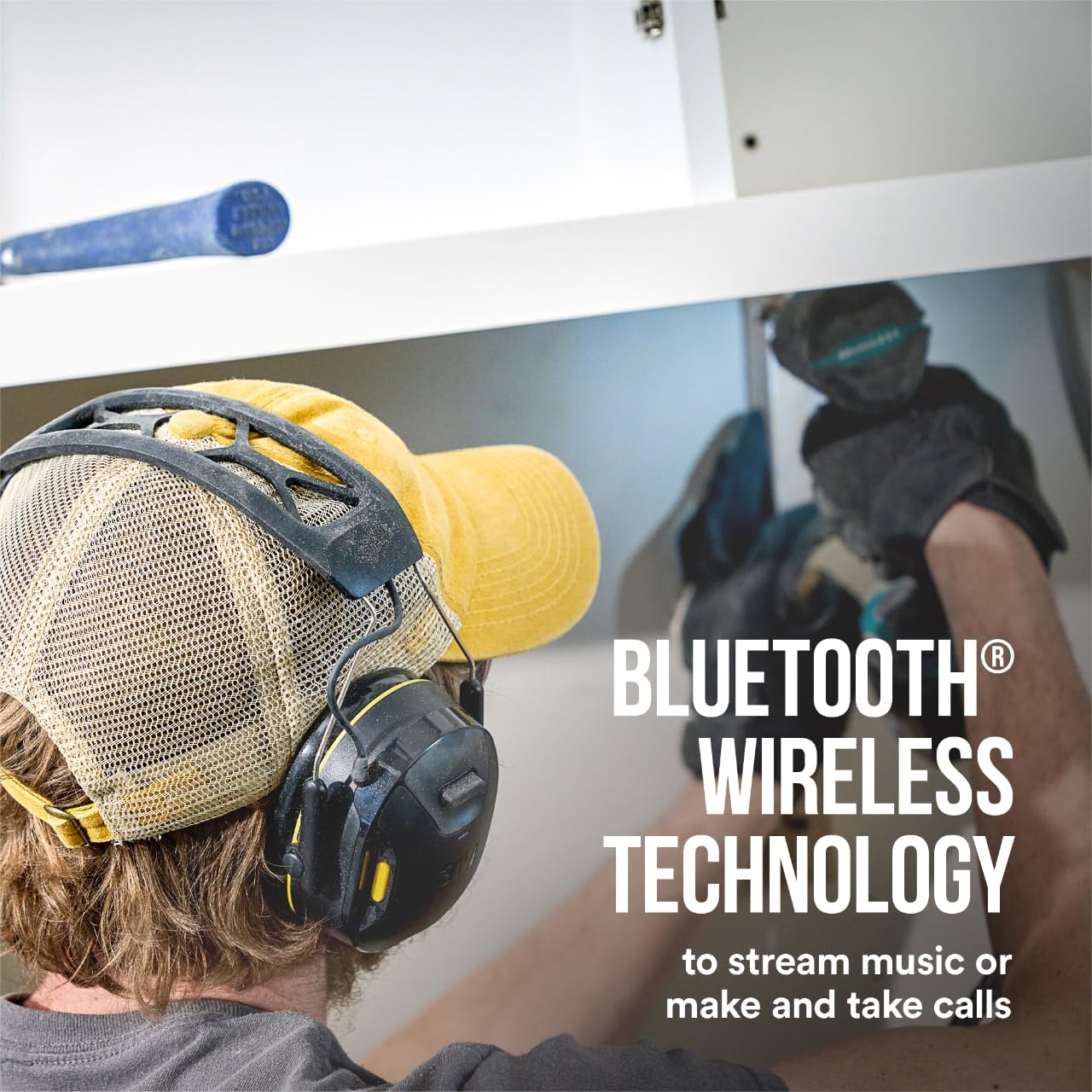
Figure 3: The headset utilizes Bluetooth wireless technology for streaming music and making calls.
คำแนะนำการใช้งาน
Wearing the Hearing Protector
For optimal hearing protection and sound quality, ensure a proper fit. The soft, conformable earcups and adjustable headband are designed for comfort and effective sealing.

Figure 4: The headset helps protect your hearing with a 26 dB Noise Reduction Rating (NRR). An improper fit will reduce its effectiveness; refer to user instructions for proper fit and seal.
Adjust the headband so that the earcups fully cover your ears and create a snug seal. An improper fit can significantly reduce the Noise Reduction Rating (NRR) effectiveness.
การเล่นเสียงและการควบคุมระดับเสียง
The headset features high-fidelity speakers for premium sound quality. Use the ergonomically designed volume controls located on the headset for easy adjustment.

Figure 5: Enjoy premium sound quality through high-fidelity speakers.

Figure 6: The headset includes a safe volume control/limiter that self-adjusts to help ensure safe listening levels throughout the day.
The integrated safe volume control/limiter self-adjusts to help ensure you are listening at a safe volume, protecting your hearing during prolonged use.
การโทรออกและรับสาย
An integrated microphone allows you to manage phone calls without needing to remove the headset.

Figure 7: The integrated microphone allows you to make and take calls without removing the headset.
When a call comes in, the audio will pause, and you can answer directly from the headset. After the call, audio playback will resume.
การบำรุงรักษาและการดูแล
To ensure the longevity and performance of your 3M WorkTunes Connect Hearing Protector, follow these maintenance guidelines:
- การทำความสะอาด: Regularly wipe down the earcups and headband with a soft, damp cloth. For thorough cleaning, especially after exposure to sweat or dirt, use isopropyl alcohol. Ensure the device is powered off and disconnected from any charging cables before cleaning.
- พื้นที่จัดเก็บ: เก็บหูฟังไว้ในสถานที่สะอาดและแห้ง ห่างจากอุณหภูมิที่สูงและแสงแดดโดยตรง
- การดูแลแบตเตอรี่ For optimal battery life, avoid fully discharging the battery frequently. Charge the device regularly, especially if it will not be used for an extended period.
- การตรวจสอบ: Periodically inspect the earcups for any signs of wear or damage. Replace ear cushions if they become worn or cracked to maintain effective noise reduction.
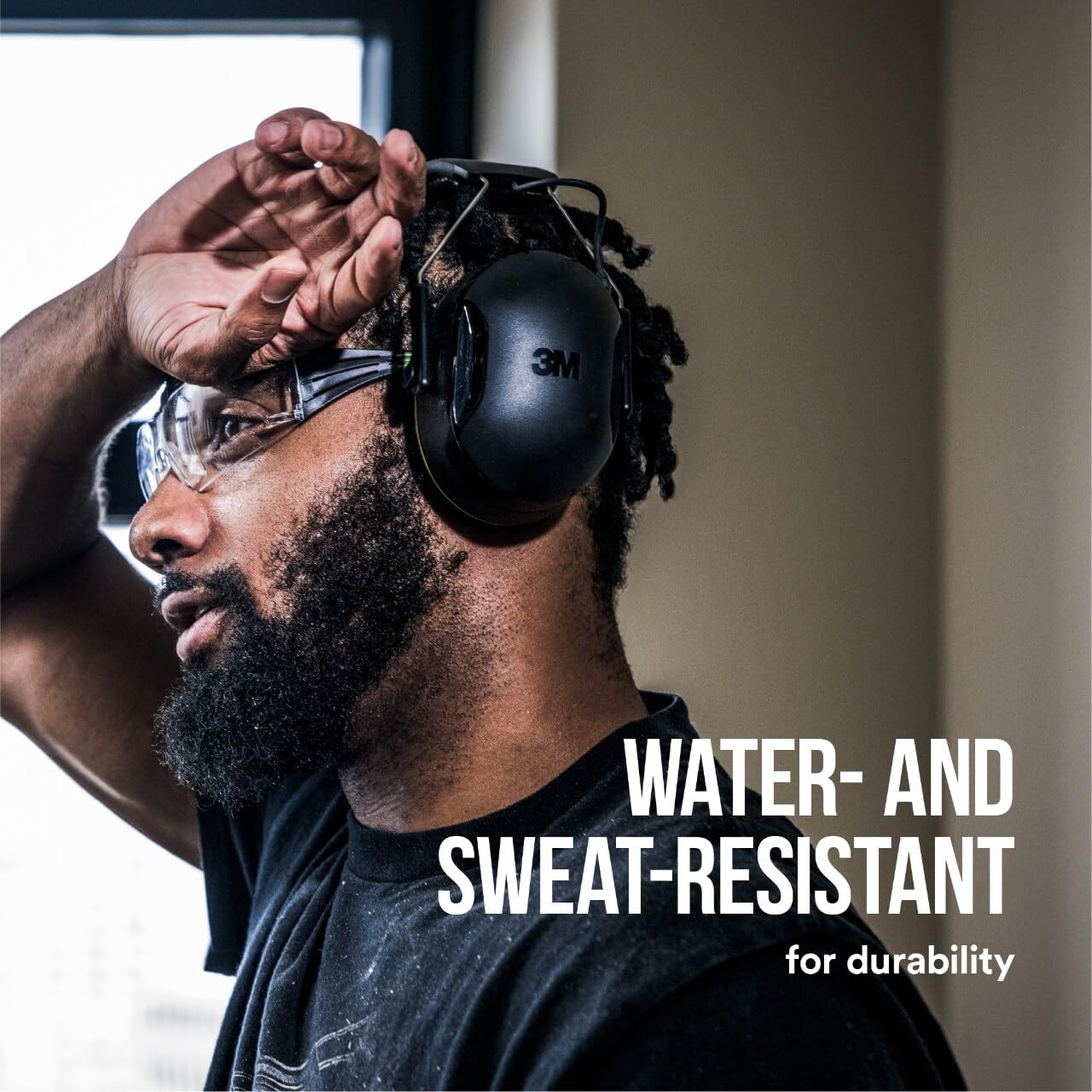
Figure 8: The headset is water and sweat resistant, designed for durability.
การแก้ไขปัญหา
If you encounter issues with your 3M WorkTunes Connect Hearing Protector, refer to the following common problems and solutions:
| ปัญหา | สาเหตุที่เป็นไปได้ | สารละลาย |
|---|---|---|
| ไม่มีเสียงหรือเสียงเบา |
|
|
| ไม่สามารถจับคู่กับอุปกรณ์บลูทูธได้ |
|
|
| แบตเตอรี่ไม่ชาร์จ |
|
|
ข้อมูลจำเพาะ
| คุณสมบัติ | รายละเอียด |
|---|---|
| หมายเลขรุ่น | 90570-ดีซี |
| อัตราการลดเสียงรบกวน (NRR) | 26 เดซิเบล |
| การเชื่อมต่อ | เทคโนโลยีไร้สายบลูทูธ |
| อายุการใช้งานแบตเตอรี่ | 40+ hours (rechargeable) |
| พอร์ตชาร์จ | ยูเอสบี-ซี |
| ความต้านทานต่อน้ำ | กันละอองน้ำและเหงื่อ |
| ขนาดสินค้า | 7 x 7.5 x 4 นิ้ว |
| น้ำหนักสินค้า | 14.72 ออนซ์ |
| ผู้ผลิต | 3M |
การรับประกันและการสนับสนุน
For information regarding product warranty, returns, or technical support, please refer to the official 3M webเยี่ยมชมเว็บไซต์หรือติดต่อฝ่ายบริการลูกค้าของ 3M โดยตรง
You can also visit the official 3M store on Amazon for additional product information and support resources:
Ask a question about this manual
Ask about setup, troubleshooting, compatibility, parts, safety, or missing instructions. Manuals+ will review the question and use this page’s manual context to help answer it.