
การแนะนำ
Thank you for choosing the Vention TGESB USB-C Docking Station. This manual provides essential information for the proper setup, operation, and maintenance of your device. Please read it thoroughly before use to ensure optimal performance and longevity.
สินค้าเกินview
The Vention TGESB is a versatile 5-in-1 USB-C docking station designed to expand the connectivity of your USB-C enabled devices. It features multiple ports for data transfer, video output, and power delivery.

Figure 1: Vention TGESB USB-C Docking Station with port labels.
คุณสมบัติหลัก:
- USB-C Power Delivery (PD) 100W: Supports fast charging for compatible laptops and devices.
- พอร์ต USB 3.0 (x3): Provides high-speed data transfer up to 5Gbps.
- พอร์ต HDMI: Supports video output up to 4K resolution at 30Hz.
- เปลือกอลูมิเนียมทนทาน: Ensures heat dissipation and product longevity.
- การออกแบบที่กะทัดรัด: พกพาสะดวกและใช้งานได้ทุกที่
เนื้อหาแพ็คเกจ
- Vention TGESB USB-C Docking Station (x1)
- คู่มือผู้ใช้ (x1)
คำแนะนำการตั้งค่า
- เชื่อมต่อกับอุปกรณ์โฮสต์: Plug the USB-C connector of the Vention TGESB docking station into an available USB-C port on your laptop, tablet, or smartphone. Ensure your device's USB-C port supports video output (DisplayPort Alternate Mode) and power delivery for full functionality.
- เชื่อมต่ออุปกรณ์ต่อพ่วง:
- อุปกรณ์ยูเอสบี: Connect USB flash drives, external hard drives, keyboards, mice, or other USB peripherals to the USB 3.0 ports.
- จอแสดงผล HDMI: Connect an HDMI cable from the docking station's HDMI port to your monitor or TV.
- Power Adapter (Optional): If your host device requires charging, connect your original USB-C power adapter to the PD (Power Delivery) port on the docking station. This will pass power through to your host device.
- การติดตั้งไดร์เวอร์: The Vention TGESB is typically plug-and-play and does not require additional drivers for most operating systems (Windows, macOS, Linux, Android). If you encounter issues, ensure your operating system is up to date.
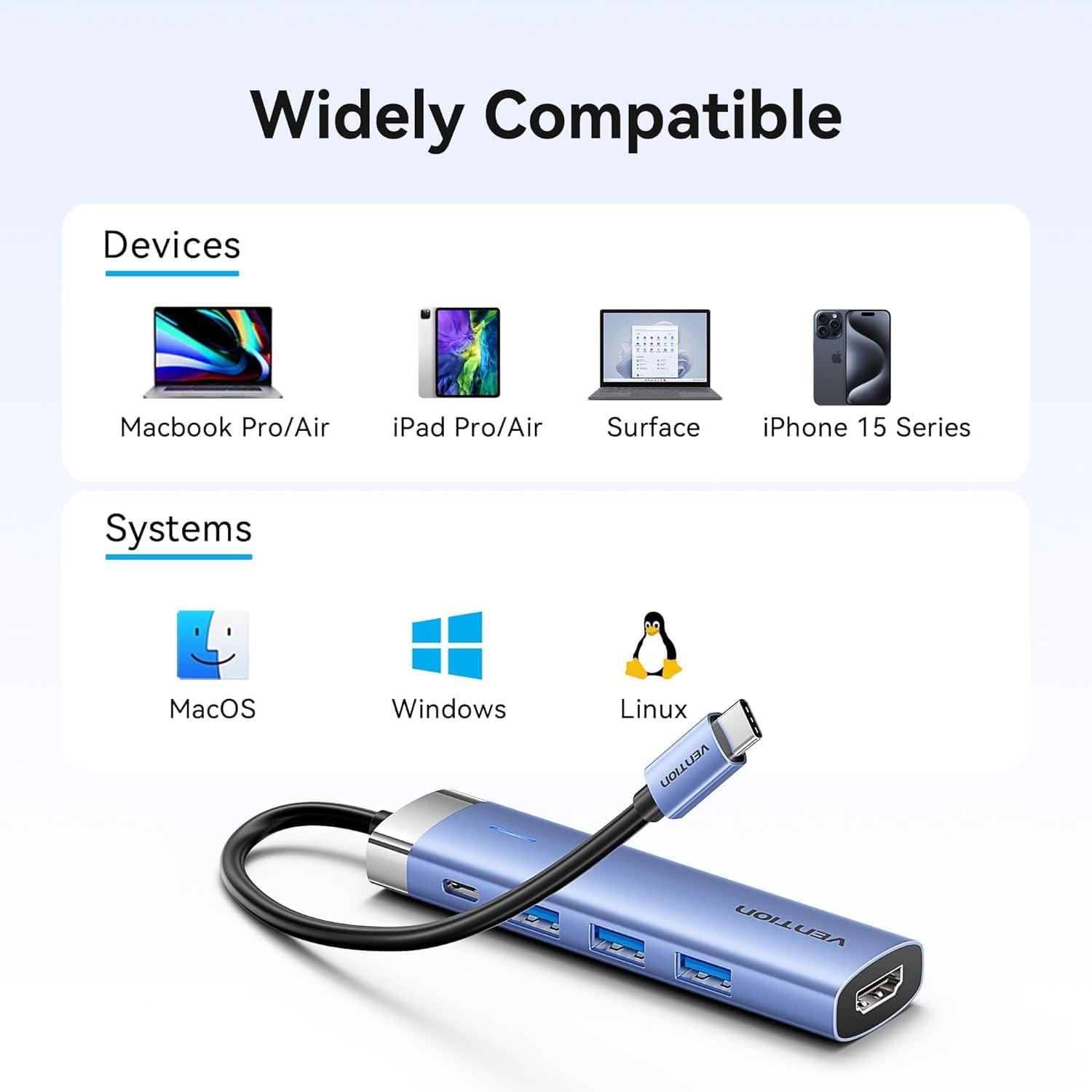
รูปที่ 2: ความเข้ากันได้ของอุปกรณ์และระบบปฏิบัติการ
คำแนะนำการใช้งาน
Using USB 3.0 Ports:
Connect your USB devices to any of the three USB 3.0 ports. These ports support data transfer speeds up to 5Gbps, allowing for quick file transfers. For optimal performance, ensure your connected USB devices also support USB 3.0.
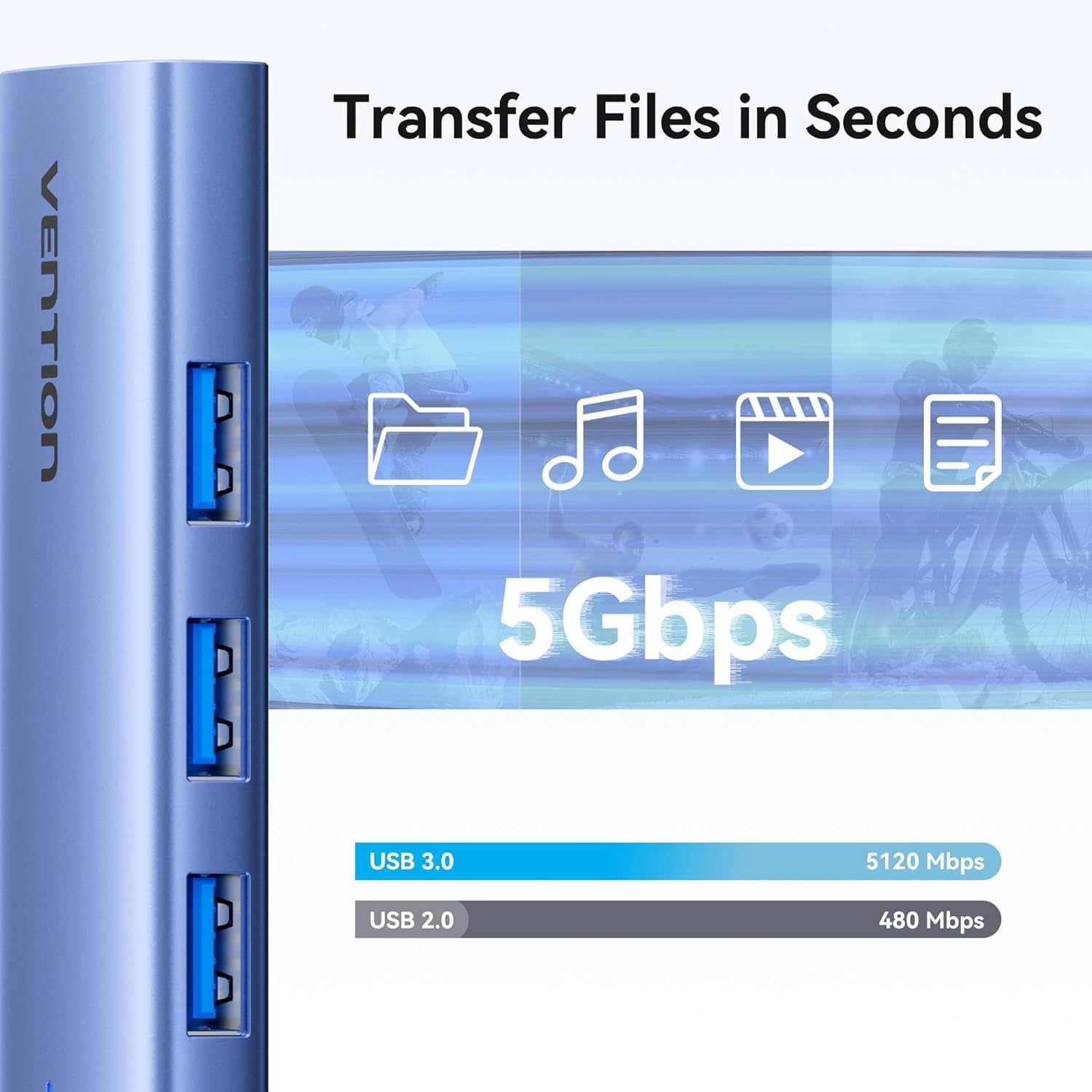
รูปที่ 3: การถ่ายโอนข้อมูลความเร็วสูงผ่านพอร์ต USB 3.0
Using HDMI Output:
The HDMI port supports resolutions up to 4K at 30Hz. After connecting your monitor, your operating system should automatically detect the external display. You can configure display settings (mirror mode, extend mode) through your device's display settings.

Figure 4: Multiple display modes (Mirror and Extend).
Using Power Delivery (PD) Port:
Connect your laptop's original USB-C power adapter to the PD port on the docking station. This port supports up to 100W power delivery, allowing you to charge your host device while using the docking station's other features.

Figure 5: Power Delivery 100W fast charging.
การซ่อมบำรุง
- การทำความสะอาด: Use a soft, dry cloth to clean the surface of the docking station. Avoid using liquid cleaners or solvents.
- พื้นที่จัดเก็บ: เก็บอุปกรณ์ไว้ในที่แห้งและเย็น หลีกเลี่ยงแสงแดดโดยตรงและอุณหภูมิที่สูงหรือต่ำเกินไป
- การจัดการ: Avoid dropping or subjecting the device to strong impacts. Do not attempt to disassemble the docking station.
การแก้ไขปัญหา
| ปัญหา | สาเหตุที่เป็นไปได้ | สารละลาย |
|---|---|---|
| ไม่มีการแสดงผลทาง HDMI |
|
|
| อุปกรณ์ USB ไม่ได้รับการรู้จัก |
|
|
| Host device is not charging. |
|
|
ข้อมูลจำเพาะ
| คุณสมบัติ | รายละเอียด |
|---|---|
| แบบอย่าง | TGESB |
| ยี่ห้อ | เวนชั่น |
| ป้อนข้อมูล | ยูเอสบี-ซี |
| พอร์ตเอาท์พุต |
|
| ขนาด (กว้าง x ยาว x สูง) | 6.5 x 3.54 x 0.79 นิ้ว (16.5 x 9 x 2 ซม.) |
| น้ำหนัก | 2.46 ออนซ์ (0.07 กก.) |
| วัสดุของเปลือกหอย | โลหะผสมอลูมิเนียม |
| ความเข้ากันได้ | Devices with full-featured USB-C port (supporting DisplayPort Alt Mode and Power Delivery). Compatible with Windows, macOS, Linux, Android. |
การรับประกันและการสนับสนุน
Vention products come with a standard manufacturer's warranty. For detailed warranty information, technical support, or customer service, please visit the official Vention webหรือติดต่อตัวแทนจำหน่ายในพื้นที่ของคุณ โปรดเก็บหลักฐานการซื้อไว้เพื่อใช้ในการเรียกร้องการรับประกัน
Official Vention Webเว็บไซต์: Vention Store on Amazon (Link provided for reference, actual official website may vary)