
1. บทนำ
This manual provides instructions for the proper use and care of your BoxWave Micro USB DuraCable. This cable is designed for charging and data synchronization with devices compatible with Micro USB, such as the Aiworth E36.

Image 1.1: The BoxWave Micro USB DuraCable, illustrating its dual function for charging and data synchronization.
2. ข้อมูลด้านความปลอดภัย
Please read and follow these safety guidelines to ensure safe operation and prolong the life of your cable:
- อย่าให้สายเคเบิลสัมผัสกับอุณหภูมิที่สูงจัด แสงแดดโดยตรง หรือความชื้น
- ควรหลีกเลี่ยงการดัดหรือบิดสายเคเบิลมากเกินไป โดยเฉพาะบริเวณใกล้กับขั้วต่อ
- ห้ามถอดประกอบหรือดัดแปลงสายเคเบิล
- เก็บให้พ้นจากมือเด็ก
- ตรวจสอบให้แน่ใจว่าขั้วต่อสะอาดและปราศจากสิ่งสกปรกก่อนทำการเชื่อมต่อ
3. การตั้งค่า
The BoxWave Micro USB DuraCable is designed for simple plug-and-play functionality. Follow these steps to connect your device:
- Identify the Micro USB port on your Aiworth E36 device.
- Identify a standard USB-A port on your charging adapter or computer.
- Gently insert the Micro USB connector end of the DuraCable into your Aiworth E36 device's Micro USB port. Ensure it is oriented correctly to avoid damage.
- Insert the USB-A connector end of the DuraCable into a compatible USB-A port on a power source (e.g., wall charger, computer, power bank).

ภาพที่ 3.1: ภาพระยะใกล้ view of the Micro USB and standard USB-A connectors on the DuraCable, indicating their respective shapes for correct insertion.
4. คู่มือการใช้งาน
4.1 การชาร์จอุปกรณ์ของคุณ
Once the cable is connected to your Aiworth E36 and a power source, your device should begin charging automatically. A charging indicator (usually an icon on the screen or an LED light) on your device will confirm that it is receiving power.
4.2 การซิงโครไนซ์ข้อมูล
To transfer data between your Aiworth E36 and a computer:
- Connect the Micro USB end to your Aiworth E36 and the USB-A end to a USB port on your computer.
- Your computer should recognize the device. You may need to respond to a prompt on your Aiworth E36 to allow data transfer (e.g., "Allow access to device data" or "Use USB for File โอนย้าย").
- Once recognized, you can access your device's storage through your computer's file นักสำรวจเพื่อถ่ายโอน files. The cable supports USB 2.0 standards for data transfer.
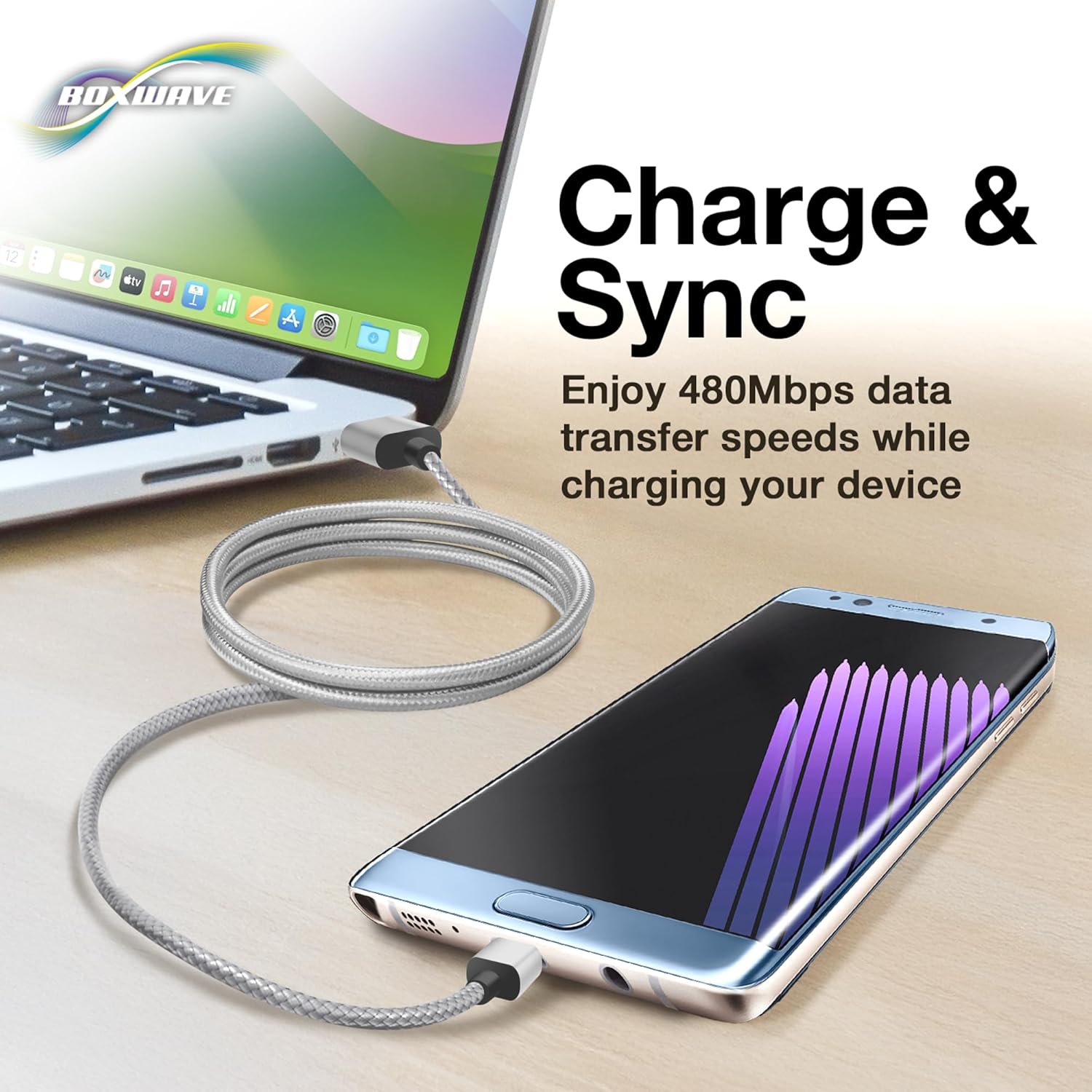
Image 4.1: The DuraCable facilitating both charging and data synchronization between a mobile device and a laptop, highlighting its dual functionality.
5. การบำรุงรักษา
Proper care will extend the lifespan of your BoxWave Micro USB DuraCable:
- การทำความสะอาด: Use a soft, dry cloth to wipe the cable and connectors. Do not use liquid cleaners or solvents.
- พื้นที่จัดเก็บ: Store the cable in a cool, dry place. Avoid tightly coiling the cable, which can stress the internal wires. A loose coil is recommended.
- การจัดการ: Always grasp the connector housing when plugging or unplugging the cable, rather than pulling on the cable itself. This prevents damage to the internal wiring and strain relief.

Image 5.1: Detail of the durable braided nylon construction of the DuraCable, designed to resist tangles and fraying.
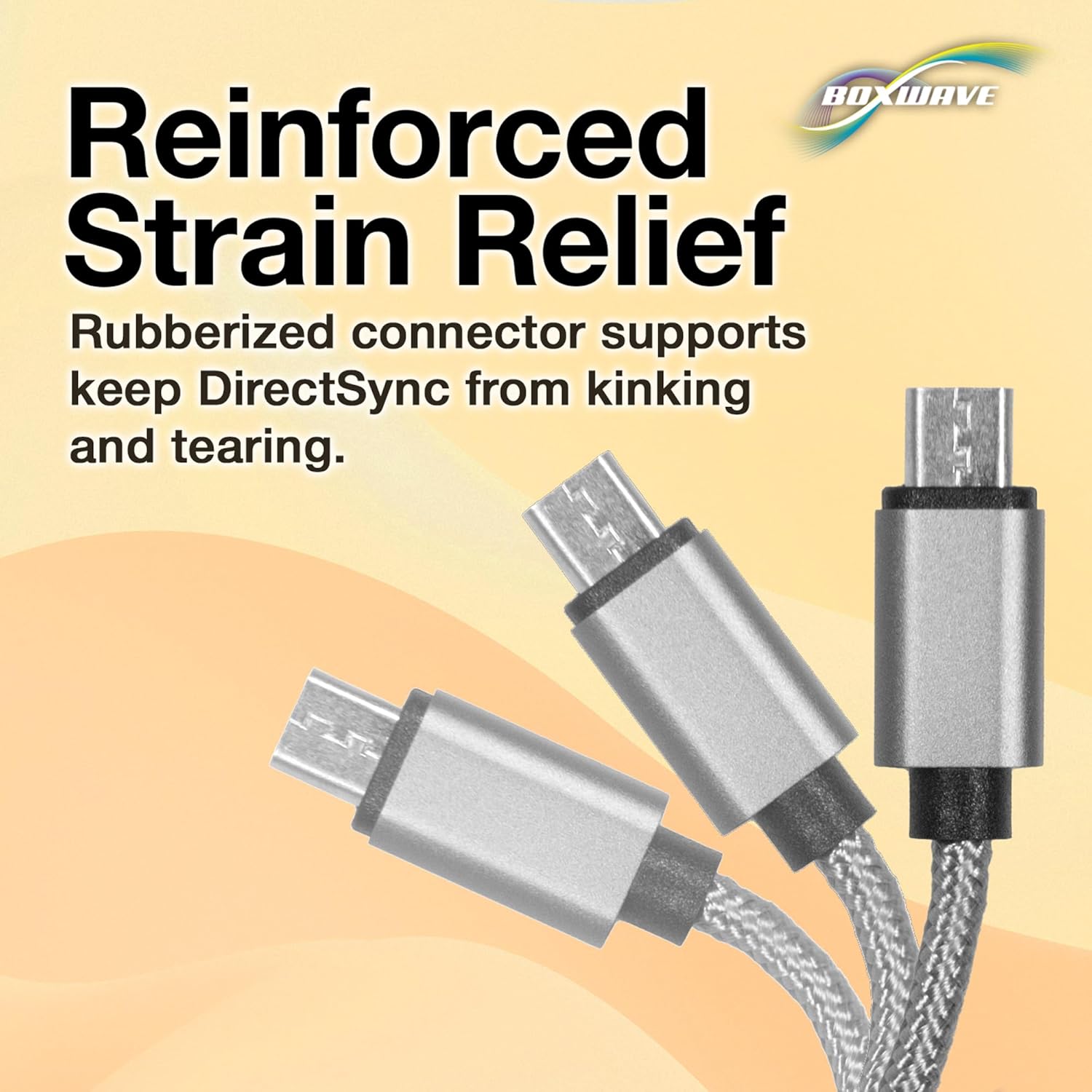
Image 5.2: Illustration of the reinforced strain relief at the connector ends, which helps prevent kinking and tearing.
6 การแก้ไขปัญหา
| ปัญหา | สาเหตุที่เป็นไปได้ | สารละลาย |
|---|---|---|
| อุปกรณ์ไม่ชาร์จ |
|
|
| การถ่ายโอนข้อมูลไม่ทำงาน |
|
|
| ชาร์จช้า |
|
|
7. ข้อมูลจำเพาะ
- ชื่อสินค้า : BoxWave Micro USB DuraCable
- ความเข้ากันได้: Devices with Micro USB port (e.g., Aiworth E36)
- ตัวเชื่อมต่อ: USB-A to Micro USB
- ความยาวสายเคเบิล: 3 ฟุต (ประมาณ 0.91 เมตร)
- ความเร็วในการถ่ายโอนข้อมูล: Up to 480 Mbps (USB 2.0 Standard)
- วัสดุ: Braided Nylon, Rubberized Grommet Strain Reliefs
- สี: สีเทาสเปซเกรย์
- น้ำหนักสินค้า: 0.7 ออนซ์ (ประมาณ 19.8 กรัม)
- ผู้ผลิต: บ็อกซ์เวฟ
8. การรับประกันและการสนับสนุน
BoxWave products are designed for quality and reliability. For specific warranty information regarding your Micro USB DuraCable, please refer to the warranty documentation included with your purchase or visit the official BoxWave website. For technical support or inquiries, please contact BoxWave customer service through their official channels.
Note: This product includes limited 3rd party tech support for your device (up to 3 inquiries via messaging) - not affiliated with or endorsed by Aiworth.