
ORGBRO X1
คู่มือผู้ใช้เครื่องพิมพ์ฉลากขนาดเล็กแบบพกพา ORGBRO X1 พร้อมบลูทูธ
Model: X1 | Brand: ORGBRO
การแนะนำ
สินค้าเกินview
The ORGBRO X1 is a portable, Bluetooth-enabled mini label printer designed for efficient organization in various settings. Utilizing thermal printing technology, it requires no ink or toner, providing clear, high-definition labels. Its compact size and wireless connectivity make it an ideal tool for home, school, and office use.

Image: The ORGBRO X1 label maker, showing its compact design and a label being printed.
มีอะไรอยู่ในกล่อง
- 1 X Mini Label Maker
- 1 X Roll of white label paper
- 1 X คู่มือผู้ใช้
- 1 X Type-C charging cable
คู่มือการติดตั้ง
การชาร์จอุปกรณ์
Before first use, fully charge the ORGBRO X1 label maker. It features a built-in 2000mAh rechargeable battery for extended operation. Use the provided Type-C charging cable to connect the device to a power source.
การติดตั้งเทปฉลาก
Follow these steps to properly install the label tape:
- Press the cover button on the side of the device to open the lid.
- Load the paper roll into the paper bin, ensuring the label side is facing up.
- Unroll enough paper so that it sticks out slightly from the printer's output slot.
- Close the cover firmly. Press and hold the power button briefly to calibrate the label paper.
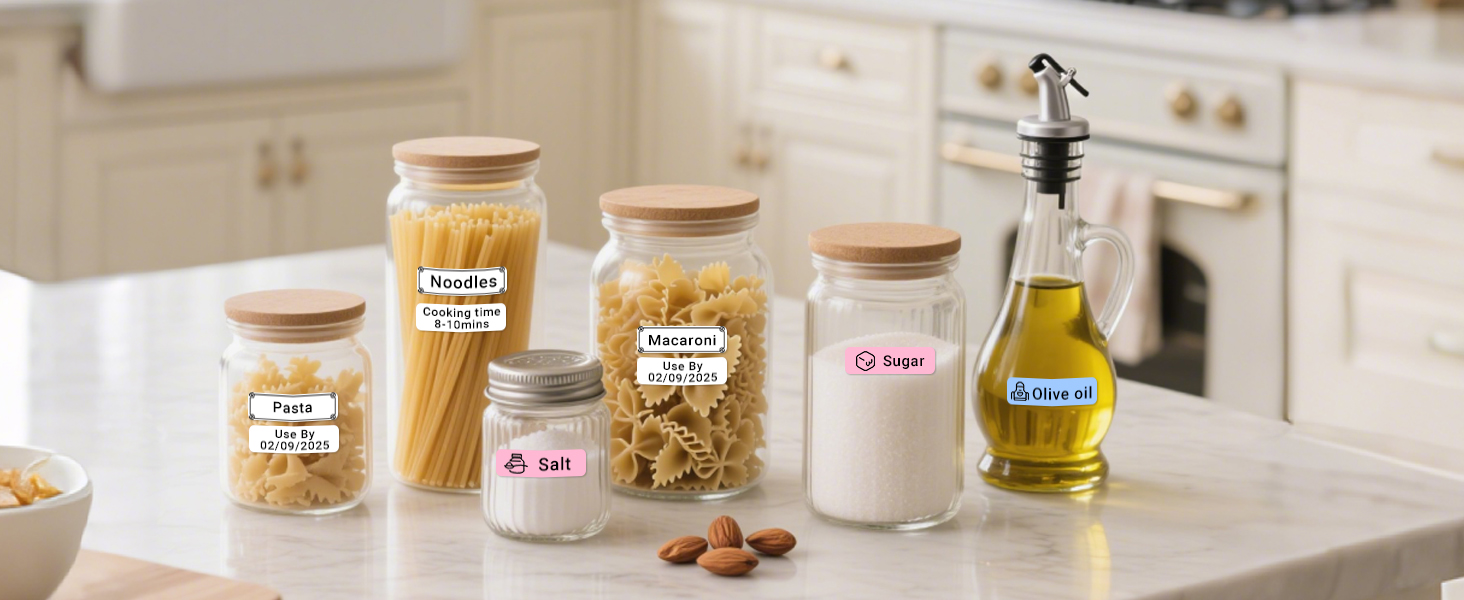
Image: A visual guide demonstrating the four steps to install label tape into the ORGBRO X1 label maker.
การติดตั้งและการเชื่อมต่อแอพ
The ORGBRO X1 connects wirelessly via Bluetooth through the dedicated "XeasyLabel" app. Do not attempt to connect via your phone's Bluetooth settings directly.
- Download the "XeasyLabel" app from your mobile app store (available for iOS and Android).
- Turn on the label maker by pressing and holding the power button.
- Open the "XeasyLabel" app on your phone. The app will automatically search for and connect to the X1 label maker via Bluetooth.
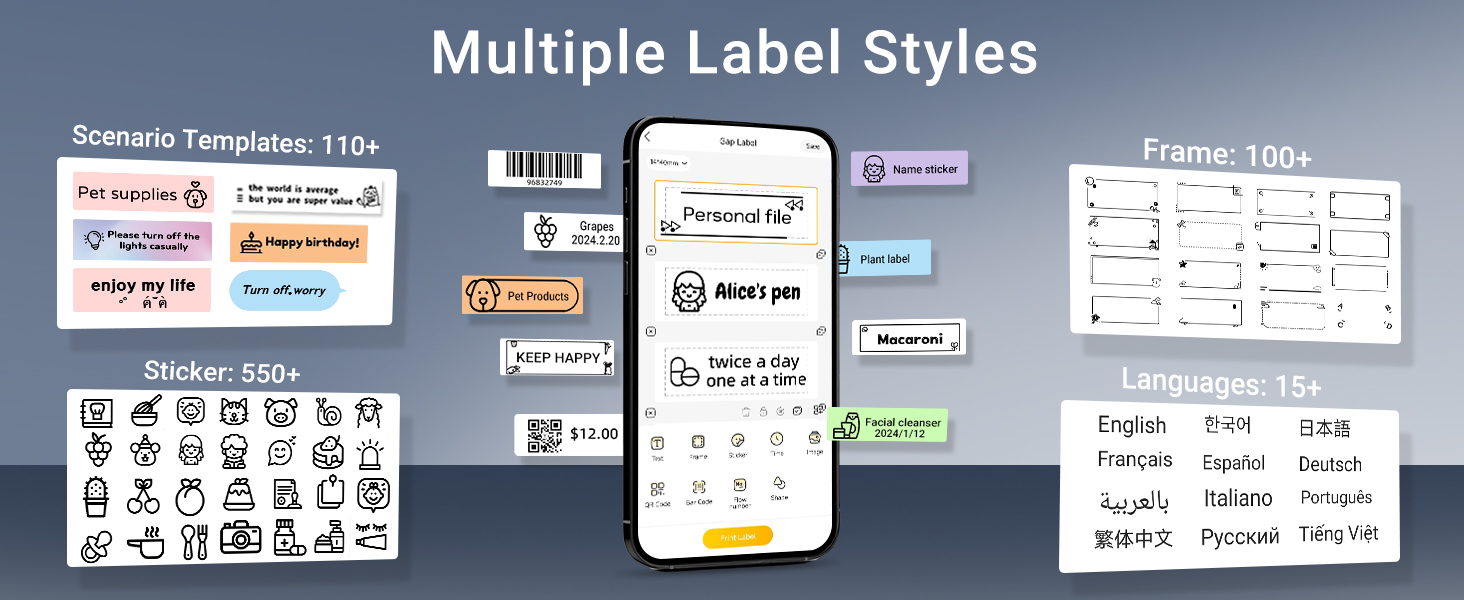
Image: A three-step visual guide showing how to download the app, turn on the printer, and connect via the XeasyLabel app.
คำแนะนำการใช้งาน
การพิมพ์ขั้นพื้นฐาน
The ORGBRO X1 uses thermal printing technology, eliminating the need for ink or toner. It delivers high-quality prints with a resolution of 203 DPI. The device also features a built-in cutter for convenient label separation after printing.

Image: An illustration highlighting key features like inkless thermal printing, high-speed printing, 203 DPI resolution, built-in cutter, Type-C charging, and Bluetooth connection.
Using the XeasyLabel App
The XeasyLabel app provides extensive customization options for your labels:
- Versatile Content: Print various text, numbers, graphics, symbols, logos, barcodes, and QR codes.
- Extensive Resources: Access over 15 languages, 95 fonts, and 550 materials (templates, frames, stickers) for free customization.
- ประเภทฉลาก: Supports both pre-cut and continuous label paper.
- Save and Print: Create multiple labels and save them within the app for future use or batch printing.
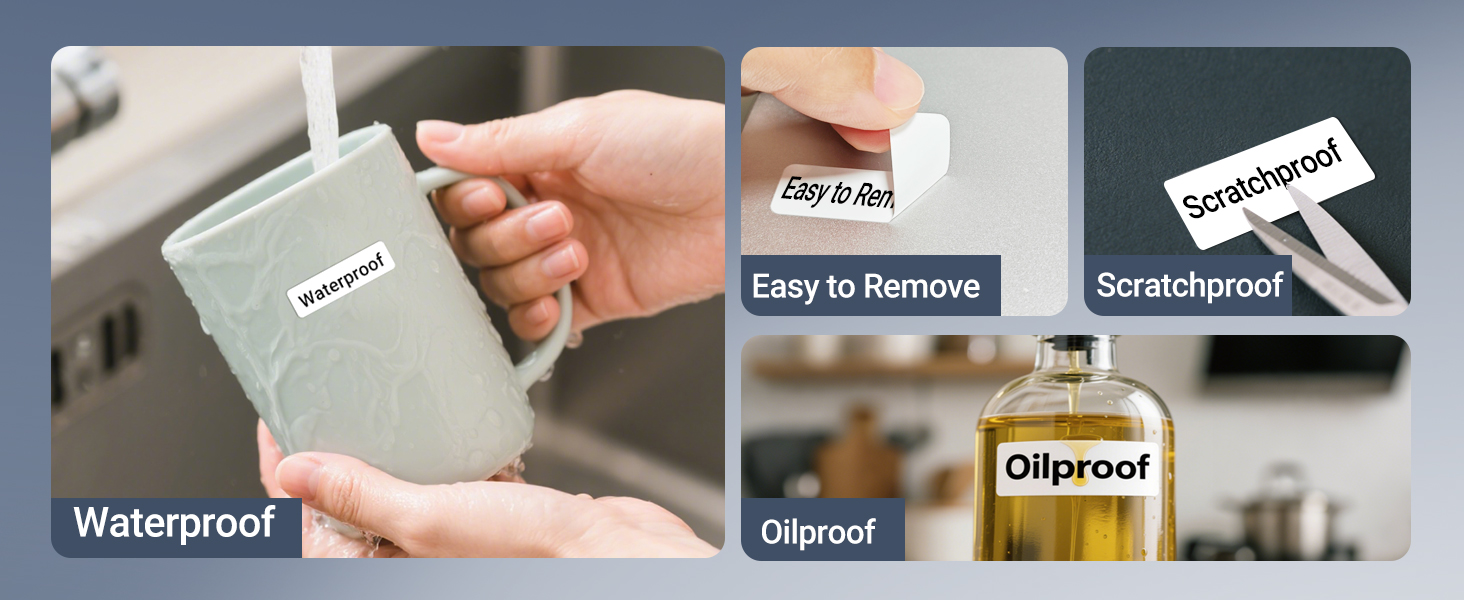
Image: A screenshot of the XeasyLabel app demonstrating its multi-functionality, including options for pre-cut and continuous labels, various fonts, frames, stickers, languages, and templates.
Label Durability and Types
ORGBRO labels are designed for durability and ease of use:
- ความทนทาน: Labels are waterproof, oil-resistant, and abrasion-resistant.
- ปราศจากสารตกค้าง: No residue remains after removal, ensuring clean surfaces.
- ขนาดที่รองรับ: The printer supports continuous label paper (15 mm width) and fixed-length labels (12 x 40 mm).
- คำแนะนำ : For optimal print quality, it is recommended to use ORGBRO thermal label paper.
ภาพ: ภาพตัวอย่างamples demonstrating the waterproof, oil-proof, scratch-resistant, and easy-to-remove properties of ORGBRO labels.
ใบสมัครampเลส
The ORGBRO X1 label maker is suitable for a wide range of applications, helping you organize various items:
- การจัดระเบียบภายในบ้าน: Label spices, food containers, storage boxes, and tools.
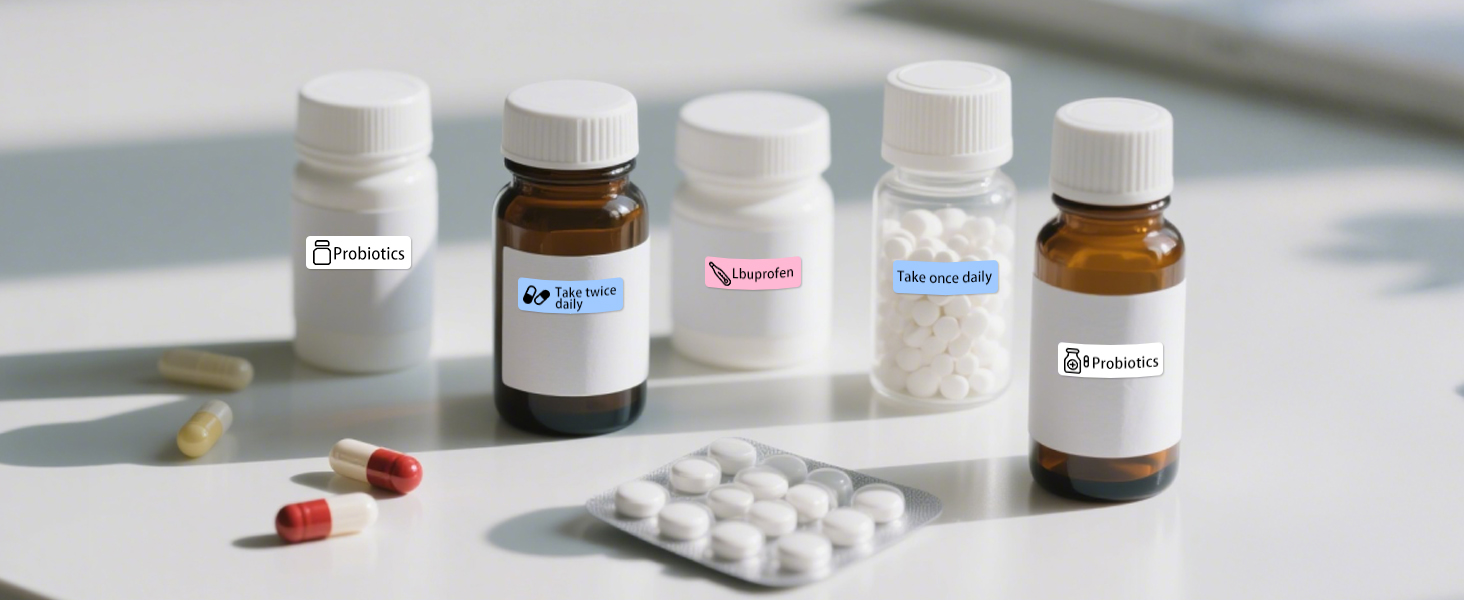
- School and Office: Create name tags, classify files, and organize stationery.
- การระบุอุปกรณ์: Label switches, controllers, cables, and other items for easy identification.

Image: A collage showing practical applications of the label maker, including labeling storage bins, spice jars, refrigerator containers, file folders, and light switches.
การซ่อมบำรุง
การทำความสะอาดเครื่องพิมพ์
To ensure optimal performance and longevity of your label maker, periodically clean the print head and the interior. Use a soft, dry, lint-free cloth. Avoid using liquids or abrasive cleaners.
การดูแลแบตเตอรี่
To maximize battery life, avoid completely draining the battery frequently. Charge the device regularly, especially if it will not be used for an extended period.
การแก้ไขปัญหา
ปัญหาทั่วไปและแนวทางแก้ไข
| ปัญหา | สาเหตุที่เป็นไปได้ / วิธีแก้ไข |
|---|---|
| ไฟแสดงสถานะเป็นสีแดงค้าง | The lid might be open, or no label paper is installed. Ensure the lid is closed properly and paper is loaded correctly. |
| ไม่สามารถเชื่อมต่อผ่านบลูทูธได้ | Ensure you are connecting through the "XeasyLabel" app, not your phone's native Bluetooth settings. Restart both the printer and your phone if necessary. |
| Printed labels are misaligned. | The device does not have automatic alignment marks. Manually adjust the label roll position until the print aligns as desired. A small test print can help. |
| QR codes are too small to scan. | While the printer supports QR code printing, very small QR codes may not be scannable due to resolution limitations. Try increasing the size of the QR code in the app if possible. |
| คุณภาพการพิมพ์ไม่ดี | Ensure you are using ORGBRO thermal label paper. Clean the print head if smudges or faded lines appear. Check battery level. |
ข้อมูลจำเพาะผลิตภัณฑ์
| คุณสมบัติ | รายละเอียด |
|---|---|
| ชื่อรุ่น | X1 Label Maker |
| ยี่ห้อ | ออร์กโบร |
| เทคโนโลยีการเชื่อมต่อ | บลูทูธ |
| เทคโนโลยีการพิมพ์ | เทอร์มอล (ไร้หมึก) |
| ความละเอียดการพิมพ์สูงสุด | 203 DPI (จุดต่อนิ้ว) |
| ความเร็วในการพิมพ์สูงสุด (ขาวดำ) | 30 หน้าต่อนาที |
| ความกว้างของฉลากที่รองรับ | 15 mm (continuous), 12 x 40 mm (fixed-length) |
| ความจุของแบตเตอรี่ | 2000mAh |
| อินเตอร์เฟซการชาร์จ | ยูเอสบี ไทป์ ซี |
| อุปกรณ์ที่รองรับ | สมาร์ทโฟน (iOS และ Android) |
| ขนาดสินค้า | 3 x 1.2 x 4.2 นิ้ว |
| น้ำหนักสินค้า | 7 ออนซ์ |
การรับประกันและการสนับสนุน
ORGBRO is committed to providing an excellent user experience. Your ORGBRO X1 label maker comes with the following support:
- การคืนสินค้าภายใน 7 วัน: คืนสินค้าได้โดยไม่ยุ่งยากภายใน 7 วันนับจากวันที่ซื้อ
- 15-Day Replacements: Replacements available for defective units within 15 days.
- 1 Year Free Maintenance: Enjoy 1 year of free maintenance service.
For any questions, technical assistance, or warranty claims, please contact ORGBRO customer support through the platform where you purchased the product or visit the official ORGBRO webเว็บไซต์สำหรับข้อมูลการติดต่อ

Image: A graphic illustrating key advantages of the ORGBRO label maker, including its 2000mAh battery, no registration requirement, easy paper loading, and comprehensive warranty.
Ask a question about this manual
Ask about setup, troubleshooting, compatibility, parts, safety, or missing instructions. Manuals+ will review the question and use this page’s manual context to help answer it.