
1. บทนำ
The ELECTROPRIME WiFi Water Sensor & Flood Sensor is a smart device designed to provide early detection of water leaks and floods in your home or office. Upon detecting water, the sensor will emit an audible alarm and send instant notifications to your smartphone via the connected mobile application, helping to prevent potential water damage and protect your property.
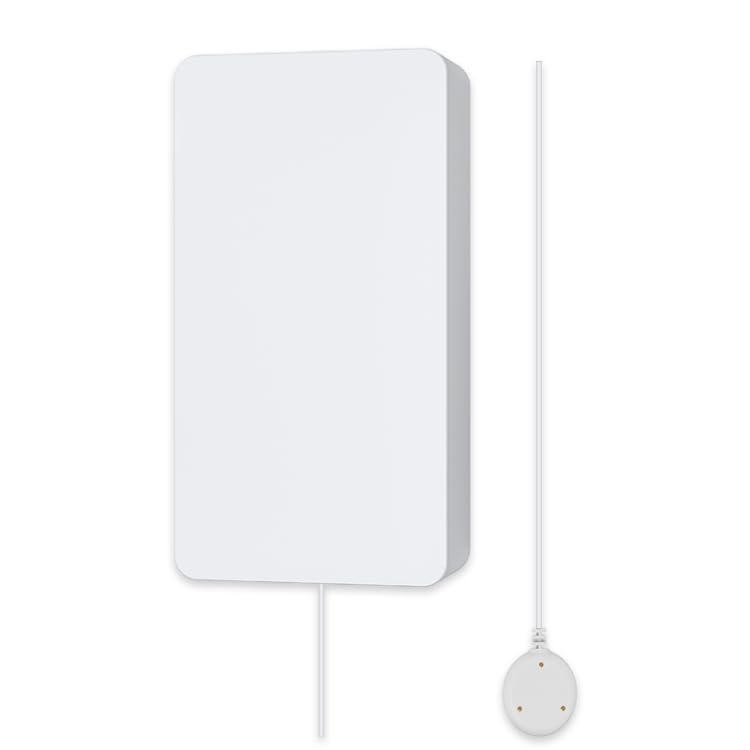
Figure 1: ELECTROPRIME WiFi Water Sensor with its wired water detection probe.
2. คุณสมบัติของผลิตภัณฑ์
- Instant Leak Detection: Beeps audibly and sends alerts to your smartphone when water is detected.
- การเชื่อมต่อไร้สาย: Operates on 2.4GHz WiFi (IEEE 802.11b/g/n protocol) for seamless integration into your smart home network.
- การควบคุมแอปพลิเคชันบนมือถือ: Compatible with popular smart home apps such as TuyaSmart or Smart Life for remote monitoring and notifications.
- การออกแบบที่กะทัดรัด: Small and discreet, allowing for flexible placement in various locations.
- ใช้พลังงานจากแบตเตอรี่: Uses standard AA batteries for easy installation without complex wiring.
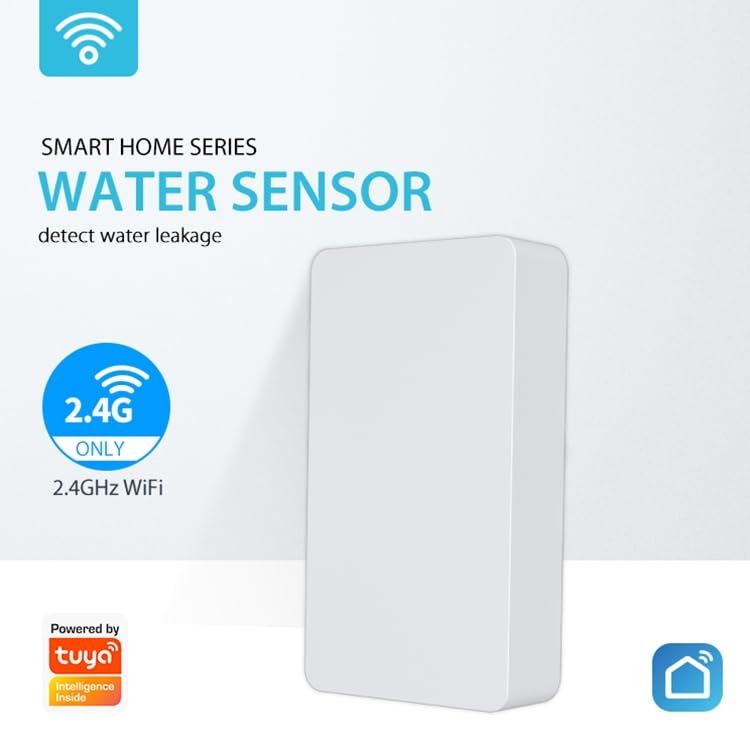
Figure 2: The water sensor highlighting its 2.4GHz WiFi capability for smart home integration.
3. ข้อมูลจำเพาะ
| พารามิเตอร์ | ค่า |
|---|---|
| แบบอย่าง | อีดีเอ0031087 |
| แหล่งจ่ายไฟ | 2 x AA LR6 1.5V Batteries (not included) |
| กระแสไฟฟ้าทำงาน | 37มิลลิแอมป์ |
| การจับคู่ปัจจุบัน | 36มิลลิแอมป์ |
| กระแสไฟสแตนด์บาย | 23.5uA |
| ระยะเวลาการปลุก | 10 นาที |
| อุณหภูมิในการทำงาน | 0°C - 40°C (32°F - 104°F) |
| ความชื้นในการทำงาน | ความชื้นสัมพัทธ์ 20% - 85% |
| ประเภทไร้สาย | WiFi 2.4GHz |
| โปรโตคอล | IEEE802.11b/g/n ไร้สาย |
| ระยะทาง WiFi | ในพื้นที่โล่งกว้าง สูงสุด 45 เมตร (147 ฟุต) |
| APP ที่เข้ากันได้ | TuyaSmart or Smart Life |
| ขนาดของผลิตภัณฑ์ (ลึก*กว้าง*สูง) | 82 มม. x 42 มม. x 16 มม. (3.23 นิ้ว x 1.65 นิ้ว x 0.63 นิ้ว) |
4. การตั้งค่าและการติดตั้ง
- ใส่แบตเตอรี่: Open the battery compartment on the back of the sensor and insert two AA LR6 1.5V batteries, ensuring correct polarity. Close the compartment securely.
- ดาวน์โหลดแอพ: Download and install either the "TuyaSmart" or "Smart Life" application from your smartphone's app store (Google Play Store for Android or Apple App Store for iOS).
- ลงทะเบียน/เข้าสู่ระบบ: เปิดแอปและลงทะเบียนบัญชีใหม่หรือเข้าสู่ระบบด้วยบัญชีที่มีอยู่
- เพิ่มอุปกรณ์:
- แตะไอคอน "+" ที่มุมขวาบนของแอปเพื่อเพิ่มอุปกรณ์ใหม่
- Select "Security & Sensor" or "Water Sensor" from the device list.
- Follow the on-screen instructions to put the sensor into pairing mode. This usually involves pressing and holding a button on the sensor until an indicator light flashes rapidly.
- Ensure your smartphone is connected to a 2.4GHz WiFi network. The sensor does not support 5GHz WiFi.
- Enter your WiFi network password in the app.
- Wait for the sensor to connect to the network. Once connected, the indicator light will stop flashing and remain solid, or turn off.
- การจัดวาง:
- Place the main sensor unit in a dry location near the area you wish to monitor.
- Position the wired water detection probe on the floor or surface where water leaks are most likely to occur (e.g., near water heaters, washing machines, sinks, toilets, basements). Ensure the metal contacts on the probe are facing downwards.
- Secure the main unit using adhesive pads or screws if desired.
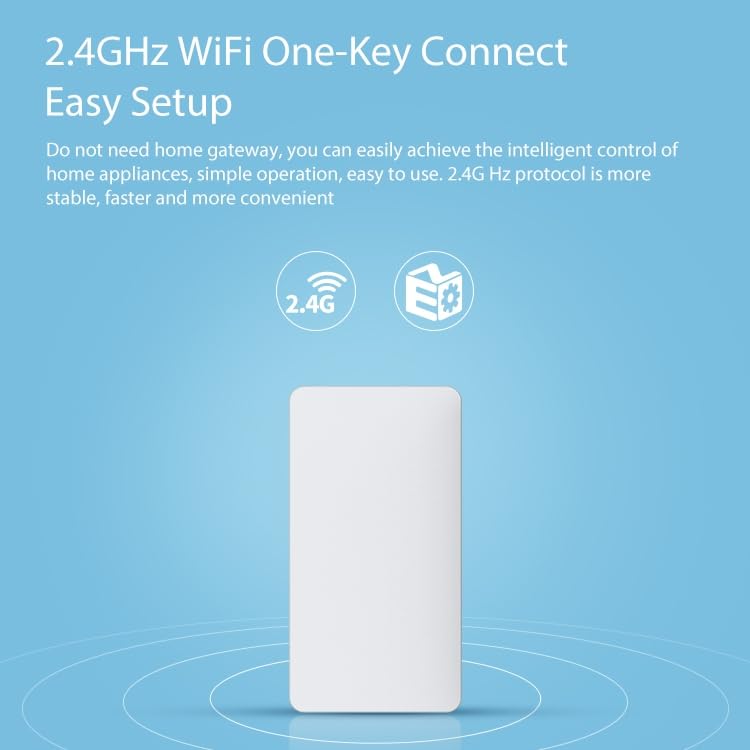
Figure 3: Illustration emphasizing the easy setup process with 2.4GHz WiFi connectivity.
5. คู่มือการใช้งาน
Once successfully set up and connected to your WiFi network, the ELECTROPRIME Water Sensor operates automatically:
- การตรวจจับน้ำ: When the metal contacts on the water detection probe come into contact with water, the sensor will immediately trigger an alarm.
- เสียงปลุก: The main sensor unit will emit a loud beeping sound for approximately 10 minutes to alert anyone in the vicinity.
- การแจ้งเตือนแอป: Simultaneously, an instant push notification will be sent to your smartphone via the TuyaSmart or Smart Life app, regardless of your location, provided your phone has internet access.
- รีเซ็ตนาฬิกาปลุก: The audible alarm will cease once the water is no longer detected by the probe. The app notification will remain in your notification history until cleared.
6. การบำรุงรักษา
- การเปลี่ยนแบตเตอรี่: When the battery level is low, the sensor may send a low battery alert to your app. Replace the two AA LR6 1.5V batteries promptly to ensure continuous operation.
- การทดสอบปกติ: Periodically test the sensor by placing the water detection probe in a small amount of water (e.g., a shallow dish) to ensure it triggers the alarm and sends notifications. Dry the probe thoroughly after testing.
- การทำความสะอาด: Wipe the sensor and probe with a dry, soft cloth. Do not use abrasive cleaners or immerse the main unit in water. Ensure the metal contacts on the probe are clean and free of debris.
- สภาพแวดล้อม : Ensure the sensor is kept within its specified working temperature (0°C - 40°C) and humidity (20% - 85% RH) ranges for optimal performance.
7 การแก้ไขปัญหา
| ปัญหา | สาเหตุที่เป็นไปได้ | สารละลาย |
|---|---|---|
| Sensor not connecting to WiFi. | Incorrect WiFi password; Sensor too far from router; Router is 5GHz only; Sensor not in pairing mode. | Verify WiFi password; Move sensor closer to router; Ensure your router supports 2.4GHz and connect your phone to it during setup; Re-enter pairing mode. |
| No alerts received on phone. | App notifications disabled; Phone not connected to internet; Sensor not connected to WiFi; Sensor batteries low. | Enable notifications for the app in phone settings; Ensure phone has internet access; Check sensor's WiFi connection status in app; Replace batteries. |
| Sensor not beeping when water is detected. | Batteries are dead or low; Probe contacts are dirty or not fully submerged. | Replace batteries; Clean probe contacts and ensure they are fully in contact with water. |
| แบตเตอรี่มีอายุสั้น | Frequent alarms; Poor WiFi signal requiring more power; Low quality batteries. | Address source of frequent alarms; Improve WiFi signal strength; Use high-quality alkaline batteries. |
8. การรับประกันและการสนับสนุน
For information regarding warranty coverage, returns, or technical support for your ELECTROPRIME WiFi Water Sensor & Flood Sensor (Model: EDA0031087), please refer to the warranty policy provided by your retailer or contact ELECTROGADGETSSTORE, the manufacturer, directly. Contact details can typically be found on the product packaging or the manufacturer's official webเว็บไซต์.
โปรดเก็บหลักฐานการซื้อไว้เพื่อใช้ในกรณีเรียกร้องการรับประกัน