
1. บทนำ
This manual provides essential information for the safe and efficient use of your LG 75-Inch Class QNED80T Series LED Smart TV. Please read this manual thoroughly before operating your TV and retain it for future reference.
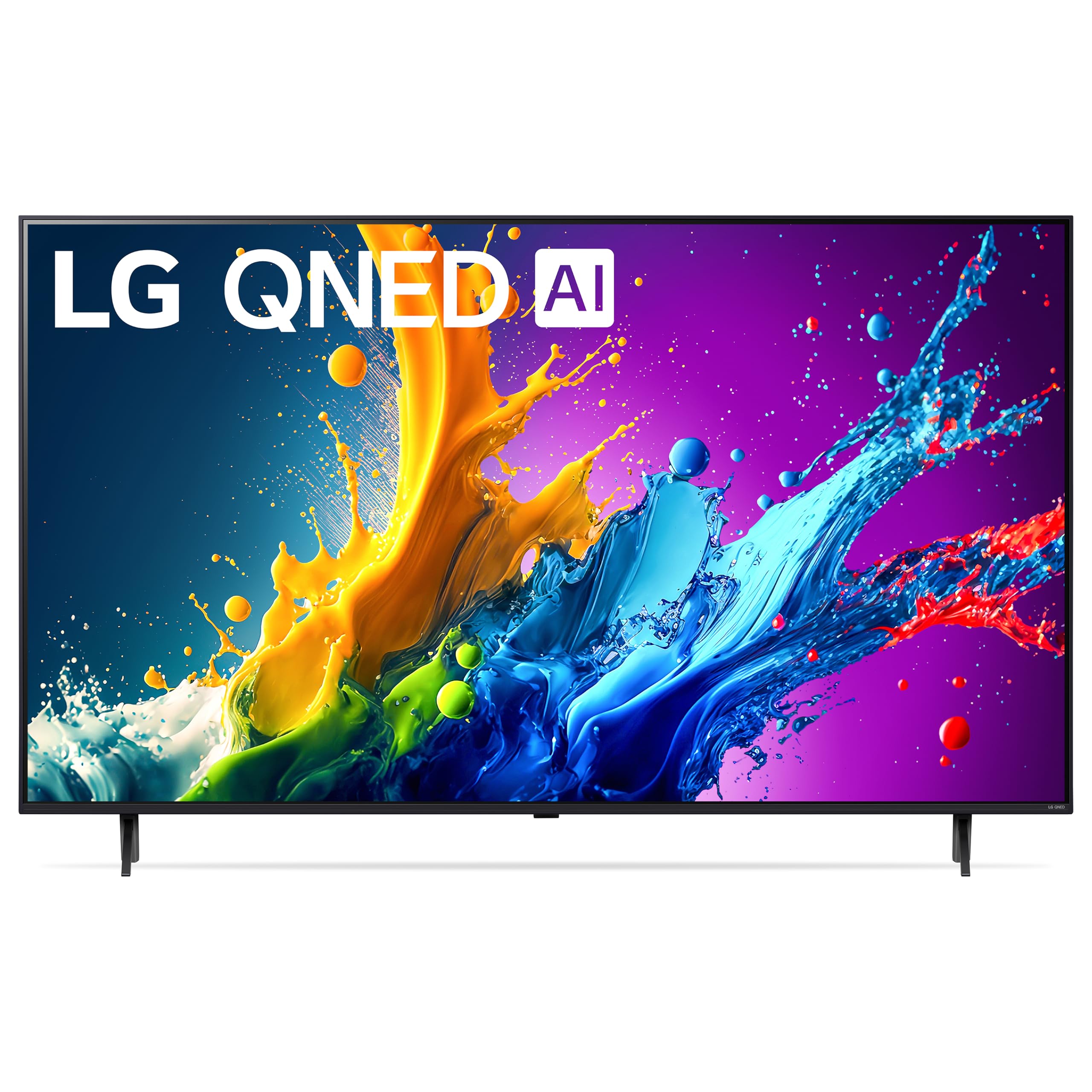
The LG 75-Inch Class QNED80T Series LED Smart TV, featuring a 4K display and AI-powered functionalities.
2. การตั้งค่า
2.1 การแกะกล่องและการตรวจสอบเบื้องต้น
Carefully remove the TV and all accessories from the packaging. Inspect for any signs of damage. Ensure all components listed in the 'What's in the Box' section are present.

Diagram showing the dimensions of the LG 75QNED80TUC TV and a list of included accessories such as the Magic Remote, stand, and power cable.
2.2 ขนาดทางกายภาพและการติดตั้ง
The TV measures approximately 14.1"D x 66"W x 40.6"H with the stand, and weighs 75 pounds. Without the stand, it weighs 72.8 pounds. For wall mounting, use a VESA Mount Standard of 400 x 300 mm. Ensure the mounting surface can support the TV's weight.

ภาพระยะใกล้ view of the TV stand, illustrating its design and attachment points.

หลัง view of the LG QNED TV, showing the layout of ports and mounting points.
2.3 การเชื่อมต่ออุปกรณ์ต่อพ่วง
Connect your external devices such as Blu-ray players, gaming consoles, or sound systems to the TV's HDMI, USB, or other available ports. The TV features 3 HDMI ports and 2 USB 2.0 ports.

รายละเอียด view of the HDMI and USB input ports located on the side of the TV for easy access.
2.4 การเปิดเครื่องครั้งแรกและการตั้งค่าเครือข่าย
After connecting the power cable, press the power button on the remote control. Follow the on-screen instructions to complete the initial setup, including language selection, time zone, and network connection (Wi-Fi or Ethernet). An internet connection is required for smart TV features and software updates.
3. การใช้งานทีวีของคุณ
3.1 Magic Remote and Voice Control
The included Magic Remote allows for intuitive navigation using a pointer, scroll wheel, and voice commands. Utilize the built-in Alexa for voice assistance to control your TV and smart home devices.

The LG Magic Remote, featuring dedicated buttons for streaming services and voice control.
3.2 webแพลตฟอร์มสมาร์ททีวีระบบปฏิบัติการ
ทีวี LG ของคุณทำงานบน webOS 24, providing access to a wide range of streaming applications like Netflix, Prime Video, Disney+, Hulu, and more. LG Channels offers over 300 free channels. The interface is designed for easy navigation.
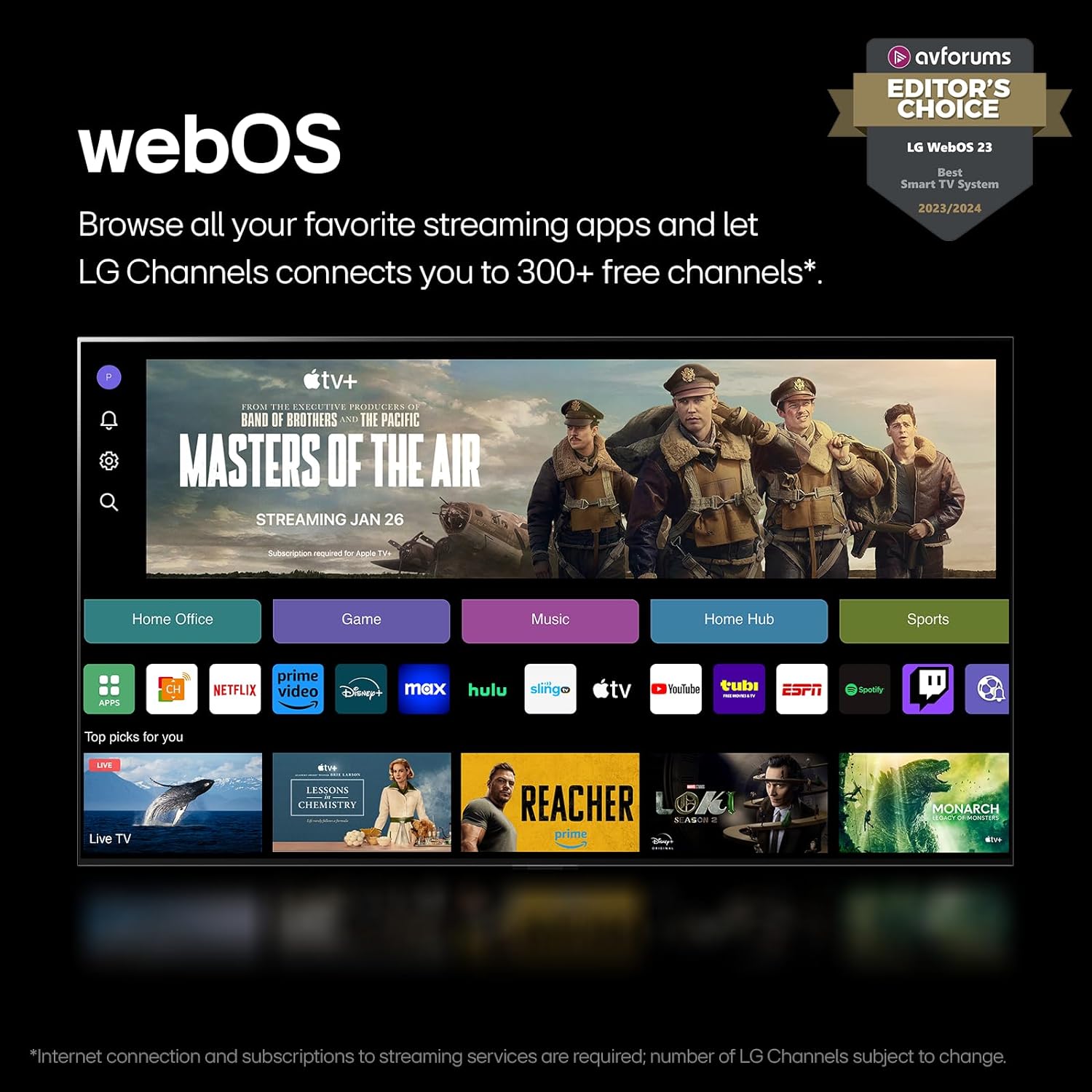
การ webOS 24 home screen displaying various streaming apps and LG Channels.
Video explaining the features and benefits of the LG webแพลตฟอร์ม OS Smart TV
3.3 การตั้งค่าภาพและเสียง
The TV features Quantum Dot NanoCell color technology and Dimming Pro for enhanced contrast and vibrant images. The α5 AI Processor Gen7 optimizes picture detail and sound. FILMMAKER MODE adjusts settings to preserve the director's original vision. HDR10 Pro ensures a dynamic visual experience.
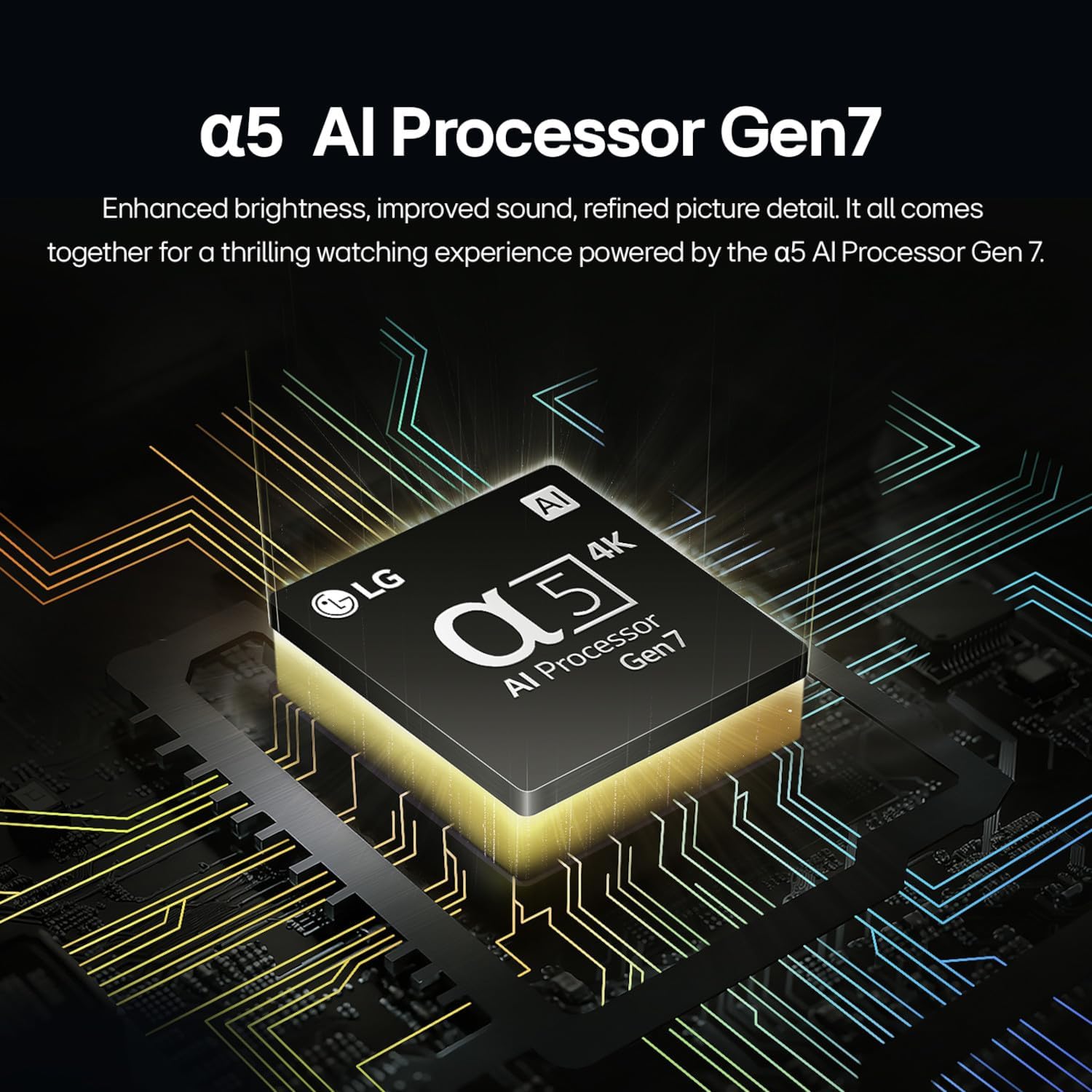
Illustration of the α5 AI Processor Gen7, highlighting its role in enhancing picture and sound.
Video detailing the benefits of LG QNED technology, including Quantum Dot and NanoCell for superior color and contrast.
3.4 คุณสมบัติการเล่นเกม
For gamers, the LG Game Optimizer allows for quick customization of gaming settings. The TV supports GeForce NOW for cloud gaming, and features like FreeSync and VRR (Variable Refresh Rate) for smoother gameplay.
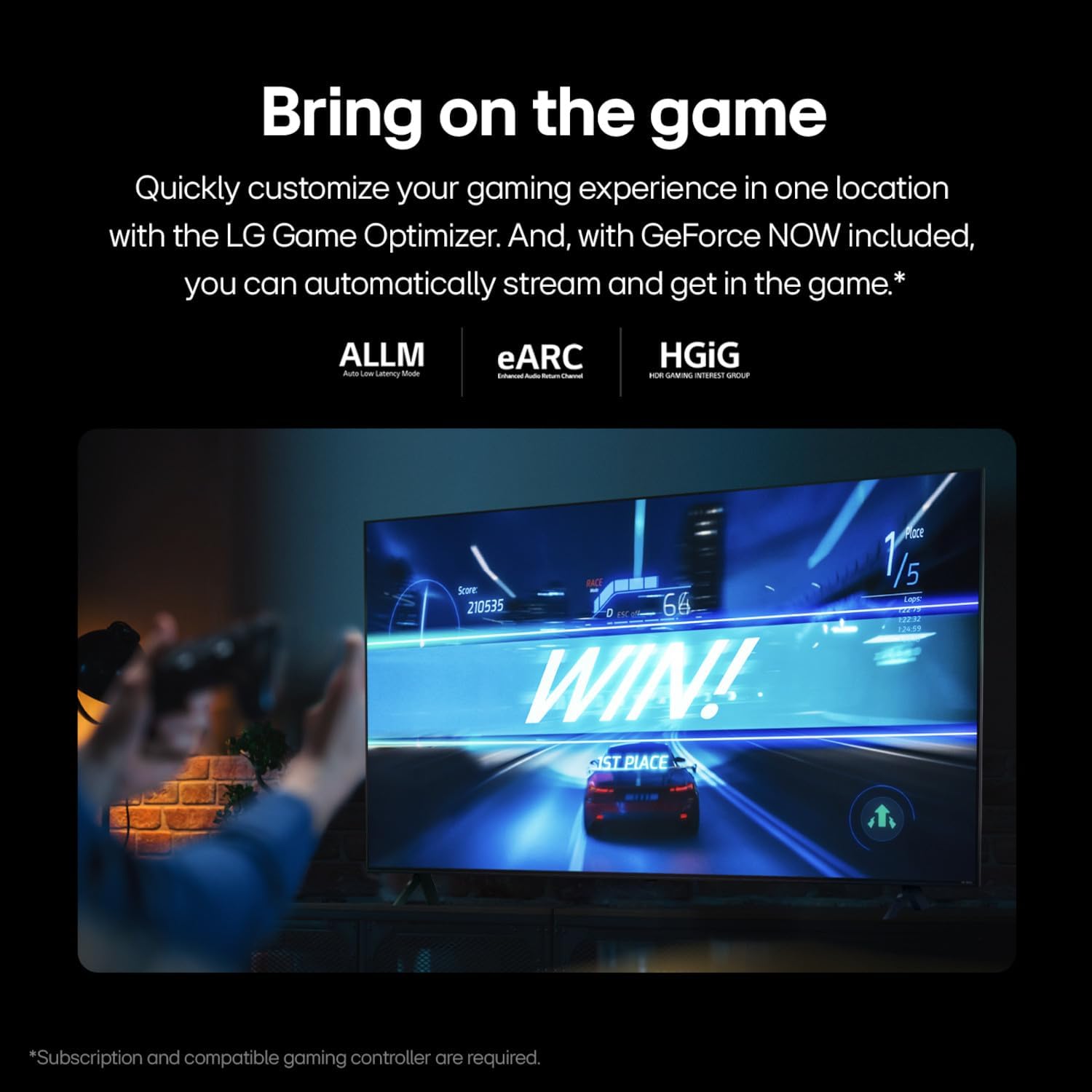
แสดงรูปภาพasing the LG QNED TV's gaming capabilities, including Game Optimizer and support for various gaming technologies.
3.5 ตัวเลือกการเชื่อมต่อ
The TV offers versatile connectivity including Bluetooth 5.1, Ethernet, HDMI, USB, and Wi-Fi. Screen mirroring is supported via AirPlay 2, allowing you to share content from your mobile devices.
4. การบำรุงรักษา
4.1 การทำความสะอาดทีวีของคุณ
To clean the screen, gently wipe with a soft, dry, lint-free cloth. For stubborn marks, lightly dampen the cloth with water or a specialized screen cleaner. Avoid harsh chemicals or abrasive materials. For the TV body, use a soft, dry cloth.
4.2 Software Updates (webOS Re:New Program)
Your TV is part of the webOS Re:New Program, which provides new software updates and feature refreshes for up to 5 years. Ensure your TV is connected to the internet to receive these updates automatically. You will receive a pop-up notification to accept or deny software updates if auto-update is disabled.

ข้อมูลเกี่ยวกับการ webOS Re:New Program, offering software updates and feature refreshes for 5 years.
5 การแก้ไขปัญหา
หากคุณพบปัญหาเกี่ยวกับทีวี โปรดดูขั้นตอนการแก้ไขปัญหาทั่วไปต่อไปนี้:
- ไม่มีไฟฟ้า: ตรวจสอบว่าสายไฟเชื่อมต่อกับทีวีและเต้ารับที่ผนังอย่างแน่นหนาหรือไม่ ตรวจสอบให้แน่ใจว่าเต้ารับใช้งานได้
- ไม่มีภาพ/เสียง: ตรวจสอบว่าเลือกแหล่งสัญญาณเข้าที่ถูกต้อง ตรวจสอบการเชื่อมต่อสายเคเบิลทั้งหมดระหว่างทีวีและอุปกรณ์ภายนอก
- คุณภาพภาพไม่ดี: ปรับการตั้งค่าภาพ (ความสว่าง ความคมชัด ความละเอียด) ตรวจสอบให้แน่ใจว่าแหล่งที่มาของเนื้อหามีคุณภาพสูง
- ระยะไกลไม่ทำงาน: Replace the batteries in the Magic Remote (2 AA batteries). Ensure there are no obstructions between the remote and the TV.
- ปัญหาการเชื่อมต่อเครือข่าย: รีสตาร์ทเราเตอร์และโมเด็ม เชื่อมต่อทีวีกับเครือข่าย Wi-Fi อีกครั้ง หรือตรวจสอบการเชื่อมต่อสายอีเทอร์เน็ต
- แอปสมาร์ททีวีโหลดไม่ขึ้น: Ensure a stable internet connection. Try restarting the TV.
For more detailed troubleshooting or persistent issues, consult the full user manual available on the LG support webไซต์หรือติดต่อฝ่ายสนับสนุนลูกค้าของ LG
6. ข้อมูลจำเพาะ
| คุณสมบัติ | รายละเอียด |
|---|---|
| ชื่อรุ่น | 75QNED80TUC |
| ขนาดหน้าจอ | 75 นิ้ว |
| เทคโนโลยีการแสดงผล | LED (QNED with Quantum Dot NanoCell) |
| ปณิธาน | 4K (3840x2160) ความคมชัดระดับ XNUMXK |
| อัตราการรีเฟรช | 60 Hz (Motion Enhancement Technology: 120Hz Refresh Rate) |
| โปรเซสเซอร์ | โปรเซสเซอร์ AI α5 4K Gen7 |
| รองรับรูปแบบ HDR | HDR10,เอชแอลจี |
| ระบบปฏิบัติการ | webOS |
| การเชื่อมต่อ | Bluetooth 5.1, Ethernet, HDMI (3 ports), USB (2 ports), Wi-Fi |
| การช่วยเหลือด้วยเสียง | Alexa Built-in, Multiple Voice Assistance |
| ขนาด (รวมขาตั้ง) | ลึก 14.1 นิ้ว x กว้าง 66 นิ้ว x สูง 40.6 นิ้ว |
| น้ำหนัก (ไม่รวมขาตั้ง) | 72.8 ปอนด์ |
| มาตรฐาน VESA Mount | 400 x 300 มม. |
| การใช้พลังงาน | 151 Watts (Annual Energy Consumption: 278 kWh/year) |
| ส่วนประกอบที่รวมอยู่ | Power Cable, Remote Control (AA x 2EA included), User Manual |

Energy Guide label for the LG 75QNED80TUC, showing estimated yearly energy cost and consumption.
7. การรับประกันและการสนับสนุน
7.1 ข้อมูลการรับประกัน
This LG TV comes with a 1 Year Parts & Labor Limited Warranty. Please retain your proof of purchase for warranty claims.
7.2 การสนับสนุนลูกค้า
For further assistance, technical support, or warranty service, please visit the official LG Electronics website or contact their customer service hotline. Refer to the contact information provided in the packaging or on the LG webเว็บไซต์สำหรับภูมิภาคของคุณ