
การแนะนำ
The iBall Palmz is a versatile wireless mouse offering dual connectivity options: 2.4 GHz wireless via a mini USB receiver and Bluetooth. Designed for comfort and efficiency, it features silent clicks and an ergonomic form factor, making it suitable for various computing environments including PCs, Macs, and laptops.
คุณสมบัติหลัก
- การเชื่อมต่อแบบคู่: Seamlessly switch between 2.4 GHz wireless (via USB receiver) and Bluetooth.
- คลิกเงียบ: Enjoy a quiet working environment with specially designed silent click buttons.
- การออกแบบตามหลักสรีรศาสตร์: Contoured shape with a fibre finish provides a comfortable grip for extended use.
- Nano USB Receiver: Compact receiver that can be stored inside the mouse for portability.
- โหมดประหยัดพลังงาน: Automatic power-saving function extends battery life when not in use.
- สามปุ่ม: Standard left, right, and scroll wheel buttons for essential navigation.
- การติดตามด้วยแสง: Precise and smooth cursor control.
เนื้อหาแพ็คเกจ
- iBall Palmz Wireless + Bluetooth Mouse
- ตัวรับสัญญาณ Nano USB
- คู่มือการใช้งาน (เอกสารนี้)
หมายเหตุ: ไม่รวมแบตเตอรี่และต้องซื้อแยกต่างหาก
คำแนะนำการตั้งค่า
1. ใส่แบตเตอรี่
Locate the battery compartment on the underside of the mouse. Open the cover and insert one AA battery (not included), ensuring correct polarity (+/-). Close the battery compartment cover securely.
2. Connect via 2.4 GHz Wireless
- Remove the Nano USB receiver from its storage slot on the underside of the mouse.
- Plug the Nano USB receiver into an available USB port on your computer (PC, Mac, or laptop).
- คอมพิวเตอร์ควรตรวจจับและติดตั้งไดรเวอร์ที่จำเป็นโดยอัตโนมัติ
- Turn on the mouse using the power switch located on the underside. The mouse is now ready for use.

Image: iBall Palmz mouse showing the Nano USB receiver. The receiver is a small USB dongle that plugs into your computer for 2.4 GHz wireless connectivity.
3. เชื่อมต่อผ่านบลูทูธ
- ตรวจสอบให้แน่ใจว่าเมาส์เปิดอยู่
- Press and hold the Bluetooth pairing button (usually located on the underside of the mouse) until the indicator light starts blinking, indicating it's in pairing mode.
- เปิดการตั้งค่าบลูทูธบนคอมพิวเตอร์หรืออุปกรณ์ของคุณ
- ค้นหา new devices and select "iBall Palmz" from the list.
- Follow any on-screen prompts to complete the pairing process. The indicator light on the mouse will become solid when successfully paired.
คำแนะนำการใช้งาน
The iBall Palmz mouse offers standard mouse functionalities with the added benefit of silent clicks.
- คลิกซ้าย: ปุ่มหลักสำหรับเลือกรายการ เปิด fileและปฏิสัมพันธ์กับซอฟต์แวร์
- คลิกขวา: ปุ่มรองสำหรับเข้าถึงเมนูบริบทและตัวเลือกเพิ่มเติม
- ล้อเลื่อน: เลื่อนขึ้นหรือลงเพื่อเลื่อนดูเอกสารต่างๆ และ web หน้า ปุ่มเลื่อนยังทำหน้าที่เป็นปุ่มคลิกกลางอีกด้วย

ภาพ: ด้านบน view of the iBall Palmz mouse, highlighting its ergonomic shape and button layout. The mouse features a scroll wheel and two main click buttons.
The mouse has a working range of up to 10 meters, providing flexibility in your workspace.

Image: iBall Palmz mouse with an indication of its 10-meter working range. This illustrates the wireless freedom provided by the device.
การซ่อมบำรุง
- การทำความสะอาด: ใช้ผ้านุ่มและแห้งเช็ดทำความสะอาดเมาส์ หลีกเลี่ยงการใช้สารเคมีรุนแรงหรือวัสดุที่มีฤทธิ์กัดกร่อน
- การเปลี่ยนแบตเตอรี่: Replace the AA battery when the mouse performance degrades or the indicator light signals low battery.
- ประหยัดพลังงาน: The mouse automatically enters a power-saving mode when idle. To conserve battery life further, turn off the mouse using the power switch when not in use for extended periods.
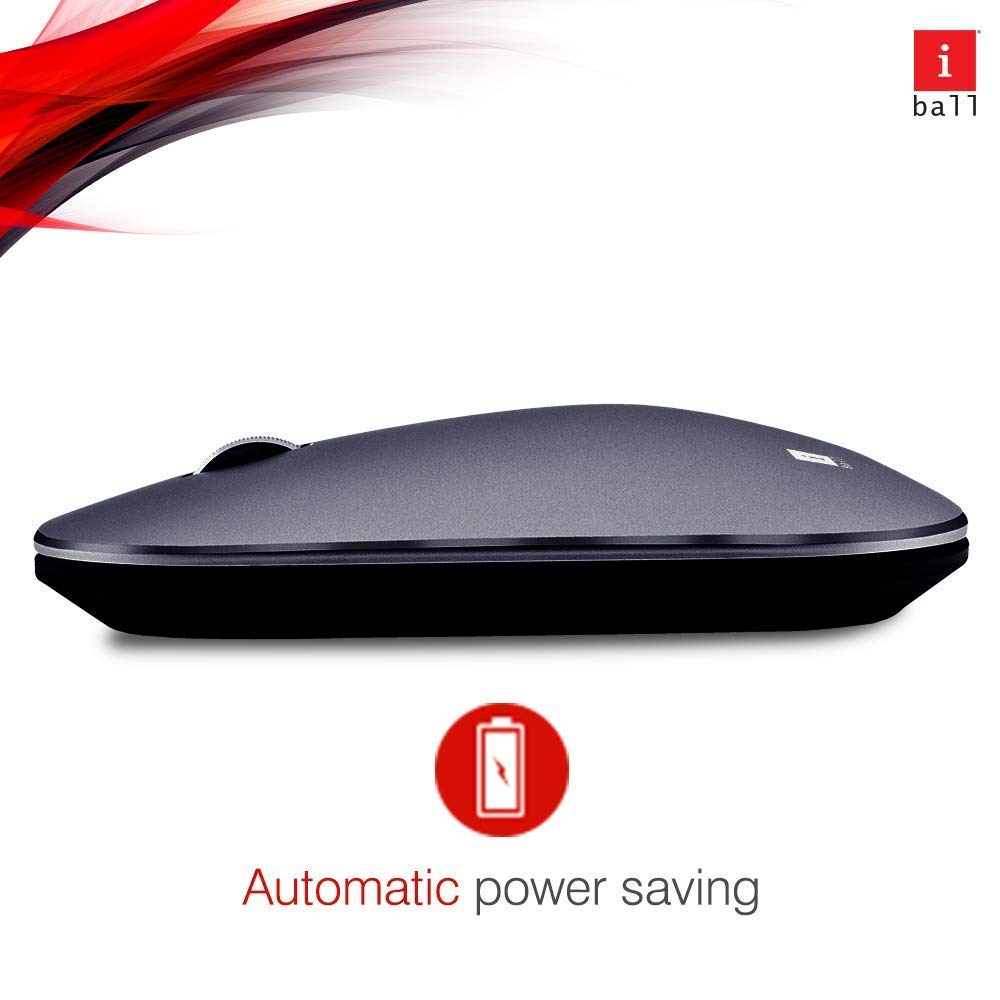
Image: iBall Palmz mouse illustrating its automatic power-saving feature. This function helps extend battery life by entering a low-power state when idle.
การแก้ไขปัญหา
| ปัญหา | สารละลาย |
|---|---|
| Mouse is unresponsive (2.4 GHz) |
|
| Mouse is unresponsive (Bluetooth) |
|
| การเคลื่อนไหวของเคอร์เซอร์ไม่แน่นอน |
|
ข้อมูลจำเพาะ
| ชื่อรุ่น | Palmz |
| เทคโนโลยีการเชื่อมต่อ | ระบบไร้สาย 2.4 GHz, บลูทูธ |
| การตรวจจับการเคลื่อนไหว | ออฟติคอล |
| จำนวนปุ่ม | 3 (ซ้าย, ขวา, ล้อเลื่อน/คลิกกลาง) |
| คุณสมบัติพิเศษ | Silent Clicks, Lightweight, Automatic Power Saving |
| อุปกรณ์ที่รองรับ | Desktop, Laptop, Tablet, Smart Phone |
| แพลตฟอร์มฮาร์ดแวร์ | Linux, Mac |
| การรองรับระบบปฏิบัติการ | ลินุกซ์, วินโดวส์ 7, วินโดวส์ XP (และเวอร์ชันที่ใหม่กว่า) |
| น้ำหนักสินค้า | 250 กรัม |
| สี | สีเทา |
| แบตเตอรี่ที่จำเป็น | ใช่ (ใช้แบตเตอรี่ AA 1 ก้อน ไม่รวมอยู่ในชุด) |
การรับประกันและการสนับสนุน
This iBall Palmz mouse comes with a รับประกัน 3 ปี นับจากวันที่ซื้อ โปรดเก็บหลักฐานการซื้อไว้เพื่อใช้ในการเคลมประกัน
For technical support or warranty inquiries, please contact the manufacturer or your retailer. Contact information can typically be found on the product packaging or the manufacturer's official webเว็บไซต์.