
1. บทนำ
The IPG Hydrogel Screen Protector is designed to provide superior protection for your Malachite Radio DSP SDR V5 screen. Crafted from aerospace-grade patented material, it offers a virtually invisible shield against scratches, dust, and daily wear, without compromising the device's original design or touch screen functionality. This manual provides comprehensive instructions for proper installation and care.
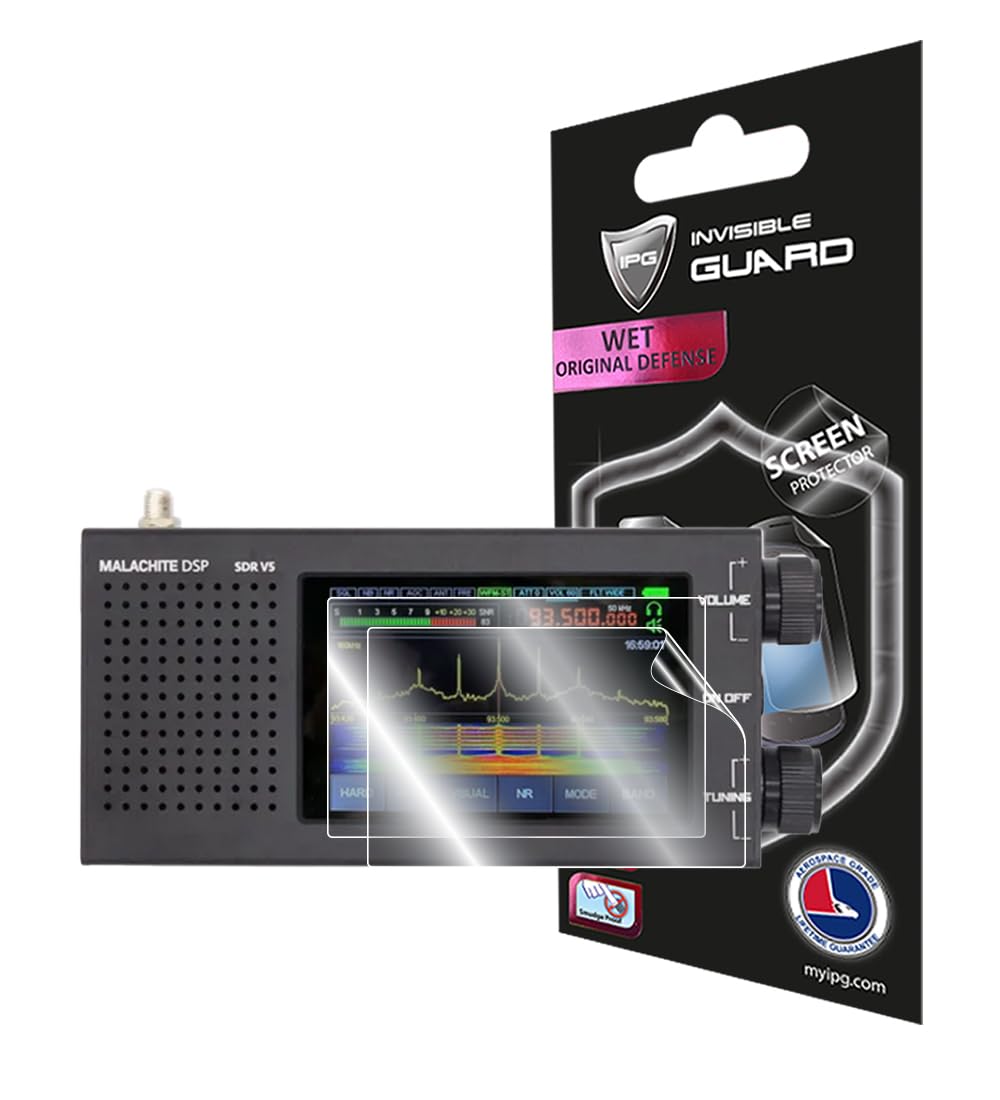
Figure 1: IPG Hydrogel Screen Protector seamlessly applied to the screen of the Malachite Radio DSP SDR V5, highlighting its transparent and protective layer.
คุณสมบัติหลัก:
- Compatible with Malachite Radio DSP SDR V5 touch screen (wet application).
- Aerospace-grade patented material for durability.
- Virtually invisible protection against scratches and dust.
- Reduces signs of daily wear.
- Anti-fingerprint properties.
- Does not interfere with touch screen technology.
- Self-healing properties.
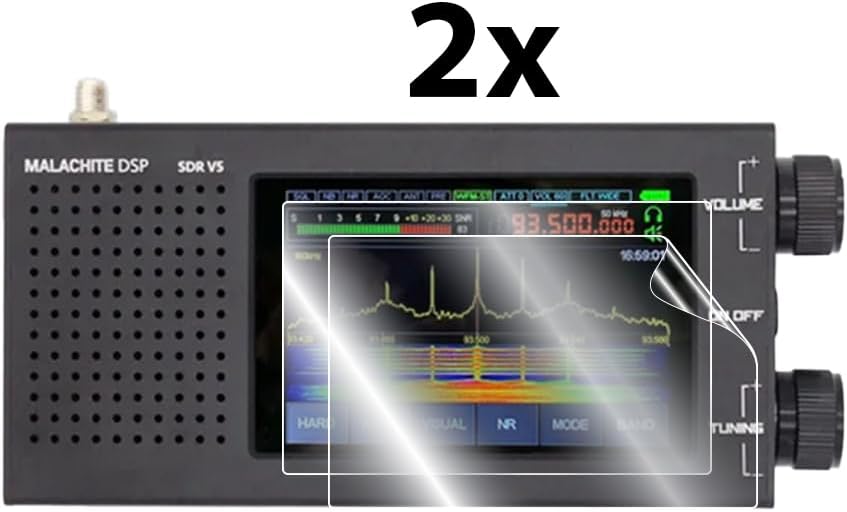
Figure 2: This graphic highlights the key benefits of the IPG Invisible Guard, such as smooth touch sensitivity, bubble-free application, high clarity, ultra-responsive touch, anti-scratch durability, and an oleophobic coating.
2. เนื้อหาบรรจุภัณฑ์
โปรดตรวจสอบว่าสินค้าทั้งหมดมีอยู่ในแพ็คเกจของคุณ:
- IPG Hydrogel Screen Protector (2 Units)
- ผ้าไมโครไฟเบอร์
- Installation Card (Squeegee)
- คู่มือการใช้งาน
3. ข้อมูลจำเพาะ
| คุณลักษณะ | รายละเอียด |
|---|---|
| ยี่ห้อ | ไอพีจี |
| หมายเลขรุ่น | ไอพีจี 3825 |
| อุปกรณ์ที่รองรับ | Malachite Radio DSP SDR V5 |
| วัสดุ | โพลีเอทิลีนเทเรฟทาเลต |
| ความแข็งของรายการ | บาง |
| ขนาดสินค้า | ยาว 2.5 นิ้ว x กว้าง 1.8 นิ้ว |
| คุณสมบัติพิเศษ | คุณภาพระดับ HD |
| ประเภทการเสร็จสิ้น | มันเงา |
| คำอธิบายพื้นผิวหน้าจอ | มันเงา |
| จำนวนรายการ | 2 |
| สี | ชัดเจน |
| ยูพีซี | 810152691342 |
4. การตั้งค่าและการติดตั้ง
Follow these steps carefully for optimal installation of your IPG Hydrogel Screen Protector. This is a wet application process.

Figure 3: A visual guide detailing the nine steps for installing the IPG Hydrogel Screen Protector, including hand washing, device preparation, and application techniques.
ขั้นตอนการติดตั้ง:
- ล้างมือ: Thoroughly wash your hands to remove any oils or dirt.
- ปิดอุปกรณ์: Ensure your Malachite Radio DSP SDR V5 is powered off.
- เตรียมโซลูชั่น: Prepare a mixture of water and a small amount of dishwashing detergent in a clean bowl.
- ทำความสะอาดอุปกรณ์: Wipe off your device screen with the provided soft dry micro fiber cloth to remove any dust or smudges.
- ปลายนิ้วที่เปียก: Lightly wet your fingertips with the prepared solution. This prevents fingerprints on the adhesive side of the protector.
- Peel Protector: Carefully peel the IPG screen protector from its backing.
- ด้านที่มีกาวเปียก: Wet the adhesive side of the IPG screen protector with your wet fingertips.
- จัดวางและประยุกต์ใช้: Carefully align the IPG screen protector to your device screen.
- Squeegee Bubbles: Use the IPG installation card (squeegee) wrapped in the micro fiber cloth to gently push out any bubbles and excess water. Start from the center and move towards the edges, away from any open ports.
- มุมที่มั่นคง: Use your palm to hold down the corners of the screen protector for 1-2 minutes to ensure proper adhesion.
- ปล่อยให้แห้ง: If the screen appears foggy after installation, do not panic. This is normal for wet applications. Allow the device to dry for 12 hours. The fogging will disappear as it dries.
คู่มือการติดตั้งวิดีโอ:
Video 1: This video demonstrates the wet application installation process for an IPG screen protector on a camera, providing a visual guide applicable to the Malachite Radio DSP SDR V5 screen protector.
5. คู่มือการใช้งาน
Once properly installed and dried, your IPG Hydrogel Screen Protector requires no special operating procedures. It is designed to be virtually invisible and maintain full touch screen sensitivity, ensuring your Malachite Radio DSP SDR V5 functions as intended without interference.
6. การบำรุงรักษา
To keep your IPG Hydrogel Screen Protector in optimal condition:
- การทำความสะอาด: Use a soft, lint-free cloth, such as the included micro fiber cloth, to gently wipe the screen. For stubborn smudges, lightly dampชุบผ้าด้วยน้ำ หลีกเลี่ยงสารเคมีรุนแรงหรือวัสดุที่มีฤทธิ์กัดกร่อน
- Self-Healing: The hydrogel material features self-healing properties, which can diminish minor scratches over time.
- ระบบป้องกันลายนิ้วมือ: The oleophobic coating helps resist fingerprints and smudges, keeping your screen clearer.

Figure 4: An illustration demonstrating how the IPG screen protector distributes impact force across its surface, minimizing damage to the device screen.
7 การแก้ไขปัญหา
- ฟองอากาศหลังการติดตั้ง: Small bubbles are common immediately after wet application. Most will disappear within 24-48 hours as the protector fully adheres and dries. For larger bubbles, gently push them towards the nearest edge with the squeegee card.
- Foggy Appearance: A foggy or hazy appearance is normal for wet application screen protectors during the drying process. This will clear up completely within 12-24 hours. Avoid touching or using the device during this period.
- ขอบไม่ติด: If edges are lifting, gently press them down with your palm for 1-2 minutes. Ensure the device is completely dry before attempting to re-adhere edges.
8. ข้อมูลการรับประกัน
The IPG Hydrogel Screen Protector comes with a รับประกันเปลี่ยนสินค้าฟรีตลอดอายุการใช้งาน for the life of your Malachite Radio DSP SDR V5. This warranty covers manufacturing defects and normal wear and tear. For warranty claims, please refer to the registration and installation card included in your package or visit the official IPG webเว็บไซต์สำหรับรายละเอียด

Figure 5: The IPG Registration & Installation Card, which may contain important information for warranty claims and product registration.
9. การสนับสนุน
For additional assistance, product information, or to submit a warranty claim, please visit the official IPG website or contact their customer support. Refer to the packaging or the IPG registration card for specific contact details.