1. บทนำ
Welcome to the T800 Ultra Smartwatch user manual. This guide provides comprehensive instructions for setting up, operating, and maintaining your new smartwatch. The T800 Ultra seamlessly blends advanced technology with a timeless design, offering a sophisticated and functional experience. It features a larger, brighter display, deep water resistance, video control assistant, fast wireless charging, Bluetooth connectivity, and NFC capabilities.
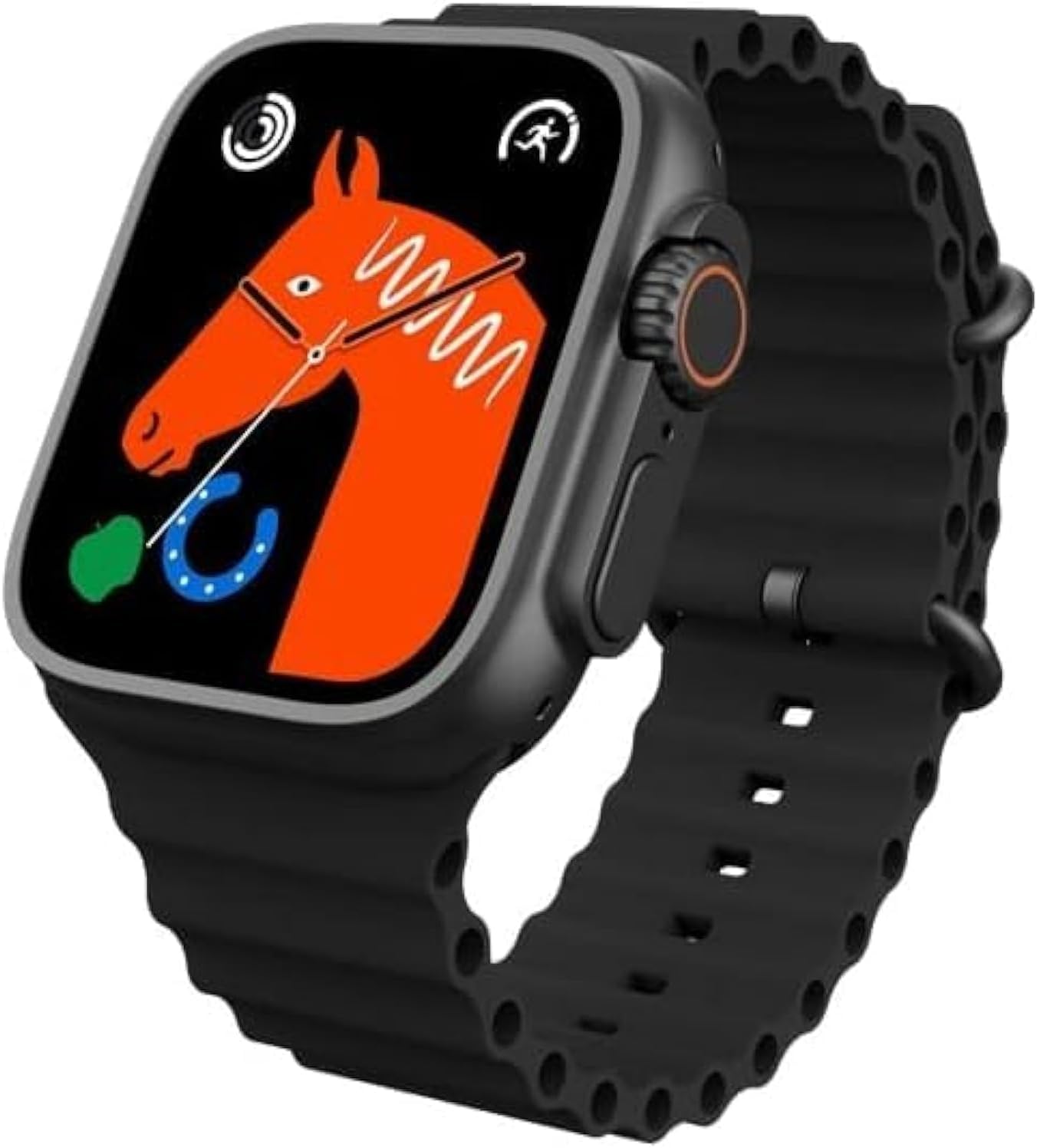
Figure 1: T800 Ultra Smartwatch, front view with display.
2. ข้อมูลด้านความปลอดภัย
- อย่าให้เครื่องสัมผัสกับอุณหภูมิที่สูงหรือต่ำเกินไปหรือโดนแสงแดดโดยตรงเป็นเวลานาน
- หลีกเลี่ยงการทำตกหรือให้เครื่องได้รับแรงกระแทกรุนแรง
- เก็บอุปกรณ์ให้ห่างจากสนามแม่เหล็กแรงสูง
- เพื่อป้องกันความเสียหาย ควรใช้เฉพาะสายชาร์จและอะแดปเตอร์ที่ให้มาเท่านั้น
- While water-resistant, avoid prolonged submersion or use in hot water (e.g., hot showers, saunas).
- อย่าพยายามถอดประกอบหรือซ่อมแซมอุปกรณ์ด้วยตนเอง ติดต่อฝ่ายสนับสนุนลูกค้าเพื่อขอความช่วยเหลือ
3. สินค้าหมดview
The T800 Ultra Smartwatch features a sleek design with a responsive touch screen and physical buttons for easy navigation. Key components include:
- แสดง: Large, bright, and customizable digital screen.
- เม็ดมะยม/ปุ่ม: สำหรับการนำทางและการเลือก
- ปุ่มด้านข้าง: For quick access to functions.
- เซ็นเซอร์วัดอัตราการเต้นของหัวใจ: อยู่ด้านหลังสำหรับตรวจสอบสุขภาพ
- หน้าสัมผัสการชาร์จ: For wireless charging.
4. การตั้งค่า
4.1. การชาร์จอุปกรณ์
Before first use, fully charge your T800 Ultra Smartwatch. The device supports fast wireless charging.
- Place the smartwatch on the wireless charging pad.
- Ensure the charging contacts on the watch align with the charging area on the pad.
- หน้าจอของนาฬิกาจะแสดงสถานะการชาร์จ โดยปกติการชาร์จเต็มจะใช้เวลาประมาณ 2 ชั่วโมง
4.2. เปิด/ปิดเครื่อง
- การเปิดเครื่อง: กดปุ่มด้านข้างค้างไว้จนกว่าหน้าจอจะสว่างขึ้น
- วิธีปิดเครื่อง: กดปุ่มด้านข้างค้างไว้ จากนั้นเลือก "ปิดเครื่อง" บนหน้าจอ
4.3. การจับคู่กับสมาร์ทโฟนของคุณ
To unlock the full potential of your T800 Ultra, pair it with your smartphone via Bluetooth.
- Download the companion app (check the watch manual or packaging for app name, typically found via QR code on the watch or in the box) from your smartphone's app store.
- เปิดใช้งานบลูทูธบนสมาร์ทโฟนของคุณ
- เปิดแอปพลิเคชันเสริมและทำตามคำแนะนำบนหน้าจอเพื่อเพิ่มอุปกรณ์ของคุณ
- On your T800 Ultra, navigate to the Bluetooth settings and ensure it is discoverable.
- Select your T800 Ultra from the list of available devices in the app to complete pairing.
5. คู่มือการใช้งาน
5.1. การนำทางอินเทอร์เฟซ
The T800 Ultra features an intuitive touch interface and physical buttons for seamless interaction.
- ปัดขึ้น/ลง: เลื่อนดูเมนูและการแจ้งเตือน
- ปัดไปทางซ้าย/ขวา: เข้าถึงวิดเจ็ตต่างๆ หรือการตั้งค่าด่วน
- แตะ: เลือกรายการหรือเปิดแอปพลิเคชัน
- เพรสคราวน์: กลับสู่หน้าจอหลักหรือเข้าถึงรายการแอปพลิเคชัน
- กดปุ่มด้านข้าง: Typically for power options or a customizable shortcut.
5.2. การปรับแต่งหน้าปัดนาฬิกา
Personalize your T800 Ultra with a variety of dynamic watch faces to match your style and mood.
- From the home screen, press and hold the watch face.
- ปัดไปทางซ้ายหรือขวาเพื่อดูหน้าปัดนาฬิกาที่มีให้เลือก
- Tap on a watch face to select it. Some watch faces may offer further customization options (e.g., complications, colors) which can be adjusted by tapping the 'Edit' icon.

รูปที่ 2: อดีตamples of customizable watch faces on the T800 Ultra.
5.3. การโทรผ่านบลูทูธ
With Bluetooth calling, you can manage calls directly from your wrist.
- Ensure your watch is paired with your smartphone.
- When an incoming call arrives, you can answer or reject it directly on the watch screen.
- You can also dial numbers or access your phone's contact list from the watch to initiate calls.

Figure 3: Bluetooth calling interface on the T800 Ultra.
5.4. การติดตามสุขภาพและการออกกำลังกาย
The T800 Ultra is equipped with advanced sensors to monitor your health and fitness metrics.
- การตรวจสอบอัตราการเต้นของหัวใจ: The watch continuously monitors your heart rate. Access the Heart Rate app on the watch to view ข้อมูลเรียลไทม์และแนวโน้มทางประวัติศาสตร์
- การติดตามขั้นตอน: The built-in pedometer tracks your daily steps, distance, and calories burned.
- การติดตามการนอนหลับ: Wear the watch to bed to track your sleep patterns, including deep sleep, light sleep, and wakefulness. View การวิเคราะห์โดยละเอียดในแอปพลิเคชันคู่หู
- โหมดมัลติสปอร์ต: Select from various sports modes (e.g., running, cycling, basketball) to track specific workouts with detailed metrics.
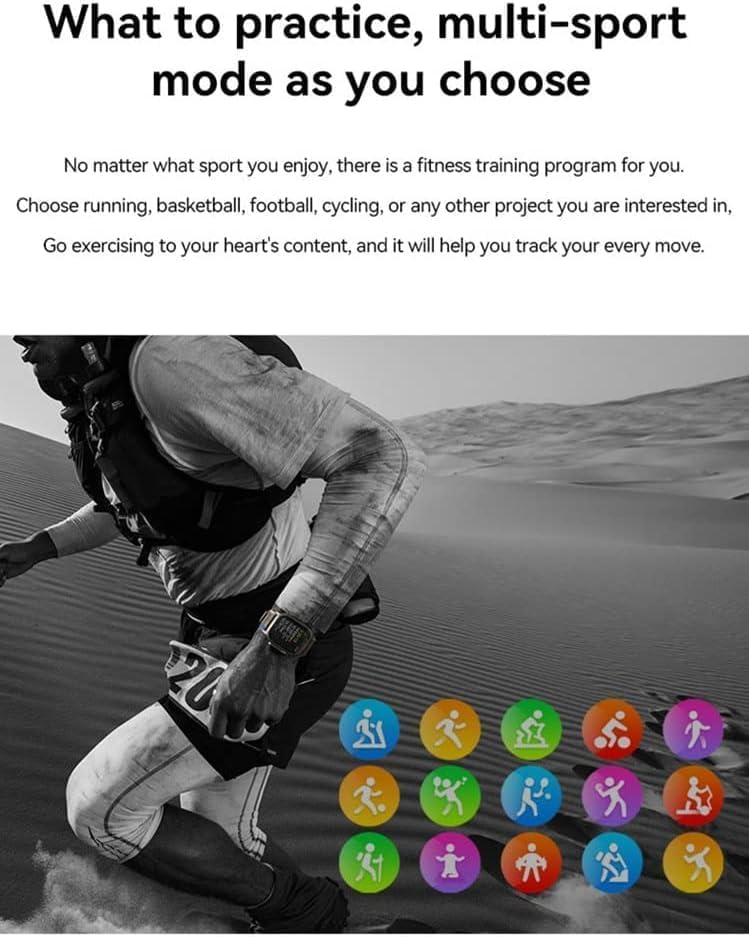
Figure 4: Heart rate and sleep tracking features.
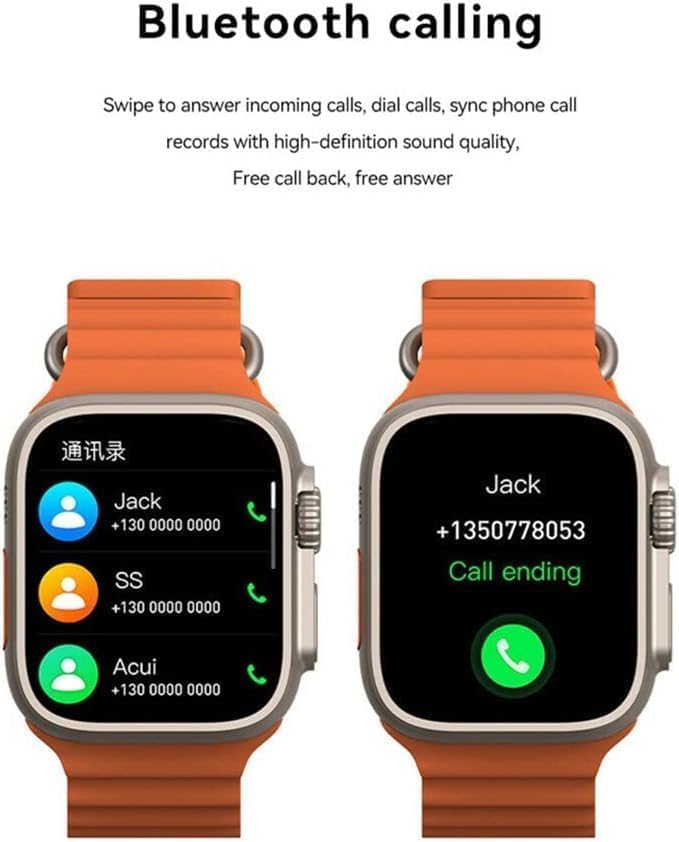
Figure 5: Multi-sport mode selection.
5.5. ฟังก์ชัน NFC
The T800 Ultra supports NFC for convenient access control and other compatible functions.
- The NFC feature allows for simulation of company/community access cards.
- To use, simply lift your wrist with the watch near a compatible NFC reader.
- Refer to the companion app for setup and management of NFC functions.
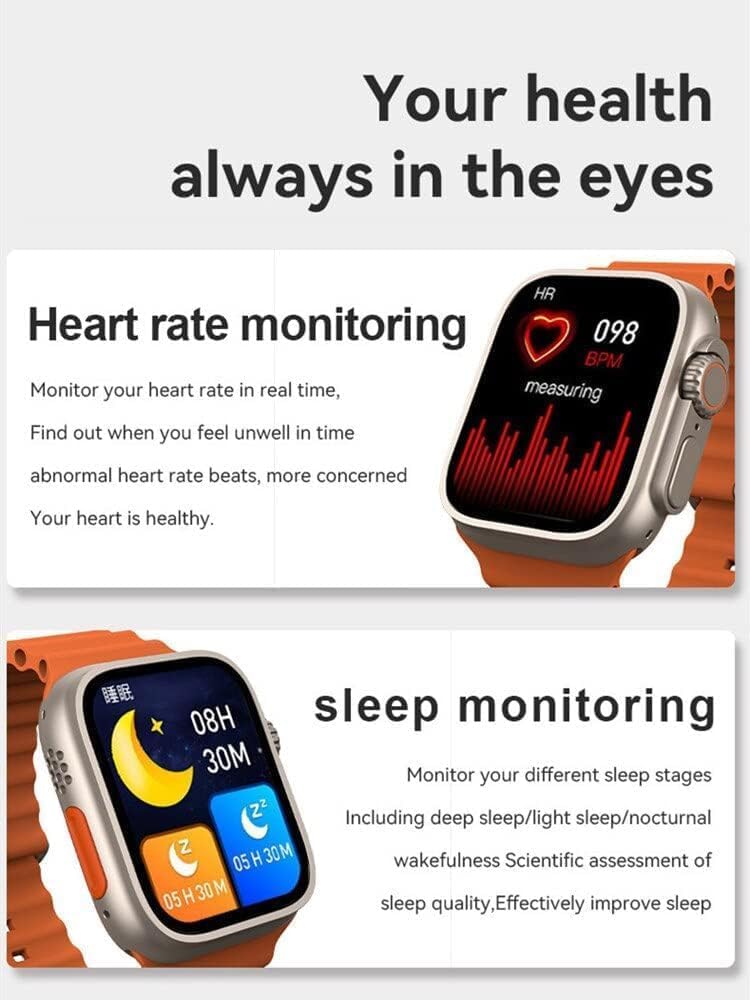
Figure 6: NFC functionality for access control.
6. การบำรุงรักษา
- การทำความสะอาด: เช็ดนาฬิกาและสายเป็นประจำด้วยผ้านุ่มๆamp ผ้า. หลีกเลี่ยงการใช้สารเคมีรุนแรงหรือวัสดุกัดกร่อน
- ความต้านทานน้ำ: The T800 Ultra is water-resistant. However, it is not suitable for diving or high-pressure water activities. Dry the watch thoroughly after exposure to water.
- พื้นที่จัดเก็บ: เมื่อไม่ได้ใช้งานเป็นเวลานาน ควรเก็บนาฬิกาไว้ในที่แห้งและเย็น
7 การแก้ไขปัญหา
| ปัญหา | สาเหตุที่เป็นไปได้ / วิธีแก้ไข |
|---|---|
| นาฬิกาไม่เปิดใช้งาน | Battery might be depleted. Charge the watch for at least 30 minutes. If still unresponsive, perform a hard reset (refer to specific device instructions or contact support). |
| ไม่สามารถจับคู่กับสมาร์ทโฟนได้ | Ensure Bluetooth is enabled on both devices. Make sure the watch is in pairing mode. Restart both the watch and smartphone. Check the companion app for specific pairing steps. |
| แบตเตอรี่มีอายุสั้น | High screen brightness, frequent notifications, continuous heart rate monitoring, or GPS usage can drain the battery faster. Adjust settings to optimize battery life. Ensure the watch is fully charged. |
| Screen is scratched or damaged. | While the watch features a scratch-resistant sapphire crystal bezel, extreme impacts can still cause damage. This is typically not covered under standard warranty. |
| นาฬิกาไม่ตอบสนองหรือค้าง | Try restarting the watch by pressing and holding the side button. If that doesn't work, perform a forced restart (consult the companion app or manufacturer's webเว็บไซต์สำหรับคำแนะนำเฉพาะ) |
8. ข้อมูลจำเพาะ
| คุณสมบัติ | รายละเอียด |
|---|---|
| ชื่อรุ่น | ทีทู อัลตร้า |
| ยี่ห้อ | ทั่วไป |
| ระบบปฏิบัติการ | แอนดรอยด์ |
| เทคโนโลยีการเชื่อมต่อ | บลูทูธ |
| มาตรฐานการสื่อสารไร้สาย | บลูทูธ |
| คุณสมบัติพิเศษ | Activity Tracker, GPS, NFC |
| ส่วนประกอบของเซลล์แบตเตอรี่ | ลิเธียมไอออน |
| รูปร่างรายการ | กลม |
| ขนาดรายการ (LxWxH) | 22.2 x 8 x 4.2 ซม. |
| น้ำหนักสินค้า | 150 กรัม |
| แบตเตอรี่ที่จำเป็น | 1 Unknown (Included) |
9. การรับประกันและการสนับสนุน
ผลิตภัณฑ์นี้มาพร้อมกับการรับประกันมาตรฐานจากผู้ผลิต โปรดดูรายละเอียดเงื่อนไขและข้อกำหนดเฉพาะในบัตรรับประกันที่อยู่ในบรรจุภัณฑ์ของผลิตภัณฑ์
For technical support, troubleshooting assistance, or warranty claims, please contact the retailer or manufacturer directly. Contact details can usually be found on the product packaging or the manufacturer's official webเว็บไซต์.
For further assistance, you may also visit the product's Amazon page: หน้าผลิตภัณฑ์ของ Amazon


