
1. บทนำ
This user manual provides detailed instructions for the G Shape Ear Piece GP328 PTT Mic Earpiece, designed to enhance communication for users of compatible Motorola 2-way radios. This earpiece offers clear audio transmission and reception, along with a sensitive Push-to-Talk (PTT) microphone for reliable communication.
1.1 เนื้อหาบรรจุภัณฑ์
- 1 x G Shape Ear Piece GP328 PTT Mic Earpiece
1.2 ความเข้ากันได้
This earpiece is compatible with Motorola Multi-Pin plug 2-way radio models, including but not limited to:
- HT Series: HT750, HT1250, HT1250LS, HT1550, HT1550XLS
- GP Series: GP140, GP240, GP280, GP328, GP330, GP340, GP360, GP380, GP540, GP580, GP640, GP680, GP1280
- ซีรีส์ MT: MT850, MT850LS, MT950, MT8250, MT8250LS, MT9250
- PRO ซีรี่ส์: PRO860, PRO5350, PRO5450, PRO5460, PRO5550, PRO5750, PRO7150, PRO7350, PRO7450, PRO7550
- PTX Series: PTX700, PTX760
- MTX Series: MTX950, MTX960
2. สินค้าหมดview
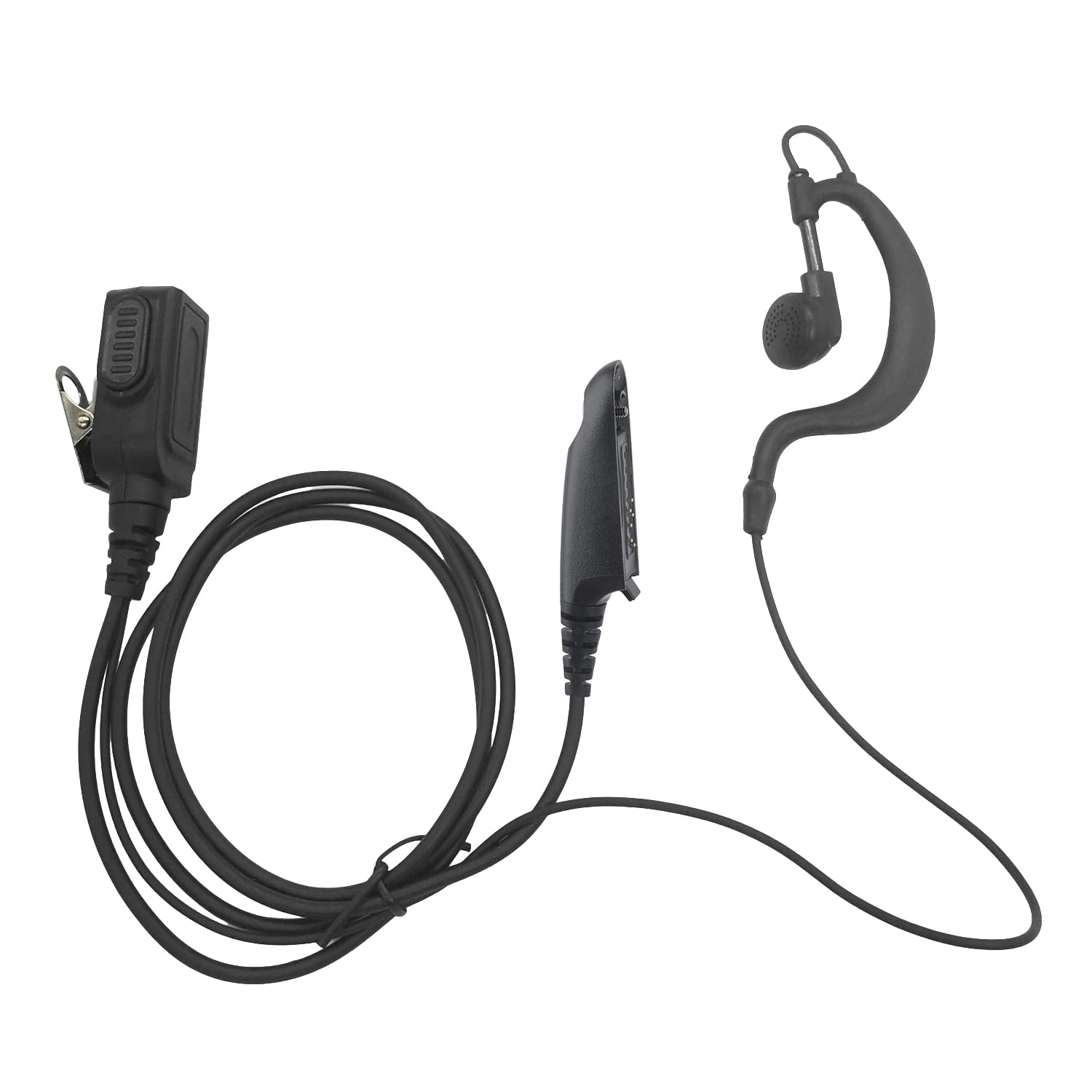
รูปที่ 2.1: เต็ม view of the earpiece, PTT unit, and connector.
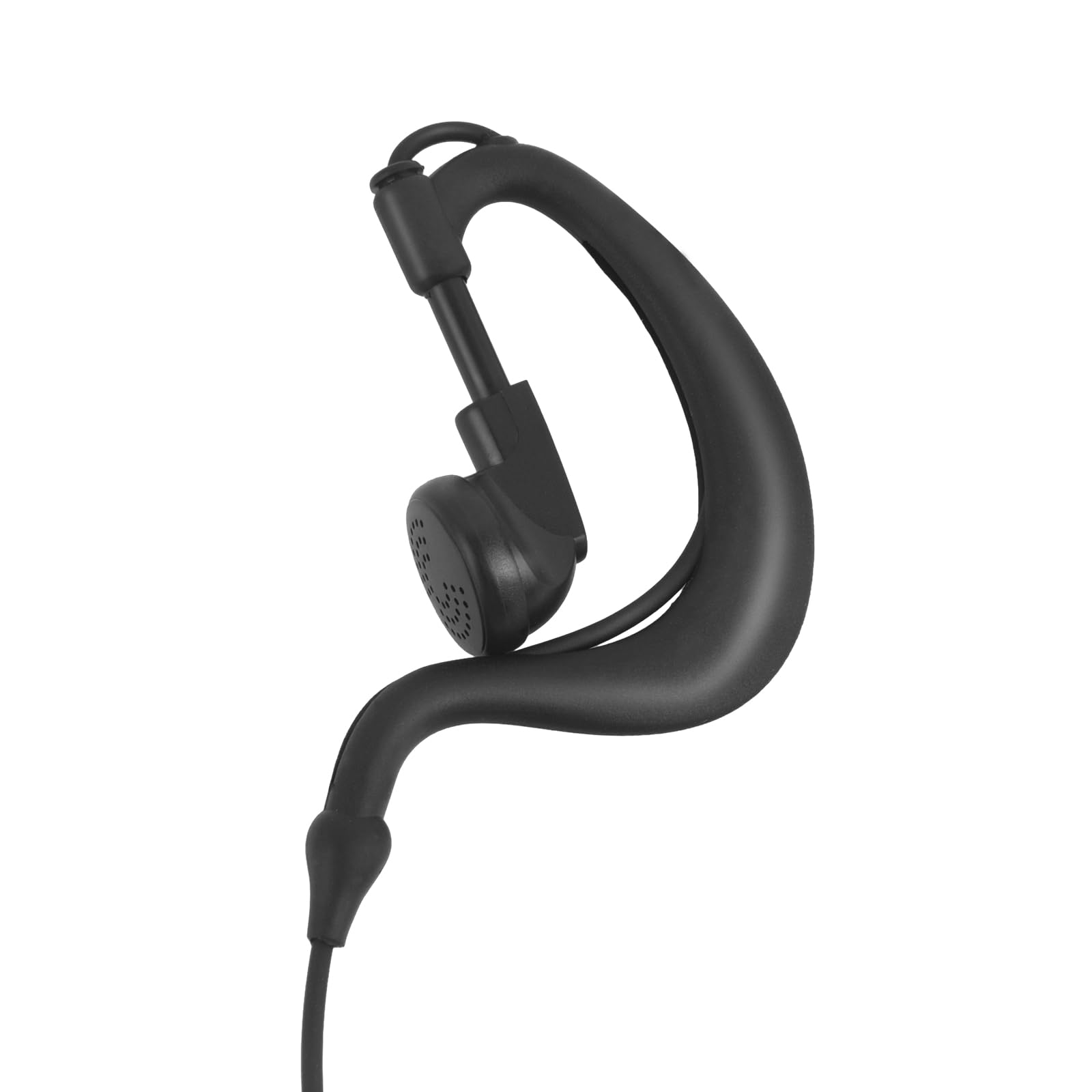
Figure 2.2: Close-up of the G-shape ear hook and earpiece.
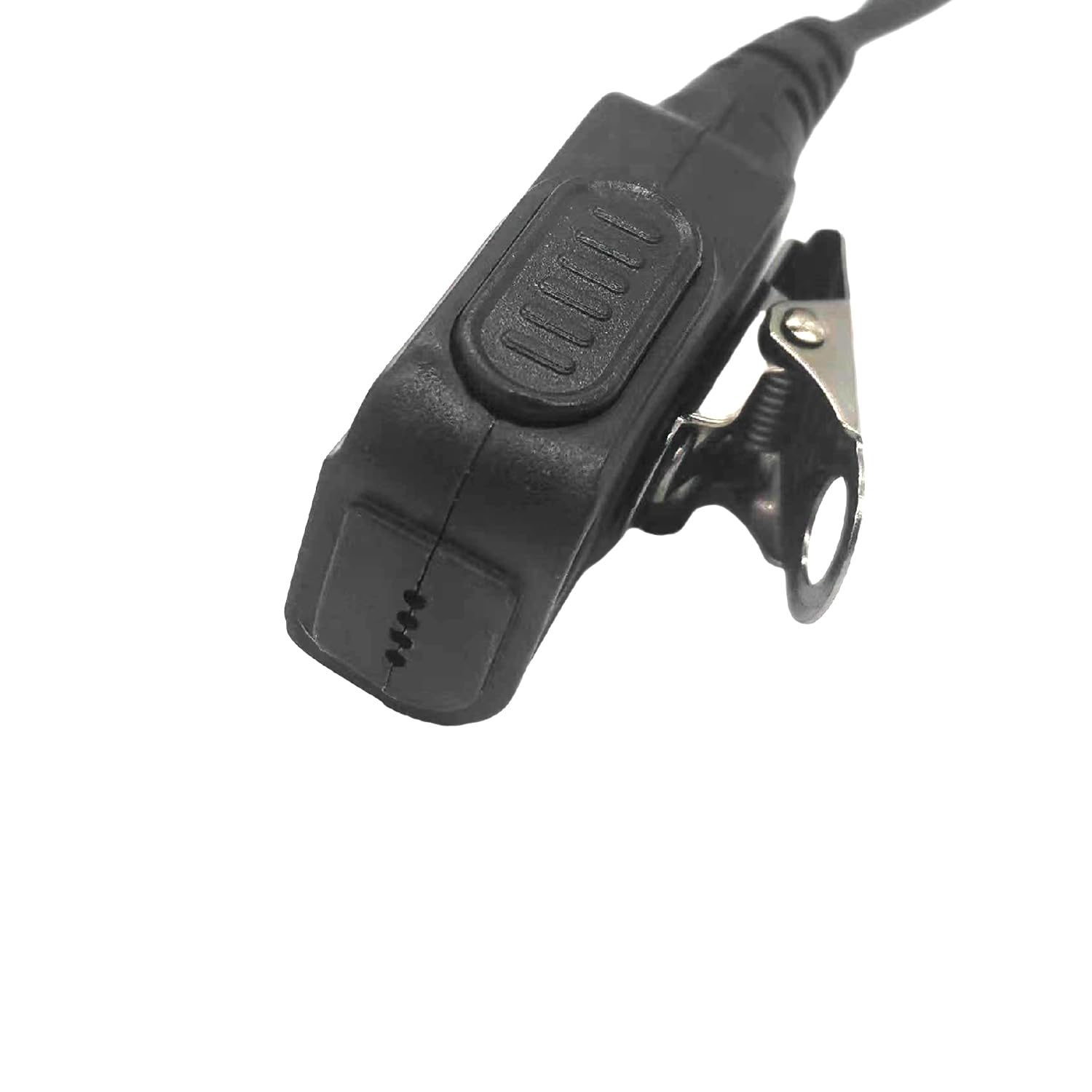
Figure 2.3: Close-up of the PTT button and clip.
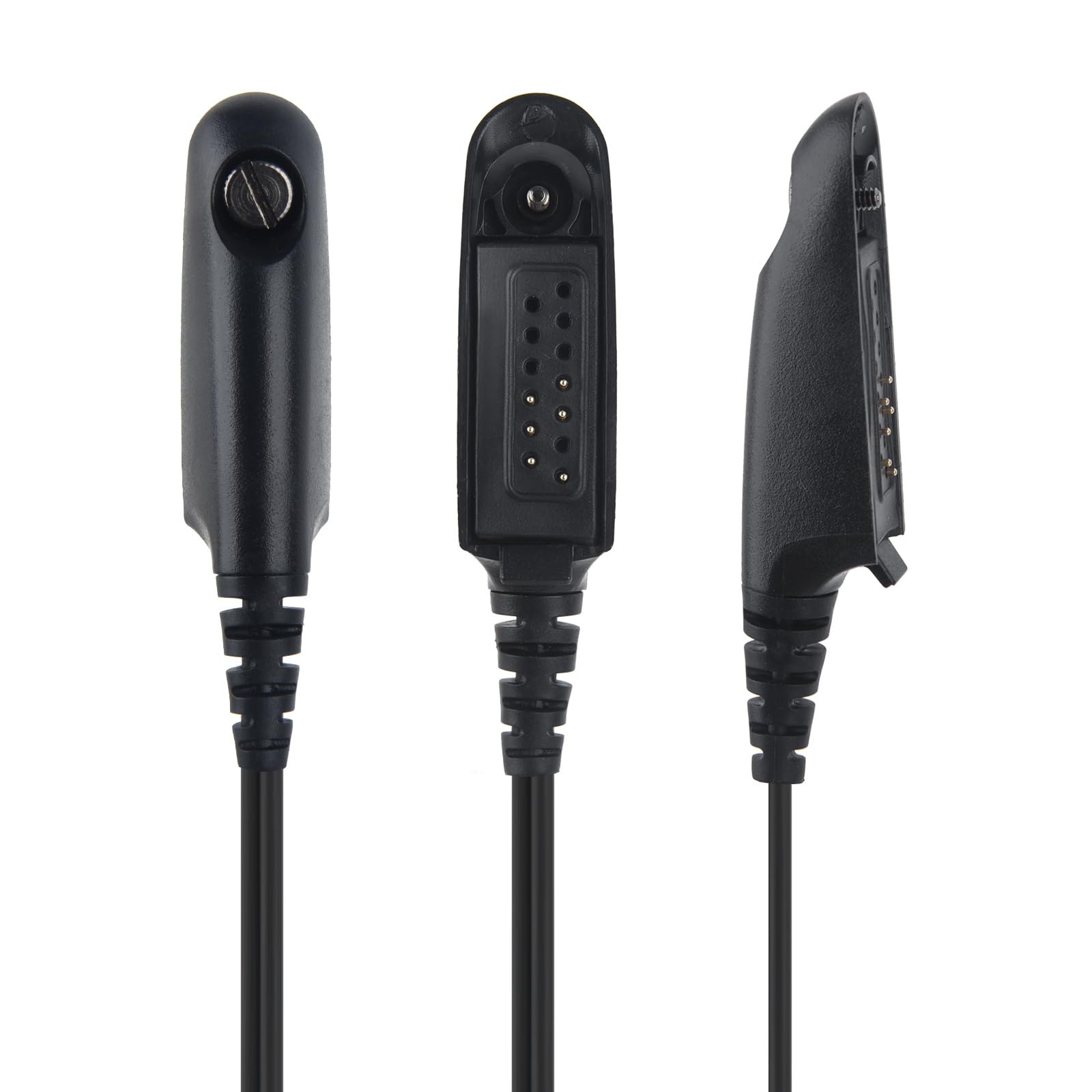
รูปที่ 2.4 : ต่างๆ views of the multi-pin connector.
3. การตั้งค่า
3.1 การเชื่อมต่อหูฟัง
- ปิดวิทยุ: Ensure your Motorola 2-way radio is powered off before connecting the earpiece.
- ตัวเชื่อมต่อจัดแนว: Align the multi-pin connector of the earpiece with the corresponding port on your radio.
- เสียบให้แน่น: Gently push the connector firmly into the radio's port until it clicks securely into place.
- Secure PTT Unit: Secure the PTT unit to your clothing (e.g., collar, lapel) using the integrated clip for easy access during operation.
- Adjust Earpiece: Adjust the G-shape ear hook over your ear for a comfortable and secure fit. The earpiece should rest comfortably in your ear.
- เปิดวิทยุ: Once connected, power on your radio.
4. คู่มือการใช้งาน
4.1 การรับเสียง
Once the earpiece is properly connected and the radio is powered on, audio from your radio will be transmitted directly to the earpiece. Adjust your radio's volume control for optimal listening comfort and clarity.
4.2 Transmitting Audio (Push-to-Talk - PTT)
To transmit your voice, press and hold the Push-to-Talk (PTT) button located on the inline unit. Speak clearly into the microphone. Release the PTT button when you are finished speaking to return to receive mode.
4.3 Clear Sound
The earpiece is engineered to provide clear audio transmission and reception, ensuring effective communication even in noisy environments.
4.4 Sensitive PTT and Microphone
The integrated PTT button and microphone are highly sensitive, designed to pick up your voice effectively and provide responsive transmission.
5. การบำรุงรักษาและการดูแล
- การทำความสะอาด: Wipe the earpiece, PTT unit, and cable with a soft, dry cloth. Do not use harsh chemicals, abrasive cleaners, or immerse the unit in water.
- พื้นที่จัดเก็บ: Store the earpiece in a cool, dry place away from direct sunlight, extreme temperatures, and excessive humidity.
- การดูแลสายเคเบิล: Avoid sharp bends, kinks, or excessive pulling on the reinforced TPU cable to prevent internal wire damage.
- ตัวเชื่อมต่อ: Keep the multi-pin connector clean and free of dust or debris to ensure a reliable and stable connection with your radio.
6 การแก้ไขปัญหา
6.1 No Audio from Earpiece
- Ensure the earpiece connector is fully and securely inserted into the radio's port.
- Check the radio's volume level and increase it if necessary.
- ตรวจสอบว่าวิทยุเปิดใช้งานอยู่และทำงานได้อย่างถูกต้อง
6.2 Cannot Transmit (PTT not working)
- โปรดตรวจสอบให้แน่ใจว่าได้กดปุ่ม PTT ลงจนสุดแล้วเมื่อพยายามส่งสัญญาณ
- Check the earpiece connection to the radio for any looseness.
- Confirm that your radio is in a transmit-enabled mode and not experiencing any internal errors.
6.3 Poor Audio Quality (Static, Muffled Sound)
- Check for any visible damage to the earpiece speaker or microphone.
- Ensure the earpiece and microphone are clean and free of obstructions.
- Verify the radio's signal strength and audio settings. Move to an area with better reception if signal is weak.
7. ข้อมูลจำเพาะ
| คุณสมบัติ | รายละเอียด |
|---|---|
| ส่วนประกอบที่รวมอยู่ | หูฟัง |
| ช่วงอายุ (คำอธิบาย) | ผู้ใหญ่ |
| วัสดุ | ซิลิโคน พลาสติก ยาง |
| การใช้งานเฉพาะของผลิตภัณฑ์ | Professional Communication |
| อุปกรณ์ที่รองรับ | Motorola 2-way radio models |
| คุณสมบัติสายเคเบิล | Reinforced TPU Cable |
| วิธีการควบคุม | Remote (PTT) |
| จำนวนรายการ | 1 |
| ประเภทไดร์เวอร์เสียง | ไดร์เวอร์แบบไดนามิก |
| รูปทรงของหูฟัง | Over-Ear with Hook (G-Shape) |
| น้ำหนักสินค้า | 1.58 ออนซ์ |
| เทคโนโลยีการเชื่อมต่อ | มีสาย |
| ฟอร์มแฟกเตอร์ | G Shape |
| การวางตำแหน่งหู | ครอบหู |
8. การรับประกันและการสนับสนุน
This product comes with a warranty period of 1 year from the date of purchase. For technical support, troubleshooting assistance, or to inquire about warranty claims, please contact the seller or manufacturer directly through the platform where the product was purchased.
โปรดเก็บหลักฐานการซื้อไว้เพื่อใช้ยืนยันการรับประกัน