
1. บทนำ
This manual provides detailed instructions for the installation, operation, and maintenance of your Hikvision 2-Wire Video Intercom Kit, Model 38084. This system is designed for single-family homes, offering enhanced security and convenience through its 7-inch touchscreen monitor, FullHD outdoor camera, and seamless integration with the Hik-Connect mobile application. Please read this manual thoroughly before installation and use to ensure proper functioning and safety.
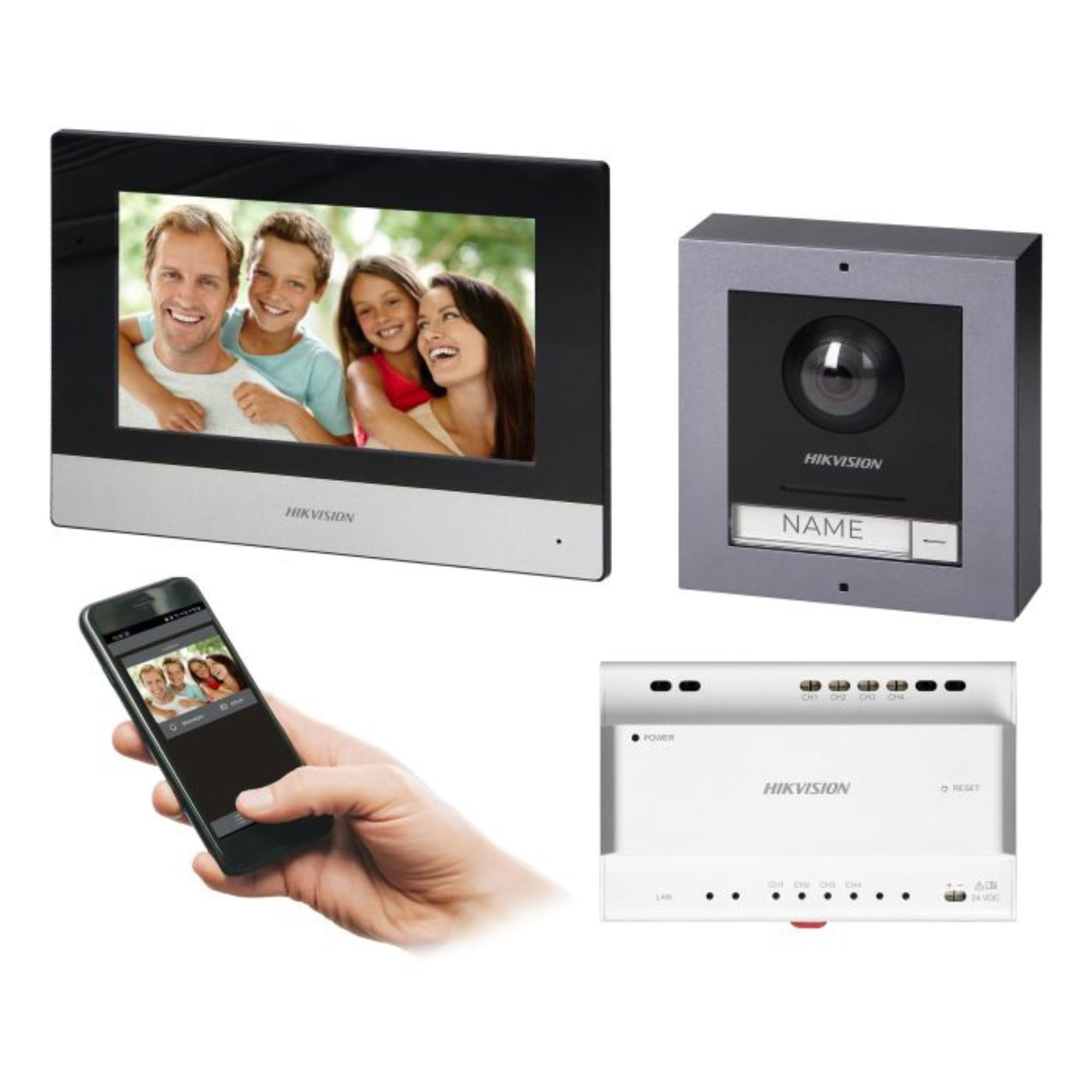
Figure 1: Hikvision 7-inch Video Intercom Monitor (Front View)
The image displays the front view of the Hikvision 7-inch video intercom monitor, featuring a large screen and the Hikvision logo at the bottom.
2. ข้อมูลด้านความปลอดภัย
ควรปฏิบัติตามข้อควรระวังด้านความปลอดภัยขั้นพื้นฐานเสมอ เพื่อลดความเสี่ยงจากไฟไหม้ ไฟฟ้าช็อต และการบาดเจ็บต่อบุคคล
- ความปลอดภัยทางไฟฟ้า: Installation must be performed by qualified personnel in accordance with all local electrical codes. Disconnect power before installation or servicing.
- น้ำและความชื้น: Do not expose the indoor monitor to rain or moisture. The outdoor panel is IP65 rated for weather resistance but should not be submerged.
- อุณหภูมิ: ใช้งานอุปกรณ์ภายในช่วงอุณหภูมิที่กำหนด
- การทำความสะอาด: ใช้ผ้าแห้งนุ่มๆ เช็ดทำความสะอาด ห้ามใช้น้ำยาทำความสะอาดหรือสเปรย์กระป๋อง
- การรบกวน: ควรหลีกเลี่ยงการติดตั้งใกล้แหล่งกำเนิดสัญญาณรบกวนทางแม่เหล็กไฟฟ้าที่รุนแรง
3. เนื้อหาบรรจุภัณฑ์
ตรวจสอบว่ามีส่วนประกอบทั้งหมดอยู่ในแพ็คเกจ:
- 7-inch Indoor Monitor (with WiFi)
- FullHD Outdoor Panel (with Camera and Night Vision)
- 4-Channel Distributor
- อุปกรณ์ติดตั้ง (สกรู, ปลั๊กผนัง)
- คู่มือการใช้งาน (เอกสารนี้)
- 16 GB MicroSD Card (pre-installed or included for video storage)

Figure 2: Hikvision Outdoor Panel and Mounting Accessories
This image shows the Hikvision outdoor panel alongside its rain shield and a flush-mount box, illustrating the various mounting options available.
4. การตั้งค่าและการติดตั้ง
The Hikvision video intercom system utilizes a 2-wire installation method, simplifying wiring. Both the indoor monitor and outdoor panel are designed for surface mounting.
4.1 Outdoor Panel Installation
- เลือกสถานที่: Select a suitable location near the entrance, ensuring the camera has a clear view of visitors. The panel is IP65 rated for outdoor use.
- การติดตั้ง: Use the provided mounting bracket to mark drill holes on the wall. Drill holes, insert wall plugs, and secure the bracket.
- การเดินสายไฟ: Connect the 2-wire cable from the distributor to the outdoor panel terminals. Ensure correct polarity.
- แผงควบคุมความปลอดภัย: Attach the outdoor panel to the mounting bracket.

Figure 3: Hikvision Outdoor Panel (Front View)
This image shows the front of the Hikvision outdoor panel, featuring the FullHD camera, speaker grille, call button, and nameplate area.
4.2 การติดตั้งมอนิเตอร์ภายในอาคาร
- เลือกสถานที่: Select an indoor location where the monitor is easily accessible and visible.
- การติดตั้ง: Use the provided mounting plate to mark and drill holes. Secure the mounting plate to the wall.
- การเดินสายไฟ: Connect the 2-wire cable from the distributor to the indoor monitor terminals.
- การเชื่อมต่อไฟฟ้า: Connect the monitor to a power source (mains electricity).
- มอนิเตอร์ความปลอดภัย: Attach the indoor monitor to the mounting plate.

Figure 4: Hikvision Indoor Monitor (Back View) and Mounting Plate
The image displays the rear of the Hikvision indoor monitor, showing its connection ports and the separate mounting plate used for installation.
4.3 System Wiring Diagram (General)
The 2-wire system connects the outdoor panel, indoor monitor, and the 4-channel distributor. The distributor manages power and data communication between the devices.
- Connect the outdoor panel to the distributor using a 2-wire cable.
- Connect the indoor monitor to the distributor using a 2-wire cable.
- Ensure the distributor is powered.
- For electric lock control, additional power may be required for the lock itself, connected via the outdoor panel.
4.4 การเชื่อมต่อ WiFi
After physical installation, power on the monitor. Navigate to the network settings on the 7-inch touchscreen to connect to your 2.4 GHz Wi-Fi network (802.11 b/g/n standard). This enables smartphone communication via the Hik-Connect app.
5. คู่มือการใช้งาน
5.1 Indoor Monitor Functions
- หน้าจอสัมผัส: Navigate menus and control functions using the 7-inch touch screen.
- ฟังก์ชั่นอินเตอร์คอม: Communicate with visitors at the outdoor panel or other indoor monitors (if expanded).
- ฟังก์ชั่นหน่วยความจำ: The monitor supports a memory function, likely for capturing images or short video clips of visitors.
- เครื่องอ่านการ์ด SD: A 16GB MicroSD card is included for storing recorded video streams.
- Ringtone Management: Choose from 3 available ringtones. Adjust volume or mute the ringtone as needed.
- การควบคุมประตู: Use the monitor to remotely open an electric lock connected to the system.
- CCTV Camera Integration: The system can be expanded to integrate up to 16 CCTV cameras.
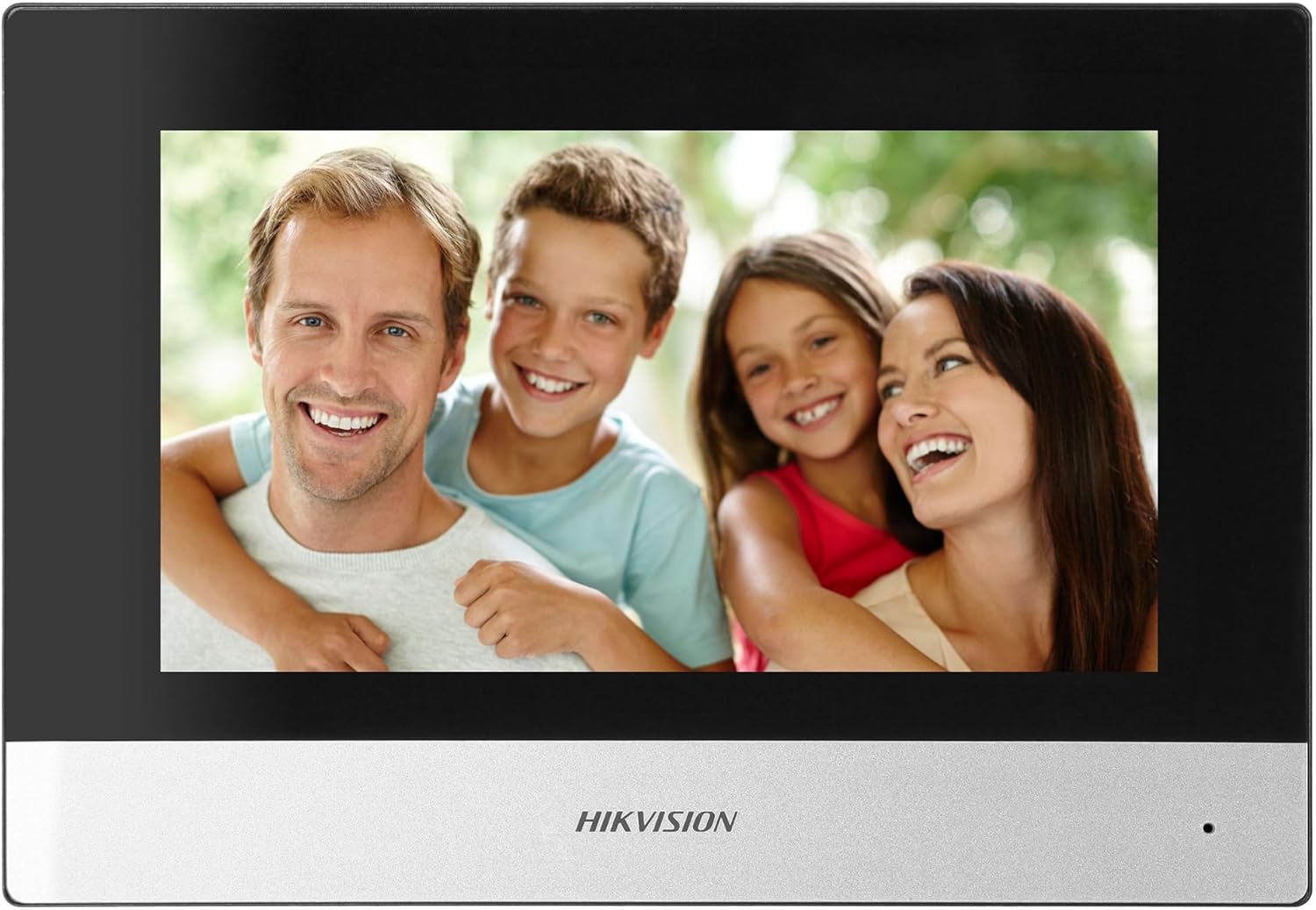
Figure 5: Hikvision Indoor Monitor (Front View)
This image shows the Hikvision 7-inch indoor monitor from the front, highlighting its sleek design and large display area.
5.2 Outdoor Panel Operation
- ปุ่มโทรออก: Visitors press the single call button to initiate a call to the indoor monitor.
- FullHD Camera: Provides a 2MP (1920x1080p) video feed with a wide viewing angle (96°/180°).
- การมองเห็นตอนกลางคืน: Integrated IR illumination ensures clear visibility even in low-light conditions.
- ป้ายชื่อ : A space is provided for a nameplate or label.

Figure 6: Hikvision Outdoor Panel (Angled View)
มุมเอียง view of the Hikvision outdoor panel, showcasing its robust construction and integrated camera and call button.
5.3 Hik-Connect Mobile Application
Download the Hik-Connect app from your smartphone's app store. Once installed and configured with your system, you can:
- Receive calls from the outdoor panel on your smartphone.
- View live video from the outdoor camera.
- Remotely open the door.
- เข้าถึงวิดีโอที่บันทึกไว้tage.
6. การบำรุงรักษา
การบำรุงรักษาตามปกติจะช่วยให้ระบบอินเตอร์คอมของคุณมีอายุการใช้งานยาวนานและมีประสิทธิภาพเหมาะสมที่สุด
- การทำความสะอาด: Wipe the monitor screen and outdoor panel with a soft, damp ผ้า. หลีกเลี่ยงน้ำยาทำความสะอาดที่มีฤทธิ์กัดกร่อน
- อัพเดตเฟิร์มแวร์: ตรวจสอบการอัปเดตเฟิร์มแวร์เป็นระยะผ่านแอป Hik-Connect หรือเว็บไซต์อย่างเป็นทางการของ Hikvision website to ensure your system has the latest features and security patches.
- การตรวจสอบสายเคเบิล: Periodically inspect all wiring for any signs of wear or damage.
- Outdoor Panel Lens: Keep the camera lens on the outdoor panel clean for clear video quality.
7 การแก้ไขปัญหา
หากคุณพบปัญหา โปรดดูขั้นตอนการแก้ไขปัญหาทั่วไปต่อไปนี้:
- ไม่มีไฟฟ้า: Check all power connections and ensure the distributor is receiving power.
- ไม่มีวิดีโอ/เสียง: Verify the 2-wire connections between the outdoor panel, monitor, and distributor. Ensure correct polarity.
- ปัญหาการเชื่อมต่อ WiFi: Ensure your router is operating on 2.4 GHz. Re-enter WiFi credentials on the monitor. Check signal strength.
- Door Lock Not Opening: Confirm the electric lock has its own power supply if required. Check wiring from the outdoor panel to the lock.
- การมองเห็นตอนกลางคืนไม่ดี: ตรวจสอบให้แน่ใจว่าเลนส์กล้องภายนอกอาคารสะอาดและไม่มีสิ่งกีดขวาง
8. ข้อมูลจำเพาะ
| พิมพ์ | Single-family |
| ฟังก์ชั่นวิดีโอ | ใช่ |
| แหล่งจ่ายไฟ | ไฟฟ้าหลัก |
| ประเภทการส่งสัญญาณ | แบบมีสาย (2 สาย) |
| Smartphone Communication | Yes (via Hik-Connect app) |
| ความถี่ไวไฟ | 2.4 กิกะเฮิรตซ์ |
| บริการ Wi-Fi มาตรฐาน | 802.11 บี/จี/เอ็น |
| วิธีการติดตั้ง | 2-wire, Surface Mount |
| Max. Monitors | ขยายได้ถึง 3 |
| Max. Outdoor Panels | ขยายได้ถึง 1 |
| Max. CCTV Cameras | ขยายได้ถึง 16 |
| ระบบควบคุมล็อคไฟฟ้า | Yes (requires additional power for lock) |
| ฟังก์ชั่นกลางวัน / กลางคืน | ใช่ |
| วิธีการติดตั้ง | การติดตั้งบนพื้นผิว |
| Hands-free System | ใช่ |
| หน้าจอแนวทแยง | 7 นิ้ว |
| ปณิธาน | 1024 x 600 |
| หน้าจอสัมผัส | ใช่ |
| ระบบวิดีโอ | PAL, Color |
| ฟังก์ชั่นหน่วยความจำ | ใช่ |
| เครื่องอ่านการ์ด SD | Yes (16GB card included) |
| ฟังก์ชัน Intercom | ใช่ |
| ริงโทน | 3 |
| วัสดุ | พลาสติก |
| สี | สีดำ |
| ขนาด (กว้าง x สูง x ลึก) | 140 มม. x 200 มม. x 15 มม. |
| ปุ่มโทร | 1 |
| วิธีการติดตั้ง | การติดตั้งบนพื้นผิว |
| ความละเอียดของกล้อง | 2MP, 1920x1080 (FullHD) |
| กล้อง Viewอิงแองเกิล | 96°/180° |
| ไฟกลางคืน | IR (อินฟราเรด) |
| ฟังก์ชัน PTZ | เลขที่ |
| เครื่องอ่านบัตรใกล้เคียง | เลขที่ |
| Nameplate Space | ใช่ |
| ป้องกันการโจรกรรม | เลขที่ |
| ระดับการป้องกัน | IP65 |
| วัสดุ | เหล็ก |
| สี | เงิน |
| ขนาด (กว้าง x สูง x ลึก) | 98 มม. x 99.8 มม. x 43.9 มม. |
| ขนาดสินค้า | 20 x 15 x 10 ซม. |
| น้ำหนักสินค้า | 1 กก. |
| หมายเลขรุ่น | 38084 |
9. การรับประกันและการสนับสนุน
สำหรับข้อมูลการรับประกันและการสนับสนุนทางเทคนิค โปรดดูที่เว็บไซต์อย่างเป็นทางการของ Hikvision webหรือติดต่อตัวแทนจำหน่ายในพื้นที่ของคุณ เก็บใบเสร็จรับเงินไว้เพื่อใช้ในการเคลมประกัน
- การสนับสนุนทางออนไลน์: เยี่ยม www.hikvision.com for product documentation, FAQs, and support resources.
- บริการลูกค้า: Contact your retailer or authorized Hikvision service center for assistance.