
การแนะนำ
The BoxWave DirectSync PD Cable is a high-performance USB-C to USB-C cable designed for efficient power delivery and data transfer. This 10-foot braided nylon cable supports up to 100W Power Delivery (PD) for fast charging a wide range of devices, including laptops, and offers high-speed data transfers at 5 Gigabits Per Second. Its durable construction with reinforced strain relief ensures longevity and reliable performance.

Image: The BoxWave DirectSync PD Cable, coiled, showcasing its braided design and two USB-C connectors.
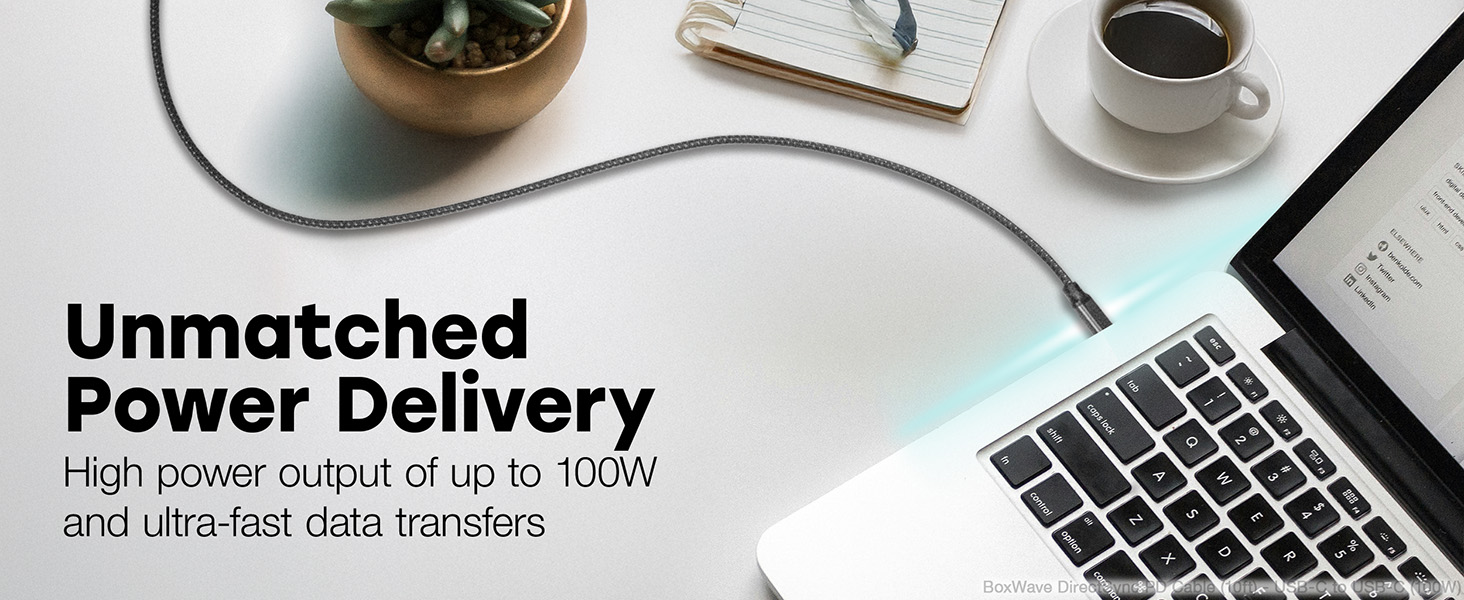
Image: A living room setting demonstrating the 10-foot cable's length, allowing a laptop to be used comfortably away from a wall outlet.
การตั้งค่า
Setting up your DirectSync PD Cable is straightforward.
- ระบุพอร์ต: Ensure your charging adapter and device both have USB Type-C ports.
- เชื่อมต่อกับที่ชาร์จ: Plug one end of the USB Type-C connector into a compatible wall charger or power adapter. For optimal performance, use a charger that supports Power Delivery (PD) up to 100W.
- เชื่อมต่อกับอุปกรณ์: Plug the other end of the USB Type-C connector into your device (e.g., laptop, smartphone, tablet).
- ตรวจสอบการเชื่อมต่อ: ตรวจสอบให้แน่ใจว่าอุปกรณ์ของคุณแสดงว่ากำลังชาร์จหรือเชื่อมต่อเพื่อถ่ายโอนข้อมูลอยู่

Image: A laptop connected to a smartphone with the DirectSync PD Cable, illustrating simultaneous charging and data synchronization.
คำแนะนำการใช้งาน
The DirectSync PD Cable offers dual functionality for both charging and data transfer.
การชาร์จอุปกรณ์ของคุณ
- การชาร์จความเร็วสูง: When connected to a compatible Power Delivery (PD) charger, the cable can deliver up to 100 Watts of power, enabling rapid charging for laptops, tablets, and smartphones.
- ประสิทธิภาพที่เหมาะสมที่สุด: For best charging speeds, ensure both your charger and device support USB Power Delivery.
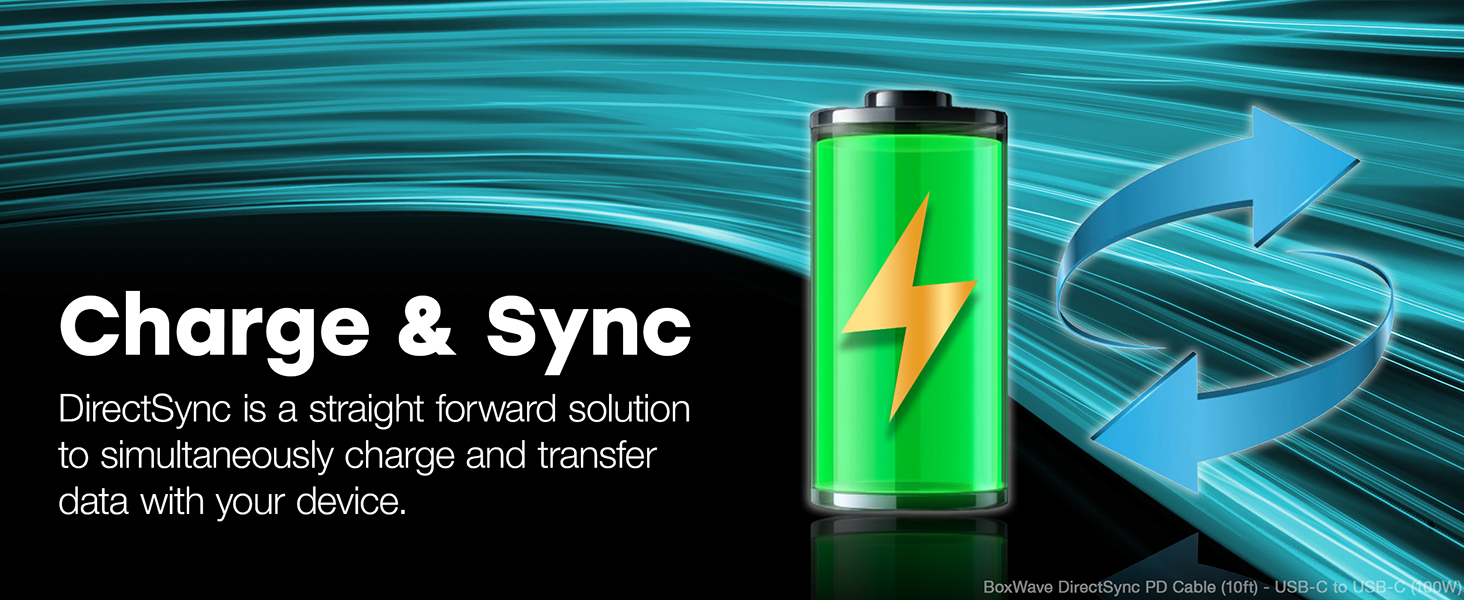
Image: A laptop receiving power through the DirectSync PD Cable, highlighting its 100W Power Delivery capability.
การโอนข้อมูล
- Fast Data Sync: Connect the cable between your device and a computer to perform data transfers at speeds up to 5 Gigabits Per Second (USB 3.0 standard).
- Simultaneous Functionality: Data transfer can occur simultaneously while your device is charging, streamlining your workflow.

Image: A visual representation of the cable's dual functionality, enabling both power delivery and data synchronization.
การซ่อมบำรุง
To ensure the longevity and optimal performance of your BoxWave DirectSync PD Cable, follow these maintenance guidelines:
- จัดการด้วยความระมัดระวัง: Avoid excessive bending or sharp angles, especially near the connectors. The cable features reinforced strain relief, but proper handling further extends its life.
- ทำความสะอาดอย่างอ่อนโยน: If the cable becomes dirty, wipe it with a soft, dry cloth. Do not use harsh chemicals or abrasive cleaners.
- พื้นที่จัดเก็บ: When not in use, coil the cable loosely. Avoid tightly wrapping it around objects or kinking it, which can damage the internal wires.
- ตรวจสอบเป็นประจำ: ตรวจสอบสายเคเบิลและขั้วต่อเป็นระยะๆ เพื่อดูว่ามีร่องรอยการสึกหรอ รอยฉีกขาด หรือความเสียหายหรือไม่ หากพบความเสียหายให้หยุดใช้งานทันที

ภาพ: ภาพระยะใกล้ view of the cable's durable braided nylon exterior, designed to resist tangles and fraying.

ภาพ: รายละเอียด view of the reinforced rubberized grommet strain relief at the connector, designed to prevent fraying and kinking.
การแก้ไขปัญหา
If you encounter issues with your DirectSync PD Cable, consider the following troubleshooting steps:
- อุปกรณ์ไม่ชาร์จ:
- Ensure both ends of the cable are securely plugged into the charger and the device.
- Verify that the wall outlet or power source is active.
- Test the cable with a different compatible charger and device to isolate the issue.
- Confirm your charger supports Power Delivery (PD) and provides sufficient wattagสำหรับอุปกรณ์ของคุณ
- การชาร์จช้า:
- Ensure your charger is a Power Delivery (PD) compatible charger with adequate wattagอี (สูงสุด 100W)
- ปิดแอปพลิเคชันที่ไม่จำเป็นบนอุปกรณ์ของคุณที่อาจใช้พลังงานมากเกินไป
- ปัญหาการโอนข้อมูล:
- Confirm the cable is properly connected to both the device and the computer.
- Check your device's settings to ensure data transfer mode is enabled (e.g., "File Transfer" or "MTP").
- ลองเสียบเข้ากับพอร์ต USB-C อื่นบนคอมพิวเตอร์ของคุณดู
- ความเสียหายทางกายภาพ: Inspect the cable for any visible damage, such as cuts, kinks, or bent connectors. If damaged, discontinue use and replace the cable.
ข้อมูลจำเพาะ
| คุณสมบัติ | รายละเอียด |
|---|---|
| ยี่ห้อ | บ็อกซ์เวฟ |
| ชื่อรุ่น | DirectSync PD Cable |
| ประเภทขั้วต่อ | พอร์ต USB Type C (ตัวผู้ต่อตัวผู้) |
| ความยาวสายเคเบิล | 10 ฟุต (ประมาณ 3 เมตร) |
| ระบบส่งกำลังไฟฟ้า (PD) | สูงสุด 100 วัตต์ |
| อัตราการถ่ายโอนข้อมูล | 5 Gigabits Per Second (USB 3.0 Standard) |
| วัสดุของสายเคเบิล | ไนลอนถัก |
| สี | สีดำเจ็ทแบล็ค |
| บรรเทาความเครียด | Rubberized Grommet on both connectors |
| อุปกรณ์ที่รองรับ | Devices with USB-C ports, including PCs, laptops, smartphones, and tablets (e.g., DODOSOUL M800) |
| สภาพแวดล้อมการใช้งาน | ในร่ม, กลางแจ้ง |
| น้ำหนักสินค้า | 6 ออนซ์ |
การรับประกันและการสนับสนุน
For information regarding warranty coverage, technical support, or customer service for your BoxWave DirectSync PD Cable, please refer to the official BoxWave webไซต์หรือติดต่อฝ่ายสนับสนุนลูกค้าโดยตรง
การสนับสนุนทางออนไลน์: เยี่ยม www.boxwave.com สำหรับคำถามที่พบบ่อย การลงทะเบียนผลิตภัณฑ์ และข้อมูลการติดต่อ