
1. สินค้าหมดview
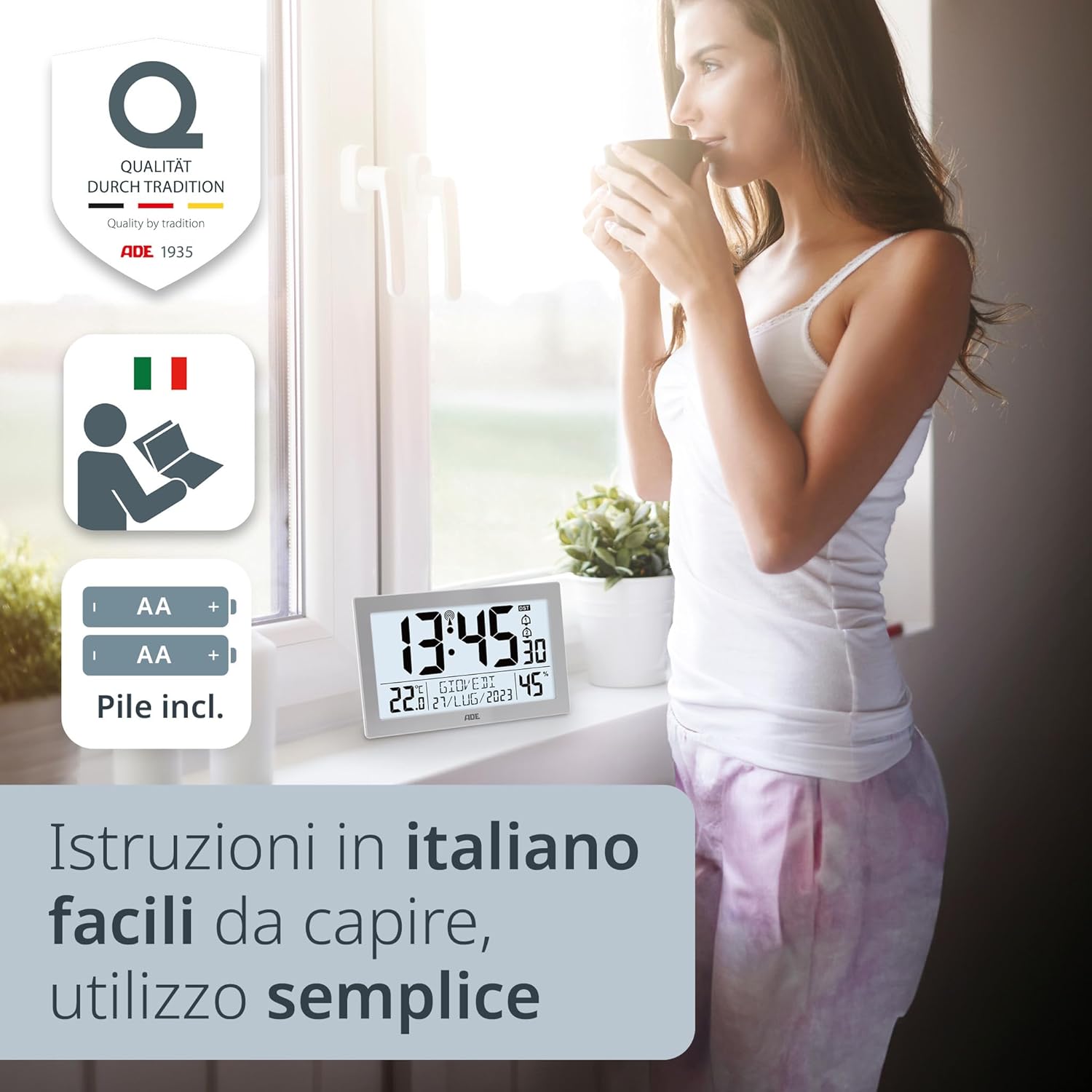
The ADE CK2309 is a versatile radio-controlled digital clock designed for both table and wall mounting. It features a large, clear XL LCD display (19.3 x 10.9 cm) that shows time, indoor temperature, date, day of the week, and humidity. The clock automatically sets and adjusts its time via the DCF radio signal, including automatic summer/winter time changes. It also includes integrated thermometer and hygrometer functions, displaying temperature in °C or °F and humidity in % RH. The high-quality ABS plastic casing with a silver frame makes it a suitable addition to any room.

Image 1.1: The ADE CK2309 digital clock displaying time, temperature, date, day of the week, and humidity on its large XL LCD screen.
2. เนื้อหาบรรจุภัณฑ์
- ADE CK2309 Digital Clock
- คู่มือการใช้งาน
- Batteries (AA, quantity as required for operation)
3. การตั้งค่า
3.1 การติดตั้งแบตเตอรี่
- ค้นหาช่องใส่แบตเตอรี่ที่ด้านหลังของนาฬิกา
- เปิดฝาช่องใส่แบตเตอรี่
- ใส่แบตเตอรี่ AA ที่จำเป็น โดยตรวจสอบให้แน่ใจว่าขั้วถูกต้อง (+/-)
- ปิดฝาช่องใส่แบตเตอรี่ให้แน่น
ภาพที่ 3.1: ด้านหลัง view of the ADE CK2309 clock, showing the battery compartment and stand. Batteries are included for immediate use.
3.2 Initial Time Synchronization (Radio Control)
After battery installation, the clock will automatically begin searching for the DCF radio signal to set the time. This process may take several minutes. Ensure the clock is placed in an area with good reception, away from electronic interference.
- A radio signal icon will typically appear on the display during synchronization.
- Once synchronized, the exact time, date, and day of the week will be displayed.
- The clock automatically adjusts for Daylight Saving Time (DST).

ภาพที่ 3.2: ด้านข้าง view of the ADE CK2309, highlighting easily accessible buttons for intuitive use, including automatic time change functionality.
3.3 ตัวเลือกการจัดวาง
The ADE CK2309 can be used as a table clock or mounted on a wall.
- การใช้ตาราง: Extend the integrated stand on the back of the clock to place it on any flat surface.
- การติดตั้งบนผนัง: Use the keyhole slots on the back of the clock to hang it securely on a wall.

Image 3.3: The ADE CK2309 clock shown both wall-mounted and standing on a surface, demonstrating its versatile placement options.
4. คู่มือการใช้งาน
4.1 ฟังก์ชั่นการแสดงผล
The large XL display provides the following information:
- เวลา: แสดงเวลาปัจจุบันในรูปแบบ 12 ชั่วโมงหรือ 24 ชั่วโมง
- อุณหภูมิ: Shows indoor temperature in Celsius (°C) or Fahrenheit (°F).
- ความชื้น: Displays indoor humidity as a percentage (% RH)
- วันที่: แสดงวันที่ปัจจุบัน
- วันในสัปดาห์: แสดงวันปัจจุบันของสัปดาห์

Image 4.1: The ADE CK2309 display, illustrating its multiple useful functions including temperature, calendar, day of the week, and air humidity.
4.2 ฟังก์ชันไฟแบ็คไลท์
To illuminate the display, press the designated backlight button (usually located on the top or side). The backlight will activate for approximately 8 seconds, providing temporary visibility in low-light conditions.
4.3 Setting Time and Date Manually (if needed)
In areas with poor radio signal reception, you may need to set the time and date manually. Refer to the specific buttons on the side of the clock (e.g., MODE, SET, UP, DOWN) for detailed instructions. Typically, you will press a MODE or SET button to enter setting mode, then use UP/DOWN buttons to adjust values, and MODE/SET again to confirm and move to the next setting.
4.4 ฟังก์ชั่นปลุก
The clock features two independent alarm times and a snooze function.
- การตั้งค่าการเตือน: Use the ALARM button (or similar) to cycle through alarm settings (Alarm 1, Alarm 2). Use UP/DOWN buttons to set the desired alarm time.
- การเปิด/ปิดสัญญาณเตือน: Press the ALARM button to toggle alarms on or off. An alarm icon will appear on the display when active.
- ฟังก์ชั่นเลื่อน: When an alarm sounds, press the SNOOZE button (often the backlight button) to temporarily silence the alarm. It will sound again after a set interval (e.g., 5-10 minutes).
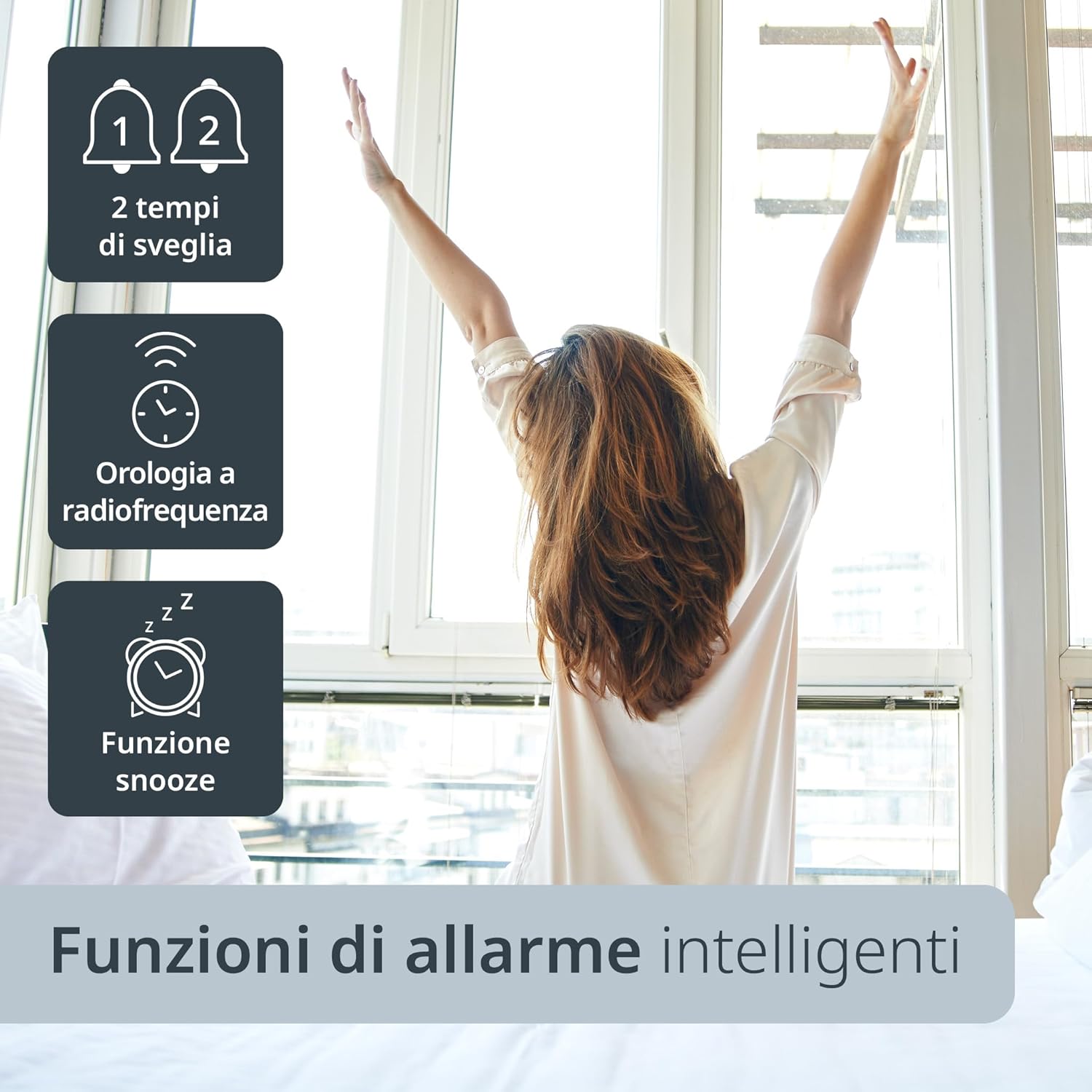
Image 4.2: The ADE CK2309 clock offers smart alarm functions, including two alarm times, radio frequency synchronization, and a snooze feature.
5. การบำรุงรักษา
5.1 การทำความสะอาด
To clean the clock, use a soft, dry cloth. Do not use abrasive cleaners, solvents, or chemical agents, as these may damage the display or casing.
5.2 การเปลี่ยนแบตเตอรี่
When the display becomes dim or functions become erratic, it is time to replace the batteries. Follow the battery installation steps (Section 3.1) to replace all batteries with new ones of the same type.
6 การแก้ไขปัญหา
| ปัญหา | สาเหตุที่เป็นไปได้ | สารละลาย |
|---|---|---|
| จอแสดงผลว่างเปล่าหรือมืดลง | แบตเตอรี่เหลือน้อยหรือติดตั้งไม่ถูกต้อง | เปลี่ยนแบตเตอรี่ใหม่โดยตรวจสอบให้แน่ใจว่าใส่ขั้วถูกต้อง |
| Clock does not synchronize time automatically. | Poor DCF radio signal reception due to location or interference. | Move the clock to a different location, preferably near a window and away from other electronic devices. Allow several hours for synchronization. If unsuccessful, set time manually. |
| Incorrect temperature or humidity readings. | Clock is exposed to direct sunlight, drafts, or extreme temperatures. | Place the clock in a stable indoor environment, away from direct heat sources, cold drafts, or direct sunlight. |
| สัญญาณเตือนภัยไม่ดัง | สัญญาณเตือนไม่ทำงาน หรือระดับเสียงเบาเกินไป (หากสามารถปรับได้) | Ensure the alarm is set and activated (check for alarm icon on display). |
7. ข้อมูลจำเพาะ
- แบบอย่าง: ซีเค2309
- ยี่ห้อ: เอดีอี
- สี: เงิน
- วัสดุ: พลาสติก ABS
- ขนาดสินค้า : 22.5 x 3.81 x 14 ซม. (ยาว x กว้าง x สูง)
- น้ำหนัก: 420 กรัม
- ประเภทจอภาพ: Digital LCD, XL (19.3 x 10.9 cm)
- แหล่งพลังงาน: Battery operated (AA batteries, quantity as specified in manual)
- ช่วงการวัดอุณหภูมิ: 0°C ถึง 50°C (32°F ถึง 122°F)
- คุณสมบัติพิเศษ: Radio-controlled time (DCF signal), Automatic DST adjustment, Backlight, Thermometer, Hygrometer, Calendar, Dual Alarms, Snooze function, Wall mountable / Table stand.

Image 7.1: The ADE CK2309 digital clock, illustrating its XL display and overall dimensions (22.5 cm width, 14.5 cm height).
8. การรับประกันและการสนับสนุน
For warranty information and customer support, please refer to the documentation included with your product or visit the official ADE webไซต์ คุณยังสามารถติดต่อผู้ค้าปลีกที่คุณซื้อผลิตภัณฑ์เพื่อขอความช่วยเหลือได้
- ผู้ผลิต: เอดีอี
- Webเว็บไซต์: www.ade-germany.de (Please note: This link is an example and may not be the exact support page. Refer to your product's packaging or included manual for precise contact information.)