
1. สินค้าหมดview
The DOOGEE T20 Ultra is a high-performance Android tablet designed for a versatile user experience, from gaming and entertainment to productivity. It features a large 12-inch 2.4K eye-care display, powerful MediaTek Helio G99 Octa-Core processor, ample memory and storage, and a long-lasting battery, all encased in a sleek, ultra-thin design.

Figure 1: The DOOGEE T20 Ultra Tablet and its included accessories.
2. อะไรอยู่ในกล่อง
เมื่อเปิดบรรจุภัณฑ์ โปรดตรวจสอบให้แน่ใจว่ามีสิ่งของต่อไปนี้ครบถ้วน:
- DOOGEE T20 Ultra Tablet
- เคสป้องกัน
- สายชาร์จ USB-A เป็น Type-C
- อะแดปเตอร์แปลงไฟ (18W)
- เครื่องมือถอดซิม
- คู่มือการใช้งาน
- ฟิล์มกันรอยหน้าจอ (ติดมาให้แล้วหรือมีให้ในชุด)
- ผ้าเช็ดทำความสะอาด
Video 1: An unboxing demonstration of the DOOGEE T20 Ultra Tablet, showing all included items.
3. เค้าโครงอุปกรณ์
ทำความคุ้นเคยกับส่วนประกอบทางกายภาพของแท็บเล็ตของคุณ:
- ขอบด้านบน: Power Button, Volume Rocker, SIM/MicroSD Card Tray.
- ขอบล่าง: USB Type-C Charging Port, Pogo Pins (for accessories like keyboard), Speaker Grills.
- Side Edges: Additional Speaker Grills, 3.5mm Headphone Jack.
- ด้านหน้า: 12-inch 2.4K Display, 8MP Front Camera.
- หลัง: 16MP Rear Camera with LED Flash.

รูปที่ 2: โปรแบบบางเฉียบfile of the DOOGEE T20 Ultra, highlighting its sleek design.
4. การตั้งค่า
4.1 การชาร์จเริ่มต้น
Before first use, fully charge the tablet using the provided 18W power adapter and USB Type-C cable. Connect the cable to the tablet's USB-C port and the adapter to a power outlet. The battery indicator on the screen will show charging progress.
4.2 การติดตั้งซิมการ์ดและการ์ด MicroSD
The tablet supports dual 4G SIM cards and MicroSD card expansion up to 2TB. Use the SIM ejector tool to open the SIM tray located on the top edge. Carefully place your Nano-SIM cards and/or MicroSD card into the designated slots on the tray and reinsert it into the tablet.

Figure 3: The tablet supports dual SIM cards and dual-band Wi-Fi for robust connectivity.
5. การใช้งานแท็บเล็ต
5.1 เปิด/ปิดเครื่อง
Press and hold the Power Button on the top edge until the DOOGEE logo appears to power on. To power off, press and hold the Power Button, then select 'Power off' from the options.
5.2 การแสดงผลและการนำทาง
The 12-inch 2.4K IPS display offers a vibrant visual experience. Navigate the Android 13 operating system using touch gestures: swipe to scroll, tap to select, pinch to zoom. The tablet supports Widevine L1 for high-definition streaming content.
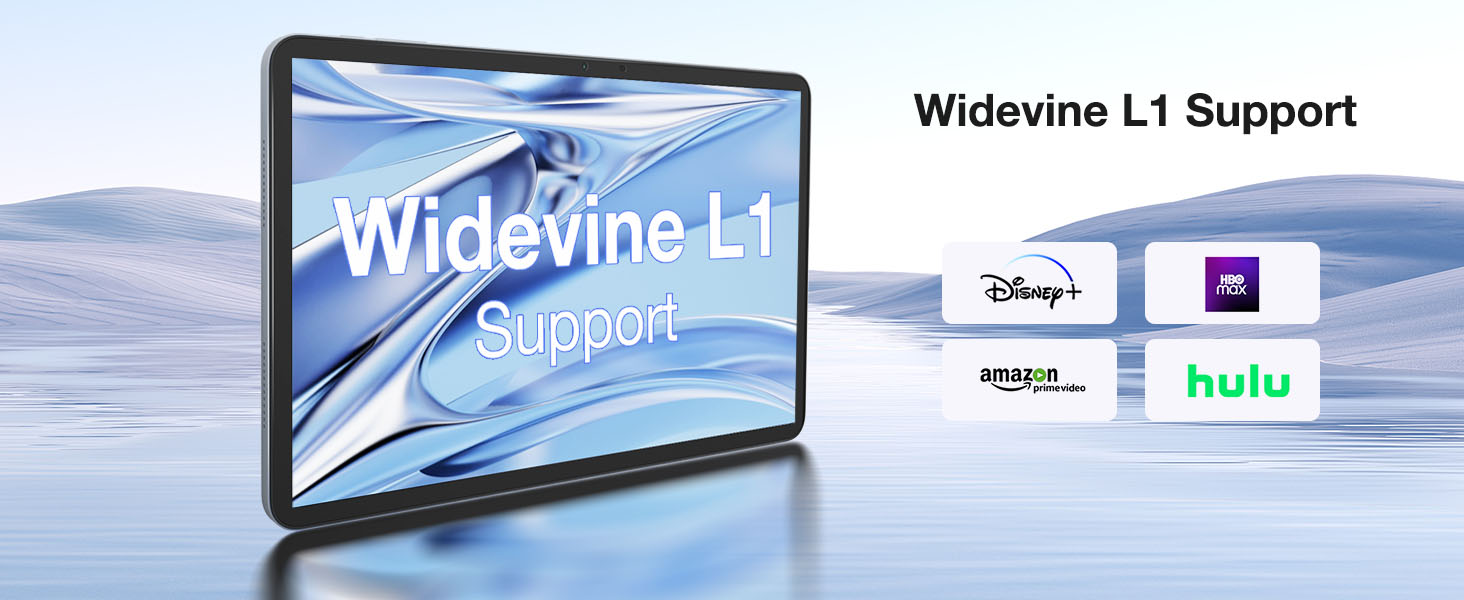
Figure 4: The tablet supports Widevine L1, enabling high-definition content streaming from popular platforms.
Video 2: Demonstrations of the DOOGEE T20 Ultra Tablet in various usage scenarios, showcasing ความเก่งกาจของมัน
6. กล้องถ่ายรูป
The DOOGEE T20 Ultra is equipped with a 16MP rear camera and an 8MP front camera. The rear camera includes an LED flash for improved low-light photography. The front camera is ideal for high-quality video conferencing and facial recognition for unlocking the device.
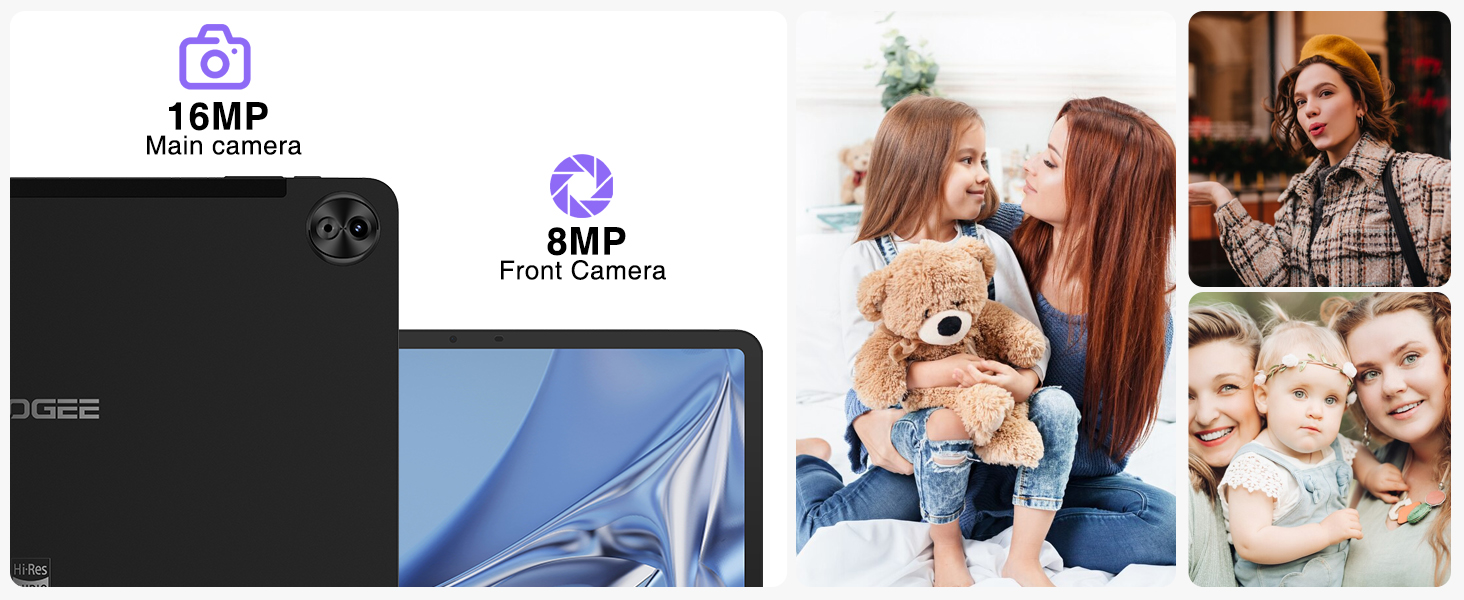
Figure 5: The tablet's 16MP main camera and 8MP front camera are suitable for capturing moments and video calls.
7. คุณสมบัติด้านเสียง
Experience immersive sound with the tablet's four Smart PA stereo speakers, which are Hi-Res Audio certified. These speakers deliver rich, clear audio for all your media consumption.

Figure 6: The tablet features Hi-Res certified quad speakers for superior audio quality.
8. การเชื่อมต่อ
The DOOGEE T20 Ultra offers comprehensive connectivity options:
- ไวไฟ : Supports 2.4G/5GHz dual-band Wi-Fi for fast and stable internet connection.
- เซลลูล่าร์: Dual SIM card support for 4G LTE networks.
- บลูทูธ: Bluetooth 5.0 สำหรับเชื่อมต่ออุปกรณ์ต่อพ่วงแบบไร้สาย
- การนำทาง: Integrated A-GPS/GPS/BeiDou/GLONASS/Galileo for accurate positioning.
9. การจัดการแบตเตอรี่
The tablet is powered by a large 10800mAh battery, providing extended usage times. It supports 18W fast charging to quickly replenish power. For optimal battery life, avoid extreme temperatures and use the provided charger.
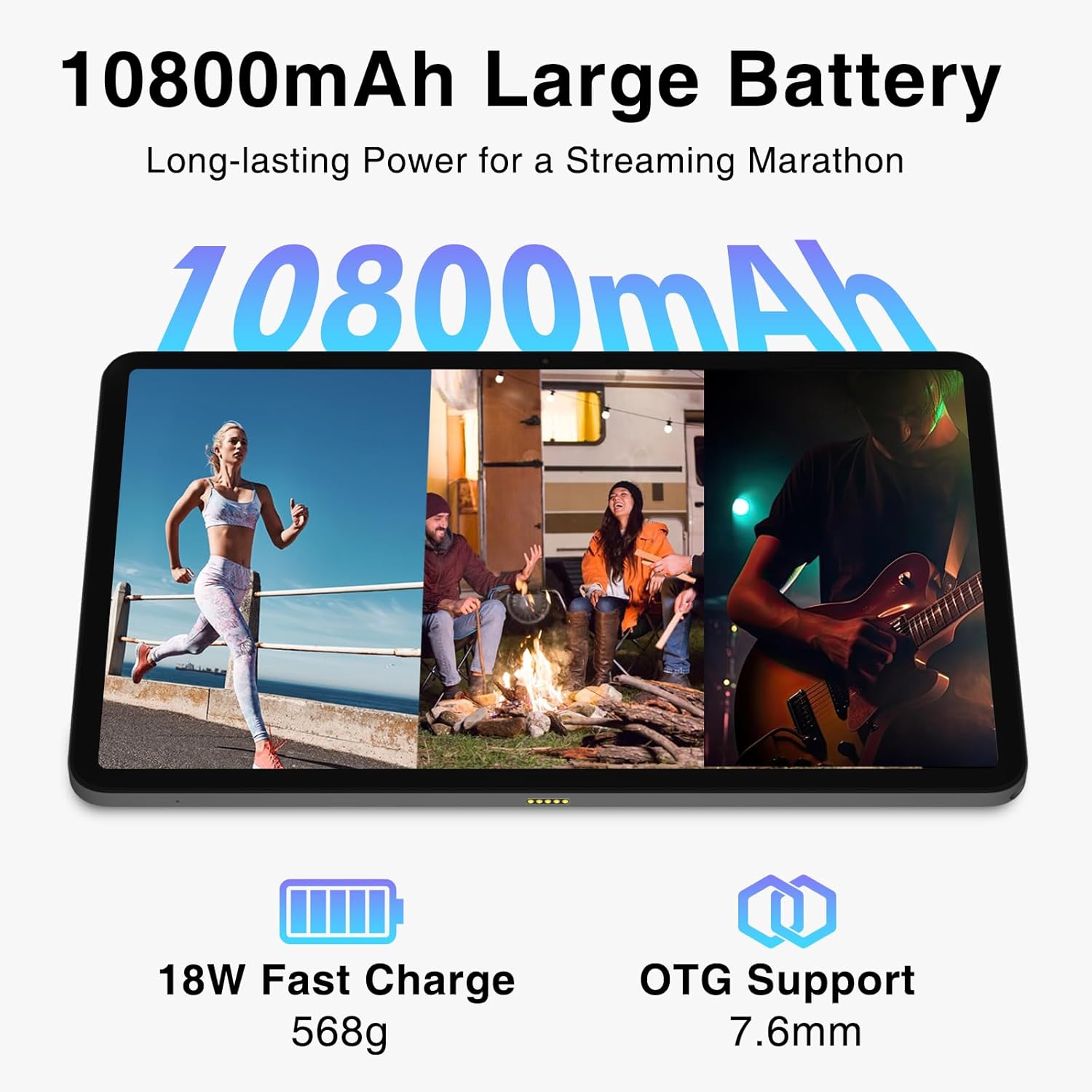
Figure 7: The 10800mAh battery ensures long hours of use, complemented by 18W fast charging.
10. การจัดเก็บและหน่วยความจำ
The DOOGEE T20 Ultra comes with 256GB of internal storage (ROM) and 32GB of RAM. The RAM includes 12GB of physical RAM and up to 20GB of expandable virtual memory, ensuring smooth multitasking and app performance. Storage can be further expanded up to 2TB using a MicroSD card.

Figure 8: The tablet's generous RAM and ROM, with extensive expansion capabilities, support demanding applications and large media libraries.
11 การแก้ไขปัญหา
แท็บเล็ต 11.1 ไม่เปิด
- Ensure the tablet is sufficiently charged. Connect to the charger for at least 30 minutes before attempting to power on.
- Press and hold the Power Button for 10-15 seconds to perform a forced restart.
11.2 Poor Wi-Fi Connection
- Check if the Wi-Fi router is working correctly.
- ขยับเข้าไปใกล้เราเตอร์ Wi-Fi มากขึ้น
- Restart the tablet and the Wi-Fi router.
- ลืมเครือข่ายในการตั้งค่า Wi-Fi และเชื่อมต่อใหม่อีกครั้ง
11.3 แอปขัดข้องหรือหยุดทำงาน
- ปิดแอปพื้นหลัง
- Clear the cache and data of the problematic app in Settings > Apps.
- ตรวจสอบให้แน่ใจว่าซอฟต์แวร์ของแท็บเล็ตได้รับการอัปเดตแล้ว
- หากปัญหายังคงอยู่ ให้ลองรีเซ็ตเป็นค่าเริ่มต้นจากโรงงาน (โปรดสำรองข้อมูลของคุณก่อน)
12. ข้อมูลจำเพาะ
| คุณสมบัติ | ข้อมูลจำเพาะ |
|---|---|
| แสดง | 12-inch 2.4K IPS (2000x1200 pixels), 87.2% Screen-to-Body Ratio, TUV Rheinland Certified Eye-Care |
| โปรเซสเซอร์ | MediaTek Helio G99 Octa-Core (6nm, 2.2 GHz) |
| แรม | หน่วยความจำ 32GB (12GB ในหน่วยความจำจริง + 20GB สำหรับขยายเพิ่มเติมแบบเสมือน) |
| หน่วยความจำภายใน (ROM) | 256GB |
| พื้นที่เก็บข้อมูลแบบขยายได้ | Up to 2TB MicroSD Card |
| กล้องหลัง | กล้อง 16 ล้านพิกเซล พร้อมแฟลช LED |
| กล้องหน้า | 8MP |
| แบตเตอรี่ | 10800mAh |
| การชาร์จไฟ | 18W Fast Charge, USB Type-C |
| ระบบปฏิบัติการ | แอนดรอยด์ 13 |
| การเชื่อมต่อ | 4G Dual SIM, 5G Wi-Fi (2.4G/5GHz), Bluetooth 5.0 |
| การนำทาง | A-GPS/GPS/BeiDou/GLONASS/Galileo |
| เสียง | 4 x Smart PA Stereo Speakers, Hi-Res Audio Certified |
| ขนาด | 278.8 x 174.3 x 7.6 มม. |
| น้ำหนัก | 568กรัม |
13. การรับประกันและการสนับสนุน
DOOGEE offers a 2-year limited warranty for the T20 Ultra Tablet. For technical support, warranty claims, or service inquiries, please visit the official DOOGEE website or contact their customer service. Keep your purchase receipt as proof of purchase for warranty validation.