
1. บทนำ
The Zopsc Call to U Caregiver Pager system is designed to provide reliable and immediate communication between a patient or elderly individual and their caregiver. This wireless system ensures that assistance can be requested quickly and efficiently, enhancing safety and peace of mind in various settings such as homes, nursing facilities, and hospitals.
2. สินค้าหมดview
The system consists of a receiver unit and a call button (transmitter). The receiver alerts the caregiver, while the call button is used by the individual needing assistance.
2.1 ส่วนประกอบ
- ผู้รับ: The main unit that receives signals from the call button and emits alerts.
- Call Button (Transmitter): A portable button used to send an alert signal.
- สายชาร์จ: For recharging the receiver unit.
- คู่มือผู้ใช้: คู่มือการใช้งานนี้
2.2 แผนผังผลิตภัณฑ์

รูปที่ 1: เกินview of the Zopsc Caregiver Pager system, including the receiver and the call button with its lanyard.

รูปที่ 2 : ด้านหน้า view of the receiver unit, featuring a musical note icon indicating sound functions.

รูปที่ 3 : ด้านหน้า view of the call button, clearly marked with a bell icon and "CALL" text.
3. คุณสมบัติ
- โทรด่วน: Immediate alert message upon pressing the call button during an emergency.
- สัญญาณเสถียร: Reliable working range up to 330 meters (1082.68 feet) in open areas, ensuring consistent communication.
- การแจ้งเตือนที่ปรับแต่งได้: Offers 38 music options and 4-level volume adjustment for personalized alert settings.
- การใช้งานอเนกประสงค์: Suitable for various environments including homes, nursing homes, and hospitals, providing safety for the elderly and patients.
- การออกแบบพกพา: Lightweight and compact, making it easy to carry for both indoor and outdoor use.
4. การตั้งค่า
4.1 การชาร์จเครื่องรับสัญญาณ
- Connect the provided charging cable to the receiver's charging port.
- Plug the other end of the charging cable into a standard USB power adapter (not included) or a USB port.
- Allow the receiver to charge fully before first use. The charging indicator light will typically change color or turn off when charging is complete.
4.2 Installing Battery in Call Button
- Locate the battery compartment on the back of the call button.
- เปิดฝาครอบช่อง
- Insert one 23A battery (60mAh) into the compartment, ensuring correct polarity (+/-).
- ปิดฝาช่องใส่แบตเตอรี่ให้แน่น
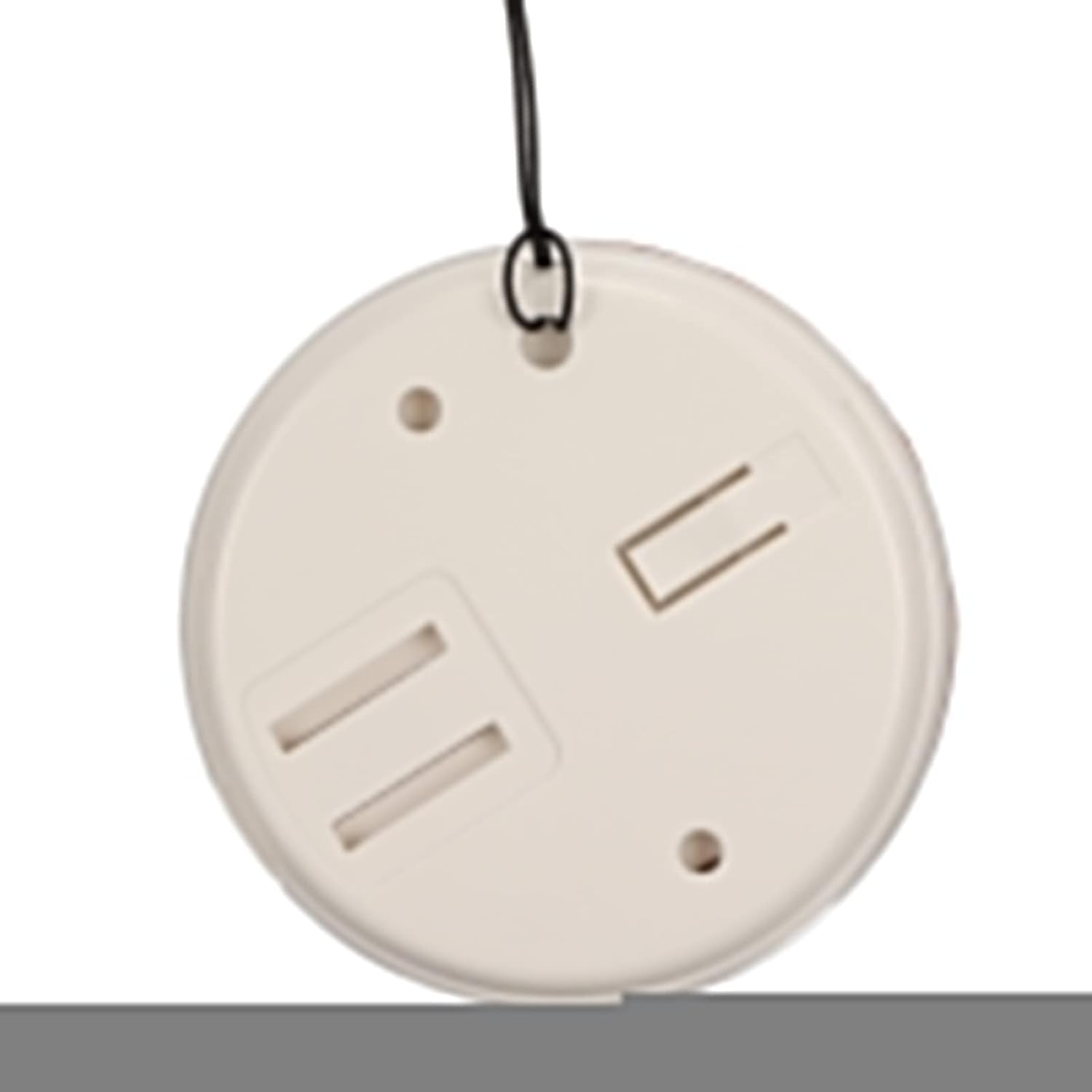
รูปที่ 4: ด้านหลัง view of the call button, illustrating the battery compartment for installation.
4.3 Pairing (Matching) Transmitter and Receiver
The system typically comes pre-paired. If re-pairing is needed or if you add additional buttons, follow these general steps:
- เปิดเครื่องรับ
- Press and hold the pairing button on the receiver (refer to receiver diagram for exact location, usually a small button on the side or back) until an indicator light flashes or a sound is heard, indicating pairing mode.
- Within a few seconds, press the call button (transmitter).
- The receiver should confirm successful pairing with a sound or light indication.
5. คู่มือการใช้งาน
5.1 โทรออก
To alert the caregiver, simply press the large "CALL" button on the transmitter. The receiver will immediately sound an alarm and/or flash a light, depending on its settings.
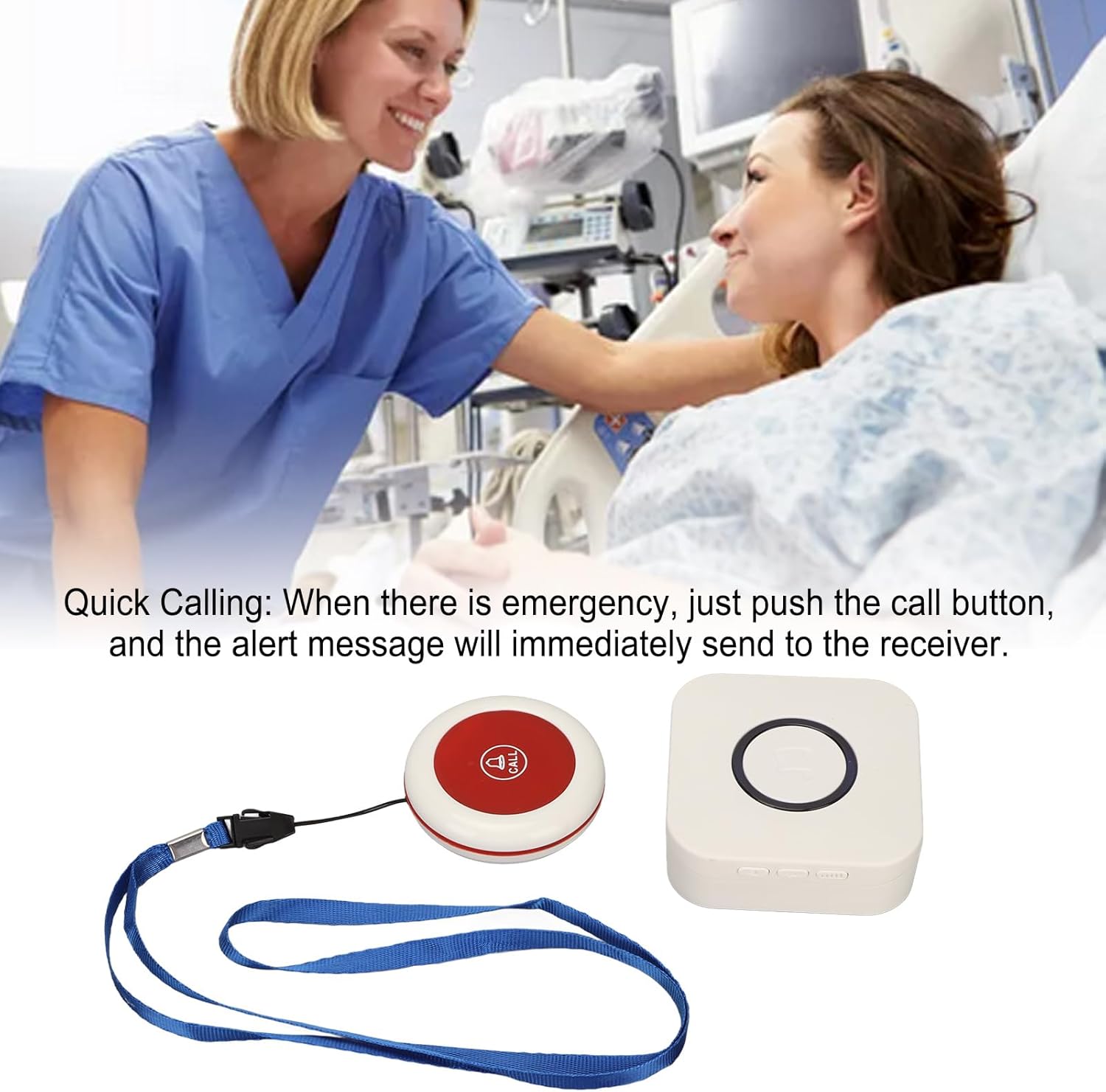
Figure 5: Illustrative image of a caregiver responding to a patient's call, demonstrating the product's purpose.
5.2 Adjusting Volume and Music Options
The receiver unit typically has buttons to adjust the volume level and cycle through the available music/alert tones. Refer to the receiver unit for specific button functions (e.g., volume up/down, melody selection button).

รูปที่ 6: ด้านบน view of both the receiver and call button, showing their relative sizes and designs.
6. การบำรุงรักษา
- การทำความสะอาด: เช็ดทำความสะอาดชิ้นส่วนด้วยผ้าแห้งเนื้อนุ่ม ห้ามใช้สารทำความสะอาดที่มีฤทธิ์กัดกร่อนหรือแช่ในน้ำ
- Battery Replacement (Call Button): Replace the 23A battery in the call button when the signal becomes weak or the button stops functioning.
- Charging (Receiver): Recharge the receiver when the battery is low to ensure continuous operation.
- พื้นที่จัดเก็บ: Store the pager system in a cool, dry place when not in use for extended periods.
7 การแก้ไขปัญหา
| ปัญหา | สาเหตุที่เป็นไปได้ | สารละลาย |
|---|---|---|
| Receiver does not sound alarm. |
|
|
| ปุ่มโทรไม่ตอบสนอง |
|
|
| ระยะสัญญาณสั้น |
|
|
8. ข้อมูลจำเพาะ
| คุณสมบัติ | รายละเอียด |
|---|---|
| ประเภทสินค้า | เพจเจอร์ผู้ดูแลผู้ป่วย |
| วัสดุ | เอบีเอส |
| ระยะรับสัญญาณไร้สาย | Approx. 330m / 1082.68ft (in open space) |
| ความถี่ไร้สาย | 433เมกะเฮิรตซ์ |
| แบตเตอรี่เครื่องรับ | Built-in Lithium Polymer Battery, 1 x 1000mAh |
| Transmitter (Call Button) Battery | 1 x 23A Battery, 60mAh |
| หมายเลขรุ่น | Zopsc2dw5184pv7 |
| ขนาด | 10.1 x 8.4 x 6.7 ซม. (ขนาดสำหรับการจัดส่ง) |
| น้ำหนัก | 190 กรัม (น้ำหนักสินค้า) |
9. การรับประกันและการสนับสนุน
สำหรับข้อมูลการรับประกันหรือการสนับสนุนทางเทคนิค โปรดดูที่บรรจุภัณฑ์ของผลิตภัณฑ์หรือติดต่อผู้ค้าปลีก เก็บใบเสร็จรับเงินไว้เป็นหลักฐานการซื้อ
For further assistance, you may visit the Zopsc official webเว็บไซต์หรือติดต่อฝ่ายบริการลูกค้าของพวกเขา