
การแนะนำ
The PPLEE CR1021 Portable White Noise Machine is designed to create a peaceful and soothing environment, aiding in sleep, relaxation, and focus. It features 42 non-looping sounds, a rechargeable battery, night light, and timer functions, making it suitable for home, office, and travel use.
This manual provides detailed instructions for the safe and effective use of your device. Please read it thoroughly before operation and retain it for future reference.
ข้อมูลด้านความปลอดภัย
Please observe the following safety precautions to prevent damage to the device or injury to yourself or others:
- อย่าให้เครื่องโดนน้ำหรือความชื้นมากเกินไป
- เก็บอุปกรณ์ให้ห่างจากแหล่งความร้อนและแสงแดดโดยตรง
- อย่าพยายามถอดประกอบหรือซ่อมแซมอุปกรณ์ด้วยตนเอง โปรดติดต่อเจ้าหน้าที่บริการที่มีคุณสมบัติเหมาะสม
- Use only the provided Type-C charging cable and a compatible power adapter (DC 5V/1A).
- Keep out of reach of small children when not in use, especially the charging cable.
- Ensure proper ventilation; do not cover the speaker grille during operation.
เนื้อหาแพ็คเกจ
ตรวจสอบว่ามีรายการทั้งหมดอยู่ในแพ็คเกจ:
- 1x PPLEE CR1021 Portable White Noise Machine
- สายไฟ Type-C 1 เส้น
- 1x Hanging Loop
- 1x คู่มือผู้ใช้ (เอกสารนี้)
การตั้งค่า
การชาร์จอุปกรณ์
Before first use, fully charge the white noise machine. The device features a built-in 2200mAh rechargeable battery.
- เชื่อมต่อสายชาร์จ Type-C ที่ให้มากับพอร์ตชาร์จบนอุปกรณ์
- Connect the other end of the cable to a compatible USB power adapter (DC 5V/1A) or a computer's USB port.
- ไฟแสดงสถานะการชาร์จจะสว่างขึ้นในระหว่างการชาร์จ และดับลงเมื่อชาร์จเต็ม
A full charge provides approximately 33-58 hours of playtime, depending on volume level and night light usage.
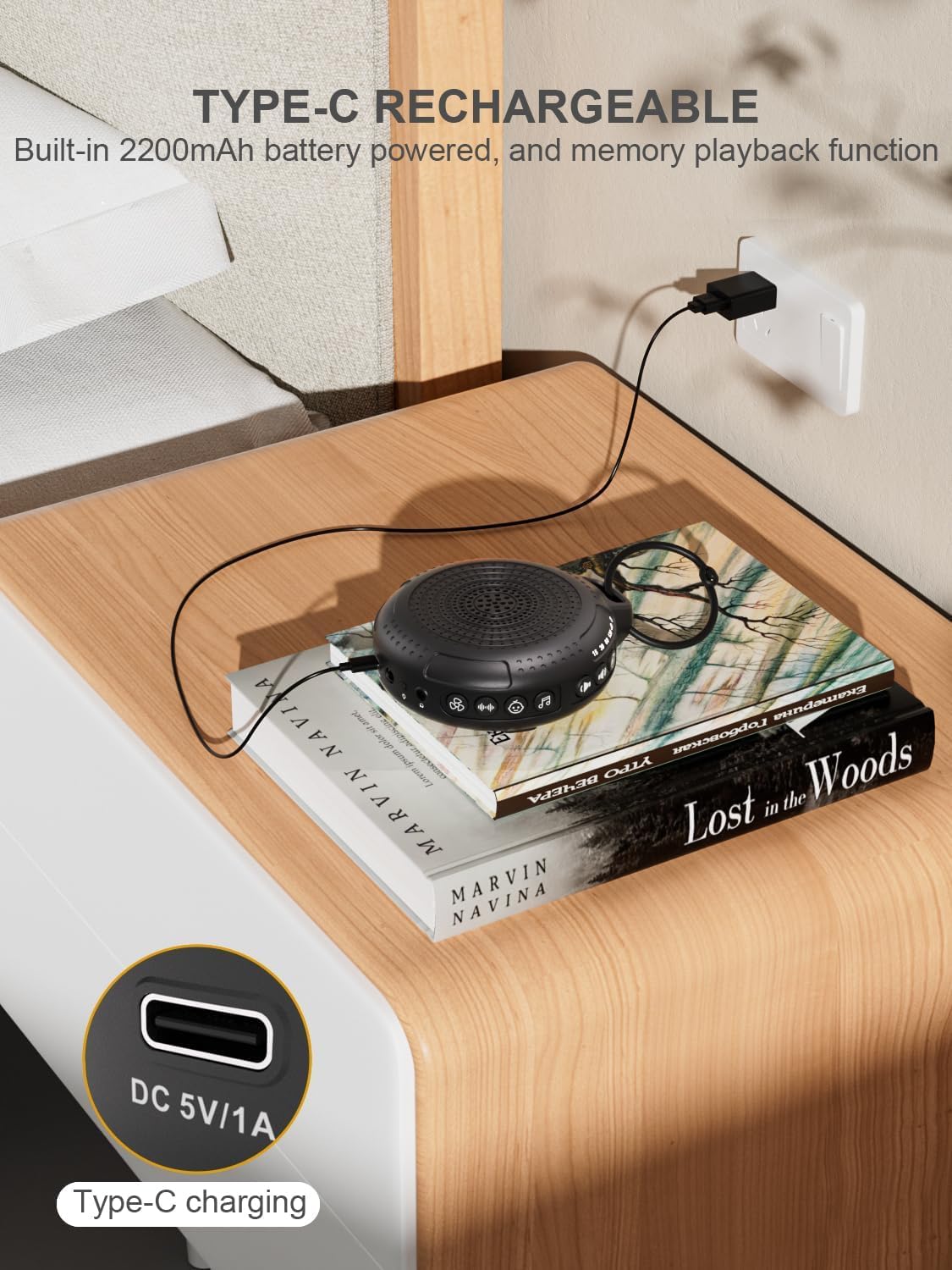
Image: The PPLEE CR1021 White Noise Machine connected to a Type-C charger, demonstrating how to charge the device.
การจัดวาง
Place the device on a stable, flat surface or use the included hanging loop to attach it to a stroller, car seat, or crib. Ensure the speaker is not obstructed for optimal sound projection.

Image: The PPLEE CR1021 White Noise Machine hanging from a stroller, highlighting its compact and portable design for travel.
คำแนะนำการใช้งาน
ควบคุมมากกว่าview

ภาพ: รายละเอียด view of the PPLEE CR1021 White Noise Machine, illustrating the location of its various control buttons and features.
เปิด/ปิดเครื่อง
- กดปุ่มเปิดปิดค้างไว้ (⏻) for 2 seconds to turn the device ON or OFF.
- The device will remember your last sound, volume, and timer settings upon powering on.
การเลือกเสียง
The device offers 42 non-looping soothing sounds across four categories:
- เสียงสีขาว: 5 เสียง
- เสียงพัดลม: 6 เสียง
- เพลงกล่อมเด็ก: 15 เสียง
- เสียงที่เป็นธรรมชาติ: 16 เสียง
- Press the Sound Category buttons (e.g., White Noise, Fan, Lullaby, Nature) to switch between sound categories.
- Once a category is selected, press the Sound Selection button (♫) to cycle through the sounds within that category.
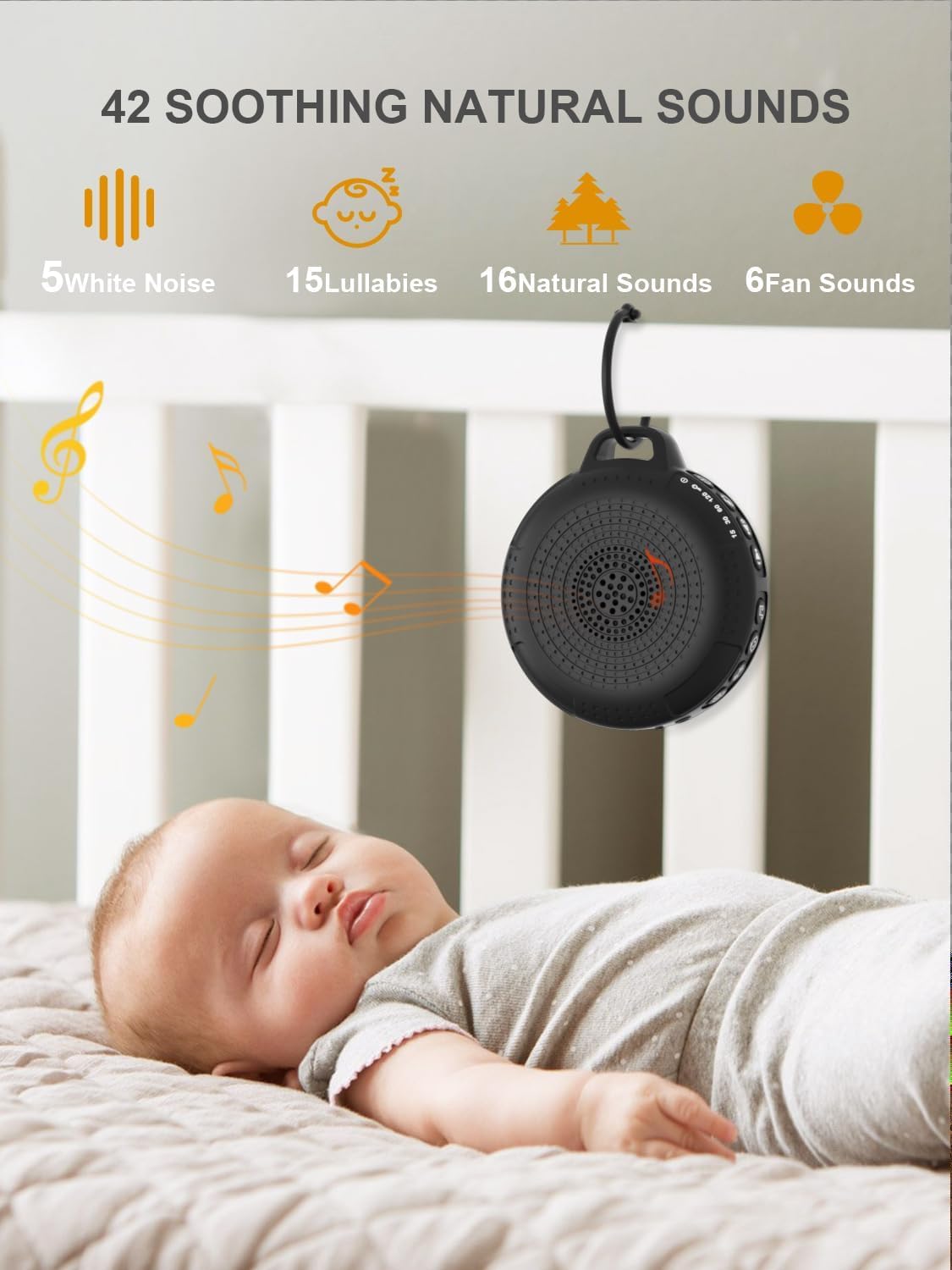
Image: The PPLEE CR1021 White Noise Machine displaying the variety of 42 soothing sounds available, categorized for easy selection.
การควบคุมระดับเสียง
Adjust the sound volume using the dedicated volume buttons:
- กดปุ่มเพิ่มระดับเสียง (+) to increase the volume.
- กดปุ่มลดระดับเสียง (-) to decrease the volume.
- There are 8 distinct volume levels.

Image: The PPLEE CR1021 White Noise Machine highlighting its volume adjustment and timer functions, showing options for 15, 30, 60, and 120 minutes.
ฟังก์ชั่นจับเวลา
The device can play continuously or automatically turn off after a set period:
- กดปุ่มตั้งเวลา (⏱) to cycle through the available timer settings: 15 minutes, 30 minutes, 60 minutes, 120 minutes, or continuous play.
- An indicator light will show the selected timer duration.
ไฟกลางคืน
The integrated night light offers two brightness levels:
- Press the Night Light button (💡) once for the first brightness level.
- Press it again for the second, brighter level.
- Press a third time to turn the night light off.
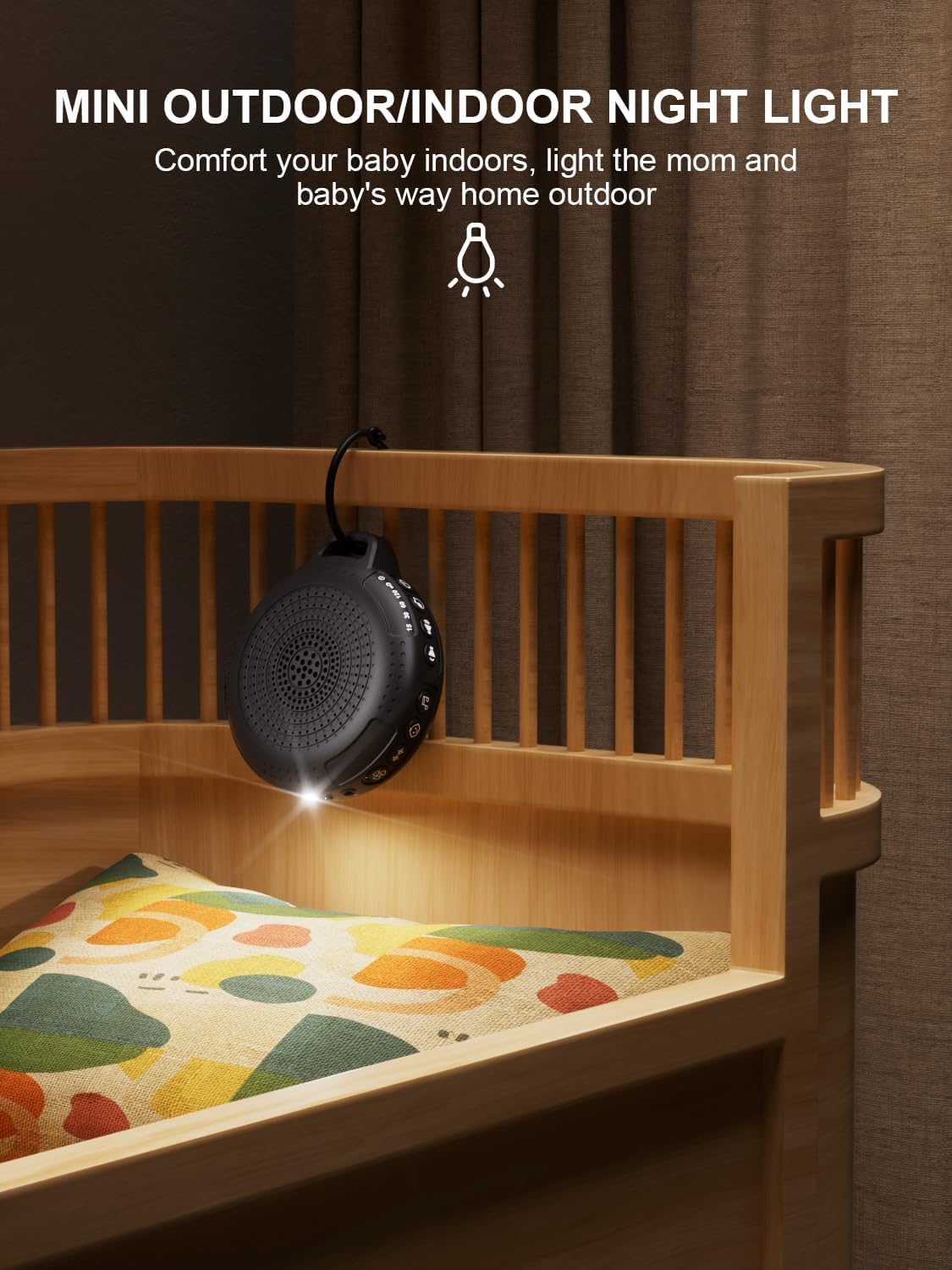
Image: The PPLEE CR1021 White Noise Machine with its night light illuminated, shown hanging on a crib, providing gentle illumination.
ฟังก์ชั่นล็อคเด็ก
To prevent accidental changes to settings, activate the child lock:
- กดปุ่ม Child Lock ค้างไว้ (🔒) for 2 seconds to activate or deactivate the child lock.
- When activated, all other buttons will be unresponsive until the child lock is deactivated.
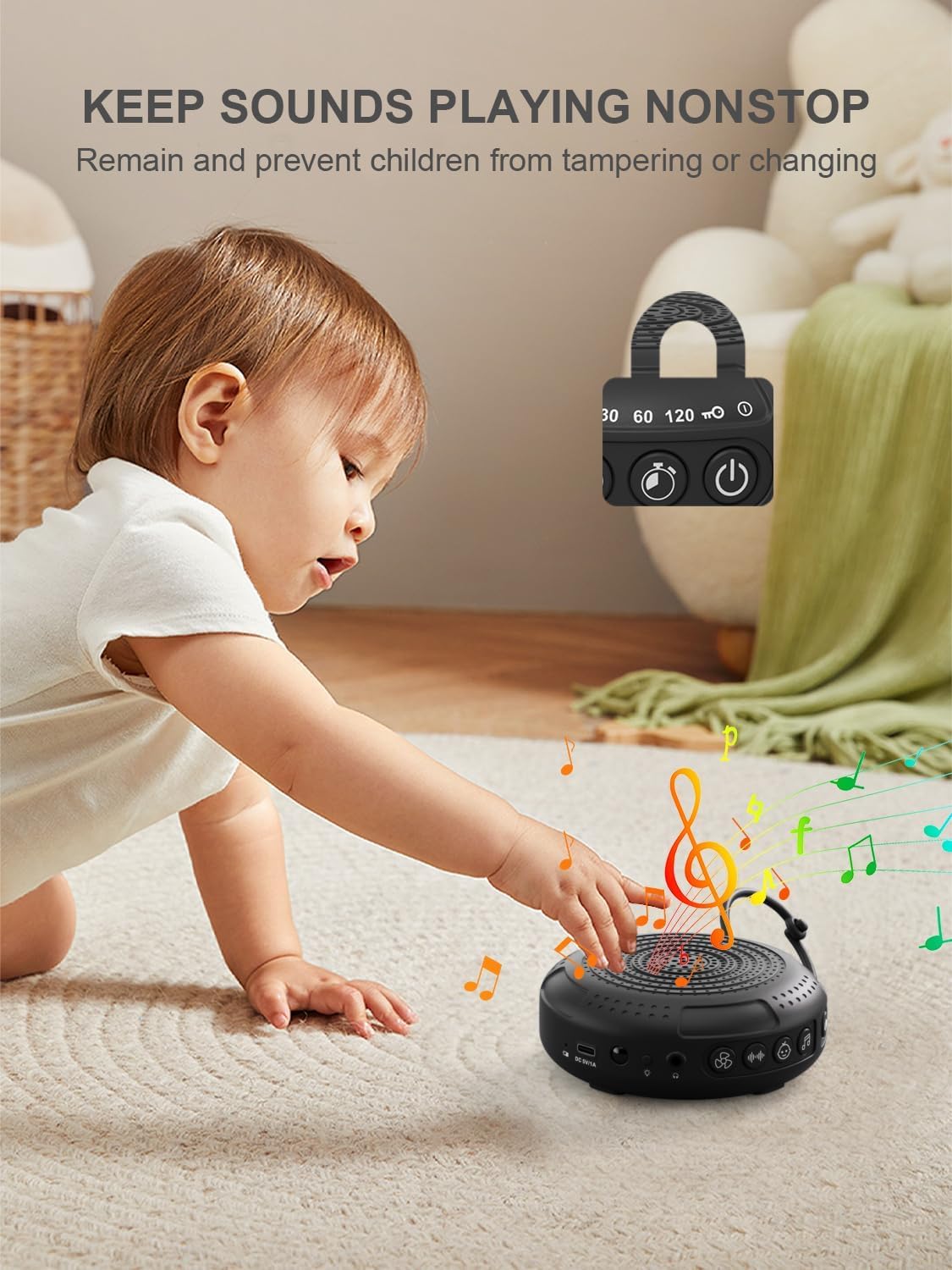
Image: The PPLEE CR1021 White Noise Machine with a visual representation of its child lock feature, designed to maintain settings and prevent tampering
แจ็คหูฟัง
For private listening, connect standard 3.5mm headphones to the headphone jack located on the side of the device. The speaker will automatically mute when headphones are connected.
การซ่อมบำรุง
การทำความสะอาด
- ตรวจสอบให้แน่ใจว่าอุปกรณ์ปิดและถอดปลั๊กแล้วก่อนทำความสะอาด
- เช็ดด้านนอกด้วยผ้าแห้งนุ่มหรือผ้าชุบน้ำหมาดๆamp ผ้า.
- ห้ามใช้น้ำยาทำความสะอาดที่มีฤทธิ์กัดกร่อน ตัวทำละลาย หรือสารเคมีรุนแรง
พื้นที่จัดเก็บ
- เก็บอุปกรณ์ไว้ในที่แห้งและเย็น หลีกเลี่ยงแสงแดดโดยตรงและอุณหภูมิที่สูงหรือต่ำเกินไป
- หากจัดเก็บเป็นเวลานาน ควรชาร์จแบตเตอรี่เป็นระยะๆ เพื่อรักษาอายุการใช้งาน
การแก้ไขปัญหา
| ปัญหา | สาเหตุที่เป็นไปได้ | สารละลาย |
|---|---|---|
| อุปกรณ์ไม่เปิด | แบตเตอรี่หมด | ชาร์จอุปกรณ์โดยใช้สาย Type-C ที่ให้มา |
| ไม่มีเสียง. | เสียงเบาเกินไปหรือปิดเสียงไว้ เสียบหูฟังอยู่ | เพิ่มระดับเสียง ถอดหูฟังออกหากไม่จำเป็น |
| ปุ่มต่างๆ ไม่ตอบสนอง | การล็อคเด็กเปิดใช้งานแล้ว | Deactivate the Child Lock by pressing and holding the Child Lock button for 2 seconds. |
| อายุการใช้งานแบตเตอรี่สั้นกว่าที่คาดไว้ | High volume level or continuous night light use. Battery degradation over time. | Reduce volume or night light usage. Ensure full charge. |
| การชาร์จช้าหรือไม่ทำงาน | Faulty cable or power adapter. Charging port issue. | Try a different Type-C cable and a known working 5V/1A USB power adapter. |
ข้อมูลจำเพาะ
| คุณสมบัติ | รายละเอียด |
|---|---|
| ชื่อรุ่น | CR1021 |
| ยี่ห้อ | พีพีลี |
| แหล่งพลังงาน | ใช้พลังงานจากแบตเตอรี่ (แบบชาร์จไฟได้ 2200mAh) |
| พอร์ตชาร์จ | ประเภท-C (กระแสตรง 5V/1A) |
| จำนวนเสียง | 42 (5 White Noise, 6 Fan, 15 Lullabies, 16 Natural) |
| ระดับเสียง | 8 |
| ตัวเลือกตัวจับเวลา | 15, 30, 60, 120 minutes, Continuous |
| ไฟกลางคืน | 2 ระดับความสว่าง |
| ขนาด (กว้าง x ยาว x สูง) | 12.5 x 11 x 4.3 ซม. (4.92 x 4.3 x 1.69 นิ้ว) |
| น้ำหนัก | 177 กรัม (0.39 ปอนด์) |
| ส่วนประกอบที่รวมอยู่ | Device, Type-C Cable, Hanging Loop, User Manual |
การรับประกันและการสนับสนุน
For warranty information or technical support, please refer to the contact details provided with your purchase or visit the official PPLEE webไซต์ โปรดเก็บใบเสร็จรับเงินไว้เป็นหลักฐานการซื้อ