
AMONIDA X3 Pro
AMONIDA X3 Pro Video Doorbell User Manual
HD Night Vision Smart Doorbell for Home Safety
1. บทนำ
This manual provides detailed instructions for the installation, operation, and maintenance of your AMONIDA X3 Pro Video Doorbell. Please read this manual thoroughly before use to ensure proper functionality and safety. The X3 Pro is designed to enhance home security by providing clear video communication with visitors at your door, featuring high-definition night vision and convenient installation options.
2. เนื้อหาบรรจุภัณฑ์
ตรวจสอบว่ามีสินค้าทั้งหมดที่ระบุไว้ด้านล่างอยู่ในแพ็คเกจของคุณ:
- 1 x Smart Doorbell (X3 Pro Video Doorbell Unit)
- 1 x Dingdong (Indoor Chime Unit)
- คู่มือภาษาอังกฤษ 1 เล่ม
- 2 x Expansion Tubes
- สกรูขยาย 2 ตัว
- สติกเกอร์แบบมีกาว 1 ชิ้น

รูปที่ 2.1: Package contents including the doorbell, dingdong, and mounting hardware.
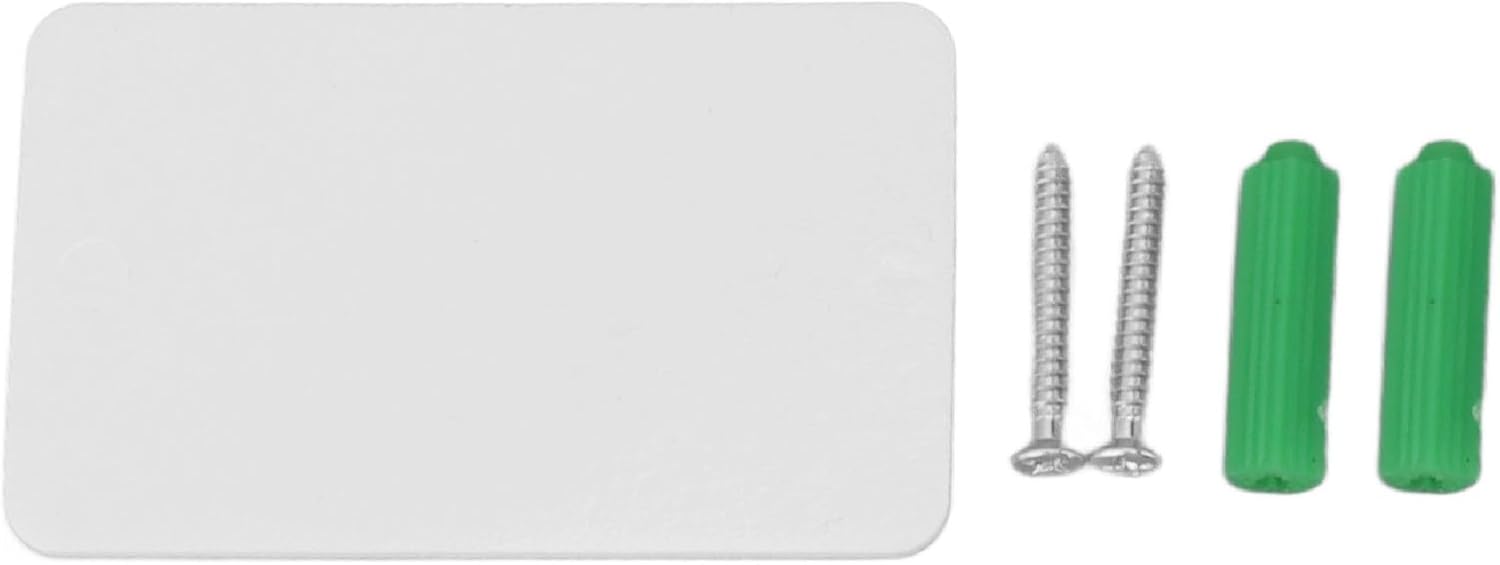
รูปที่ 2.2: รายละเอียด view of the adhesive sticker, two screws, and two green expansion tubes for mounting.
3. สินค้าหมดview
The AMONIDA X3 Pro Video Doorbell system consists of two main components: the outdoor doorbell unit and the indoor dingdong chime unit.
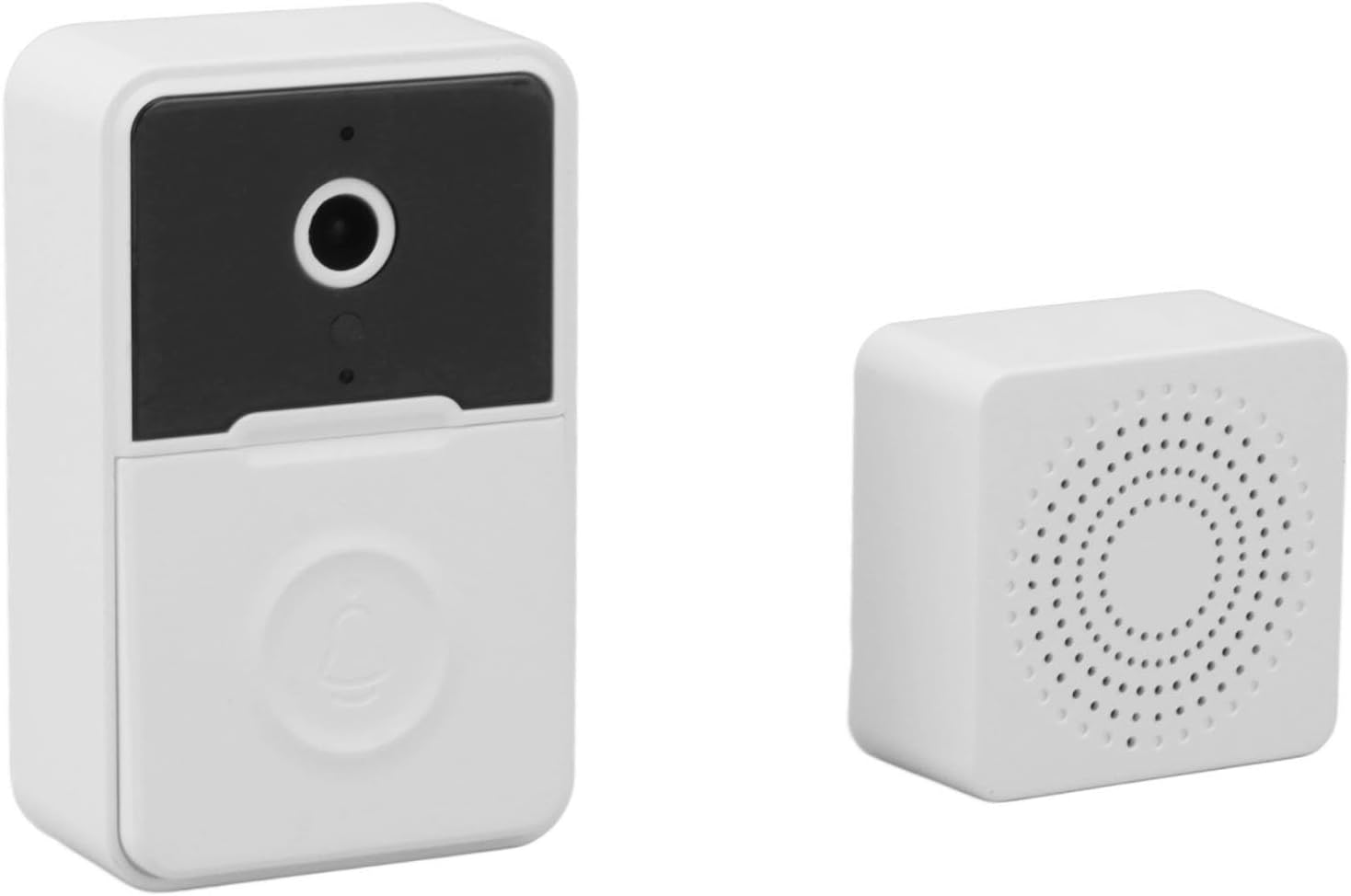
รูปที่ 3.1: The X3 Pro Video Doorbell (left) and the indoor Dingdong unit (right).
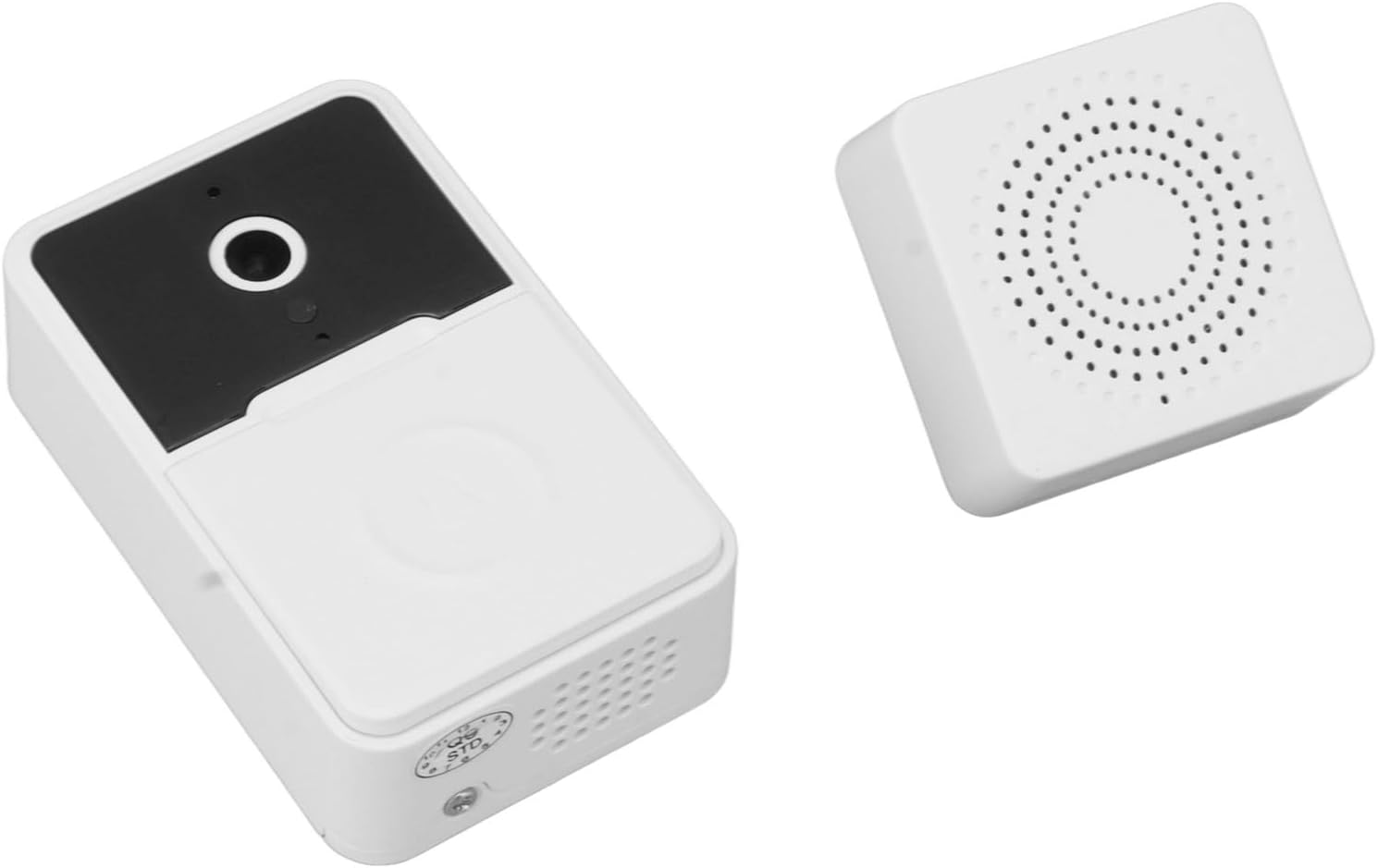
รูปที่ 3.2: มุม view of the doorbell and dingdong units, showing their compact design.
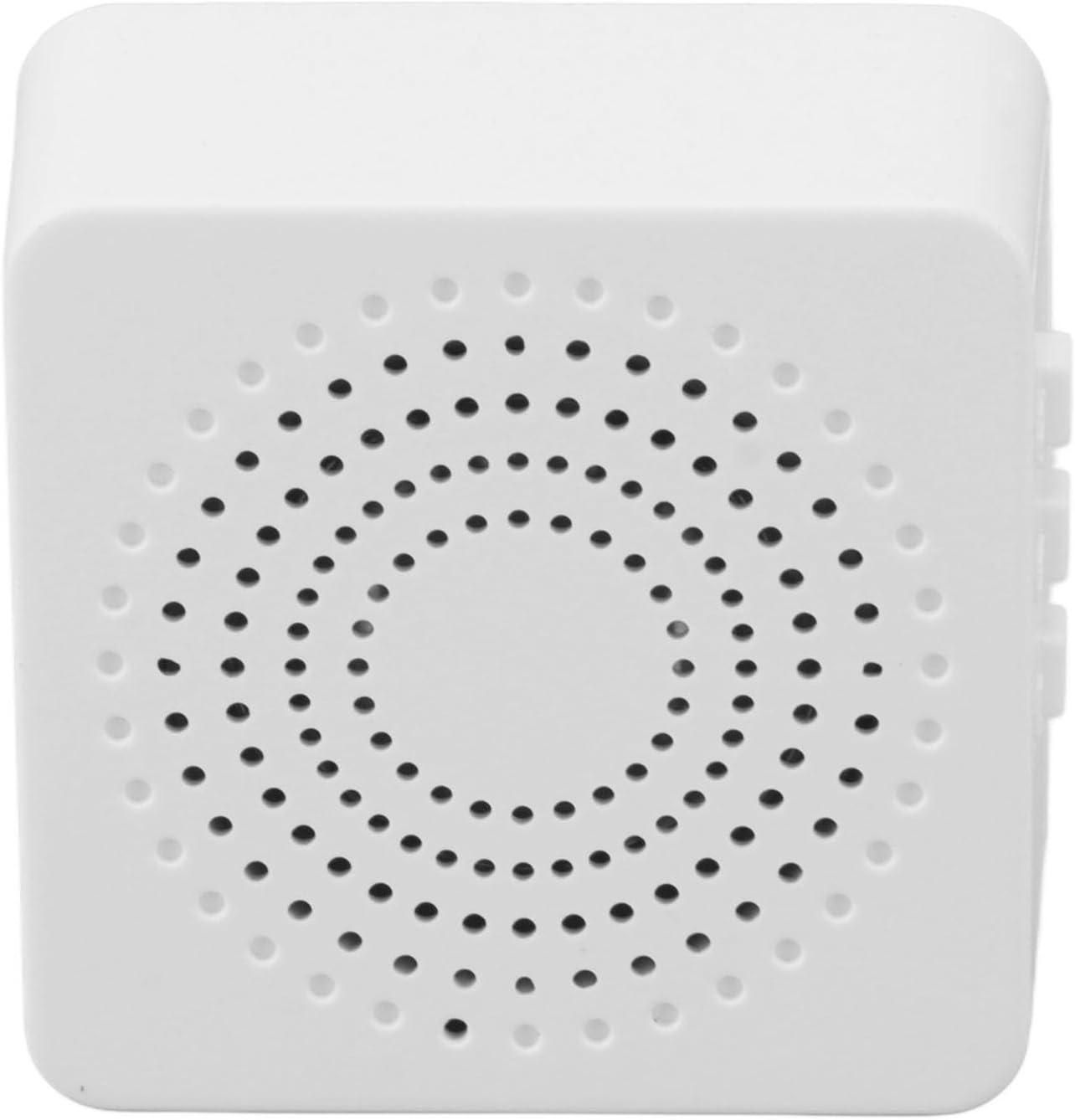
รูปที่ 3.3: Close-up of the indoor Dingdong unit, highlighting its speaker grille for clear audio alerts.
คุณสมบัติหลัก:
- การสนทนาทางวิดีโอ: Initiate and receive video calls via the doorbell.
- APP Voice Call: Communicate with visitors through a connected mobile application.
- Voice Change Intercom: Feature allowing modification of voice during two-way communication for privacy or security.
- เลนส์มุมกว้าง: นำเสนอขอบเขตที่กว้างขวาง view เพื่อการตรวจสอบอย่างครอบคลุม
- High Definition Night Vision: Ensures clear visibility of visitors even in low-light conditions.
- Extra Long Range: Extended wireless range between doorbell and dingdong unit.
- การติดตั้งอย่างรวดเร็ว: ออกแบบมาเพื่อให้ติดตั้งง่าย
- Clear and Loud Volume: Audible alerts from the dingdong unit.
- Automatic Capture: Records images or video upon motion detection or doorbell press.
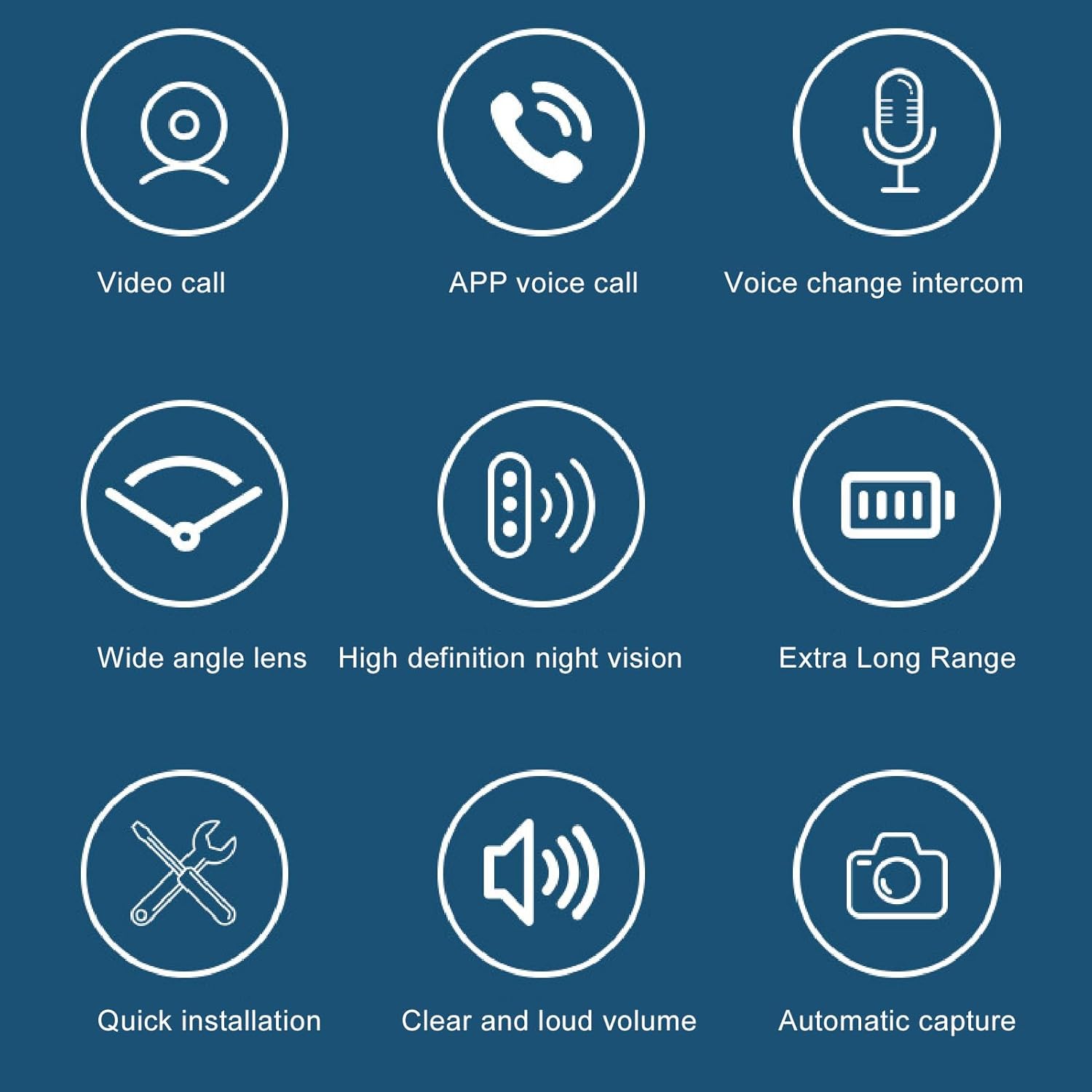
รูปที่ 3.4: Visual representation of the X3 Pro's primary features.
4. การตั้งค่าและการติดตั้ง
The AMONIDA X3 Pro Video Doorbell offers two installation methods: adhesive mounting or screw fixing.
4.1. การติดตั้งแบตเตอรี่
The doorbell unit requires dry batteries for power (batteries not included). Open the battery compartment on the back of the doorbell unit and insert the specified batteries, ensuring correct polarity. Close the compartment securely.
4.2. Doorbell Unit Installation
เลือกสถานที่ที่เหมาะสมใกล้ประตูบ้านของคุณ โดยให้แน่ใจว่ามองเห็นได้ชัดเจน view of the entrance.
วิธีที่ 1: การติดตั้งด้วยกาว
- ทำความสะอาดพื้นผิวที่จะติดตั้งให้สะอาดหมดจด เพื่อให้แน่ใจว่าแห้งสนิทและปราศจากฝุ่นหรือคราบไขมัน
- Peel off the protective film from the industrial-grade adhesive sticker provided.
- Firmly press the doorbell unit onto the desired location for at least 30 seconds.
- Allow the adhesive to cure for several hours before regular use to ensure maximum adhesion.
Method 2: Punching Installation with Screws
- Mark the desired drilling points on the wall using the doorbell unit as a template.
- เจาะรูสองรูตามตำแหน่งที่ทำเครื่องหมายไว้
- Insert the expansion tubes into the drilled holes.
- Align the doorbell unit with the holes and secure it using the provided expansion screws.

รูปที่ 4.1: Illustration of convenient installation options: industrial-grade adhesive for non-punching installation (top) and punching installation with expansion screws (bottom).
4.3. Dingdong Unit Setup
The indoor dingdong unit is designed for easy placement. Simply plug it into a standard power outlet within range of the doorbell unit. No complex wiring is required.
5. คู่มือการใช้งาน
5.1. การจับคู่เบื้องต้น (ถ้าจำเป็น)
If the doorbell and dingdong units are not pre-paired, follow the instructions in the included English Manual to pair them. Typically, this involves pressing a pairing button on both devices within a short timeframe.
5.2. Visitor Notification
When a visitor presses the doorbell button, the outdoor unit will send a signal to the indoor dingdong unit, which will chime. Simultaneously, a notification will be sent to your connected mobile application.
5.3. Two-Way Audio and Video Communication
Upon receiving a notification, open the mobile application to view the live video feed from the doorbell camera. You can then initiate two-way audio communication with the visitor. The system supports bidirectional voice with high-power speakers and sensitive microphones for clear interaction.

รูปที่ 5.1: Example of bidirectional communication, allowing clear interaction with visitors and supporting voice change features.
5.4. Night Vision Function
The X3 Pro doorbell is equipped with high-definition night vision. This feature automatically activates in low-light conditions, ensuring that visitors' faces and activities can be clearly seen and recorded even in complete darkness.
5.5. Voice Change Intercom
For added privacy or security, the doorbell system includes an intelligent voice change feature. This allows you to modify your voice during intercom conversations, providing an additional layer of safety when interacting with unknown visitors.
6. การบำรุงรักษา
- การทำความสะอาด: ใช้แบบนุ่มๆamp cloth to clean the exterior of both the doorbell and dingdong units. Avoid abrasive cleaners or solvents.
- การเปลี่ยนแบตเตอรี่: Replace the doorbell unit's dry batteries as needed. Low battery indicators will typically appear in the mobile application.
- อัพเดตเฟิร์มแวร์: Regularly check the mobile application for any available firmware updates to ensure optimal performance and security.
- การปกป้องสิ่งแวดล้อม: While the doorbell is designed for outdoor use, avoid direct exposure to extreme weather conditions if possible to prolong its lifespan.
7 การแก้ไขปัญหา
| ปัญหา | สาเหตุที่เป็นไปได้ | สารละลาย |
|---|---|---|
| Doorbell not ringing dingdong unit. | Low batteries in doorbell unit; Dingdong unit unplugged; Out of range; Not paired. | Replace doorbell batteries; Ensure dingdong unit is plugged in; Move dingdong closer to doorbell; Re-pair units as per manual. |
| No video feed or poor video quality. | Weak Wi-Fi signal; Camera lens obstructed; Low battery. | Check Wi-Fi connection and router proximity; Clean camera lens; Replace doorbell batteries. |
| ระบบเสียงสองทางใช้งานไม่ได้ | Microphone/speaker obstruction; App permissions; Network issue. | Ensure no obstructions; Check app microphone permissions; Verify stable internet connection. |
| Doorbell unit not powering on. | Batteries inserted incorrectly; Dead batteries. | Check battery polarity; Replace with fresh batteries. |
8. ข้อมูลจำเพาะ
| คุณสมบัติ | รายละเอียด |
|---|---|
| วัสดุผลิตภัณฑ์ | เอบีเอส |
| Doorbell Camera Size | ขนาดโดยประมาณ 46x25x73 มม. / 1.81x0.98x2.87 นิ้ว |
| Dingdong Inner Machine Size | ขนาดโดยประมาณ 43x32x41 มม. / 1.69x1.26x1.61 นิ้ว |
| น้ำหนัก | Approx. 73g / 2.6oz (total package weight) |
| Battery Type (Doorbell) | Dry Battery (x3, not included) |
| การมองเห็นตอนกลางคืน | ความคมชัดสูง |
| การเชื่อมต่อ | ไร้สาย |
| ผู้ผลิต | อโมนิดา |
| หมายเลขรุ่น | AMONIDAivp0hnryf6 |

รูปที่ 8.1: Detailed dimensions of the doorbell camera and indoor dingdong machine.
9. การรับประกันและการสนับสนุน
For warranty information and technical support, please refer to the contact details provided with your purchase documentation or visit the official AMONIDA webไซต์ โปรดเก็บใบเสร็จรับเงินไว้เป็นหลักฐานการซื้อสำหรับการเรียกร้องการรับประกัน
For further assistance, please contact customer support:
- Webเว็บไซต์: Visit AMONIDA's official webเว็บไซต์สำหรับการสนับสนุน
- อีเมล: โปรดดูที่บรรจุภัณฑ์ของผลิตภัณฑ์หรือเอกสารอย่างเป็นทางการ webเว็บไซต์.
Ask a question about this manual
Ask about setup, troubleshooting, compatibility, parts, safety, or missing instructions. Manuals+ will review the question and use this page’s manual context to help answer it.