
การแนะนำ
This manual provides instructions for the proper use and maintenance of your Casio DS-2B-GD-W-DP 12-Digit Practical Calculator. Please read this manual thoroughly before using the calculator to ensure optimal performance and longevity.

รูปที่ 1 : ด้านหน้า view of the Casio DS-2B-GD-W-DP calculator, showing the display and key layout.
การตั้งค่า
แหล่งพลังงาน
The Casio DS-2B-GD-W-DP calculator operates using a dual power system: solar power and battery power. It automatically switches between these sources based on ambient light conditions.
- พลังงานแสงอาทิตย์: The calculator is powered by solar cells when sufficient light is available. Ensure the solar panel, located above the display, is exposed to light for operation.
- พลังงานแบตเตอรี่: When light is insufficient, the calculator automatically switches to battery power. No user intervention is required for this transition.
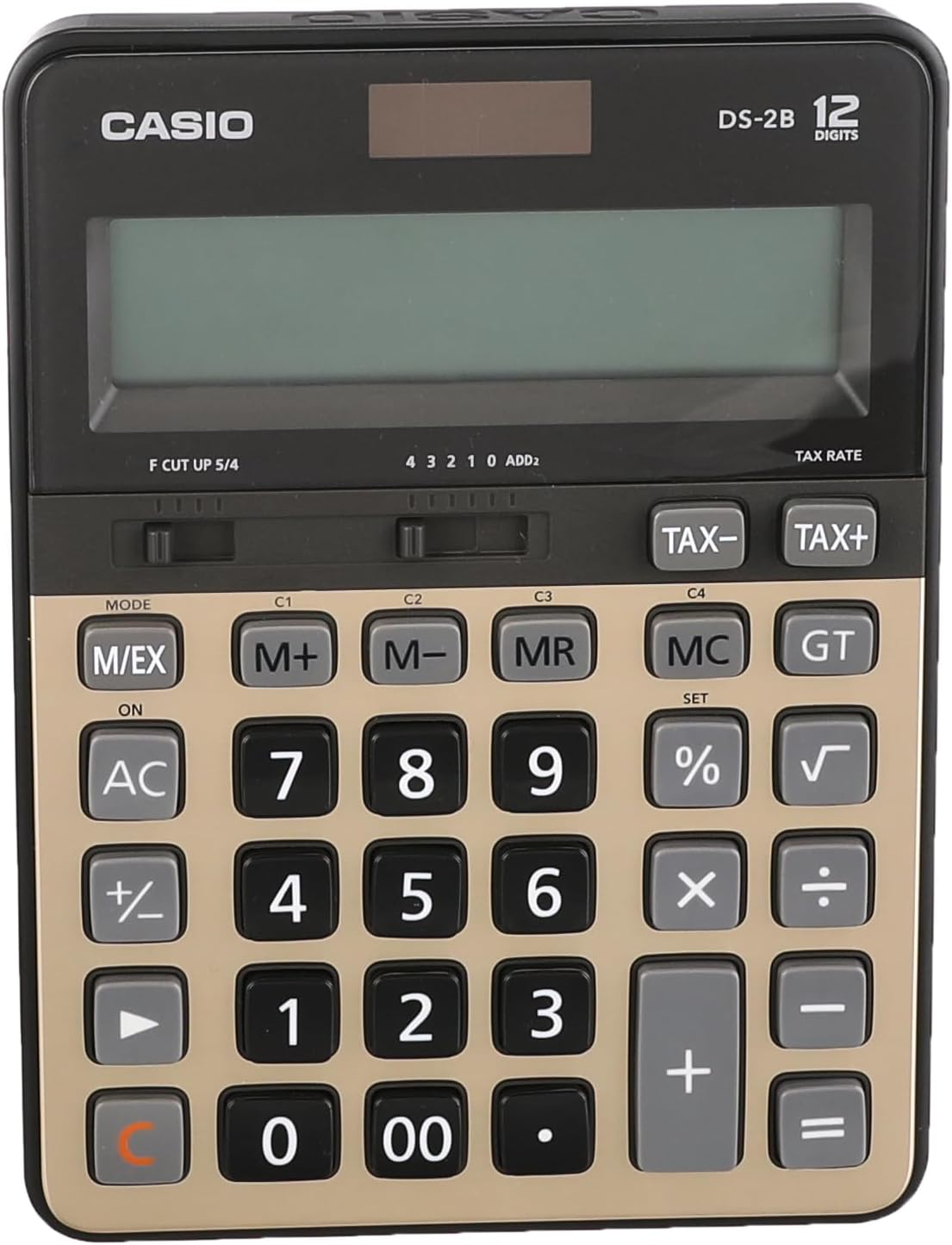
รูปที่ 2: ด้านบน view of the calculator, highlighting the solar panel and large display area.
การใช้งานเบื้องต้น
- วางเครื่องคิดเลขในบริเวณที่มีแสงสว่างเพียงพอ
- กดปุ่ม เปิด/ไฟ AC button to turn on the calculator and clear any previous calculations.
- The display should show "0". If the display is blank, ensure adequate light is available or that the battery is functional.
คำแนะนำการใช้งาน
การคำนวณพื้นฐาน
- ส่วนที่เพิ่มเข้าไป: กรอกตัวเลขตัวแรกแล้วกด +, กรอกตัวเลขที่สอง กด =.
- การลบ: กรอกตัวเลขตัวแรกแล้วกด -, กรอกตัวเลขที่สอง กด =.
- การคูณ: กรอกตัวเลขตัวแรกแล้วกด ×, กรอกตัวเลขที่สอง กด =.
- แผนก: กรอกตัวเลขตัวแรกแล้วกด ÷, กรอกตัวเลขที่สอง กด =.
- ทางเข้าที่โล่ง: กด CE (often combined with AC) to clear the last entered number.
- ปลอดภัยแล้ว: กด AC to clear all calculations and reset the display to zero.
ฟังก์ชั่นหน่วยความจำ
The calculator includes independent memory functions for storing and recalling values.
- เอ็ม+: เพิ่มค่าที่แสดงลงในหน่วยความจำ
- ม-: ลบค่าที่แสดงออกจากหน่วยความจำ
- นาย: เรียกค่าที่จัดเก็บไว้ในหน่วยความจำมาแสดงผลบนหน้าจอ
- พิธีกร: ล้างหน่วยความจำ
การคำนวณภาษี
The calculator features dedicated keys for tax calculations.
- ภาษี+: Adds tax to the displayed value.
- ภาษี-: Subtracts tax from the displayed value.
Note: The tax rate must be set prior to using these functions. Refer to the full Casio manual for detailed instructions on setting the tax rate.

Figure 3: Close-up of the calculator's key layout, showing function keys like M+, M-, MR, MC, TAX+, and TAX-.
การซ่อมบำรุง
การทำความสะอาด
- เช็ดเครื่องคิดเลขด้วยผ้าแห้งนุ่มๆ
- สำหรับสิ่งสกปรกที่ฝังแน่น ง. เบา ๆampเทน้ำและผงซักฟอกอ่อนๆ ลงบนผ้า แล้วเช็ดให้แห้งทันที
- ห้ามใช้สารละลายที่มีฤทธิ์กัดกร่อนสูง น้ำยาทำความสะอาดที่มีฤทธิ์กัดกร่อน หรือสเปรย์ทำความสะอาดฉีดลงบนเครื่องคิดเลขโดยตรง
พื้นที่จัดเก็บ
- เก็บเครื่องคิดเลขไว้ในที่แห้งและเย็น หลีกเลี่ยงแสงแดดโดยตรงและอุณหภูมิที่สูงหรือต่ำเกินไป
- Avoid exposing the calculator to excessive moisture or dust.
การเปลี่ยนแบตเตอรี่
The calculator uses a button-cell battery as a backup power source. If the display becomes dim or unresponsive in sufficient light, the battery may need replacement. Battery replacement should ideally be performed by a qualified technician or according to the detailed instructions in the comprehensive Casio manual to avoid damaging the device.
การแก้ไขปัญหา
| ปัญหา | สาเหตุที่เป็นไปได้ | สารละลาย |
|---|---|---|
| จอแสดงผลว่างเปล่าหรือมืดลง | Insufficient light for solar power. / Battery is low or depleted. | Move the calculator to a brighter area. / Replace the battery (refer to Maintenance section). |
| เครื่องคิดเลขไม่ตอบสนองต่อการกดปุ่ม | Calculator is off. / Temporary malfunction. | กด เปิด/ไฟ AC. / Remove the calculator from light for a few minutes, then re-expose to light and press เปิด/ไฟ AC. |
| ผลการคำนวณไม่ถูกต้อง | Incorrect input. / Incorrect mode setting. | Verify input numbers and operations. / Press AC to clear and restart. Check mode settings if applicable (e.g., decimal point selector). |
ข้อมูลจำเพาะ
- แบบอย่าง: Casio DS-2B-GD-W-DP
- ตัวเลข: 12
- แหล่งพลังงาน: พลังงานแสงอาทิตย์และแบตเตอรี่ (ระบบพลังงานคู่)
- ประเภทจอภาพ: Extra Large LCD
- ประเภทคีย์: Durable anti-fade plastic keys
- ขนาด (ยาว x กว้าง x สูง): ขนาดประมาณ 18.95 x 14 x 0.25 ซม
- น้ำหนัก: ประมาณ 305 กรัม
- วัสดุ: พลาสติก
- ฟังก์ชั่น: Basic arithmetic, Memory (M+, M-, MR, MC), Tax calculation (TAX+, TAX-), Percentage (%), Square Root (√), Grand Total (GT), Mark-up (MU), Decimal Selector (F, CUT, UP, 5/4), Rounding Selector (4, 3, 2, 1, 0, ADD2).
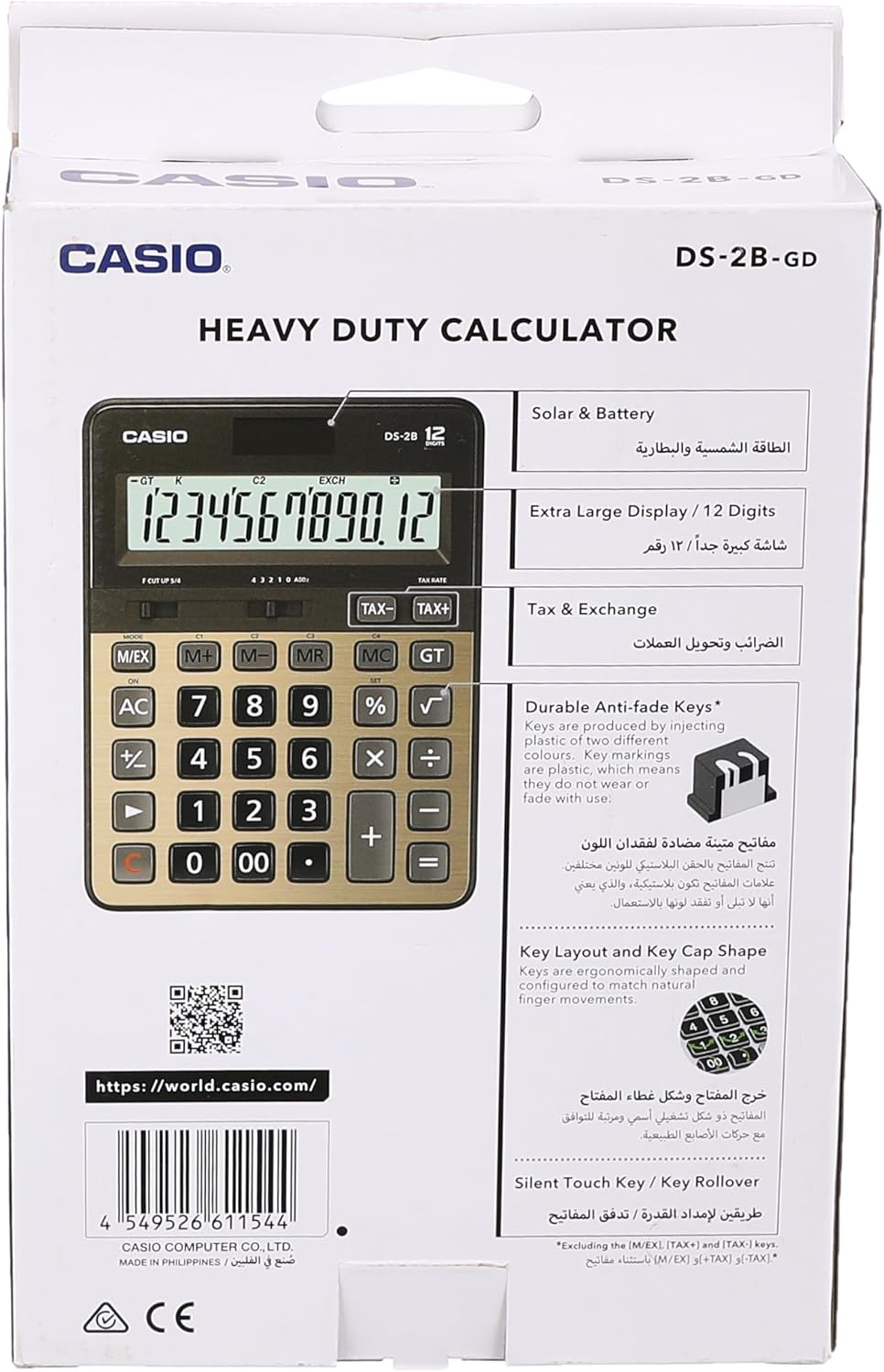
Figure 4: Product packaging highlighting key features such as solar & battery power, extra large display, and durable keys.
การรับประกันและการสนับสนุน
For detailed warranty information and customer support, please refer to the documentation included with your purchase or visit the official Casio webเว็บไซต์.
- แคสเซียอย่างเป็นทางการ Webเว็บไซต์: https://world.casio.com
- ผู้ผลิต: บริษัท คาซิโอ คอมพิวเตอร์ จำกัด
- หมายเลขรุ่น: DS-2B-GD-W-DP
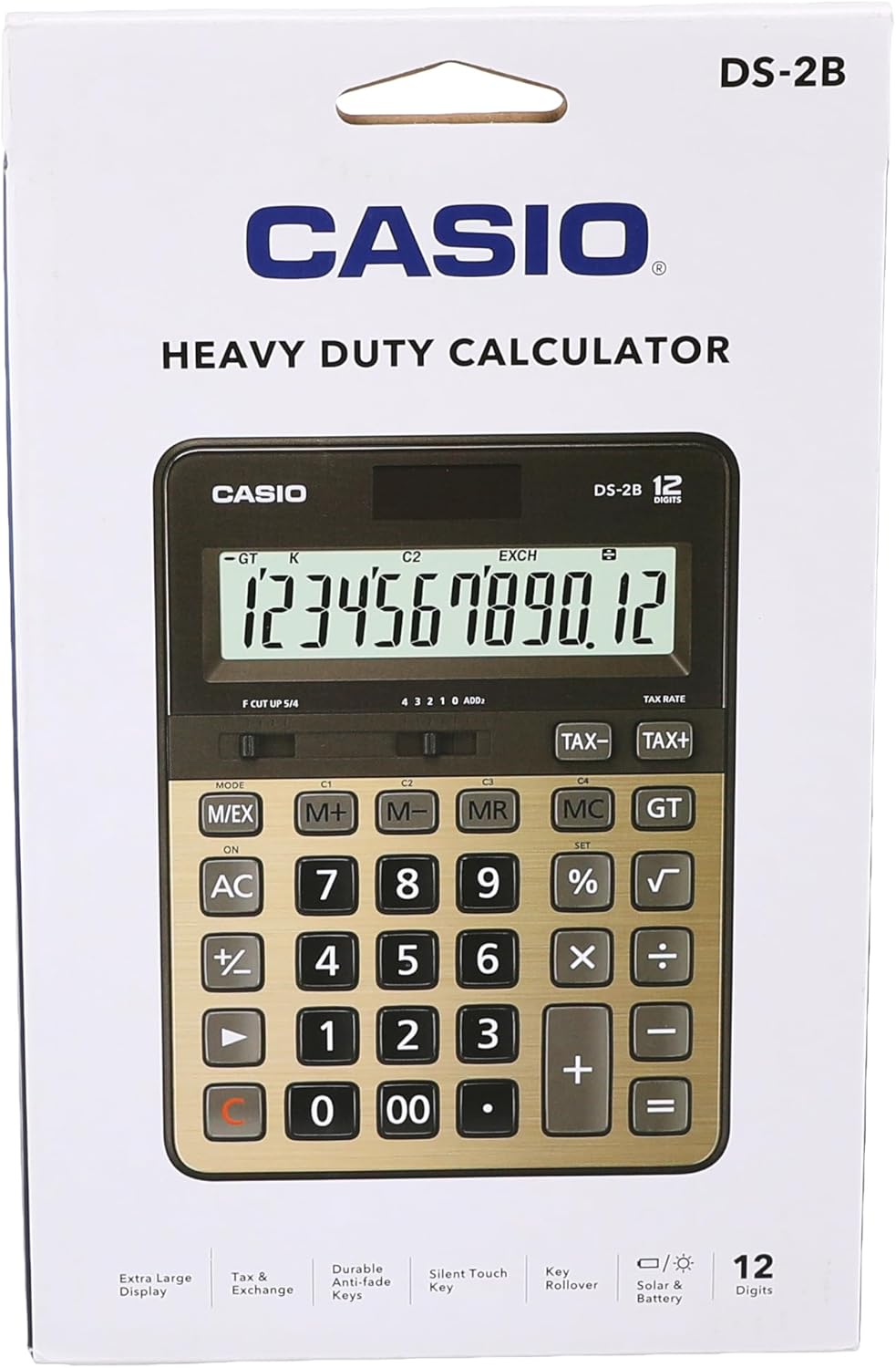
รูปที่ 5: ด้านหลัง view of the product packaging, displaying the barcode and official webเว็บไซต์สำหรับข้อมูลเพิ่มเติม