
1. บทนำ
The JZAQ A13 Bluetooth Helmet Speakers and Intercom System provides wireless communication and audio playback for motorcycle riders, skiers, cyclists, and other sports enthusiasts. This system features Bluetooth 5.3 connectivity, two-way intercom functionality, noise cancellation, and a waterproof design for reliable performance in various conditions.

Image 1.1: JZAQ A13 Bluetooth Helmet Headset overview.
2. เนื้อหาบรรจุภัณฑ์
ก่อนการติดตั้ง โปรดตรวจสอบให้แน่ใจว่ามีอุปกรณ์ทั้งหมดที่ระบุไว้ด้านล่างนี้อยู่ในบรรจุภัณฑ์ของคุณ:
- JZAQ A13 Headphone Host
- Hard Earbuds
- Soft Earbuds
- ฐานคลิป
- Paste Base
- Horn Velcro
- สายชาร์จ TYPE-C
- Hard and Soft Velcro Pads
- คู่มือการใช้งาน

Image 2.1: All components included in the JZAQ A13 package.
3. สินค้าหมดview
Familiarize yourself with the main unit and its controls:
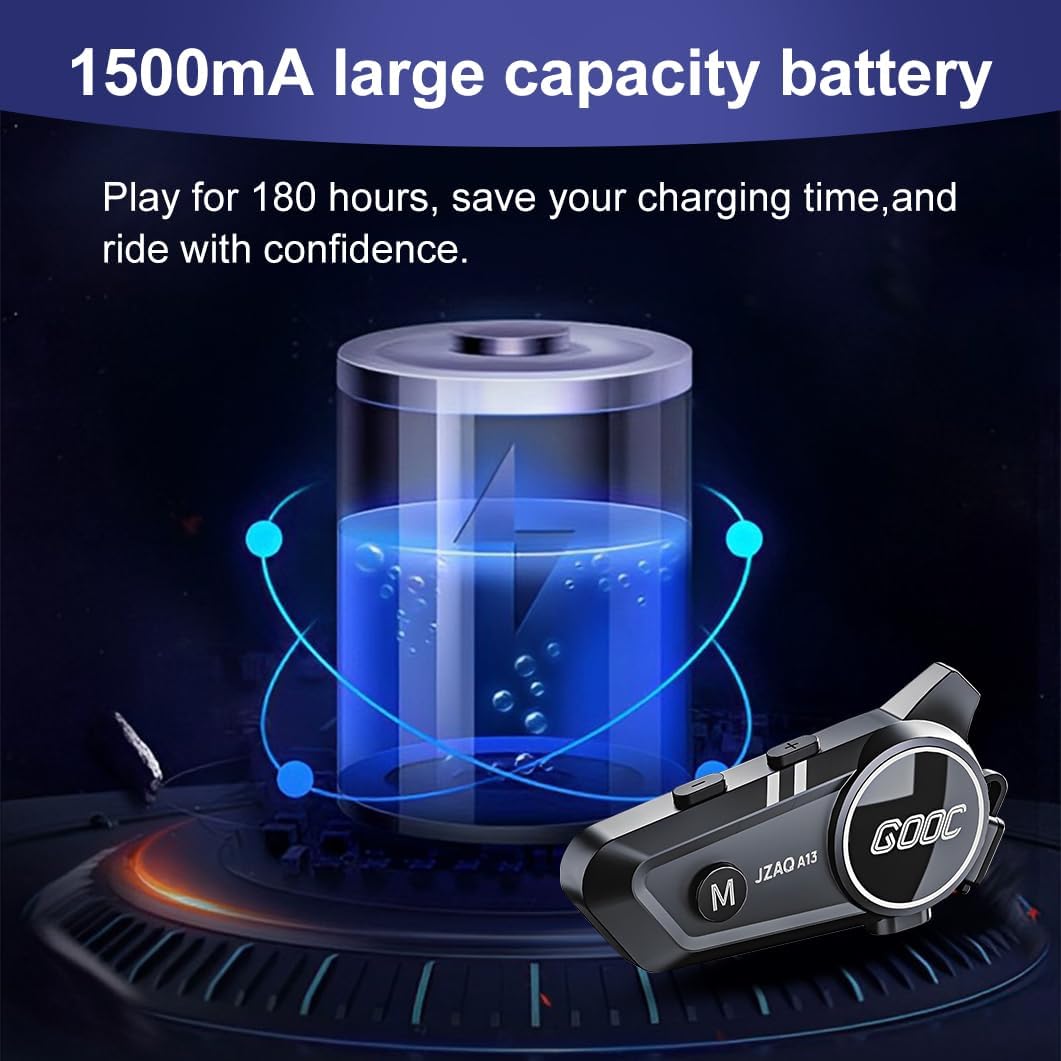
Image 3.1: Diagram illustrating the button functions and ports on the JZAQ A13 unit.
- Power On/Off/Pause/Play/Connect Button: Controls power, music playback, and Bluetooth connection.
- Volume Up/Next Song Button: เพิ่มระดับเสียงและข้ามไปยังแทร็กถัดไป
- Volume Down/Previous Song/Voice Assistant Button: Decreases volume, goes to the previous track, and activates the voice assistant.
- พอร์ตชาร์จ: พอร์ต USB Type-C สำหรับชาร์จอุปกรณ์
- แจ็คหูฟัง: เชื่อมต่อลำโพงและไมโครโฟน
4. การตั้งค่าและการติดตั้ง
4.1 การชาร์จอุปกรณ์
Before first use, fully charge the JZAQ A13 unit. Connect the provided TYPE-C charging cable to the charging port on the unit and a USB power source. A full charge typically takes approximately 2 hours. The device features a 1500mAh battery, providing up to 180 hours of continuous play time.

Image 4.1: Illustration of the 1500mAh large capacity battery.
4.2 การติดตั้งหมวกกันน็อค
The JZAQ A13 is designed to be compatible with various helmet types. The speakers are ultra-thin (10mm) to ensure comfort and avoid ear pressure.

ภาพที่ 4.2: อดีตamples of various helmet types compatible with the JZAQ A13.
Follow these steps to install the system in your helmet:
- ตำแหน่งลำโพง: Identify suitable locations within your helmet for the speakers, typically in the ear recesses. Use the provided Velcro pads to secure the speakers.
- การเชื่อมต่อไมโครโฟน: Choose between the hard or soft earbuds (microphones) based on your helmet type and preference. Attach the microphone using Velcro in a position that allows clear voice pickup without obstructing your vision or comfort.
- การติดตั้งตัวเครื่องหลัก: Use either the clip base or the paste base to attach the main JZAQ A13 unit to the side of your helmet. Ensure it is securely fastened and easily accessible for operation.
- การจัดการสายเคเบิล: Route all cables neatly within the helmet padding to prevent discomfort or interference.

Image 4.3: Step-by-step visual guide for installing the JZAQ A13 system into a helmet.
5. คู่มือการใช้งาน
5.1 เปิด/ปิดเครื่อง
- เปิดเครื่อง: กดปุ่มเปิด/ปิดค้างไว้ประมาณ 3 วินาที จนกว่าไฟแสดงสถานะจะสว่างขึ้น
- หมดแรง: กดปุ่มเปิด/ปิดค้างไว้ประมาณ 3 วินาที จนกระทั่งไฟแสดงสถานะดับ
5.2 การจับคู่บลูทูธ
The JZAQ A13 uses Bluetooth 5.3 for stable wireless connectivity.
- ตรวจสอบให้แน่ใจว่าอุปกรณ์ปิดอยู่
- กดปุ่มเปิด/ปิดค้างไว้ประมาณ 5-7 วินาที จนกว่าไฟแสดงสถานะจะกะพริบสลับกันระหว่างสีแดงและสีน้ำเงิน ซึ่งแสดงว่าเข้าสู่โหมดจับคู่แล้ว
- On your mobile phone or Bluetooth-enabled device, search for "JZAQ A13" in the Bluetooth settings.
- Select "JZAQ A13" to connect. Once paired, the indicator light will flash blue slowly.
5.3 การเล่นเพลง
After successful Bluetooth pairing, you can play music from your connected device. The system features Hi-Fi stereo sound and DSP noise reduction technology for clear audio.

Image 5.1: The JZAQ A13 provides clear music playback with noise reduction.
- เล่น/หยุดชั่วคราว: กดปุ่มเปิดปิดหนึ่งครั้ง
- ปรับระดับเสียงขึ้น: กดปุ่มเพิ่มระดับเสียง (+)
- ลดเสียงลง: กดปุ่มลดระดับเสียง (-)
- เพลงถัดไป: กดปุ่มเพิ่มระดับเสียง (+) ค้างไว้
- เพลงก่อนหน้า: กดปุ่มลดระดับเสียง (-) ค้างไว้
5.4 อินเตอร์คอมสองทาง
The JZAQ A13 supports two-way intercom communication between two riders within a range of up to 200 meters. The universal pairing function allows connection with other compatible intercom systems.

Image 5.2: Illustration of two-way intercom communication between riders.
- เริ่มใช้งานระบบอินเตอร์คอม: Consult the specific instructions for initiating intercom with another JZAQ A13 unit or a universally paired device.
- สิ้นสุดการสื่อสารภายใน: Press the Power button once during an active intercom call.
5.5 การโทรศัพท์
The system supports hands-free calling with automatic answering and DSP noise reduction for clear voice communication.
- รับสาย: The system will automatically answer incoming calls after a few rings.
- วางสาย: กดปุ่มเปิดปิดหนึ่งครั้ง
- ปฏิเสธสาย: กดปุ่มเปิด/ปิดค้างไว้ 2 วินาที
5.6 ผู้ช่วยเสียง
Activate your smartphone's voice assistant (e.g., Siri) directly from the JZAQ A13.
- เปิดใช้งาน Voice Assistant: Press the Volume Down (-) button twice quickly.
6. การบำรุงรักษา
6.1 การกันซึม
The JZAQ A13 features IPX67 deep waterproof technology with Nano coating, making it suitable for use in rainy or snowy conditions and capable of operating in temperatures as low as -20°F.
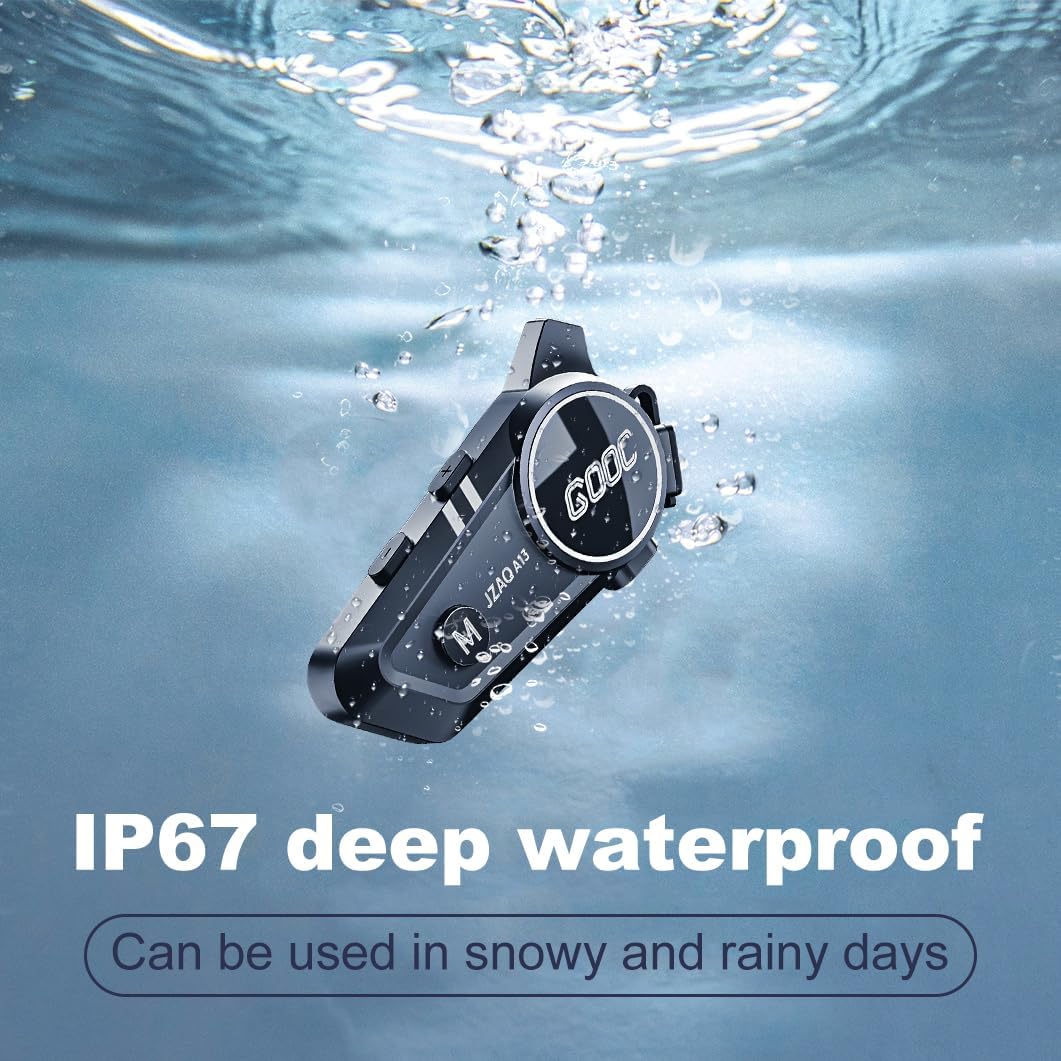
Image 6.1: The JZAQ A13 demonstrating its IP67 deep waterproof capability.
6.2 การทำความสะอาดและการเก็บรักษา
- เช็ดตัวเครื่องด้วยผ้านุ่ม damp ผ้า. หลีกเลี่ยงการใช้สารเคมีที่รุนแรงหรือน้ำยาทำความสะอาดที่มีฤทธิ์กัดกร่อน
- ตรวจสอบให้แน่ใจว่าฝาปิดช่องเสียบชาร์จปิดสนิทเพื่อรักษาคุณสมบัติกันน้ำ
- เก็บอุปกรณ์ไว้ในที่แห้งและเย็นเมื่อไม่ใช้งาน
7 การแก้ไขปัญหา
If you encounter issues with your JZAQ A13, refer to the following common problems and solutions:
| ปัญหา | สาเหตุที่เป็นไปได้ | สารละลาย |
|---|---|---|
| อุปกรณ์ไม่เปิดเครื่อง | แบตเตอรี่เหลือน้อย; อุปกรณ์ค้าง | Charge the device fully; Perform a hard reset (if applicable, refer to manufacturer for specific steps). |
| ไม่สามารถจับคู่กับโทรศัพท์ได้ | Not in pairing mode; Bluetooth off on phone; Device already paired | Ensure device is in pairing mode (flashing red/blue); Turn on phone's Bluetooth; Forget previous connections on phone and re-pair. |
| ไม่มีเสียงออกจากลำโพง | Volume too low; Speakers disconnected; Faulty connection | Increase volume on device and phone; Check speaker connections; Try re-plugging speakers into the main unit. |
| ระบบอินเตอร์คอมเชื่อมต่อไม่ได้ | Out of range; Incorrect pairing procedure | Ensure riders are within 200m range; Repeat intercom pairing steps for both units. |
| Poor voice quality during calls/intercom | Microphone position; Excessive wind noise | Adjust microphone closer to mouth; Ensure microphone is shielded from direct wind. |
8. ข้อมูลจำเพาะ
Key technical specifications for the JZAQ A13 Bluetooth Helmet Speakers & Intercom System:
| คุณสมบัติ | ข้อมูลจำเพาะ |
|---|---|
| ชื่อรุ่น | เอ13 |
| ยี่ห้อ | จซซ |
| เทคโนโลยีการเชื่อมต่อ | ไร้สาย (Bluetooth) |
| เวอร์ชันบลูทูธ | 5.3 |
| ความจุของแบตเตอรี่ | 1500mAh |
| อายุการใช้งานแบตเตอรี่ (เวลาเล่น) | นานถึง 180 ชั่วโมง |
| เวลาในการชาร์จ | 2 ชั่วโมง |
| ช่วงอินเตอร์คอม | Up to 200 meters (two-way) |
| ระดับความต้านทานต่อน้ำ | IPX67 (กันน้ำ) |
| การควบคุมเสียงรบกวน | Sound Isolation, DSP Noise Reduction |
| คุณสมบัติพิเศษ | Built-In Voice Assistant, Fast Charging, Includes microphone, Lightweight |
| น้ำหนักสินค้า | 7.4 ออนซ์ (0.21 กิโลกรัม) |
| อุณหภูมิในการทำงาน | -20°F to (unspecified upper limit) |
9. การรับประกันและการสนับสนุน
The JZAQ A13 Bluetooth Helmet Speakers & Intercom System comes with a รับประกัน 2 ปี. For any product-related inquiries, technical assistance, or warranty claims, please contact JZAQ customer service through the Amazon Buyer Center. Our customer service team is available to assist you.