
การแนะนำ
This user manual provides comprehensive instructions for the HETP 5200mAh PD USB C Portable Power Bank. This compact and convenient power bank is designed to provide emergency power for your USB-C compatible devices, including iPhone 15/16 series, Samsung Galaxy, Google Pixel, LG, and Moto phones, as well as other USB-C charging port devices like the Nintendo Switch.

Image: Two HETP 5200mAh portable power banks, one pink and one blue, featuring their built-in USB-C connectors and digital percentagอีแสดง
มีอะไรอยู่ในกล่อง
เมื่อเปิดกล่องพัสดุ โปรดตรวจสอบว่ามีอุปกรณ์ครบถ้วนหรือไม่:
- 2 x HETP USB-C Portable Power Bank (5200mAh)
- สายชาร์จ 2 x USB-C
- 1 x คู่มือผู้ใช้ (เอกสารนี้)

Image: The contents of the product package, including two portable power banks, two USB-C charging cables, and the user manual.
การตั้งค่า
1. การชาร์จ Power Bank ครั้งแรก
Before first use, it is recommended to fully charge your HETP Portable Power Bank. Use the provided USB-C charging cable and connect it to the power bank's USB-C input port. Connect the other end of the cable to a compatible USB power adapter (not included).
- The Smart LCD digital display will show the charging progress.
- A full recharge typically takes approximately 2.5-3 hours.

Image: A pink HETP power bank connected to a wall charger via a USB-C cable, illustrating the fast recharging capability. A smartphone in the background shows a full charge.
2. การเชื่อมต่อกับอุปกรณ์ของคุณ
The HETP Portable Power Bank features a built-in USB-C connector for direct plug-and-play charging. Simply plug the power bank's integrated USB-C connector directly into your compatible device's USB-C charging port.
Important Note on Phone Cases:
This portable USB-C charger is compatible with phone cases that have a thickness of less than 1.7 inches (approximately 4mm) around the charging port. If your phone case exceeds this thickness, you may need to remove your phone case for the USB-C connector to properly plug into the charging slot.

Image: A visual guide demonstrating the maximum phone case thickness (less than 4mm) for proper connection of the power bank's built-in USB-C plug.
คำแนะนำการใช้งาน
1. Checking Battery Percentage
เพื่อตรวจสอบเปอร์เซ็นต์แบตเตอรี่ที่เหลืออยู่tage of your power bank, simply press the small button located next to the digital display. The LCD screen will illuminate and show the current charge level.
2. การชาร์จอุปกรณ์ของคุณ
Once the power bank is securely connected to your device, charging will typically begin automatically. The power bank's 5200mAh capacity is sufficient to provide at least one full charge for most Android phones, making it ideal for emergency backup power.
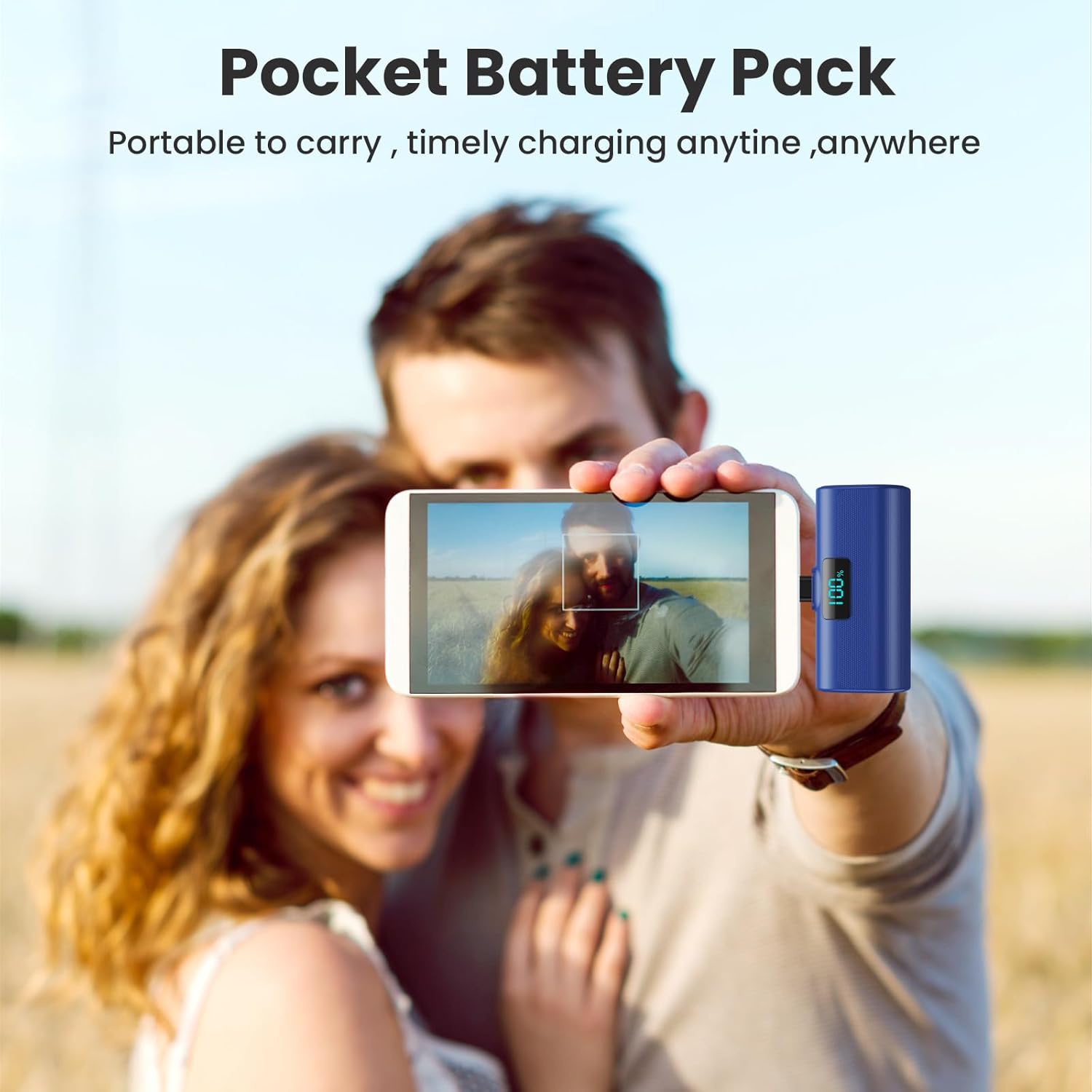
Image: A user holding a blue HETP power bank connected to their smartphone, highlighting its compact size and ease of use for on-the-go charging.
3. การชาร์จแบบผ่าน
The HETP Portable Power Bank supports pass-through charging. This means you can charge your phone while simultaneously recharging the power bank itself. Connect the power bank to your phone, and then connect the power bank to a power source using a USB-C cable.
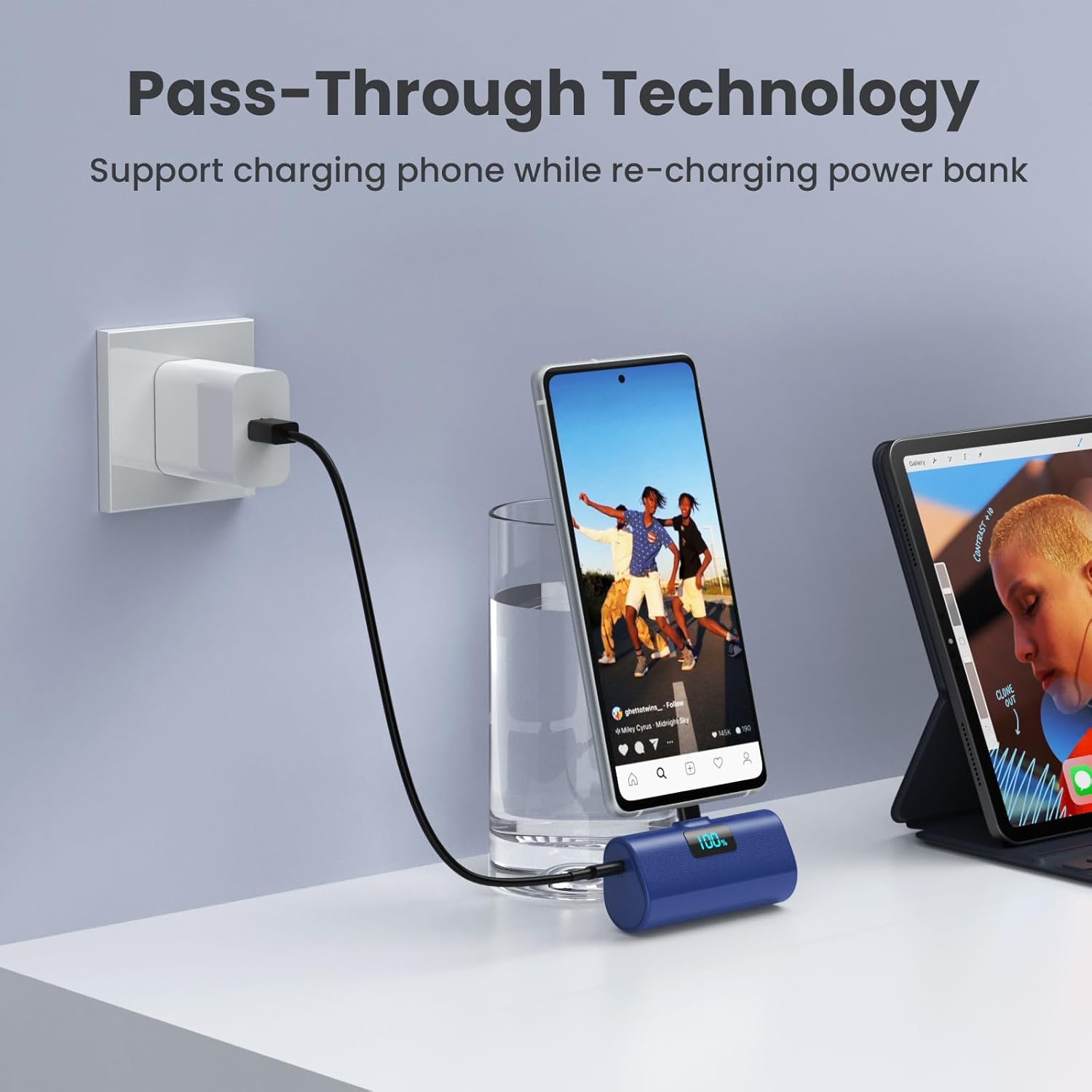
Image: A blue HETP power bank connected to a smartphone, which is simultaneously being charged by a wall adapter, illustrating the pass-through charging feature.
การซ่อมบำรุง
- ควรเก็บพาวเวอร์แบงค์ให้ห่างจากอุณหภูมิที่สูงจัด แสงแดดโดยตรง และความชื้น
- อย่าถอดแยกชิ้นส่วนหรือพยายามซ่อมแซมอุปกรณ์ด้วยตนเอง
- ทำความสะอาดภายนอกด้วยผ้านุ่มและแห้ง หลีกเลี่ยงการใช้สารเคมีรุนแรงหรือวัสดุที่มีฤทธิ์กัดกร่อน
- เก็บไว้ในที่แห้งและเย็นเมื่อไม่ได้ใช้งานเป็นเวลานาน
การแก้ไขปัญหา
พาวเวอร์แบงค์ไม่ชาร์จ
- ตรวจสอบให้แน่ใจว่าสายชาร์จ USB-C เชื่อมต่อกับพาวเวอร์แบงค์และอะแดปเตอร์แปลงไฟอย่างแน่นหนาแล้ว
- ตรวจสอบว่าอะแดปเตอร์ไฟฟ้าทำงานถูกต้องและเชื่อมต่อกับเต้ารับไฟฟ้าที่มีกระแสไฟฟ้า
- Try using a different USB-C charging cable or power adapter.
อุปกรณ์ไม่ชาร์จจากพาวเวอร์แบงค์
- Ensure the power bank's built-in USB-C connector is fully and securely inserted into your device's charging port.
- Check the power bank's battery percentage. If it's low, recharge the power bank.
- If you are using a phone case, ensure its thickness around the charging port is less than 1.7 inches (approx. 4mm). Remove the case if it's too thick.
- Restart your device and try connecting the power bank again.
ชาร์จช้า
- Ensure both the power bank and your device support PD (Power Delivery) fast charging for optimal speeds.
- Check if the charging cable used for recharging the power bank is a high-quality USB-C cable.

ภาพ: ภายใน view diagram of the power bank highlighting its multiple safety features, such as temperature protection, short circuit protection, and overcharge protection.
ข้อมูลจำเพาะ
| คุณสมบัติ | รายละเอียด |
|---|---|
| หมายเลขรุ่น | HX45X9 |
| ความจุของแบตเตอรี่ | 5200 มิลลิวินาทีamp ชั่วโมง (มิลลิแอมป์) |
| ประเภทขั้วต่อ | พอร์ต USB Type C (ในตัว) |
| ขนาดสินค้า | 3 x 1.5 x 1.02 นิ้ว |
| น้ำหนักสินค้า | 3.49 ออนซ์ |
| สี | Pink+Blue (as per product variant) |
| คุณสมบัติพิเศษ | 2-Pack, Lipstick Size, PD USB C Fast Charging, Pocket Size, Airline Approved Safety Travel |
การรับประกันและการสนับสนุน
Your HETP Portable Power Bank comes with a 365-Days replacement warranty and lifetime technical support. For any questions or assistance, please contact our customer support team. Contact information can typically be found on the product packaging or through your purchase platform.