
1. บทนำ
This manual provides comprehensive instructions for the LENVII D7800 Desktop Automatic 2D Barcode Scanner. Please read this manual carefully before using the product to ensure proper operation and to maximize its performance and lifespan. Keep this manual for future reference.
2. ข้อมูลด้านความปลอดภัย
- อย่าให้สแกนเนอร์โดนน้ำหรือความชื้นมากเกินไป
- Avoid dropping the scanner from heights exceeding 1.2 meters to prevent damage, despite its anti-shock design.
- อย่าพยายามถอดประกอบหรือซ่อมแซมเครื่องสแกนด้วยตนเอง โปรดติดต่อช่างผู้ชำนาญการ
- รักษาความสะอาดของช่องสแกนเพื่อให้ได้ประสิทธิภาพสูงสุด
- Avoid direct eye exposure to the scanner's light source.
3. เนื้อหาบรรจุภัณฑ์
ตรวจสอบว่ามีรายการทั้งหมดอยู่ในแพ็คเกจ:
- LENVII D7800 Desktop Automatic 2D Barcode Scanner
- สาย USB (รวมอยู่ด้วย)
- คู่มือการใช้งาน (เอกสารนี้)

รูปที่ 3.1: Package contents including the scanner, USB cable, and user manual.
4. สินค้าหมดview
4.1 คุณสมบัติหลัก
- การออกแบบแฮนด์ฟรี: Omnidirectional scanning for 1D, 2D, and QR codes.
- CCD Scanning Technology: Capable of reading barcodes from mobile phone and computer screens, as well as damaged, blurred, distorted, colorful, or reflective barcodes.
- ปลั๊กแอนด์เพลย์: ไม่จำเป็นต้องติดตั้งไดรเวอร์
- ความเข้ากันได้กว้าง: Works with Windows XP/7/8/10, Mac OS, and Linux operating systems.
- หัวปรับได้: Features a 15° adjustable head for flexible scanning angles.
- Anti-shock Design: ออกแบบมาให้ทนทานต่อการตกจากที่สูงถึง 1.2 เมตร
4.2 มิติ
The scanner has compact dimensions suitable for desktop use.

รูปที่ 4.1: ด้านหน้าและด้านข้าง view of the LENVII D7800 scanner with dimensions indicated.
4.3 Anti-shock Design
The LENVII D7800 is designed for durability, capable of withstanding accidental drops from a height of 1.2 meters without affecting its functionality.

รูปที่ 4.2: Illustration of the scanner's anti-shock capability.
5. การตั้งค่า
5.1 การเชื่อมต่อเครื่องสแกนเนอร์
- Place the LENVII D7800 scanner on a stable, flat surface.
- Connect the integrated USB cable from the scanner to an available USB port on your computer (desktop or laptop).
- The scanner will power on automatically and initiate the "Plug and Play" process.

รูปที่ 5.1: The scanner connected to various devices, demonstrating its plug-and-play functionality.
5.2 การติดตั้งไดรเวอร์
The LENVII D7800 is a plug-and-play device. No additional drivers or software installation is required for basic operation. Your operating system (Windows, Mac OS, Linux) will automatically recognize the device.
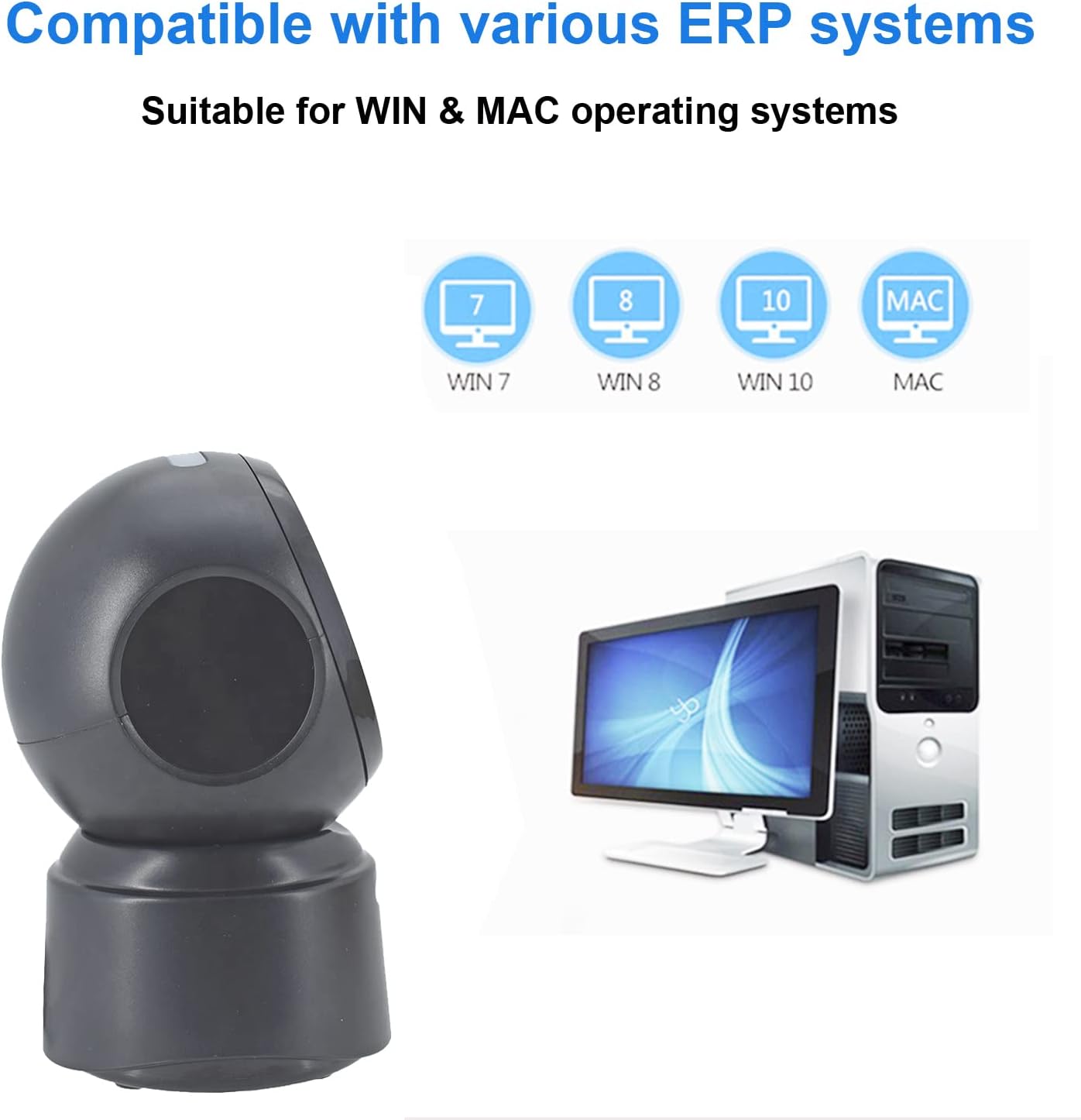
รูปที่ 5.2: Compatibility with various operating systems.
6. คู่มือการใช้งาน
6.1 ขั้นตอนการสแกนขั้นพื้นฐาน
The D7800 scanner operates in an automatic, hands-free mode. Once connected, it is ready to scan.
- Ensure the scanner is connected to your computer and powered on.
- Present the barcode to the scanning window. The scanner will automatically detect and read the barcode.
- โดยทั่วไป การสแกนสำเร็จจะแสดงด้วยเสียงบี๊บและ/หรือการยืนยันด้วยภาพ (เช่น ไฟ LED แสดงสถานะ)
- The scanned data will be transmitted to your computer as keyboard input.
6.2 Scanning Barcode Types
The scanner supports a wide range of 1D, 2D, and QR codes, including those that are less than perfect.
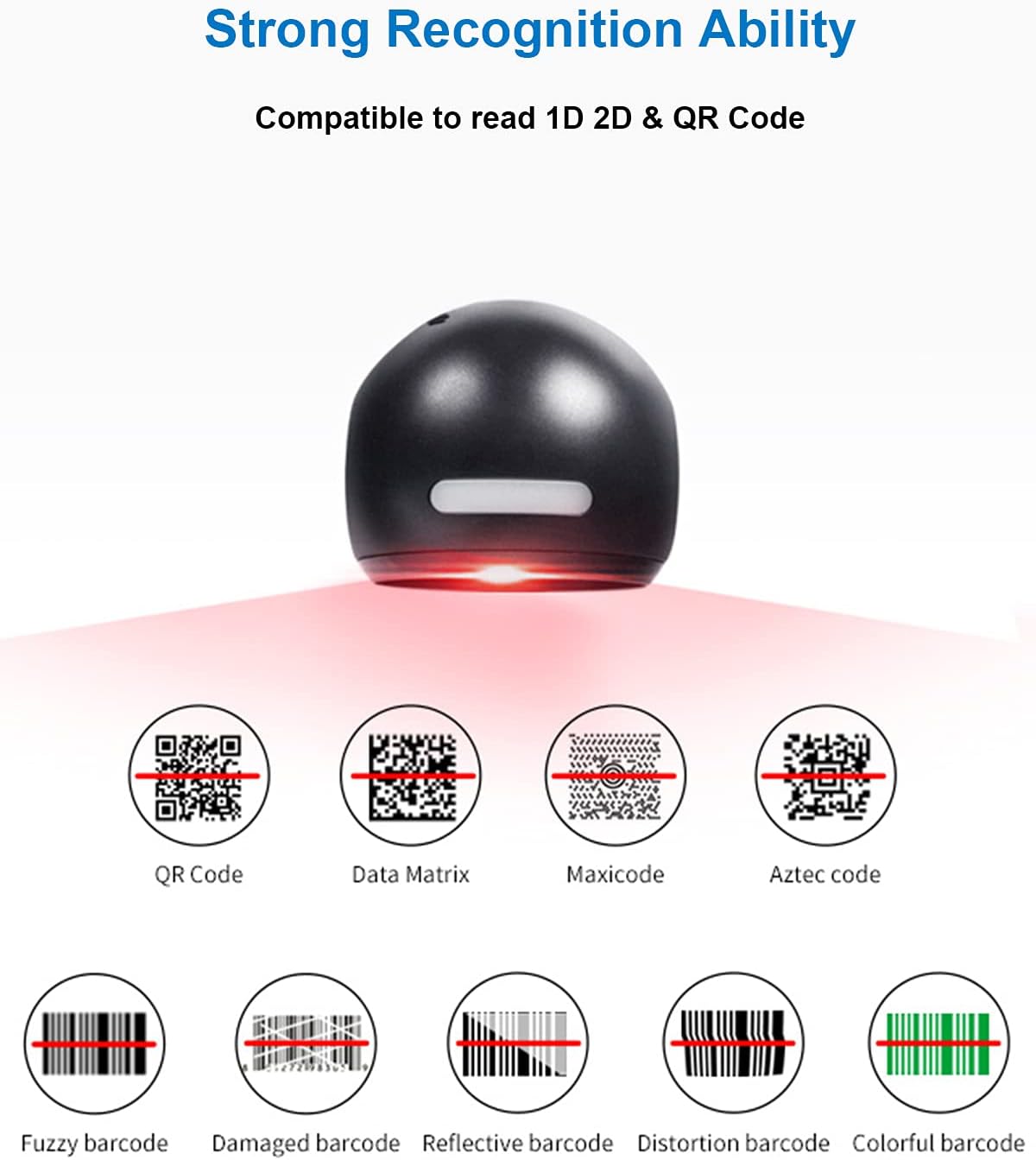
รูปที่ 6.1: Examples of various barcode types and conditions the scanner can recognize.
6.3 On-Screen Barcode Scanning
The D7800 is capable of scanning barcodes directly from digital displays, such as smartphones, tablets, and computer monitors.

รูปที่ 6.2: The scanner reading a barcode from a digital screen. Example barcode: 1234567890
6.4 สถานการณ์การสมัคร
The LENVII D7800 is suitable for various environments requiring efficient barcode scanning.
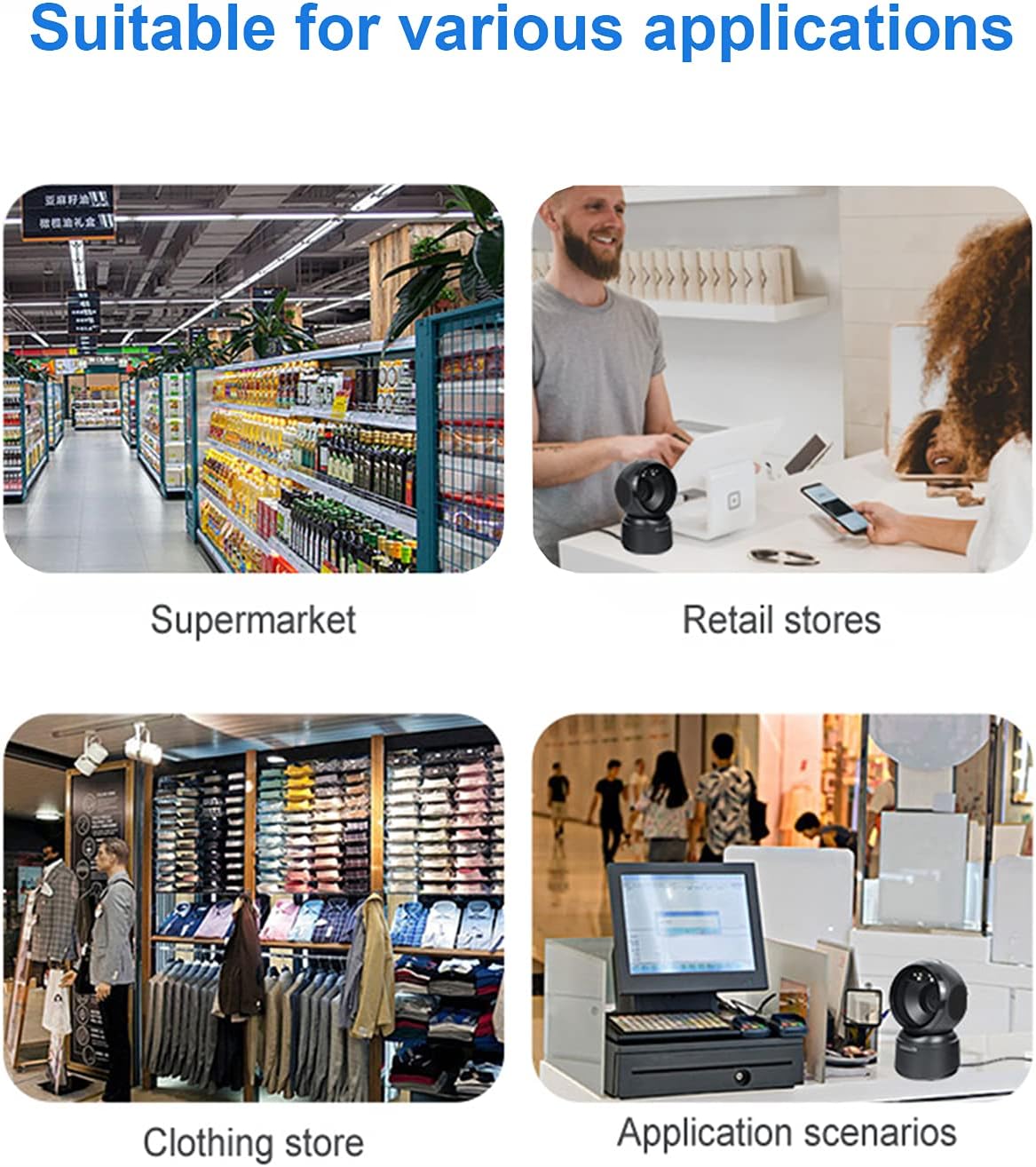
รูปที่ 6.3: Common application environments for the scanner.
7. การบำรุงรักษา
7.1 การทำความสะอาดสแกนเนอร์
- Ensure the scanner is disconnected from the power source before cleaning.
- ใช้ผ้าแห้งนุ่มๆ ที่ไม่มีขนเช็ดทำความสะอาดภายนอกเครื่องสแกน
- สำหรับช่องสแกน ให้ใช้ผ้าทำความสะอาดเลนส์หรือผ้าเนื้อนุ่มเช็ดเบาๆampened with a mild, non-abrasive cleaning solution. Avoid spraying cleaners directly onto the scanner.
- Do not use harsh chemicals, solvents, or abrasive materials, as these can damage the scanner's surface or scanning window.
7.2 พื้นที่จัดเก็บ
When not in use, store the scanner in a cool, dry place, away from direct sunlight and extreme temperatures. The maximum storage temperature is 60°C (140°F).
8 การแก้ไขปัญหา
| ปัญหา | สาเหตุที่เป็นไปได้ | สารละลาย |
|---|---|---|
| เครื่องสแกนเนอร์ไม่สามารถเปิดเครื่องได้ | สาย USB ไม่ได้เชื่อมต่ออย่างถูกต้องหรือพอร์ต USB ชำรุด | Ensure the USB cable is securely connected. Try a different USB port on your computer. |
| เครื่องสแกนไม่สามารถอ่านบาร์โค้ดได้ |
|
|
| ข้อมูลที่สแกนไม่ถูกต้องหรือไม่สมบูรณ์ |
|
|
หากปัญหายังคงมีอยู่หลังจากพยายามแก้ไขปัญหาเหล่านี้แล้ว โปรดติดต่อฝ่ายสนับสนุนลูกค้า
9. ข้อมูลจำเพาะ
| คุณสมบัติ | รายละเอียด |
|---|---|
| แบบอย่าง | D7800 |
| พิมพ์ | 2D CMOS Wired Barcode Scanner |
| วิธีการเชื่อมต่อ | ยูเอสบี |
| ขนาด (กว้าง x สูง x ลึก) | 84 มม. x 140.2 มม. x 90.1 มม. (ประมาณ 3.31 x 5.52 x 3.55 นิ้ว) |
| น้ำหนัก | 230 กรัม (ประมาณ 0.51 ปอนด์) |
| วัสดุ | เอบีเอส |
| สี | สีดำ |
| แหล่งกำเนิดแสง | 617nm LED (aimer); 6500K LEDs (illumination) |
| เซ็นเซอร์รับภาพ | 640*480 CMOS |
| โปรเซสเซอร์ | ARM 32 บิต |
| ความเร็วในการสแกน | 200 ครั้ง / วินาที |
| พลัง | กระแสตรง 5 โวลต์ |
| ปัจจุบัน | 400mA ± 5% |
| ระบบปฏิบัติการที่รองรับ | ระบบปฏิบัติการ Windows XP/7/8/10, Mac OS, Linux |
| การสนับสนุนโค้ด 1 มิติ | EAN-8, EAN-13, Codabar, CODE 39, CODE 93, CODE 128, China Post, GS1-128, UPC-A, UPC-E, ISBN/ISSN, ISBT, Interleaved 2 of 5, Standard 2 of 5, Matrix 2 of 5, Industrial 2 of 5, MSI, RSS, ITF14, Telepen, etc. |
| 2D/QR Code Support | Micro QR Code, Data Matrix, PDF417, Micro PDF417, Maxicode, Aztec, Hanxin, etc. |
| อุณหภูมิการจัดเก็บสูงสุด | 60 องศาเซลเซียส (140 องศาฟาเรนไฮต์) |
10. การรับประกันและการสนับสนุน
10.1 ข้อมูลการรับประกัน
LENVII products are covered by a limited warranty against defects in materials and workmanship. Please refer to the warranty card included with your product or contact LENVII customer support for specific warranty terms and conditions.
10.2 การสนับสนุนลูกค้า
For technical assistance, troubleshooting, or product inquiries, please contact LENVII customer support. Contact information can typically be found on the product packaging or the official LENVII webเว็บไซต์.