
1. บทนำ
This manual provides comprehensive instructions for the Poly Voyager 5200 Bluetooth headset. It covers essential information for setup, operation, maintenance, and troubleshooting, enabling users to maximize the headset's performance and utilize its advanced features effectively.
2. สินค้าหมดview
The Poly Voyager 5200 is a professional-grade Bluetooth headset designed for clear communication in various environments. It features advanced noise-canceling technology and voice control capabilities, making it ideal for mobile professionals.
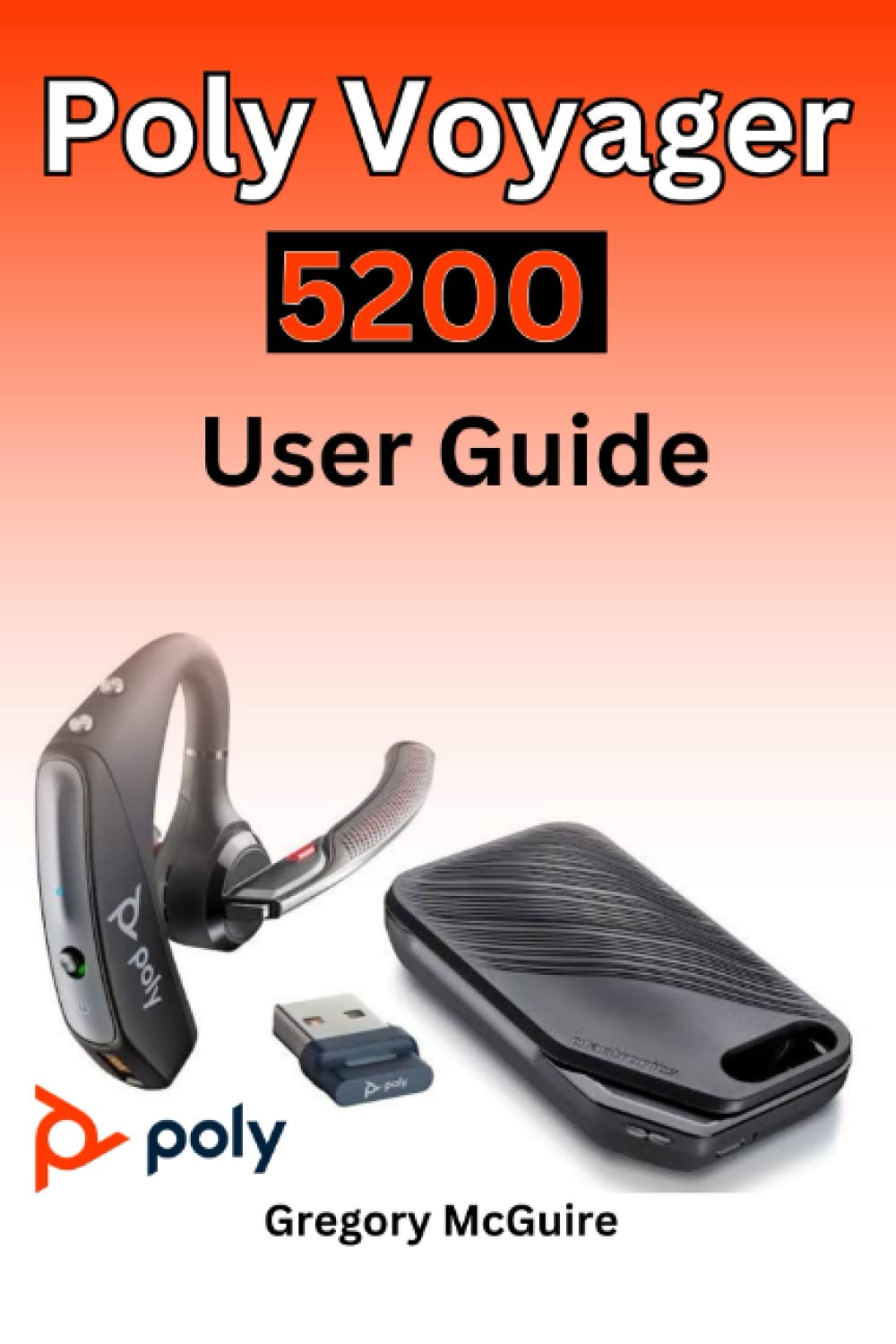
Figure 2.1: Front cover of the Poly Voyager 5200 User Guide book, featuring a red and orange gradient design with 'Copyrighted Material' text.
Figure 2.2: Back cover of the Poly Voyager 5200 User Guide book, displaying the ISBN 9798387380280 barcode and 'Copyrighted Material' text.
3. การตั้งค่า
3.1 การชาร์จชุดหูฟัง
Before first use, fully charge your Poly Voyager 5200 headset.
- Connect the provided USB charging cable to the headset's charging port.
- Plug the other end of the USB cable into a USB wall charger or a powered USB port on your computer.
- The indicator light on the headset will illuminate to show charging status. It will typically turn off or change color when fully charged.
3.2 การจับคู่กับอุปกรณ์
To use your headset, you must pair it with your Bluetooth-enabled device (e.g., smartphone, tablet, computer).
- เปิดเครื่อง: Turn on your Poly Voyager 5200 headset by pressing and holding the Power button until you hear a voice prompt or see the indicator light flash.
- เปิดใช้งานโหมดจับคู่: Press and hold the Call button on the headset until the indicator light flashes red and blue, indicating it is in pairing mode.
- เปิดใช้งานบลูทูธ: On your device, go to the Bluetooth settings and ensure Bluetooth is enabled.
- เลือกชุดหูฟัง: From the list of available devices, select "Poly V5200" or "Plantronics V5200". If prompted for a passcode, enter "0000" (four zeros).
- การยืนยัน: Once successfully paired, the headset's indicator light will stop flashing red and blue, and you will hear a voice prompt confirming the connection.
4. คู่มือการใช้งาน
4.1 การควบคุมขั้นพื้นฐาน
- เปิด/ปิดเครื่อง: กดปุ่มเปิด/ปิดค้างไว้ประมาณ 2 วินาที
- รับ/วางสาย: กดปุ่มโทรหนึ่งครั้ง
- ปฏิเสธสาย: Press and hold the Call button for approximately 2 seconds.
- การควบคุมระดับเสียง: Use the Volume Up (+) or Volume Down (-) buttons located on the headset to adjust audio levels.
- ปิดเสียง/เปิดเสียง: กดปุ่มปิดเสียงขณะที่กำลังสนทนาอยู่
- Voice Commands/Assistant: Press the Voice button to activate your device's voice assistant (e.g., Siri, Google Assistant).
4.2 การสวมชุดหูฟัง
For optimal comfort and sound clarity, adjust the headset as follows:
- Gently place the ear tip into your ear.
- Rotate the microphone boom until it points towards your mouth.
- Ensure the headset is secure and comfortable for extended wear.
5. การบำรุงรักษา
5.1 การทำความสะอาด
การทำความสะอาดเป็นประจำจะช่วยรักษาประสิทธิภาพและสุขอนามัยของชุดหูฟัง
- Wipe the headset with a dry, soft, lint-free cloth.
- Avoid using harsh chemicals, cleaning solvents, or abrasive materials, as these can damage the headset.
- Do not immerse the headset in water or any other liquid.
5.2 พื้นที่จัดเก็บ
Proper storage extends the life of your headset.
- เก็บหูฟังไว้ในที่แห้งและเย็น หลีกเลี่ยงแสงแดดโดยตรงและอุณหภูมิที่สูงหรือต่ำเกินไป
- When not in use for extended periods, ensure the headset is partially charged to prevent deep discharge.
6 การแก้ไขปัญหา
If you encounter issues with your Poly Voyager 5200 headset, refer to the following common troubleshooting steps:
- ไม่มีไฟฟ้า: Ensure the headset is fully charged. Verify that the charging cable and power source are functioning correctly.
- ไม่สามารถจับคู่ได้: Confirm the headset is in pairing mode (indicator flashing red and blue). Ensure Bluetooth is enabled on your device and the headset is within range. Try deleting previous pairings on your device and re-pairing.
- คุณภาพเสียงไม่ดี: Check the headset's placement and ensure the microphone boom is positioned correctly towards your mouth. Move closer to your connected device to minimize interference. Ensure there are no physical obstructions between the headset and the device.
- ไม่มีเสียง: Verify that the volume levels on both the headset and your connected device are turned up. Confirm that the Poly Voyager 5200 is selected as the audio output device on your phone or computer.
- ชุดหูฟังไม่ตอบสนอง: Try resetting the headset by turning it off and then on again. If the issue persists, consult the official Poly support resources.
7. ข้อมูลจำเพาะ
| คุณสมบัติ | รายละเอียด |
|---|---|
| ASIN | B0BYR893FQ |
| สำนักพิมพ์ | เผยแพร่โดยอิสระ |
| วันที่ตีพิมพ์ | 17 มีนาคม 2023 |
| ภาษา | ภาษาอังกฤษ |
| ความยาวพิมพ์ | 35 หน้า |
| หมายเลข ISBN-13 | 979-8387380280 |
| น้ำหนักสินค้า | 3.68 ออนซ์ |
| ขนาด | 6 x 0.08 x 9 นิ้ว |
8. ข้อมูลด้านความปลอดภัย
Please read and follow these safety guidelines to ensure safe operation and prevent damage to your headset:
- Avoid exposing the headset to extreme temperatures, direct sunlight, moisture, or corrosive substances.
- Do not attempt to disassemble, modify, or repair the headset yourself. Refer all servicing to qualified personnel.
- Use only manufacturer-approved charging cables and accessories.
- เก็บชุดหูฟังและอุปกรณ์เสริมให้พ้นมือเด็กและสัตว์เลี้ยง
- การฟังเสียงดังเป็นเวลานานอาจทำให้การได้ยินเสียหายได้ ควรฟังในระดับเสียงที่เหมาะสม
9. การรับประกันและการสนับสนุน
Specific warranty details and support contact information for the Poly Voyager 5200 headset are not provided within this manual. For warranty claims, technical support, or further assistance, please refer to the official Poly (formerly Plantronics) webหรือติดต่อฝ่ายบริการลูกค้าโดยตรง