
Ideal Security BKDXW
Ideal Security DX Pull Handle Replacement Set User Manual
Model: BKDXW
1. บทนำ
This manual provides comprehensive instructions for the installation, operation, and maintenance of your Ideal Security DX Pull Handle Replacement Set for Storm Door and Screen Door. This handle set is designed to offer a natural and convenient way to open and close your storm or screen door.
The DX pull handle eliminates the need for buttons or levers; simply pull the handle to open the door. It is an elegant and functional addition suitable for aluminum, wood, or vinyl storm and screen doors.
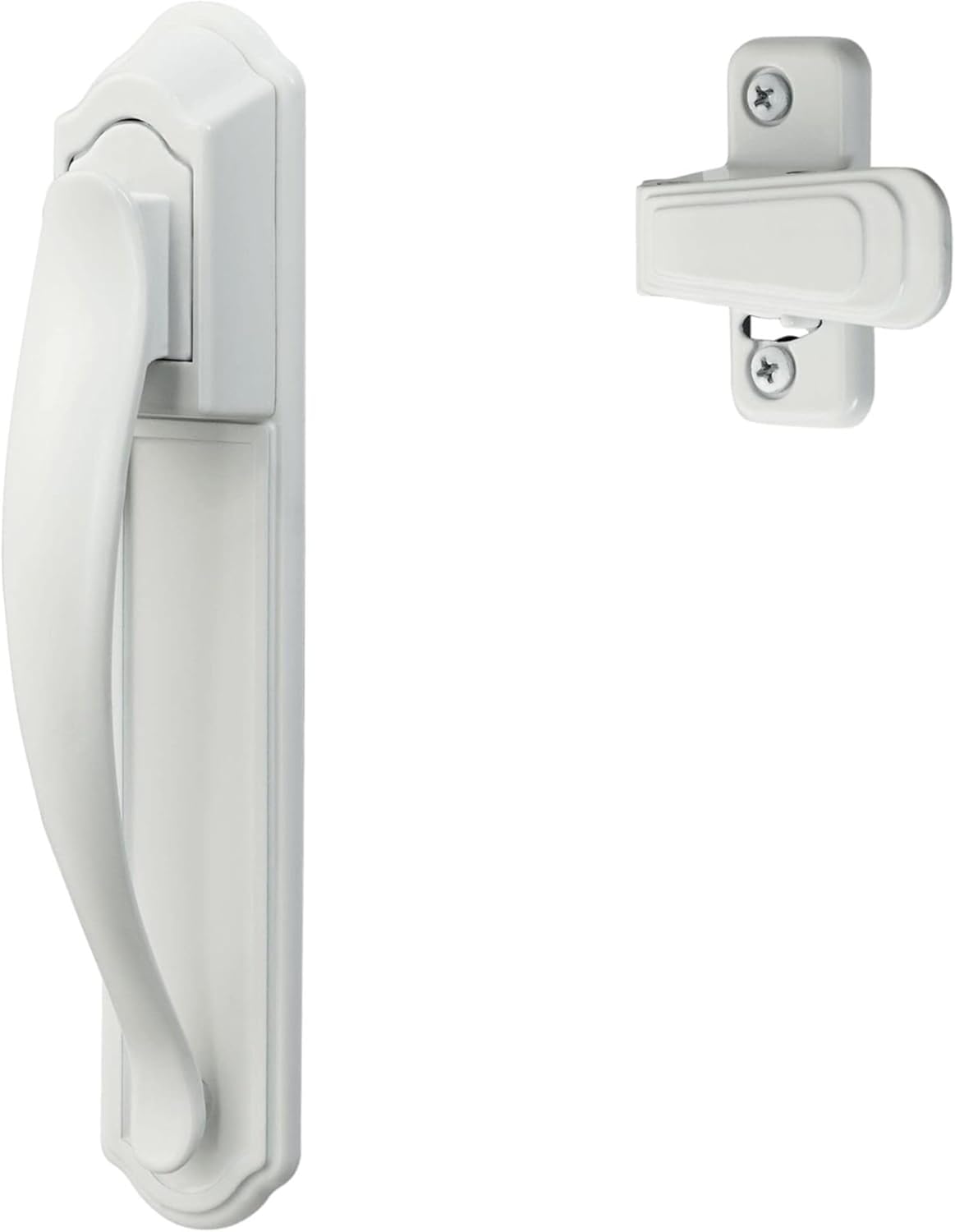
Image 1.1: The Ideal Security DX Pull Handle Replacement Set, featuring the exterior pull handle and the interior latch in white finish.
2. คุณสมบัติหลัก
- การดำเนินการที่ไม่ต้องใช้ความพยายาม: Designed for easy entry and exit; simply pull the handle to open from the outside and push to open from the inside.
- การรักษาความปลอดภัยที่เพิ่มขึ้น: Includes an inside latch with a night lock function for added security when the door is closed.
- ความเข้ากันได้ในวงกว้าง: Suitable for out-swinging storm doors ranging from 1 inch to 2-1/8 inches in thickness.
- Surface Mount Design: Compatible with most pre-installed surface mount handles. This set is not designed to replace mortise handle sets.
- การติดตั้งง่าย: Can be installed as a new handle or as a replacement. For existing installations, screw posts must be 1-3/4 inches apart. New installations require only three standard drilled holes.

Image 2.1: The ergonomic design of the DX pull handle, emphasizing its ease of use compared to traditional push-button handles.
3. ส่วนประกอบที่รวมอยู่
The Ideal Security DX Pull Handle Replacement Set includes all necessary components for installation:
- Outside Pull Handle
- Inside Latch
- Solid Strike Plate
- Fasteners (various screws and bolts)
- ชิม
- แกนหมุน

ภาพที่ 3.1: รายละเอียด view of the fasteners, shims, and other small parts provided with the handle set for complete installation.
4. ความเข้ากันได้ของประตู
This handle set is specifically designed for:
- ประเภทประตู: Out-swinging storm doors and screen doors.
- ความหนาของประตู: Compatible with doors between 1 inch and 2-1/8 inches thick.
- ประเภทด้ามจับ: Designed to replace or install on surface mount handle systems. It is not compatible with mortise handle sets.

Image 4.1: Visual representation of the handle's compatibility with out-swinging doors and existing surface mount handle configurations.
5. คำแนะนำในการติดตั้ง
Follow these steps for a straightforward installation of your DX Pull Handle Replacement Set.
5.1. การเตรียมพร้อม
- Ensure your door is an out-swinging type and its thickness is between 1 inch and 2-1/8 inches.
- เตรียมอุปกรณ์ที่จำเป็น: ไขควง, สว่าน (ถ้าจำเป็นต้องเจาะรูใหม่), ตลับเมตร
5.2. ขั้นตอนการติดตั้ง
- For Existing Handles: If replacing an existing handle, ensure the distance between the screw posts on your current handle is 1-3/4 inches. Remove the old handle.
- For New Installations: Only 3 standard drilled holes are typically needed. Refer to the included template (if provided) or measure carefully according to the handle's design. You may need to drill one small hole on the outside face of the door to secure the backplate of the exterior handle.
- Attach Exterior Handle: Position the outside pull handle on the exterior side of the door.
- Install Spindle: Insert the spindle through the door and into the mechanism of the exterior handle.
- Mount Interior Latch: Place the interior latch on the inside of the door, aligning it with the spindle and screw holes.
- ยึดแน่นด้วยตัวยึด: Use the provided screws and fasteners to secure both the exterior handle and interior latch firmly to the door. Do not overtighten.
- ติดตั้งแผ่นปิดช่องลม: Mount the solid strike plate on the door frame, ensuring it aligns correctly with the interior latch for smooth locking and unlocking. Adjust as needed for proper function.

Image 5.1: Key installation considerations, including screw post spacing for replacements and the minimal drilling required for new installations.
6. การดำเนินการ
Operating the Ideal Security DX Pull Handle is intuitive:
- Opening from Outside: Simply grasp the pull handle and pull it towards you. The latch mechanism will disengage, allowing the door to open.
- Opening from Inside: Push the door outwards. The interior latch is designed to release with a simple push.
- Locking (Night Latch): To secure the door from the inside, engage the night latch on the interior mechanism. This prevents the door from being opened from the outside. This lock is for interior use only and does not provide keyed security.
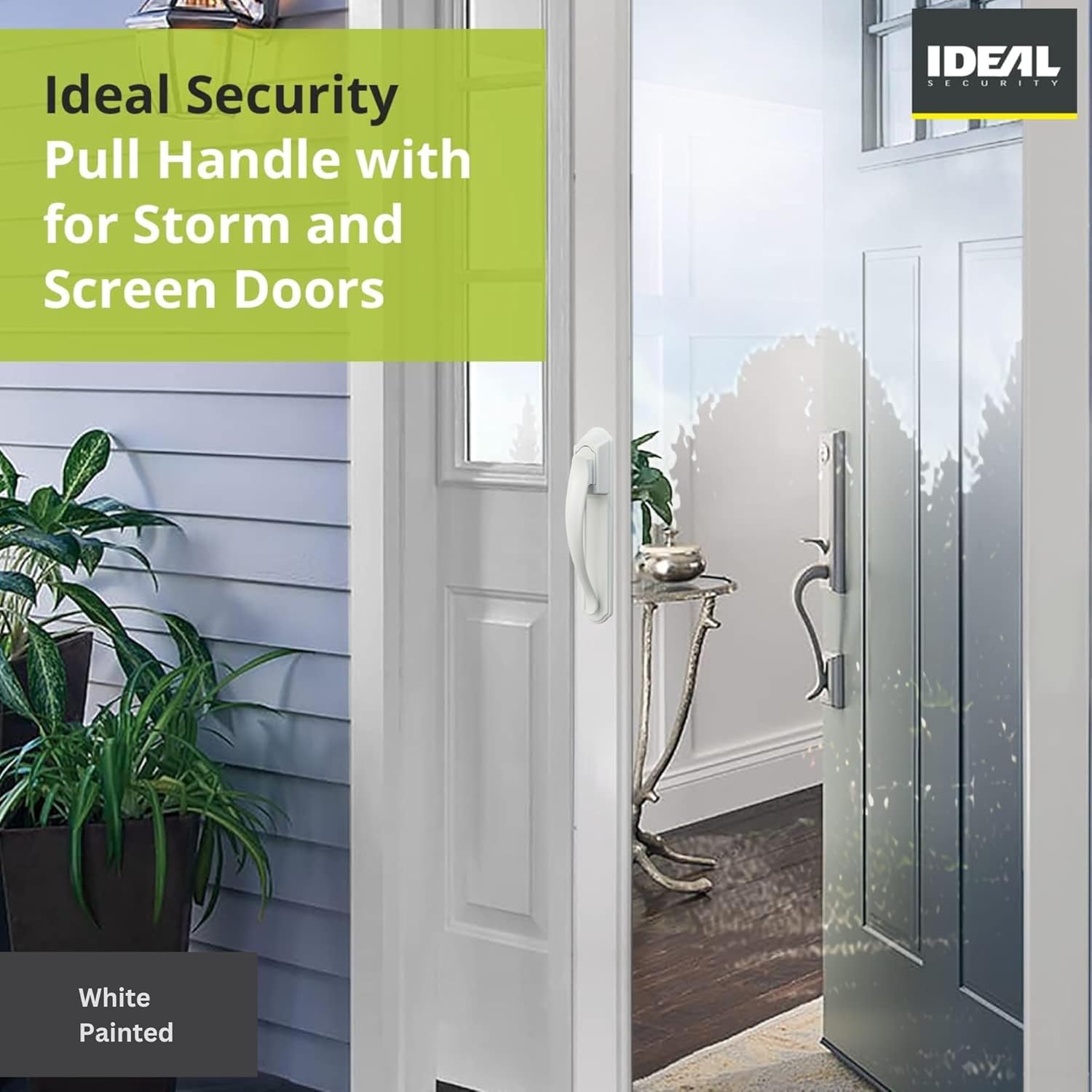
Image 6.1: The DX pull handle installed on a storm door, demonstrating its appearance and how it integrates with the door's design.
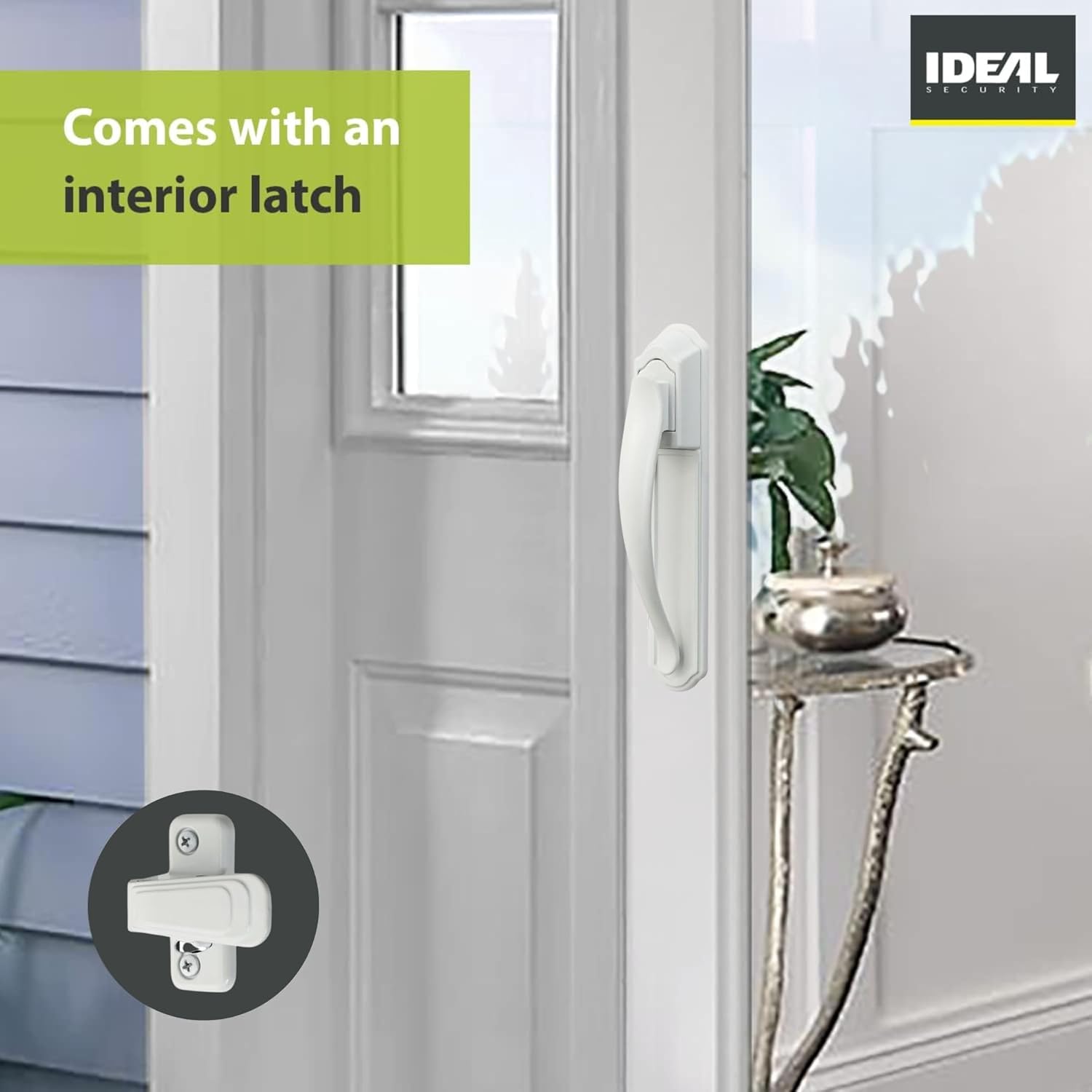
Image 6.2: The interior latch of the DX handle, showing its simple design for easy operation and the night lock feature.
7. การบำรุงรักษา
The Ideal Security DX Pull Handle is designed for durability and requires minimal maintenance:
- การทำความสะอาด: Wipe the handle and latch surfaces periodically with a soft, damp cloth to remove dust and grime. Avoid abrasive cleaners or harsh chemicals, as these can damage the finish.
- การหล่อลื่น: If the latch mechanism feels stiff over time, apply a small amount of silicone-based lubricant to the moving parts. Do not use oil-based lubricants, which can attract dirt.
- การตรวจสอบตัวยึด: Periodically check all screws and fasteners to ensure they are tight. Retighten if necessary to maintain secure installation.
8 การแก้ไขปัญหา
If you encounter issues with your DX Pull Handle, refer to the following common problems and solutions:
| ปัญหา | สาเหตุที่เป็นไปได้ | สารละลาย |
|---|---|---|
| ด้ามจับหลวมหรือโยกเยก | สกรูยึดหลวม | Tighten all visible mounting screws on both the exterior handle and interior latch. |
| ตัวล็อคไม่สามารถเข้าหรือออกได้อย่างราบรื่น | Misalignment with strike plate; dirt/debris in mechanism; lack of lubrication. | Check strike plate alignment and adjust if necessary. Clean any visible debris. Apply silicone lubricant to the latch mechanism. |
| ประตูไม่ปิดสนิทหลังจากติดตั้งเสร็จ | Strike plate misalignment or incorrect shimming. | Re-evaluate the position of the strike plate on the door frame. Use shims as needed to ensure proper engagement with the latch. |
| Night latch does not function. | กลไกการอุดตันหรือเสียหาย | Inspect the night latch mechanism for any obstructions. If damaged, contact customer support. |
If the problem persists after attempting these solutions, please contact Ideal Security customer support.
9. ข้อมูลจำเพาะผลิตภัณฑ์
| คุณลักษณะ | รายละเอียด |
|---|---|
| ผู้ผลิต | การรักษาความปลอดภัยในอุดมคติ |
| หมายเลขรุ่น | BKDXW |
| ขนาดสินค้า | 4.62 x 3.81 x 3.81 ซม. (1.82 x 1.5 x 1.5 นิ้ว) |
| น้ำหนักสินค้า | 531 กรัม (1.17 ปอนด์) |
| สี | สีขาว |
| สไตล์ | ทันสมัย |
| เสร็จ | แมทต์ |
| วัสดุ | Zinc (Handle Material: Aluminum, Wood) |
| รูปร่าง | ดึง |
| จำนวนชิ้น | 2 (Handle set) |
| การใช้งาน | Storm Door, Screen Door |
| คุณสมบัติพิเศษ | ติดตั้งง่าย |
| ประเทศต้นกำเนิด | ไต้หวัน |
10. ข้อมูลการรับประกัน
The Ideal Security DX Pull Handle Replacement Set comes with a รับประกัน 1 ปี นับจากวันที่ซื้อ การรับประกันนี้ครอบคลุมถึงความบกพร่องของวัสดุและฝีมือการผลิตภายใต้การใช้งานปกติ โปรดเก็บหลักฐานการซื้อไว้เพื่อขอรับสิทธิ์การรับประกัน
For detailed warranty terms and conditions, please refer to the official Ideal Security webไซต์หรือติดต่อฝ่ายสนับสนุนลูกค้า
11. การสนับสนุนลูกค้า
Should you require technical assistance, have questions about installation, or need to report a defect, please contact Ideal Security customer support.
Visit the official Ideal Security webเว็บไซต์สำหรับข้อมูลการติดต่อและแหล่งข้อมูลเพิ่มเติม: Ideal Security Store

Image 11.1: Reminder to contact Ideal Security for technical support regarding the hardware.
Ask a question about this manual
Ask about setup, troubleshooting, compatibility, parts, safety, or missing instructions. Manuals+ will review the question and use this page’s manual context to help answer it.