
การแนะนำ
Thank you for choosing the Cellularline Wireless Power Bank MAG 5000. This portable charger is designed to provide convenient and efficient power to your compatible devices, especially those supporting MagSafe technology. Please read this manual carefully before using the product to ensure proper operation and to maximize its lifespan.
เนื้อหาแพ็คเกจ
- Cellularline Wireless Power Bank MAG 5000
- สายชาร์จ USB-C เป็น USB-C
- คู่มือการใช้งาน (เอกสารนี้)
ข้อมูลจำเพาะ
| ชื่อรุ่น | PBMAGSFCOL5000WIRK |
| ยี่ห้อ | เซลลูล่าร์ไลน์ |
| ความจุของแบตเตอรี่ | 5000 mAh (มิลลิampก่อนชั่วโมง) |
| เอาท์พุทชาร์จไร้สาย | 7.5 วัตต์ |
| เอาท์พุตการชาร์จแบบมีสาย | 1 x USB-C 18 W |
| ประเภทขั้วต่อ | USB ประเภท C |
| เล่มที่tage | 5 โวลต์ |
| องค์ประกอบของแบตเตอรี่ | โพลิเมอร์ |
| สี | สีดำ |
| คุณสมบัติพิเศษ | การออกแบบที่กะทัดรัด |
| ข้อแนะนำการใช้ | Mobile Phones (especially iPhone 12 and later with MagSafe) |
| แหล่งพลังงาน | สายไฟฟ้า |
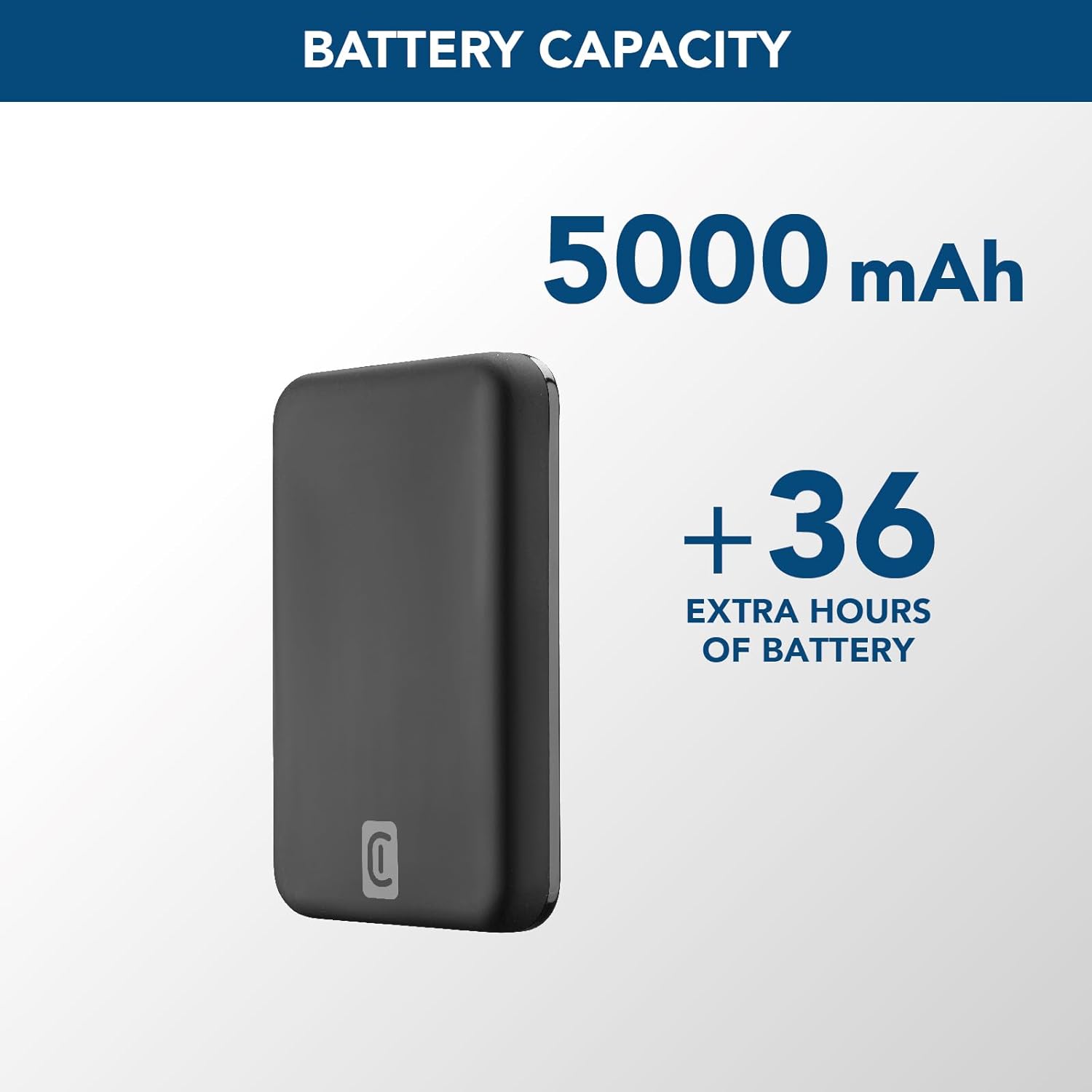
Image: A graphic highlighting the 5000 mAh battery capacity of the power bank, indicating extended battery life for devices.
การตั้งค่า
การชาร์จพาวเวอร์แบงค์
Before initial use, fully charge your Cellularline Wireless Power Bank MAG 5000. This ensures optimal performance and battery longevity.
- เชื่อมต่อสาย USB-C ที่ให้มากับพอร์ต USB-C บนพาวเวอร์แบงค์
- Connect the other end of the USB-C cable to a compatible USB-C wall adapter (not included) or a powered USB-C port on a computer.
- The LED indicators on the power bank will illuminate to show the charging status. Once all LEDs are solid, the power bank is fully charged.

Image: The Cellularline Wireless Power Bank MAG 5000 shown magnetically attached to the back of an iPhone, demonstrating its compact size and MagSafe compatibility. The power bank is black, and the iPhone has a clear case revealing the MagSafe ring.
คำแนะนำการใช้งาน
การชาร์จแบบไร้สาย (รองรับ MagSafe)
The power bank features magnetic wireless charging, ideal for iPhone 12 and later models, or other devices with MagSafe compatible cases.
- Ensure your device supports wireless charging and has MagSafe technology, or is equipped with a MagSafe compatible case.
- Align the power bank with the back of your compatible device. The magnets will automatically snap the power bank into place, ensuring proper alignment for wireless charging.
- Wireless charging will begin automatically. The LED indicators on the power bank may show charging activity.
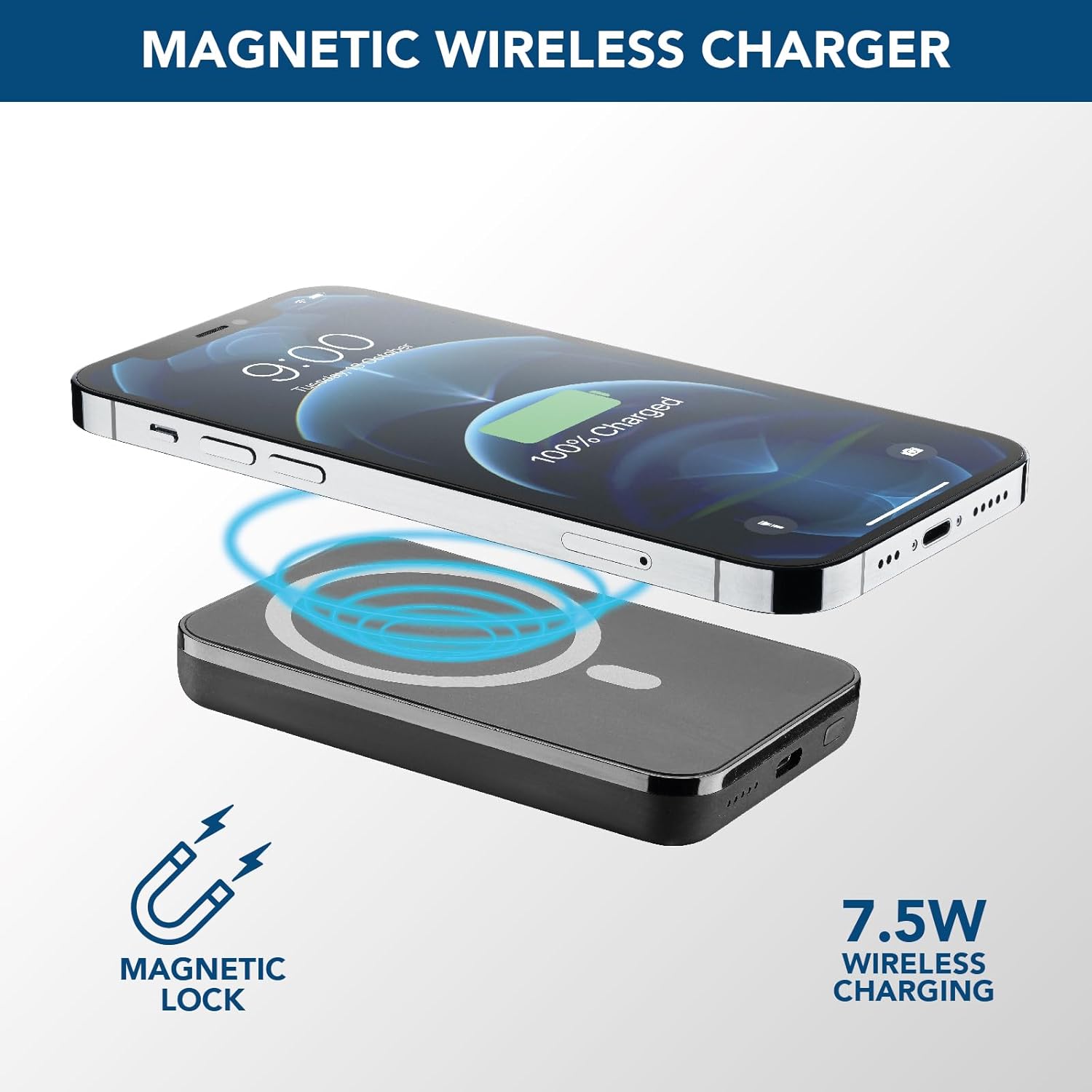
Image: An illustration showing the Cellularline power bank wirelessly charging an iPhone. Blue magnetic waves emanate from the power bank to the phone, indicating the magnetic lock and 7.5W wireless charging capability.
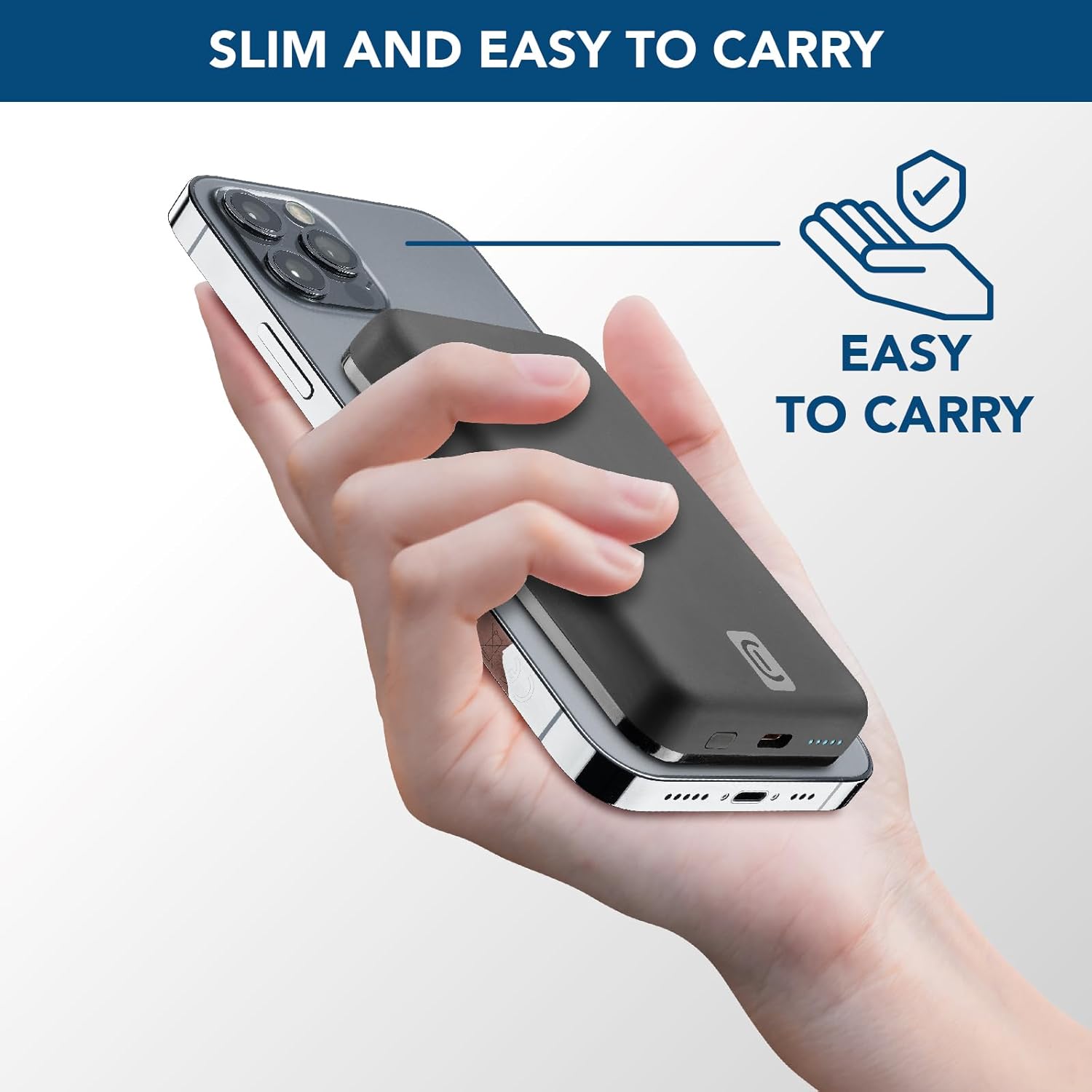
Image: A hand holding an iPhone with the Cellularline power bank magnetically attached to its back, highlighting the product's slim profile and ease of carrying.

Image: A collection of colorful MagSafe compatible phone cases, illustrating that the power bank can be used with any MagSafe case for secure magnetic attachment and charging.
การชาร์จแบบมีสาย (USB-C)
For devices that do not support wireless charging or for faster charging, use the USB-C port.
- Connect one end of a USB-C cable (the one supplied or another compatible cable) to the USB-C port on the power bank.
- เสียบปลายอีกด้านของสาย USB-C เข้ากับพอร์ตชาร์จของอุปกรณ์ของคุณ
- การชาร์จจะเริ่มโดยอัตโนมัติ
บันทึก: พาวเวอร์แบงค์นี้สามารถชาร์จอุปกรณ์หนึ่งเครื่องแบบไร้สายและอีกเครื่องหนึ่งผ่านพอร์ต USB-C พร้อมกันได้ แม้ว่ากำลังไฟรวมอาจถูกแบ่งปันกันก็ตาม
การซ่อมบำรุง
- การทำความสะอาด: ใช้ผ้านุ่มและแห้งเช็ดทำความสะอาดพาวเวอร์แบงค์ ห้ามใช้สารเคมีรุนแรงหรือวัสดุที่มีฤทธิ์กัดกร่อน
- พื้นที่จัดเก็บ: เก็บพาวเวอร์แบงค์ไว้ในที่แห้งและเย็น หลีกเลี่ยงแสงแดดโดยตรงและอุณหภูมิที่สูงหรือต่ำเกินไป
- การดูแลแบตเตอรี่ เพื่อยืดอายุการใช้งานแบตเตอรี่ ควรชาร์จพาวเวอร์แบงค์ให้เต็มอย่างน้อยทุกสามเดือน หากไม่ได้ใช้งานเป็นประจำ หลีกเลี่ยงการชาร์จแบตเตอรี่จนหมดบ่อยเกินไป
- การจัดการ: ห้ามทำตก ถอดประกอบ หรือพยายามซ่อมแซมพาวเวอร์แบงค์ด้วยตนเอง การกระทำดังกล่าวอาจทำให้การรับประกันเป็นโมฆะและทำให้เกิดความเสียหายได้
การแก้ไขปัญหา
| ปัญหา | สาเหตุที่เป็นไปได้ | สารละลาย |
|---|---|---|
| พาวเวอร์แบงค์ชาร์จไม่เข้า |
|
|
| อุปกรณ์ไม่ชาร์จแบบไร้สาย |
|
|
| อุปกรณ์ไม่ชาร์จผ่าน USB-C |
|
|
| พาวเวอร์แบงค์ร้อนขึ้นขณะใช้งาน |
|
|
การรับประกันและการสนับสนุน
Cellularline products are designed and manufactured to the highest quality standards. For information regarding warranty coverage, technical support, or service inquiries, please refer to the warranty card included with your purchase or visit the official Cellularline webไซต์ โปรดเก็บหลักฐานการซื้อไว้เพื่อใช้ในการเรียกร้องการรับประกัน
เป็นทางการ Webเว็บไซต์: www.cellline.com