
การแนะนำ
This manual provides essential instructions for the proper setup, operation, and maintenance of your Airbition 8-Inch Small Wall Mount Fan Remote Control. Please read this manual thoroughly before using the product to ensure safe and efficient operation. Keep this manual for future reference.
เนื้อหาแพ็คเกจ
- Airbition Remote Control (Model: AIR301-Y)
- แบตเตอรี่ CR2 จำนวน 1 ก้อน (ติดตั้งมาแล้ว หรือมีจำหน่ายแยกต่างหาก)
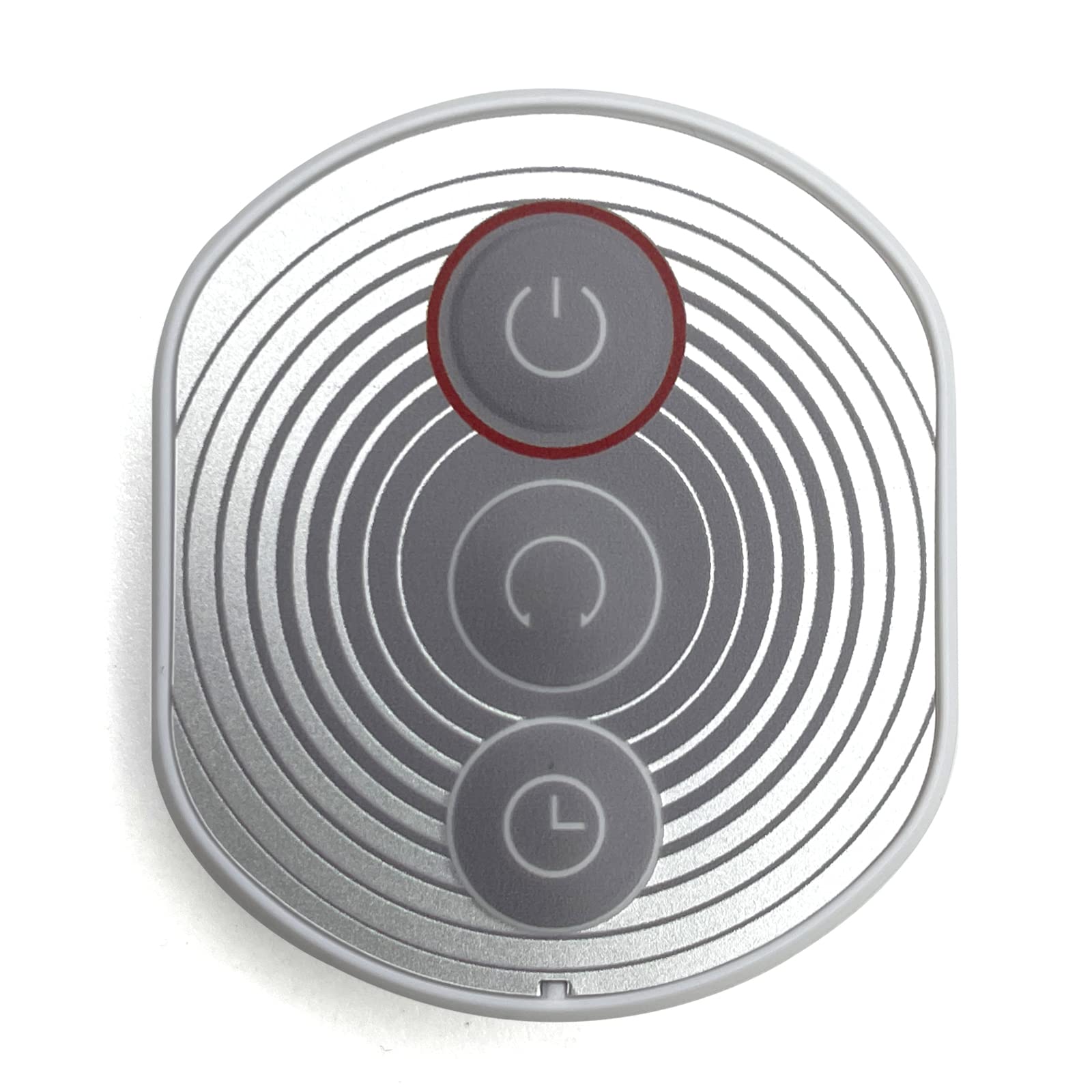
Image: Airbition Remote Control. This image displays the white remote control unit, highlighting its compact design and button layout.
คำแนะนำเพื่อความปลอดภัย
To prevent damage or injury, observe the following safety precautions:
- อย่าให้รีโมทคอนโทรลโดนน้ำหรือความชื้นมากเกินไป
- หลีกเลี่ยงการทำรีโมทคอนโทรลตกหรือโดนแรงกระแทกรุนแรง
- เก็บแบตเตอรี่ให้พ้นมือเด็กและสัตว์เลี้ยง
- อย่าใช้แบตเตอรี่เก่าและใหม่ผสมกัน หรือแบตเตอรี่ประเภทต่างๆ
- ทิ้งแบตเตอรี่ที่ใช้แล้วตามระเบียบข้อบังคับของท้องถิ่น
- Do not attempt to open or modify the remote control.
การตั้งค่า
การติดตั้งแบตเตอรี่
- ค้นหาช่องใส่แบตเตอรี่ที่ด้านหลังของรีโมทคอนโทรล
- เปิดฝาช่องใส่แบตเตอรี่
- ใส่แบตเตอรี่ CR2 หนึ่งก้อน โดยตรวจสอบให้แน่ใจว่าขั้วบวก (+) และขั้วลบ (-) ตรงกับเครื่องหมายภายในช่องใส่แบตเตอรี่อย่างถูกต้อง
- ปิดฝาช่องใส่แบตเตอรี่ให้แน่น
The remote control is now ready for use with your compatible Airbition wall mount fan.
คำแนะนำการใช้งาน
The Airbition remote control uses infrared (IR) technology. Ensure there is a clear line of sight between the remote control and the fan's IR receiver for optimal performance.
Remote Control Functions (Button Control)
- ปุ่มเปิด/ปิด: กดเพื่อเปิดหรือปิดพัดลม
- ปุ่มความเร็ว: ปรับความเร็วพัดลม (เช่น ต่ำ ปานกลาง สูง)
- ปุ่มโหมด: Cycle through different fan modes (e.g., Normal, Natural, Sleep).
- ปุ่มตั้งเวลา: ตั้งเวลาให้พัดลมปิดอัตโนมัติหลังจากเวลาที่กำหนดไว้
- ปุ่มสั่น: Activate or deactivate the fan's oscillation feature.
Refer to your Airbition wall mount fan's manual for specific functions and compatibility.
การซ่อมบำรุง
การทำความสะอาด
Wipe the remote control with a soft, dry cloth. Do not use abrasive cleaners, solvents, or harsh chemicals, as these may damage the surface or internal components.
การเปลี่ยนแบตเตอรี่
If the remote control's range decreases or it becomes unresponsive, replace the battery following the battery installation steps in the 'Setup' section.
การแก้ไขปัญหา
- การควบคุมระยะไกลไม่ทำงาน:
- ตรวจสอบว่าใส่แบตเตอรี่ถูกต้องและขั้วถูกหรือไม่
- เปลี่ยนแบตเตอรี่ด้วยแบตเตอรี่ CR2 ใหม่
- Ensure there is a clear line of sight between the remote control and the fan's IR receiver. Remove any obstructions.
- Make sure you are within the effective operating range of the fan's IR receiver.
- Fan not responding to specific buttons:
- Verify that the fan supports the specific function you are trying to activate.
- Ensure the remote control is pointed directly at the fan's IR receiver.
ข้อมูลจำเพาะ
| ยี่ห้อ | แอร์บิชั่น |
| หมายเลขรุ่น | AIR301-Y |
| อุปกรณ์ที่รองรับ | พัดลม |
| เทคโนโลยีการเชื่อมต่อ | อินฟาเรด (IR) |
| ประเภทตัวควบคุม | ปุ่มควบคุม |
| ประเภทแบตเตอรี่ | CR2 |
| จำนวนแบตเตอรี่ | 1 (รวม) |
| สี | สีขาว |
การรับประกันและการสนับสนุน
For warranty information or technical support, please refer to the documentation provided with your Airbition wall mount fan or visit the official Airbition webไซต์ โปรดเก็บใบเสร็จรับเงินไว้เป็นหลักฐานการซื้อสำหรับการเรียกร้องการรับประกัน