
การแนะนำ
This manual provides detailed instructions for the setup, operation, and maintenance of your Sharp SPC483 Digital Alarm Clock. Please read this guide thoroughly to ensure proper use and to maximize the clock's features. This battery-operated alarm clock features a tactile rubberized finish, a clear LCD display with an on-demand blue backlight, and an ascending alarm for a gentle wake-up.
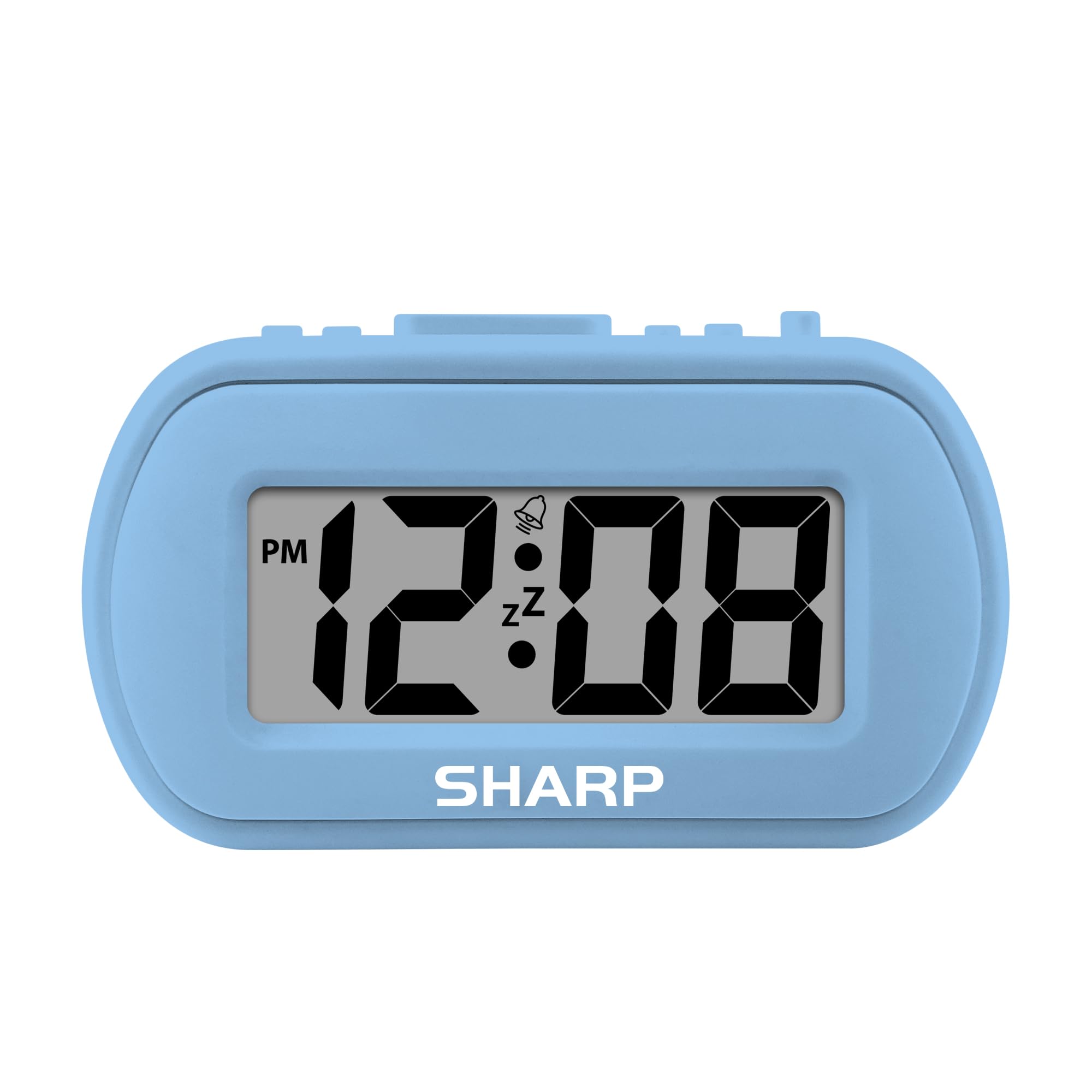
Image: The Sharp SPC483 Digital Alarm Clock, showcasinด้วยดีไซน์ที่กะทัดรัดและจอแสดงผลดิจิทัลที่คมชัด
สินค้าเกินview
The Sharp SPC483 Digital Alarm Clock is designed for simplicity and portability. Its key features include:
- Tactile Rubberized Case: Provides a comfortable grip and durable protection.
- Large 1-inch LCD Display: Ensures easy readability from a distance.
- ใช้แบตเตอรี่: Requires 2 AAA batteries (not included), offering cordless convenience.
- On-Demand Blue Backlight: Illuminates the display for 5 seconds when activated, ideal for night viewการไอเอ็นจี
- ปลุกจากน้อยไปมาก: Starts softly and gradually increases in volume.
- เลื่อน 5 นาที: Allows for additional rest before the alarm sounds again.
- ขนาดกระทัดรัด: Measures approximately 4 inches (L) x 1.7 inches (W) x 2.3 inches (H), making it suitable for travel or small spaces.

Image: Key features of the Sharp SPC483 Digital Alarm Clock, including its display, finish, backlight, and alarm type.
การตั้งค่า
1. การติดตั้งแบตเตอรี่
- หาฝาปิดช่องใส่แบตเตอรี่ที่ด้านหลังของนาฬิกา
- เลื่อนฝาครอบออก
- Insert two (2) new AAA batteries, ensuring correct polarity (+ and -) as indicated inside the compartment.
- เปลี่ยนฝาครอบช่องใส่แบตเตอรี่

Image: Top controls of the Sharp SPC483 Digital Alarm Clock, indicating button functions for time and alarm settings.
2. การตั้งเวลา
- กดปุ่มค้างไว้ ตั้งเวลา button (labeled 'AL. TIME' on the left side) until the hour digits begin to flash.
- กดปุ่ม HR button to adjust the hour. Note the PM indicator for afternoon hours.
- กดปุ่ม นาที ปุ่มเพื่อปรับนาที
- กดปุ่ม ตั้งเวลา button again to confirm the time and exit time setting mode.
คำแนะนำการใช้งาน
1. การตั้งปลุก
- กดปุ่มค้างไว้ ตั้งปลุก button (labeled 'AL. TIME' on the left side, same button as time set but a short press will show alarm time, long press for setting) until the alarm hour digits begin to flash.
- กดปุ่ม HR ปุ่มเพื่อปรับชั่วโมงปลุก
- กดปุ่ม นาที ปุ่มสำหรับปรับนาทีของนาฬิกาปลุก
- กดปุ่ม ตั้งปลุก กดปุ่มอีกครั้งเพื่อยืนยันเวลาปลุก
- เพื่อเปิดใช้งานสัญญาณเตือน ให้เลื่อน เปิด / ปิดนาฬิกาปลุก switch (on the right side) to the 'ON' position. An alarm icon will appear on the display.
- To turn off the alarm, slide the เปิด / ปิดนาฬิกาปลุก switch to the 'OFF' position. The alarm icon will disappear.
2. ฟังก์ชั่นเลื่อนปลุก
เมื่อเสียงสัญญาณเตือนดังขึ้น ให้กดปุ่มขนาดใหญ่ ปิดเสียงเตือนชั่วคราว/ย้อนแสง button located on the top center of the clock. The alarm will pause for approximately 5 minutes before sounding again. This can be repeated multiple times.
3. On-Demand Blue Backlight
หากต้องการเพิ่มความสว่างให้กับหน้าจอในสภาพแสงน้อย ให้กดปุ่ม ปิดเสียงเตือนชั่วคราว/ย้อนแสง button. The blue backlight will activate for 5 seconds and then automatically turn off to conserve battery life.
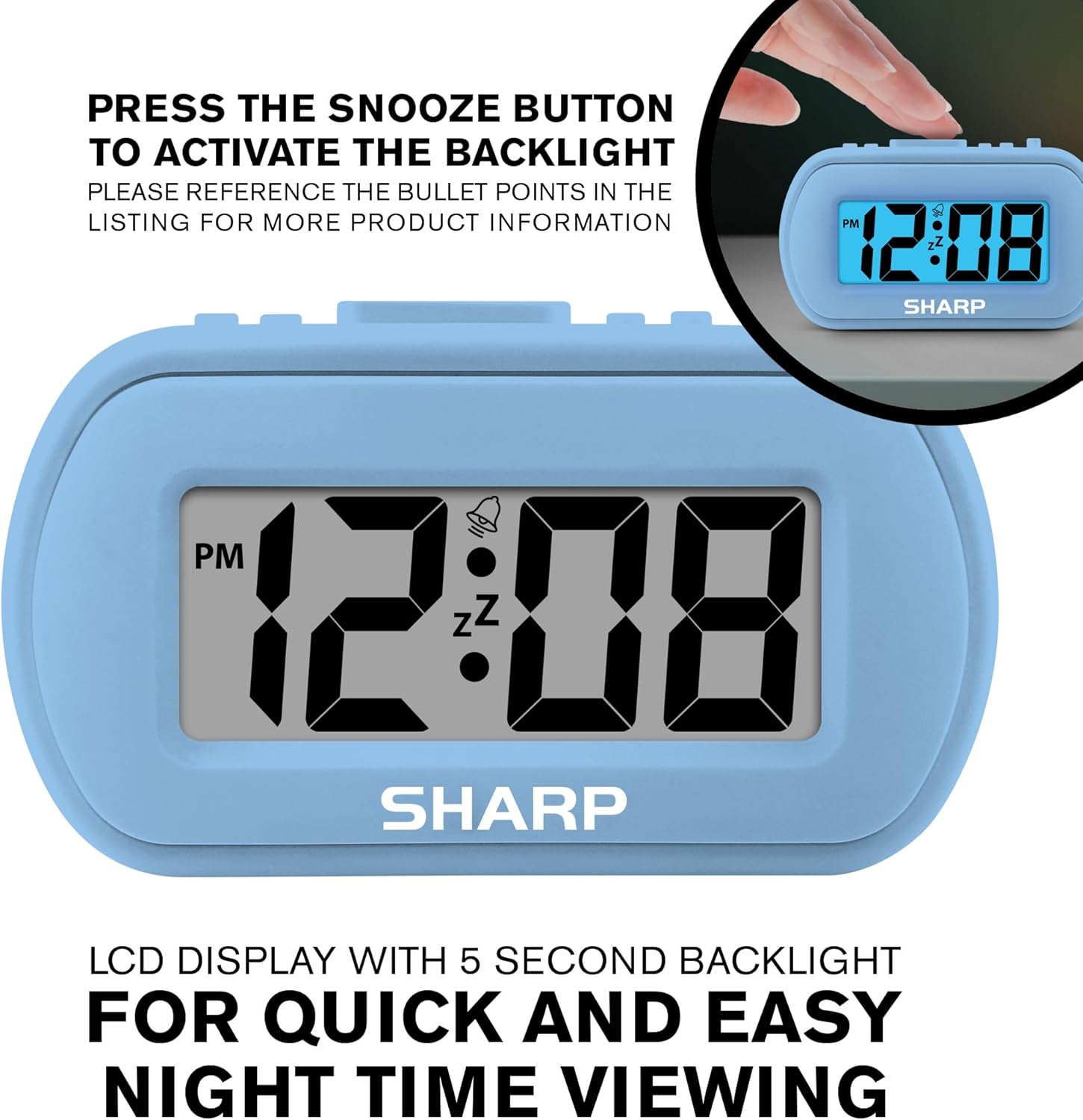
Image: The clock display illuminated by its blue backlight for easy viewอยู่ในความมืด
4. วิดีโอผลิตภัณฑ์อย่างเป็นทางการ
วิดีโอ: วิดีโอแสดงผลิตภัณฑ์อย่างเป็นทางการasing the Sharp Digital Alarm Clock in Light Blue, demonstrating its features and ease of use.
การซ่อมบำรุง
To ensure the longevity and optimal performance of your Sharp SPC483 Digital Alarm Clock, follow these maintenance guidelines:
- การทำความสะอาด: Wipe the clock with a soft, dry cloth. Avoid using abrasive cleaners or solvents, as they may damage the finish or display.
- การเปลี่ยนแบตเตอรี่: Replace batteries when the display becomes dim or the clock stops functioning. Always replace both batteries at the same time with new AAA batteries.
- พื้นที่จัดเก็บ: หากจะเก็บนาฬิกาไว้เป็นเวลานาน ควรนำแบตเตอรี่ออกเพื่อป้องกันการรั่วไหลและความเสียหายที่อาจเกิดขึ้น
- สิ่งแวดล้อม: ควรเก็บนาฬิกาให้ห่างจากอุณหภูมิที่สูงจัด แสงแดดโดยตรง และความชื้นสูง
การแก้ไขปัญหา
| ปัญหา | สารละลาย |
|---|---|
| จอแสดงผลว่างเปล่าหรือมืดลง | Check battery installation. Replace with new AAA batteries if necessary. Ensure correct polarity. |
| สัญญาณเตือนภัยไม่ดัง | Ensure the ALARM ON/OFF switch is in the 'ON' position. Verify the alarm time is set correctly. |
| เวลาไม่ถูกต้อง | Reset the time using the 'Setting the Time' instructions. Check battery strength. |
| Backlight does not activate. | Ensure batteries are fresh. The backlight is on-demand and only stays on for 5 seconds. |
ข้อมูลจำเพาะ
- หมายเลขรุ่น: เอสพีซี483
- ประเภทจอภาพ: จอ LCD ระบบดิจิตอล
- แหล่งพลังงาน: ใช้แบตเตอรี่ (แบตเตอรี่ AAA 2 ก้อน ไม่รวม)
- ขนาดสินค้า : 4 นิ้ว (L) x 1.7 นิ้ว (W) x 2.3 นิ้ว (H)
- คุณสมบัติพิเศษ: Ascending Alarm, 5-Minute Snooze, On-Demand Blue Backlight
- วัสดุเคส: ยาง
- ประเภทห้อง: Bedroom, Travel

Image: Dimensions of the Sharp SPC483 Digital Alarm Clock, illustrating its compact size.
การรับประกันและการสนับสนุน
For warranty information or technical support, please refer to the documentation included with your purchase or visit the official Sharp webไซต์ เก็บหลักฐานการซื้อของคุณไว้เพื่อใช้ในกรณีเรียกร้องการรับประกัน