
Acekool Portable Air Conditioner 14,000 BTU
คู่มือการใช้งานเครื่องปรับอากาศแบบพกพา Acekool 14,000 BTU
Model: Portable Air Conditioner 14,000 BTU
Brand: Acekool
การแนะนำ
This user manual provides essential information for the safe and efficient operation of your Acekool 14,000 BTU Portable Air Conditioner. Please read it thoroughly before use and retain it for future reference.
Your Acekool portable air conditioner offers powerful cooling with 3-in-1 functionality, including cooling, dehumidification, and fan modes. It is designed for rooms up to 750 sq. ft. and features quiet operation, a convenient remote control, and an easy-to-clean filter.
คุณสมบัติผลิตภัณฑ์
- ระบายความร้อนทรงพลัง: 14,000 BTU air conditioner with upgraded compressor cools rooms up to 750 sq. ft. quickly and efficiently.
- ฟังก์ชั่น 3-in-1: Cooling, dehumidification (90 pints/day), and fan (3 speeds) modes provide a healthy and comfortable environment.
- User-Friendly & Digital Remote Control: Features 24-hour programmable timer, adjustable thermostat, LED control panel, and remote control for easy operation.
- ใช้งานและทำความสะอาดง่าย: Full-function remote control, top-mounted LED display, and easy-to-clean filter make operation and maintenance a breeze.
- 10 Mins Quick Installation: Portable air conditioner is easy to install with the exhaust hose and window kit included. Both horizontal and vertical sliding windows can be used to install this machine while the detailed instructions in our user manual can help you set up in 10 minutes or less.
การติดตั้งและการตั้งค่า
The Acekool Portable Air Conditioner is designed for quick and easy setup. Follow these steps for optimal performance.
การเปิดออกและการจัดวาง
Carefully remove the unit from its packaging. Place the air conditioner on a flat, stable surface near a window and a grounded electrical outlet. Ensure there is adequate space around the unit for proper airflow.
การติดตั้งชุดหน้าต่าง
The included window vent installation kit is suitable for both horizontal and vertical sliding windows. Assemble the window slider kit according to the instructions provided in the box. Extend the exhaust hose and connect it to the unit and the window kit.
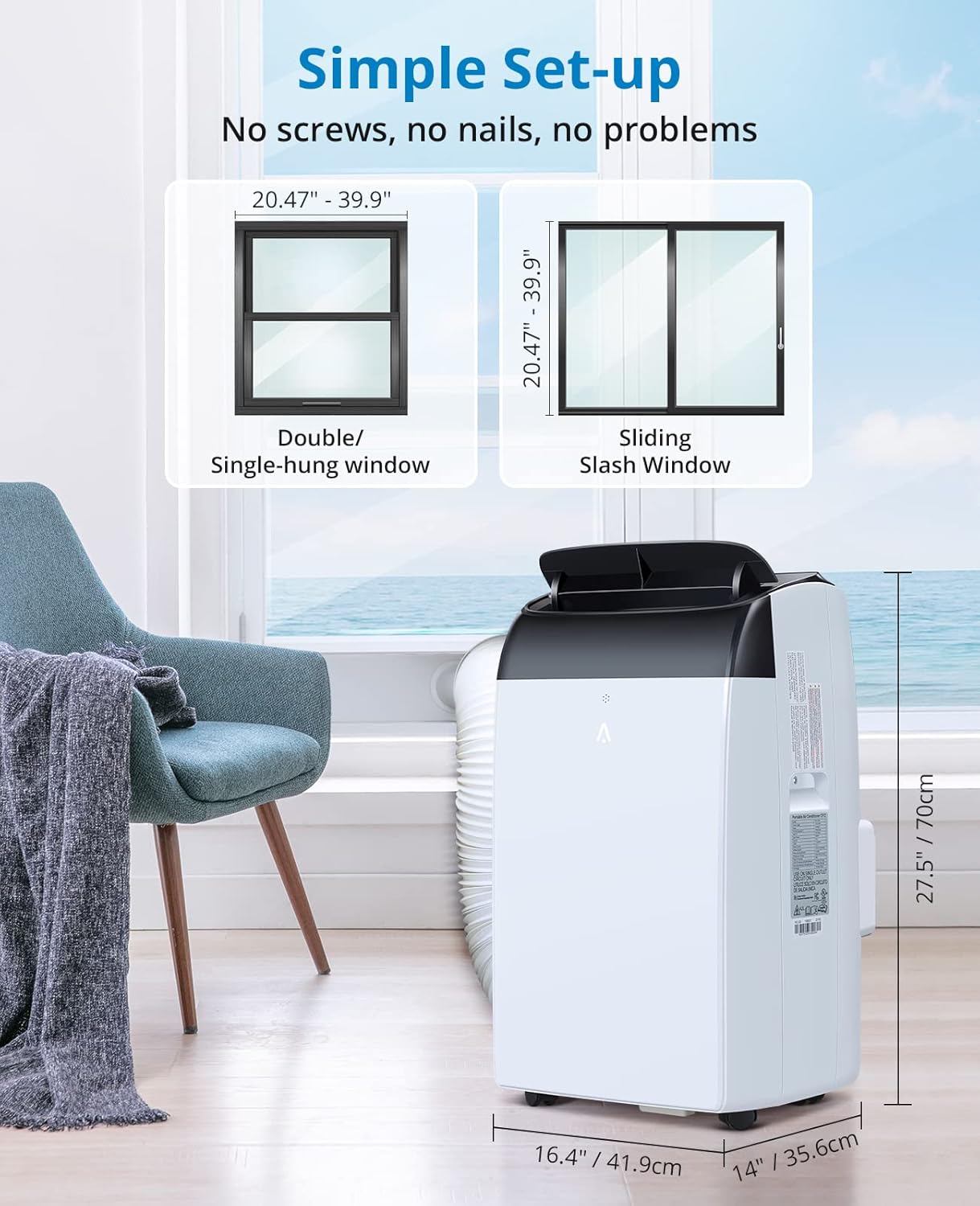
Image: Simple setup of the portable air conditioner with the exhaust hose connected to a window.
Video: Demonstrates the installation process of the portable air conditioner, including connecting the exhaust hose and setting up the window kit. This video highlights the ease of setup for the unit.
คำแนะนำการใช้งาน
Your Acekool Portable Air Conditioner features an intuitive LED control panel and a remote control for convenient operation.
แผงควบคุมและรีโมท
The top-mounted LED display allows you to easily view and adjust settings. The full-function remote control provides access to all features from a distance.
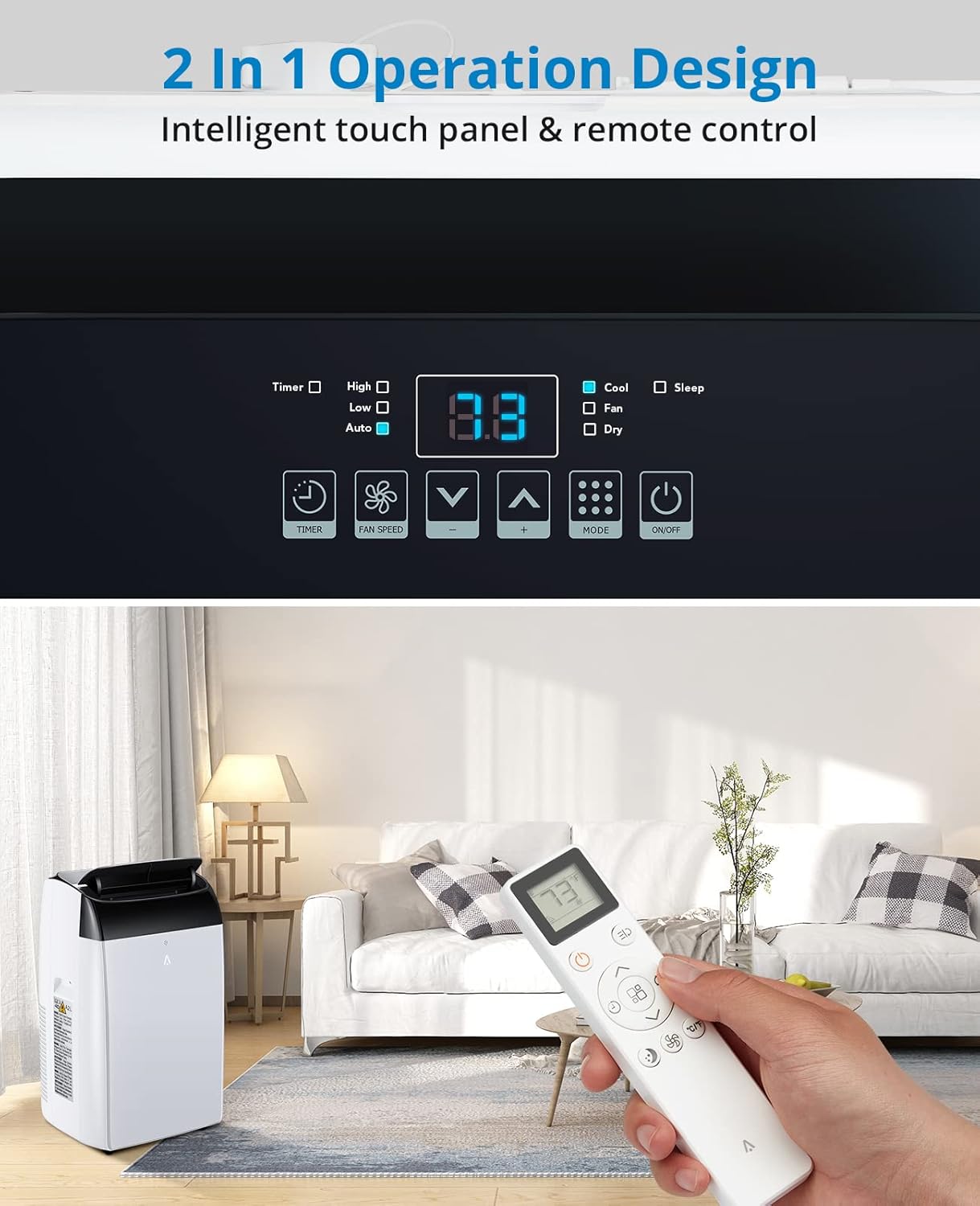
Image: The unit's intelligent touch panel and remote control for easy operation.
โหมดการทำงาน
- โหมดเย็น: Provides powerful cooling for your room. Adjust the temperature using the up/down arrows on the control panel or remote.
- โหมดเครื่องลดความชื้น: Removes excess moisture from the air, with a capacity of 90 pints per day.
- โหมดพัดลม: Circulates air without cooling. Choose from 3 fan speeds (High, Low, Auto).
- โหมดสลีป: Operates quietly for undisturbed rest, with noise levels as low as 48dB.
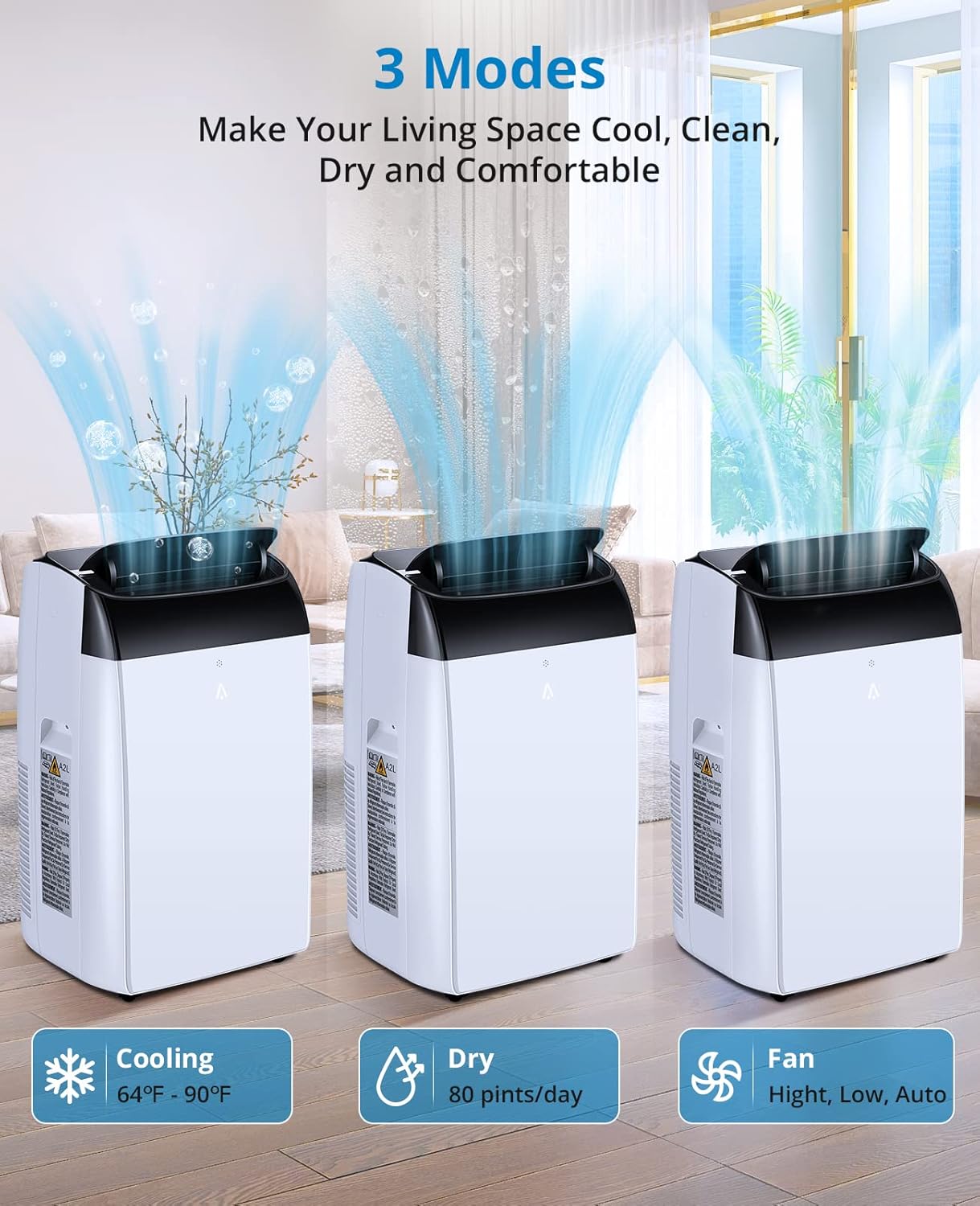
Image: Visual representation of the three operating modes: Cooling (64°F-90°F), Dry (80 pints/day), and Fan (High, Low, Auto).
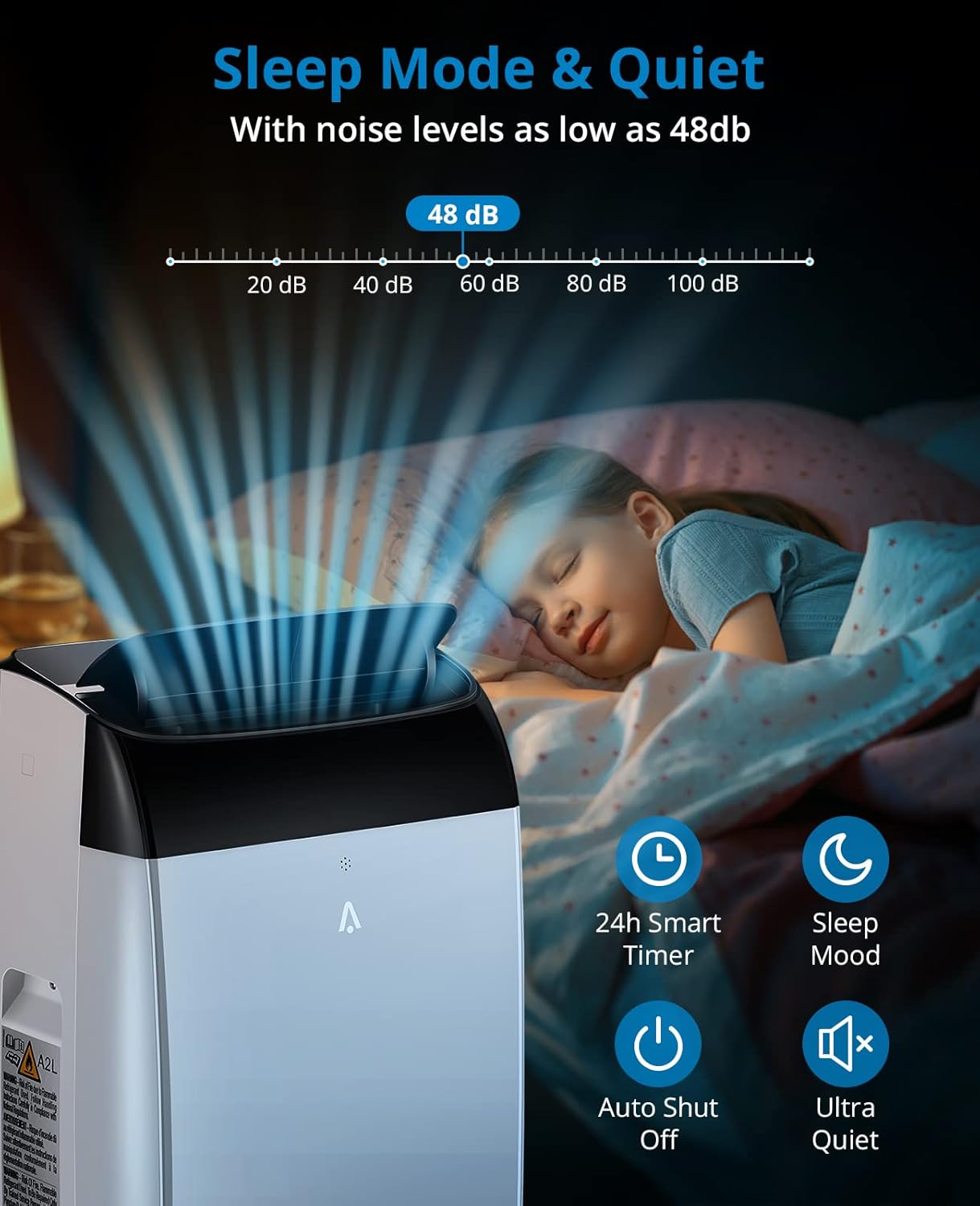
Image: The unit in Sleep Mode, emphasizing its quiet operation and smart features.
การซ่อมบำรุง
การบำรุงรักษาตามปกติจะช่วยให้เครื่องปรับอากาศของคุณมีอายุการใช้งานยาวนานและมีประสิทธิภาพ
การทำความสะอาดตัวกรอง
The air filter should be cleaned regularly to maintain optimal performance. Simply slide out the filter, clean it with water or an air compressor, and reinsert it.
Video: Demonstrates how to remove and clean the air filter, highlighting its washable and reusable design.
Self-Evaporation and Drainage
The unit features self-evaporation technology, which effectively reduces the need for frequent manual drainage. In high humidity conditions, excess water may collect and need to be drained from the bottom drain port.
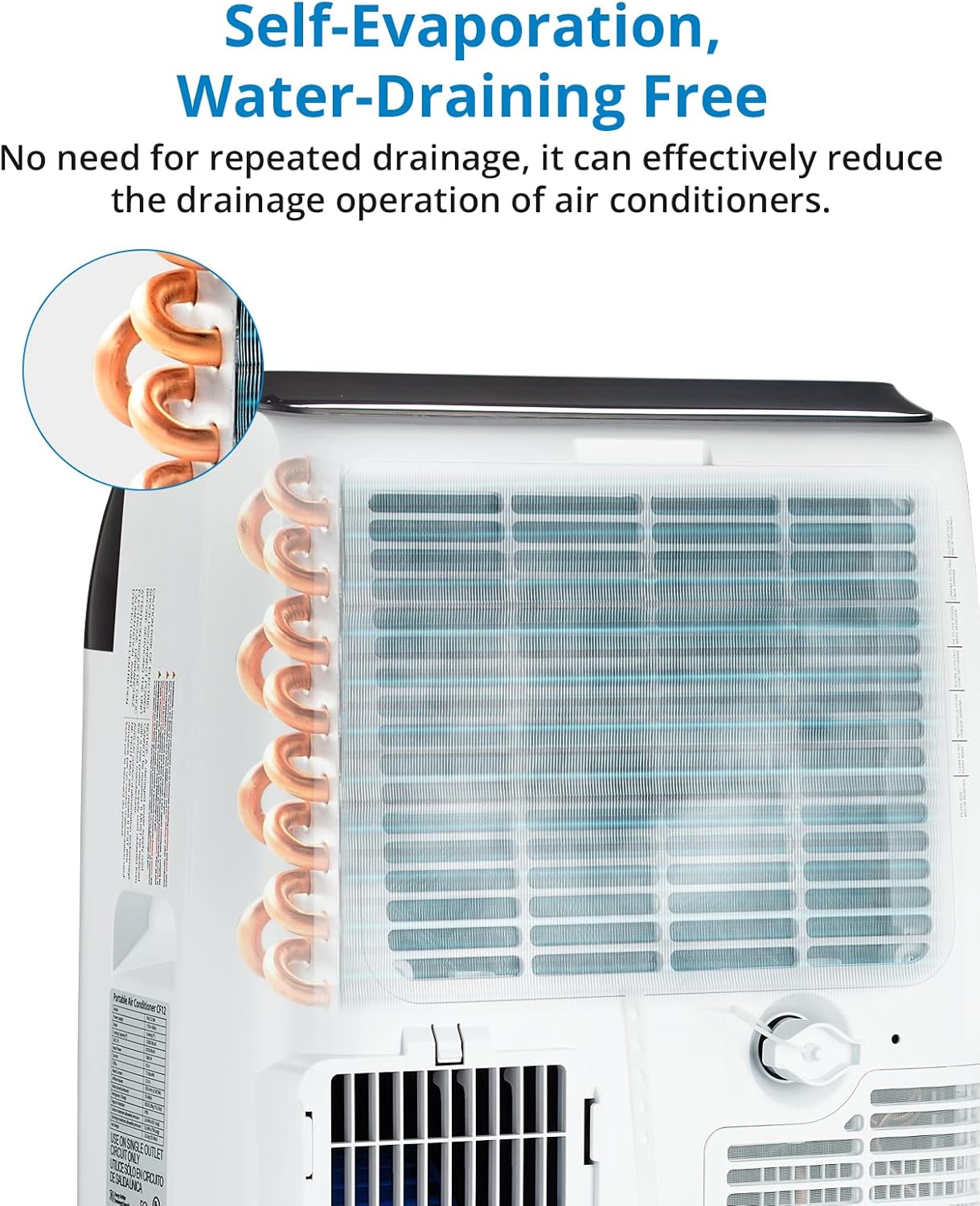
ภาพ: ภายใน view showing the self-evaporation system, reducing the need for manual water drainage.
การแก้ไขปัญหา
If you encounter issues with your Acekool Portable Air Conditioner, refer to the following common troubleshooting tips:
- หน่วยไม่เปิด: Check if the power cord is securely plugged into a grounded outlet. Ensure the power surge breaker on the plug is not tripped.
- การระบายความร้อนไม่เพียงพอ: Verify that the exhaust hose is properly installed and sealed in the window kit. Ensure the air filter is clean and not obstructed. Check if the room size exceeds the unit's cooling capacity (750 sq. ft.).
- น้ำรั่ว: If operating in high humidity, the internal water tank may be full. Drain the water from the bottom drain port. Ensure the unit is on a level surface.
- เสียงรบกวนที่ผิดปกติ: Check for any obstructions in the air intake or exhaust vents. Ensure the unit is placed on a stable, level surface to prevent vibrations.
หากต้องการความช่วยเหลือเพิ่มเติม โปรดติดต่อฝ่ายสนับสนุนลูกค้า
ข้อมูลจำเพาะ
| คุณสมบัติ | รายละเอียด |
|---|---|
| ขนาดสินค้า | 19.5 x 16.7 x 32.5 inches (Unit: 16.5"D x 14.1"W x 27.5"H) |
| น้ำหนักสินค้า | 62 ปอนด์ |
| ผู้ผลิต | เอซคูล |
| หมายเลขรุ่น | เครื่องปรับอากาศแบบพกพา 14,000 BTU |
| พลังทำความเย็น | 14,000 หน่วยความร้อนอังกฤษ |
| การครอบคลุมพื้นที่ | 750 ตารางฟุต |
| ลดความชื้นความจุ | 90 pints/day (80 Pints listed in specs) |
| ระดับเสียง | 54 dB (as low as 48dB in Sleep Mode) |
| เล่มที่tage | 115โวลต์ |
| ส่วนประกอบที่รวมอยู่ | Portable Air Conditioner, LED Remote Control, Exhaust Hose, Window Vent Installation Kit, Instruction Manual |
การรับประกันและการสนับสนุน
Your Acekool Portable Air Conditioner comes with a รับประกัน 1 ปี as per the manufacturer's specifications.
For any issues with the product or for professional support, please contact Acekool customer service. They aim to respond within 24 hours.
Additionally, this product is eligible for 30-day easy returns through Amazon.
คุณอาจพิจารณาซื้อasing แผนการคุ้มครองขยายสำหรับความคุ้มครองเพิ่มเติม:
- แผนคุ้มครอง 3 ปี
- แผนคุ้มครอง 4 ปี
- Complete Protect: One plan covers all eligible past and future purchases (Renews Monthly Until Cancelled)
Ask a question about this manual
Ask about setup, troubleshooting, compatibility, parts, safety, or missing instructions. Manuals+ will review the question and use this page’s manual context to help answer it.