
1. บทนำ
Thank you for choosing the Yeedi k950 Robot Vacuum and Mop Combo. This manual provides essential information for the safe operation, maintenance, and troubleshooting of your device. Please read it thoroughly before use and retain it for future reference.
The Yeedi k950 is designed to provide efficient and comprehensive floor cleaning, combining powerful vacuuming with an oscillating mopping system. Its advanced features include 3D obstacle avoidance, smart visual mapping, and automatic carpet detection.
2. สินค้าหมดview
2.1 คุณสมบัติหลัก
- Oscillating Mopping System: Scrubs off dried-on stains from hard floors.
- พลังดูด 3000Pa: Effectively picks up dirt from carpets and hard floors.
- 3D Obstacle Avoidance: Detects and navigates around common household objects.
- Smart Visual Mapping & Navigation: Creates and saves home layouts for efficient cleaning paths.
- การตรวจจับพรม: Avoids carpets in mopping mode and boosts suction in vacuuming mode.
- การควบคุมแอพ: Customizable cleaning settings, sequence, and area selection via the yeedi app.
- Self-Empty Station Compatibility: (Optional) Automatically empties the dustbin for up to 30 days.
2.2 ส่วนประกอบของหุ่นยนต์

ภาพ: สูงสุด view of the Yeedi k950 robot vacuum. This image shows the overall design of the robot, including the main power button and visual sensor on top.

ภาพ: ส่วนล่าง view of the Yeedi k950 robot vacuum. This image highlights the main brush, side brushes, and the oscillating mop pad module, which are crucial for cleaning.
3. การตั้งค่า
3.1 การแกะและการจัดวาง
- Carefully remove all packaging materials from the robot and its accessories.
- วางแท่นชาร์จชิดผนังในพื้นที่โล่ง โดยตรวจสอบให้แน่ใจว่าไม่มีสิ่งกีดขวางใดๆ ในระยะ 1 เมตร (3 ฟุต) ทางด้านหน้า และ 0.5 เมตร (1.5 ฟุต) ทางด้านข้าง
- เชื่อมต่ออะแดปเตอร์ไฟฟ้ากับแท่นชาร์จและเสียบเข้ากับเต้ารับไฟฟ้า
3.2 การชาร์จเริ่มต้น
Place the robot onto the charging dock, ensuring the charging contacts align. The robot will begin charging automatically. For first-time use, fully charge the robot before operation (approximately 6 hours).
3.3 การติดตั้งและการเชื่อมต่อแอป
- Download the 'yeedi' app from your mobile device's app store (iOS or Android).
- เปิดแอปและปฏิบัติตามคำแนะนำบนหน้าจอเพื่อสร้างบัญชี
- Add your Yeedi k950 robot by scanning the QR code on the device or selecting it from the list.
- Connect the robot to your home Wi-Fi network as prompted by the app.
4. การดำเนินการ
4.1 การเริ่มรอบการทำความสะอาด
You can start a cleaning cycle in two ways:
- ผ่านทางหุ่นยนต์: Press the main power button on the robot once.
- ผ่านแอปพลิเคชัน: Open the yeedi app and tap the 'Clean' button.
โหมดทำความสะอาด 4.2 โหมด
The Yeedi k950 supports various cleaning modes, which can be selected via the yeedi app:
- ทำความสะอาดอัตโนมัติ: หุ่นยนต์ทำความสะอาดบ้านของคุณอย่างชาญฉลาด
- พื้นที่สะอาด: เลือกห้องหรือพื้นที่ที่ต้องการทำความสะอาดโดยเฉพาะ
- ทำความสะอาดแบบกำหนดเอง: Draw a custom cleaning zone on the map.

ภาพ: Illustration of the Yeedi k950's oscillating mopping system. The image shows the robot actively scrubbing a floor, demonstrating its ability to remove dried stains more effectively than traditional mopping.
ภาพ: Depiction of the Yeedi k950's carpet detection feature. The robot avoids carpets in mopping mode and automatically increases suction power when vacuuming on carpets, ensuring optimal cleaning for different floor types.
4.3 คุณสมบัติอัจฉริยะ
- 3D Obstacle Avoidance: The robot uses advanced sensors to detect and avoid common household obstacles like shoes, pet bowls, and toys, reducing the need for pre-cleaning.
- Visual Mapping: The robot creates a detailed map of your home, allowing for efficient navigation and customized cleaning plans. It can save up to three maps for multi-level homes.
- ปรับแต่งการทำความสะอาดได้ตามต้องการผ่านแอป: Use the yeedi app to adjust vacuum power, water flow levels, set cleaning sequences for different rooms, and define no-go zones or virtual walls.

ภาพ: Visual representation of the Yeedi k950's 3D obstacle avoidance technology. The robot is shown detecting and navigating around various objects on the floor, such as shoes and toys.

ภาพ: Diagram illustrating the Yeedi k950's ability to create and save multiple maps. This feature is beneficial for homes with multiple floors, allowing the robot to adapt to different layouts.

ภาพ: Screenshots of the yeedi mobile application interface. This image demonstrates how users can set cleaning sequences, clean specific areas, and customize settings like vacuum power and water flow levels.
5. การบำรุงรักษา
Regular maintenance ensures optimal performance and extends the lifespan of your Yeedi k950.
5.1 ถังขยะและตัวกรอง
- กำลังว่าง: Empty the dustbin after each cleaning cycle. If using the optional self-empty station, the dustbin will be emptied automatically.
- การทำความสะอาด: Rinse the dustbin with water as needed. Allow it to air dry completely before reinserting.
- กรอง: Tap the filter to remove dust. Replace the high-efficiency filter every 3-6 months, depending on usage.
5.2 แปรงหลักและแปรงด้านข้าง
- แปรงหลัก: Remove the main brush cover and lift out the brush. Use the cleaning tool to cut and remove tangled hair. Clean the brush bearings.
- แปรงด้านข้าง: Check side brushes for tangled hair or debris. If damaged, replace them.
5.3 Mopping Pad and Water Tank
- แผ่นถูพื้น: Remove the mopping pad after each use and wash it. Air dry completely.
- ถังเก็บน้ำ: Empty any remaining water from the tank after mopping. Clean the tank regularly to prevent mold or odors.
5.4 เซ็นเซอร์และหน้าสัมผัสการชาร์จ
- Wipe all sensors (cliff sensors, anti-collision sensors, visual mapping sensor) and charging contacts on both the robot and the charging dock with a clean, dry cloth.
6 การแก้ไขปัญหา
If your Yeedi k950 encounters an issue, refer to the following common solutions:
| ปัญหา | สาเหตุที่เป็นไปได้ | สารละลาย |
|---|---|---|
| หุ่นยนต์ไม่เริ่มทำงาน | Low battery; Main switch off | ชาร์จหุ่นยนต์ เปิดสวิตช์ไฟหลัก |
| หุ่นยนต์ติดขัดบ่อยมาก | สิ่งกีดขวาง; เซ็นเซอร์สกปรก | Clear obstacles; Clean cliff and anti-collision sensors. |
| ประสิทธิภาพการทำความสะอาดแย่ | Full dustbin; Clogged brushes; Dirty filter | เทถังฝุ่นทิ้ง; ทำความสะอาดแปรงหลัก/แปรงด้านข้าง; ทำความสะอาด/เปลี่ยนแผ่นกรอง |
| หุ่นยนต์ไม่สามารถค้นหาแท่นชาร์จได้ | แท่นชาร์จถูกกีดขวาง; แท่นชาร์จไม่ได้เสียบปลั๊ก | Ensure clear area around dock; Plug in charging dock. |
| การถูพื้นไม่ได้ผล | Dry mop pad; Empty water tank | Wet the mop pad; Fill the water tank. |
For more detailed troubleshooting or persistent issues, please refer to the yeedi app or contact customer support.
7. ข้อมูลจำเพาะ
| คุณสมบัติ | รายละเอียด |
|---|---|
| ยี่ห้อ | เยดี |
| ชื่อรุ่น | เลข 950 |
| คุณสมบัติพิเศษ | Obstacle Avoidance, Oscillating Mopping |
| สี | สีขาว |
| อายุการใช้งานแบตเตอรี่ | Up to 30 Days (with self-empty station) |
| แหล่งพลังงาน | ใช้พลังงานจากแบตเตอรี่ |
| อุปกรณ์ที่รองรับ | อเมซอน เอคโค่ |
| ฟอร์มแฟกเตอร์ | หุ่นยนต์ |
| น้ำหนักสินค้า | 5 กก. 920 ก. |
| ขนาดรายการ (LxWxH) | 61 x 40.6 x 12.7 เซนติเมตร |
| คำแนะนำด้านพื้นผิว | พรมปูพื้นแข็ง |
8. การรับประกันและการสนับสนุน
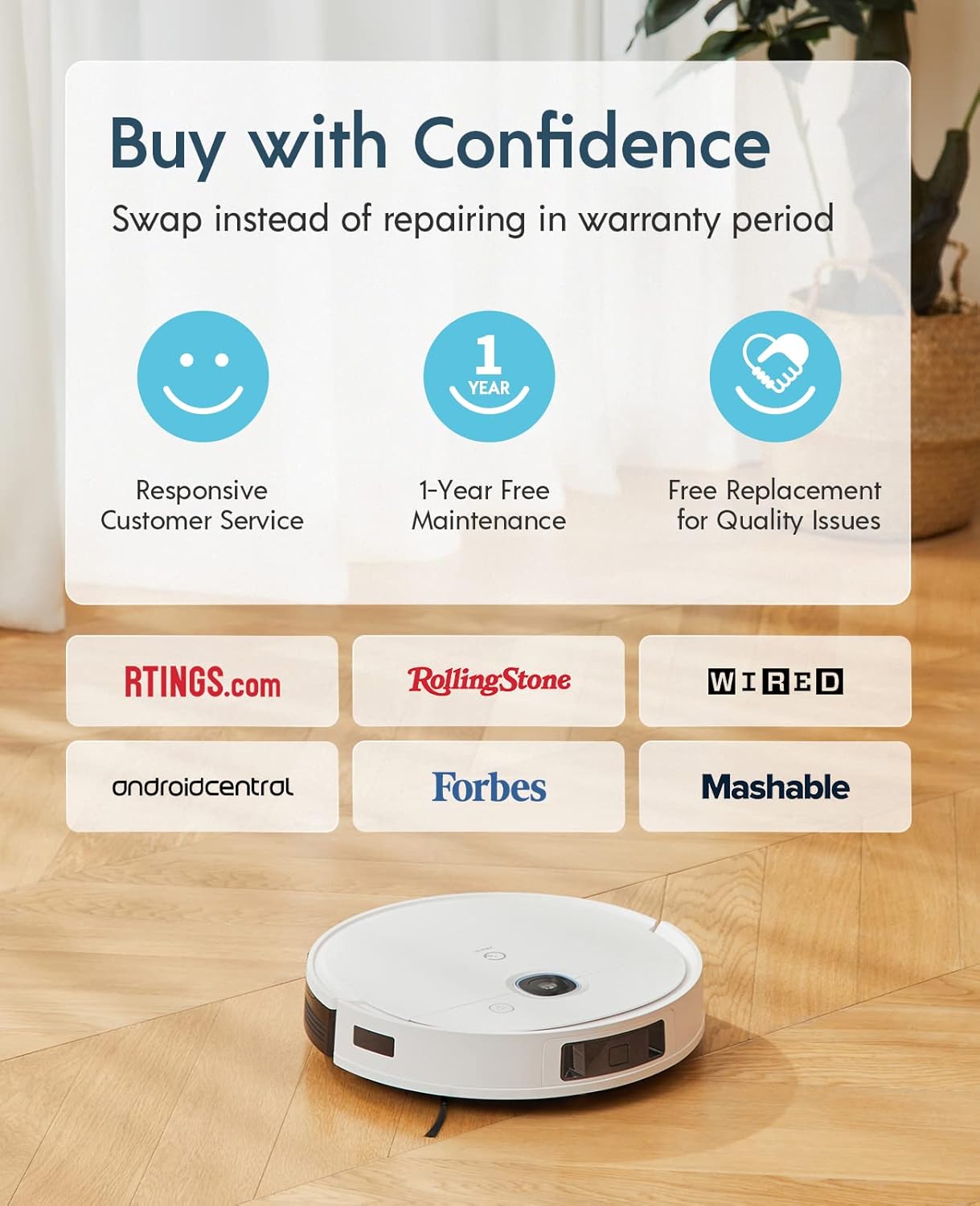
The Yeedi k950 Robot Vacuum and Mop Combo comes with a รับประกัน 1 ปี ไร้กังวล. This warranty includes:
- Responsive Customer Service.
- 1-Year Free Maintenance.
- Free Replacement for Quality Issues within the warranty period.
For warranty claims, technical support, or any inquiries, please contact yeedi customer service through the yeedi app or visit the official yeedi webเว็บไซต์.

ภาพ: Information regarding yeedi's customer support and warranty policy, highlighting responsive service, free maintenance, and replacement for quality issues.