
1. บทนำ
This manual provides instructions for the MOFII Wireless Keyboard and Mouse Combo, designed for use with various computer systems. This combo features a retro-style keyboard with round keycaps and a compact USB mouse, both operating on a 2.4GHz wireless connection. It is compatible with Windows operating systems and offers an ergonomic design for comfortable use.
2. เนื้อหาบรรจุภัณฑ์
- คีย์บอร์ดไร้สาย MOFII
- เมาส์ไร้สาย MOFII
- ตัวรับสัญญาณ USB นาโน 2.4GHz
- คู่มือการใช้งาน
3. คำแนะนำในการตั้งค่า
- ติดตั้งแบตเตอรี่: Open the battery compartments on both the keyboard and the mouse. Insert the required batteries (typically AA for keyboard, AAA for mouse, not included) ensuring correct polarity.
- เชื่อมต่อตัวรับสัญญาณ USB: Locate an available USB port on your computer (PC, Laptop, Smart TV). Insert the 2.4GHz USB Nano Receiver into the USB port.
- เปิดอุปกรณ์: Turn on the keyboard and mouse using their respective power switches. The devices should automatically connect to the receiver.
- ทดสอบการเชื่อมต่อ: Verify functionality by typing on the keyboard and moving/clicking the mouse. If the devices do not respond, ensure batteries are correctly installed and the receiver is securely plugged in.

4. คู่มือการใช้งาน
4.1 การใช้งานแป้นพิมพ์
- การพิมพ์: The keyboard features a standard QWERTY layout with round keycaps for a comfortable typing experience.
- ปุ่มฟังก์ชั่น (F1-F12): These keys often have secondary functions (hotkeys) when pressed in combination with the 'Fn' key. Refer to the keycap legends for specific functions such as media control, volume adjustment, and more.
- ปุ่มกดตัวเลข: มีแป้นตัวเลขเฉพาะสำหรับการป้อนข้อมูลอย่างมีประสิทธิภาพ

4.2 การใช้งานเมาส์
- ความเคลื่อนไหว: เลื่อนเมาส์บนพื้นผิวเรียบเพื่อควบคุมเคอร์เซอร์บนหน้าจอของคุณ
- การคลิก: ใช้ปุ่มซ้ายและขวาสำหรับการคลิกหลักและการคลิกเสริม
- ล้อเลื่อน: The scroll wheel allows for easy navigation through documents and web หน้า
5.คุณสมบัติพิเศษ
- การเชื่อมต่อไร้สาย 2.4GHz: Provides a stable and dropout-free connection up to 33 feet (10 meters).
- Retro Design with Round Keycaps: Offers a unique aesthetic and comfortable typing feel.
- การออกแบบตามหลักสรีรศาสตร์: The keyboard features foldable stands to adjust the typing angle, promoting wrist comfort.
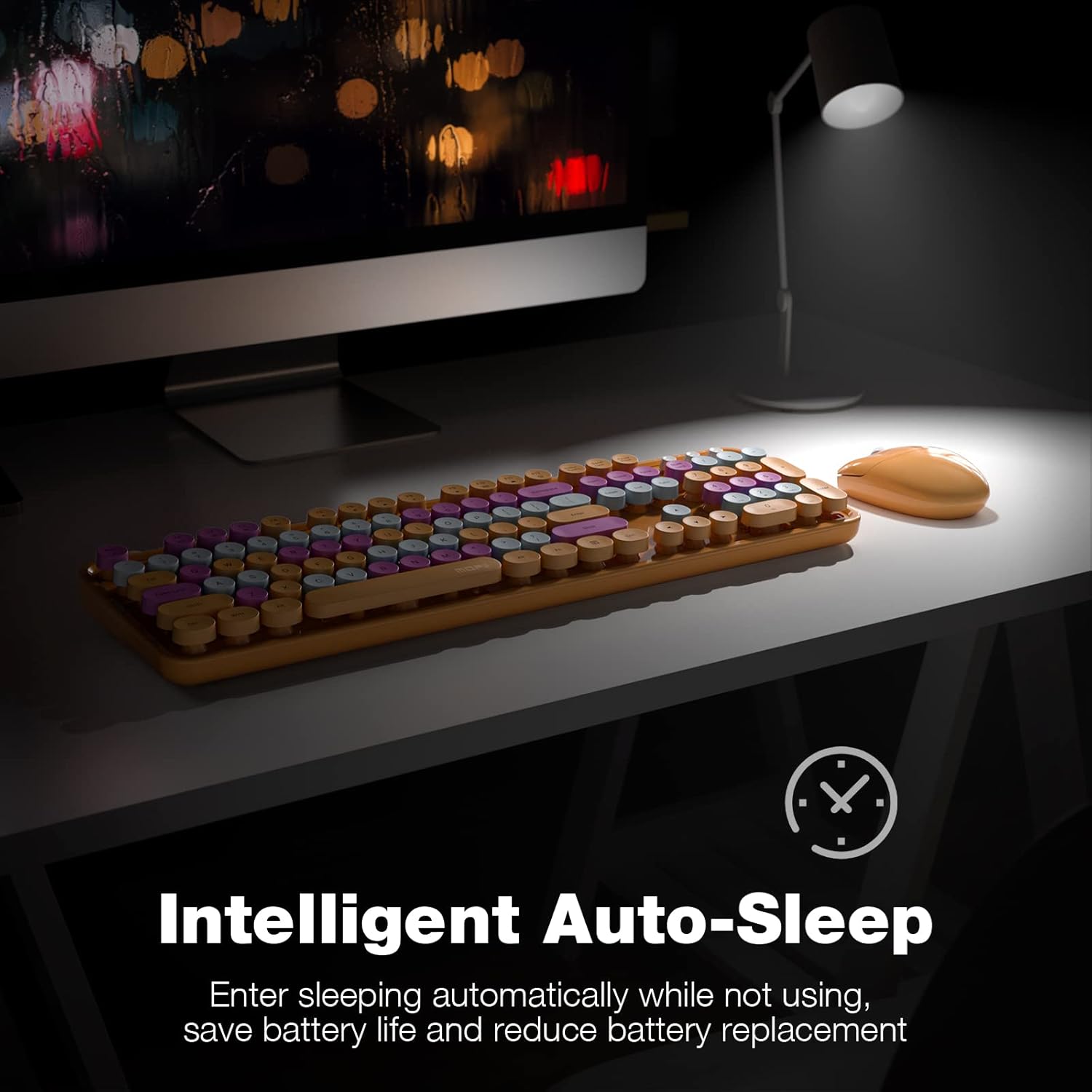
- ระบบปิดเครื่องอัตโนมัติอัจฉริยะ: Both the keyboard and mouse enter sleep mode after 5 minutes of inactivity to conserve battery life. Press any key or move the mouse to wake them up.
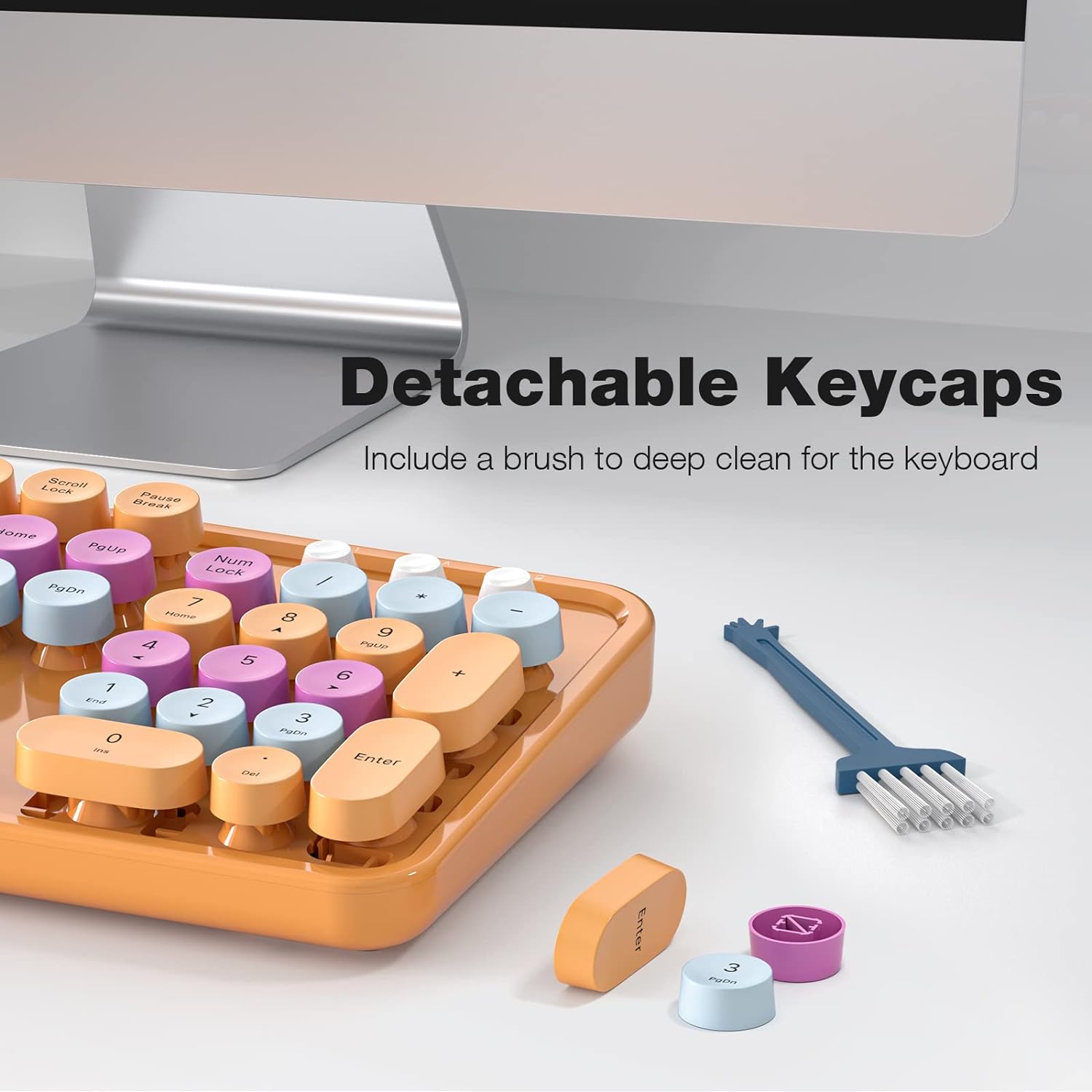
- คีย์แคปแบบถอดได้: Facilitates easy cleaning and maintenance of the keyboard.

6. การบำรุงรักษา
- การทำความสะอาด: Use a soft, dry cloth to clean the surface of the keyboard and mouse. For deeper cleaning, remove the keycaps and use a small brush or compressed air to clear debris.
- การเปลี่ยนแบตเตอรี่: Replace batteries when performance degrades. Ensure to use the correct battery type and dispose of old batteries responsibly.
- พื้นที่จัดเก็บ: เก็บอุปกรณ์ไว้ในที่แห้งและเย็น หลีกเลี่ยงแสงแดดโดยตรงและอุณหภูมิที่สูงหรือต่ำมากเมื่อไม่ได้ใช้งานเป็นเวลานาน
7 การแก้ไขปัญหา
| ปัญหา | สารละลาย |
|---|---|
| อุปกรณ์ไม่เชื่อมต่อ | 1. Ensure batteries are correctly installed and charged. 2. Verify the USB receiver is securely plugged into a working USB port. 3. Try plugging the receiver into a different USB port. 4. Power cycle both the keyboard and mouse. |
| การเชื่อมต่อล่าช้าหรือขาดๆ หายๆ | 1. Move the devices closer to the USB receiver. 2. Avoid placing the receiver near other wireless devices (e.g., Wi-Fi routers, cordless phones) that may cause interference. 3. Ensure no large metal objects are between the devices and the receiver. |
| ปุ่มกดค้างหรือไม่ตอบสนอง | 1. Clean under the keycaps to remove any debris. 2. Ensure keycaps are properly seated. |
| เคอร์เซอร์เมาส์เคลื่อนที่ผิดปกติ | 1. Clean the optical sensor on the bottom of the mouse. 2. Use the mouse on a clean, non-reflective surface. |
8. ข้อมูลจำเพาะ
- ยี่ห้อ: โมฟี่
- แบบอย่าง: B0BJP7WNCL
- สี: Orange Colorful
- เทคโนโลยีการเชื่อมต่อ: 2.4GHz ไร้สาย
- อุปกรณ์ที่รองรับ: PC, Laptop, Smart TV (Windows 7, 8, 10, XP/Vista). Not compatible with Apple systems.
- Keyboard Special Feature: Ergonomic, Round Keycaps
- น้ำหนักสินค้า: 1.94 ปอนด์
- ขนาดแพ็คเกจ: 17.8 x 5.47 x 2.91 นิ้ว

9. การรับประกันและการสนับสนุน
For warranty information, technical support, or service inquiries, please refer to the contact information provided on the product packaging or visit the official MOFII webไซต์นี้ โปรดเก็บใบเสร็จรับเงินที่ซื้อไว้เพื่อใช้เรียกร้องการรับประกัน