
1. บทนำ
Welcome to the Nokia T10 Wi-Fi Tablet user manual. This guide provides essential information to help you set up, operate, maintain, and troubleshoot your new device. The Nokia T10 is an 8-inch HD Android 12 tablet designed for everyday use, offering a balance of performance and portability.
Please read this manual carefully to ensure proper use and to maximize the lifespan of your tablet.
2. อะไรอยู่ในกล่อง
Upon unboxing your Nokia T10 tablet, please verify that all the following items are included:
- Nokia T10 Tablet Device
- สาย USB Type-C
- เครื่องชาร์จ
- คู่มือการเริ่มต้นฉบับย่อ (QSG)
- หนังสือความปลอดภัย
- User Guide Band
- Plastic Bag (packaging material)
If any items are missing or damaged, please contact your retailer or Nokia customer support immediately.
3. การตั้งค่า
3.1 การชาร์จแท็บเล็ต
Before first use, fully charge your Nokia T10 tablet. Connect the provided Type-C USB cable to the tablet's charging port and the other end to the charger. Plug the charger into a power outlet. The battery indicator on the screen will show the charging status.
3.2 การเปิด/ปิดเครื่อง
- การเปิดเครื่อง: Press and hold the Power button until the Nokia logo appears.
- วิธีปิดเครื่อง: Press and hold the Power button until the power options appear on the screen. Select "Power off" and confirm.
- ในการรีสตาร์ท: กดปุ่มเปิด/ปิดค้างไว้จนกว่าตัวเลือกการเปิด/ปิดจะปรากฏขึ้น เลือก "รีสตาร์ท" แล้วยืนยัน
3.3 การตั้งค่าเริ่มต้น
When you power on your tablet for the first time, you will be guided through an initial setup process:
- เลือกภาษา: เลือกภาษาที่คุณต้องการ
- การเชื่อมต่อ Wi-Fi: Connect to a Wi-Fi network to access the internet. This is crucial for downloading updates and setting up your Google account.
- บัญชี Google: Sign in with your existing Google account or create a new one. This is necessary for accessing the Google Play Store, Gmail, and other Google services.
- วันที่และเวลา: ตั้งค่าวันที่และเวลาที่ถูกต้องหรืออนุญาตให้เครือข่ายตั้งค่าโดยอัตโนมัติ
- ความปลอดภัย: Set up a screen lock (PIN, pattern, password) and consider enabling AI Face Unlock for convenient access.
3.4 การใส่การ์ด MicroSD
The Nokia T10 supports expandable storage via a MicroSD card. Locate the SIM/SD card tray on the side of the tablet. Use the provided SIM ejector tool to open the tray. Carefully place the MicroSD card into the designated slot with the gold contacts facing down, then reinsert the tray firmly.
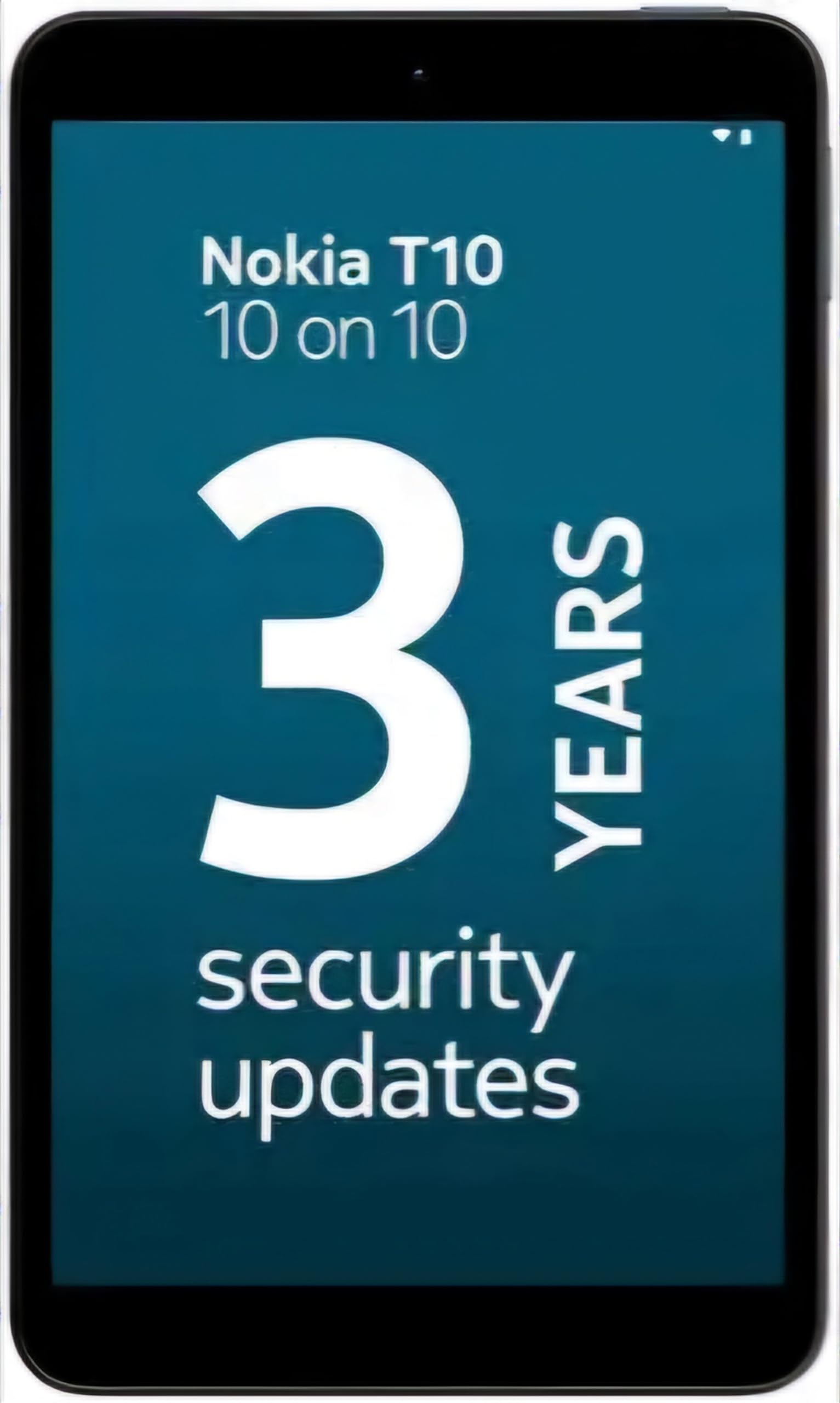
Image: Nokia T10 tablet, showcasing its sleek design and the rear camera module.
4. คู่มือการใช้งาน
4.1 การแสดงผลและการนำทาง
The Nokia T10 features an 8-inch HD display (1280x800 pixels). Navigate the interface using touch gestures:
- แตะ: เลือกรายการหรือเปิดแอป
- ปัด: เลื่อนดูหน้าจอ รายการ หรือเนื้อหา
- บีบเพื่อซูม: ซูมเข้าหรือออกจากรูปภาพและ web หน้า
- กดแบบยาว: เข้าถึงเมนูบริบทหรือย้ายไอคอนแอป
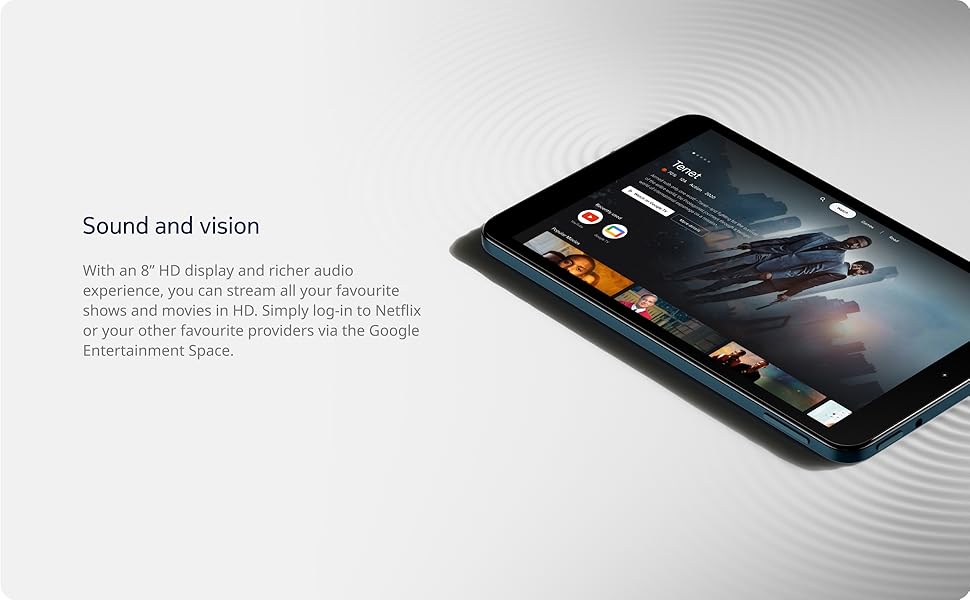
Image: The Nokia T10 tablet showcasing its 8-inch HD display with streaming video content.
4.2 ฟังก์ชันกล้อง
Your tablet is equipped with an 8MP rear camera with autofocus and flash, and a 2MP front camera.
- ถ่ายรูป: เปิดแอปกล้อง จัดองค์ประกอบภาพ และแตะปุ่มชัตเตอร์
- การบันทึกวิดีโอ: Switch to video mode in the Camera app and tap the record button to start/stop. The tablet supports FHD 1080p video capture.
- กล้องหน้า: Tap the camera switch icon to use the front camera for selfies or video calls.

Image: A Nokia T10 tablet displaying a video call, highlighting its front camera functionality.
4.3 การจัดการแบตเตอรี่
The Nokia T10 has a 5250 mAh battery designed for all-day use. To optimize battery life:
- ลดความสว่างหน้าจอ
- ปิด Wi-Fi และ Bluetooth เมื่อไม่ได้ใช้งาน
- ปิดแอปพื้นหลัง
- เปิดใช้งานโหมดประหยัดแบตเตอรี่ในเมนูการตั้งค่า
4.4 การเชื่อมต่อ
- ไวไฟ : Connect to wireless networks via Settings > Network & internet > Wi-Fi. The tablet supports 802.11a/b/g/n/ac standards.
- บลูทูธ: Pair with Bluetooth devices (headphones, speakers) via Settings > Connected devices > Bluetooth. The tablet features Bluetooth 5.0.
- USB Type-C: ใช้พอร์ต USB-C สำหรับการชาร์จและการถ่ายโอนข้อมูล
4.5 AI Face Unlock
For quick and secure access, set up AI Face Unlock:
- Go to Settings > Security > Face unlock.
- ปฏิบัติตามคำแนะนำบนหน้าจอเพื่อลงทะเบียนใบหน้าของคุณ
- Ensure you are in a well-lit environment during setup and use.
4.6 ซอฟต์แวร์และการอัปเดต
The Nokia T10 runs on Android 12. Nokia provides 2 years of OS updates and 3 years of monthly security updates to keep your device secure and up-to-date. You will receive notifications when updates are available. It is recommended to install updates over a Wi-Fi connection.
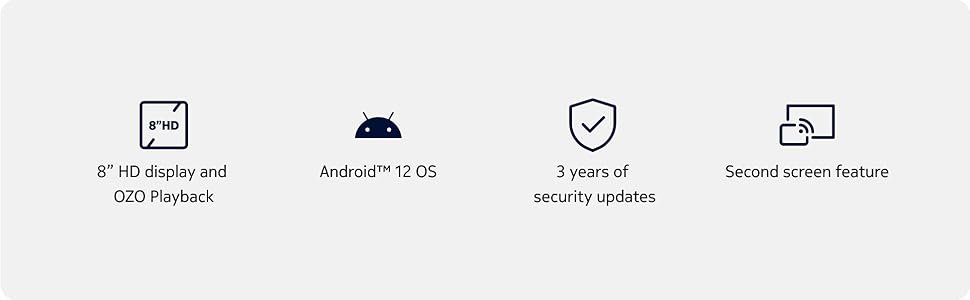
Image: Visual representation of Nokia T10 features including Android 12 OS and 3 years of security updates.
5. การบำรุงรักษา
5.1 การทำความสะอาดแท็บเล็ตของคุณ
- ใช้ผ้านุ่มไม่เป็นขุยทำความสะอาดหน้าจอและตัวเครื่อง
- หลีกเลี่ยงการใช้สารเคมีที่รุนแรง น้ำยาทำความสะอาดที่มีฤทธิ์กัดกร่อน หรือสเปรย์แอโรซอล
- อย่าให้ยาเม็ดสัมผัสกับความชื้นมากเกินไป
5.2 การอัปเดตซอฟต์แวร์
ตรวจสอบและติดตั้งการอัปเดตซอฟต์แวร์เป็นประจำเพื่อให้มั่นใจถึงประสิทธิภาพและความปลอดภัยที่ดีที่สุด ไปที่ การตั้งค่า > ระบบ > การอัปเดตระบบ
5.3 การจัดการการจัดเก็บข้อมูล
To maintain performance, periodically manage your tablet's storage:
- ลบแอปที่ไม่จำเป็นออกและ files.
- เคลื่อนย้ายขนาดใหญ่ files (photos, videos) to a MicroSD card or cloud storage.
- Clear app cache regularly via Settings > Apps > [App Name] > Storage & cache.
6 การแก้ไขปัญหา
If you encounter issues with your Nokia T10 tablet, try the following solutions:
| ปัญหา | สารละลาย |
|---|---|
| แท็บเล็ตไม่สามารถเปิดเครื่องได้ | ตรวจสอบให้แน่ใจว่าแบตเตอรี่ชาร์จเต็มแล้ว เสียบที่ชาร์จและรอสักครู่ก่อนลองเปิดเครื่องอีกครั้ง |
| ปัญหาการเชื่อมต่อ Wi-Fi | รีสตาร์ทเราเตอร์ Wi-Fi ของคุณ ไปที่ การตั้งค่า > เครือข่ายและอินเทอร์เน็ต > Wi-Fi ปิด Wi-Fi แล้วเปิดใหม่อีกครั้ง ลืมเครือข่ายและเชื่อมต่อใหม่อีกครั้ง |
| ประสิทธิภาพการทำงานช้า | Close unused apps. Clear app caches. Restart the tablet. Check for available software updates. |
| แอปขัดข้องหรือค้าง | Force stop the app (Settings > Apps > [App Name] > Force stop). Clear the app's cache and data. Reinstall the app. |
| แบตเตอรี่หมดเร็ว | Reduce screen brightness. Disable unnecessary features like GPS, Bluetooth, and Wi-Fi when not in use. Check battery usage in Settings to identify power-hungry apps. |
If the problem persists after trying these steps, please contact Nokia customer support.
7. ข้อมูลจำเพาะ
Below are the key technical specifications for the Nokia T10 Wi-Fi Tablet:
- ชื่อรุ่น : Nokia T10 TA-1472 WIFI 3/32
- ระบบปฏิบัติการ: แอนดรอยด์ 12
- โปรเซสเซอร์: Unisoc T606 (Octa-core, 1.6 GHz)
- ตัวประมวลผลร่วมกราฟิก: มะลิ-G57
- แรม : 3GB
- พื้นที่เก็บข้อมูลภายใน: 32GB
- พื้นที่เก็บข้อมูลที่ขยายได้: Yes, via MicroSD card (up to 512GB, sold separately)
- แสดง: 8-inch HD (1280 x 800 pixels) TFT, 16:10 aspect ratio
- กล้องหลัง: 8 MP with AF and Flash
- กล้องหน้า: 2 MP
- ความละเอียดการจับภาพวิดีโอ: FHD 1080p at 30 fps
- แบตเตอรี่: ลิเธียมโพลีเมอร์ 5250 mAh
- การเชื่อมต่อ: Wi-Fi (802.11a/b/g/n/ac), Bluetooth 5.0, USB Type-C, 3.5mm Audio Jack
- คุณสมบัติความปลอดภัย: AI ปลดล็อคใบหน้า
- เสียง: Stereo Speakers, OZO Playback
- ขนาด (ยาว x กว้าง x หนา): 20.8L x 12.3W x 0.9Th Centimeters
- น้ำหนัก: 375 กรัม
- สี: สีฟ้า
8. ข้อมูลการรับประกัน
The Nokia T10 tablet comes with a รับประกันจากผู้ผลิต 1 ปี for the device and battery from the date of purchase. In-box accessories are covered by a รับประกันจากผู้ผลิต 6 เดือน from the date of purchase. Please retain your proof of purchase for warranty claims. For detailed terms and conditions, refer to the warranty card included in your product packaging or visit the official Nokia support webเว็บไซต์.
9. การสนับสนุน
For further assistance, technical support, or to find service centers, please visit the official Nokia support website or contact their customer service. You can typically find support contact information on the Nokia website or in the safety booklet provided with your tablet.
การสนับสนุนทางออนไลน์: ฝ่ายสนับสนุนโนเกีย Webเว็บไซต์