
Victoper VT-FLV3000
Victoper LED Tactical Flashlight User Manual
Model: VT-FLV3000 | Brand: Victoper
1. สินค้าหมดview
The Victoper LED Tactical Flashlight is a high-powered, super bright, and rechargeable lighting device designed for various applications including emergency situations, outdoor activities, home use, camping, and hiking. It features multiple light modes, zoomable functionality, and a durable, waterproof construction.

Image: The Victoper LED Tactical Flashlight, showcasing its compact design, included charging cable, and carrying holster.
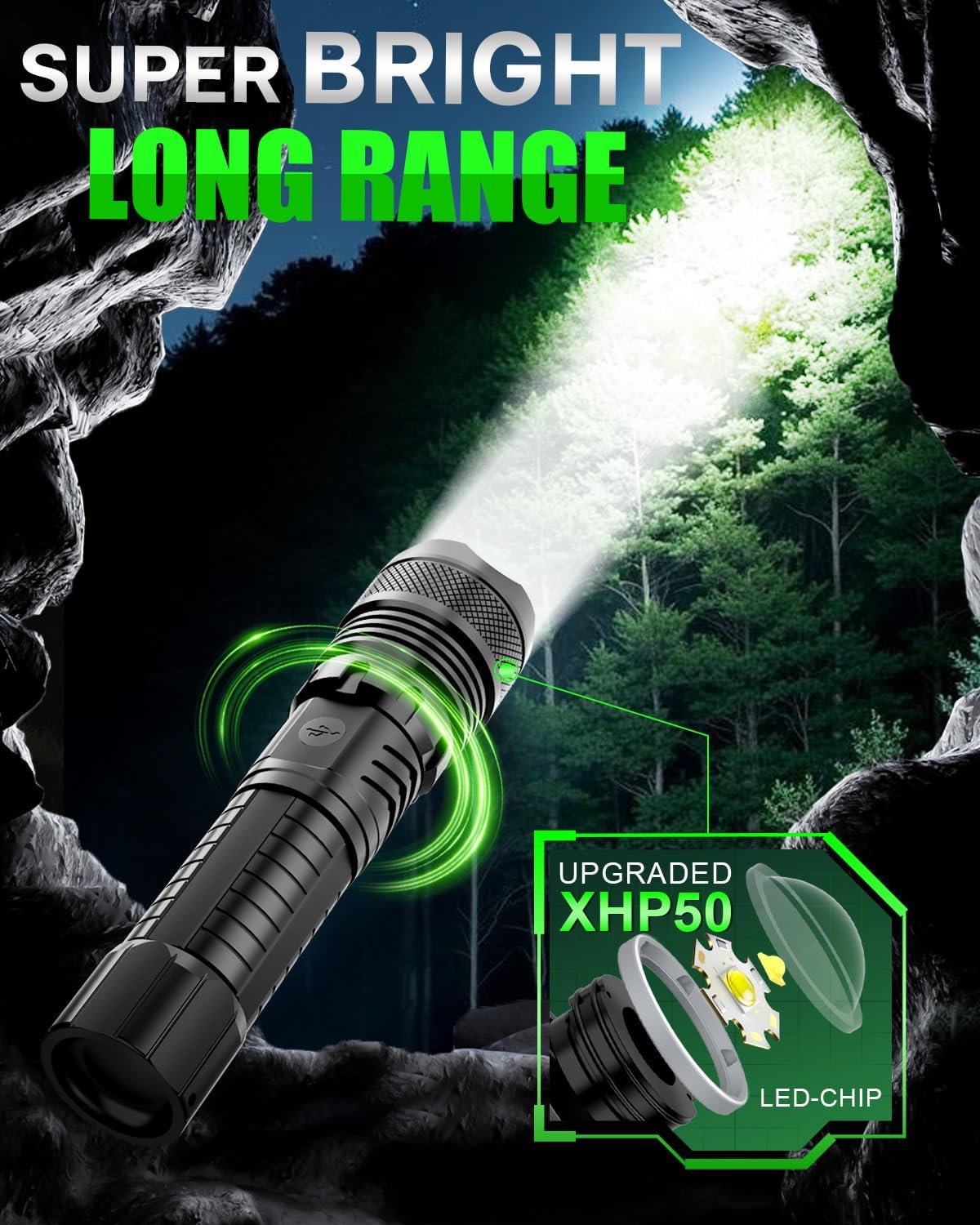
Image: Illustration of the flashlight's super bright and long-range beam in a dark, outdoor environment.
2. การตั้งค่าและการใช้งานครั้งแรก
2.1 การติดตั้งแบตเตอรี่
The flashlight requires a 18650 or AAA battery (with adapter). Ensure correct polarity during installation.
- คลายเกลียวฝาท้ายของไฟฉาย
- Remove the white circular insulated sheet from the battery compartment.
- Insert the battery, ensuring the positive pole (+) faces inward towards the flashlight head and the negative pole (-) faces outward towards the tail cap.
- ขันฝาท้ายกลับเข้าที่อย่างแน่นหนา

Image: Step-by-step diagram illustrating the correct procedure for installing the battery, including polarity.
2.2 การชาร์จเริ่มต้น
Before first use, fully charge the flashlight. The device features a USB charging port and a power indicator.
- Connect the provided USB charging cable to the flashlight's charging port.
- Connect the other end of the cable to a compatible USB power source (e.g., laptop, power adapter, power bank, car charger).
- Monitor the 4 indicator lights to check charging status. Four lights indicate 100% charge, three lights 75%, two lights 50%, and one light 25%.

Image: Close-up of the flashlight's USB charging port and the four LED power indicator lights, showing charging compatibility with various sources.
3. คู่มือการใช้งาน
3.1 โหมดแสง
The flashlight features 5 distinct light modes to adapt to various situations:
- โหมดแสงสูง: For maximum brightness.
- โหมดแสงปานกลาง: ความสว่างที่สมดุลสำหรับการใช้งานทั่วไป
- Power Saving Mode (Low Light): For extended battery life.
- โหมดแฟลช: ไฟกระพริบเพื่อส่งสัญญาณหรือทำให้สับสน
- โหมดสัญญาณ SOS: สัญญาณรหัสมอร์สสากลสำหรับกรณีฉุกเฉิน
To cycle through the modes, press the power button. To turn off the flashlight, long press the power button for two seconds.

Image: Visual representation of the flashlight's five light modes: High, Medium, Low, Strobe, and SOS, with instructions for mode selection and power off.
3.2 ฟังก์ชันการซูม
The flashlight is equipped with a zoomable head, allowing adjustment between a flood beam and a spot beam.
- ซูมเข้า: Extend the flashlight head forward to narrow the beam for a focused, long-range spot.
- ซูมออก: Retract the flashlight head to widen the beam for a broad, floodlight effect.

Image: Comparison showing the flashlight's zoom-in function for a focused beam and zoom-out for a wider area illumination.
4. การดูแลรักษา
To ensure the longevity and optimal performance of your Victoper LED Tactical Flashlight, follow these maintenance guidelines:
- การทำความสะอาด: เช็ดตัวไฟฉายด้วยผ้านุ่มๆamp ผ้า ห้ามใช้สารทำความสะอาดที่มีฤทธิ์กัดกร่อนหรือตัวทำละลาย
- การดูแลแบตเตอรี่ If storing the flashlight for an extended period, remove the battery to prevent leakage. Recharge the battery regularly to maintain its health.
- ความต้านทานน้ำ: The flashlight is IPX4 waterproof, meaning it is resistant to splashing water from any direction. It is suitable for use in rainy conditions but should not be submerged in water.
- ทนต่อแรงกระแทก: Constructed from durable aluminum alloy, the flashlight is designed to withstand impacts. However, avoid unnecessary drops or harsh treatment.

Image: The flashlight being held in a rainy environment, illustrating its IPX4 waterproof rating.
5 การแก้ไขปัญหา
If you encounter issues with your flashlight, refer to the following common problems and solutions:
| ปัญหา | สาเหตุที่เป็นไปได้ | สารละลาย |
|---|---|---|
| ไฟฉายไม่ติด | Low battery; Incorrect battery installation; Loose tail cap. | Charge the battery fully; Reinstall battery with correct polarity; Tighten the tail cap. |
| แสงสลัวหรือกระพริบ | แบตเตอรี่อ่อน; การเชื่อมต่อหลวม; หน้าสัมผัสสกปรก | Recharge the battery; Ensure tail cap and head are tight; Clean battery contacts with a dry cloth. |
| ไม่สามารถเปลี่ยนโหมดแสงได้ | Button malfunction; Software issue. | Ensure button is pressed firmly; Try turning off and on again; If problem persists, contact customer support. |
6. ข้อมูลจำเพาะทางเทคนิค
| คุณสมบัติ | รายละเอียด |
|---|---|
| หมายเลขรุ่น | VT-FLV3000 |
| ประเภทแหล่งกำเนิดแสง | นำ |
| ความสว่าง | 350 ลูเมน (ความสว่างสีขาว) |
| แหล่งพลังงาน | ใช้พลังงานจากแบตเตอรี่ |
| ประเภทแบตเตอรี่ | แบตเตอรี่ลิเธียมโพลิเมอร์ 1 ก้อน (รวมอยู่ในชุด) ความจุ 5000 mAh |
| วัสดุ | โลหะผสมอลูมิเนียม |
| ขนาดสินค้า | ลึก 1.6 นิ้ว x กว้าง 1.4 นิ้ว x สูง 6.6 นิ้ว (6.5 x 1.7 x 1.4 นิ้ว) |
| น้ำหนักสินค้า | 8.1 ออนซ์ |
| ระดับความต้านทานต่อน้ำ | กันน้ำระดับ IPX4 |
| คุณสมบัติพิเศษ | Adjustable Focus, Adjustable Light Modes, High Power, Impact Resistant, Long Range |
7. เนื้อหาบรรจุภัณฑ์
The Victoper LED Tactical Flashlight package includes the following items:
- 1 x Tactical Flashlight
- แบตเตอรี่แบบชาร์จไฟได้ 1 ก้อน (5000mAh)
- สายชาร์จ USB 1 เส้น
- ซองใส่ไฟฉาย 1 ชิ้น
- Note: Depending on the specific package, additional accessories such as a 18650 battery tube or AAA battery holders (batteries not included) may be present.

ภาพ: ภาพรวมview of the complete flashlight set, including the flashlight, rechargeable battery, charging cable, and holster.
8. การรับประกันและการสนับสนุน
The Victoper LED Tactical Flashlight comes with a limited warranty. For specific details regarding the warranty period and coverage, please refer to the documentation included with your purchase or contact Victoper customer support.
If you have any questions, require technical assistance, or need to report an issue, please contact Victoper customer support. They are committed to providing solutions as soon as possible.
Note: For the most up-to-date support information, please visit the official Victoper webไซต์หรือดูรายละเอียดการติดต่อที่ระบุไว้ในบรรจุภัณฑ์ผลิตภัณฑ์ของคุณ
Ask a question about this manual
Ask about setup, troubleshooting, compatibility, parts, safety, or missing instructions. Manuals+ will review the question and use this page’s manual context to help answer it.