
1. บทนำ
Welcome to the user manual for your truke BTG Alpha E215 True Gaming Earbuds. These earbuds are designed to provide an immersive audio experience, especially for gaming, with features like ultra-low latency, environmental noise cancellation, and a unique RGB LED charging case. Please read this manual carefully to ensure proper use and optimal performance of your device.

Figure 1: truke BTG Alpha Earbuds and Charging Case.
2. อะไรอยู่ในกล่อง
- 2 x Bluetooth Earbuds (Left and Right)
- 1 x เคสชาร์จ
- สายชาร์จ Type-C 1 เส้น
- 1 x คู่มือผู้ใช้
- ใบรับประกัน 1 ใบ
3. สินค้าหมดview
The truke BTG Alpha E215 earbuds feature a half in-ear design for comfortable wear and are equipped with dual MEMS microphones for clear communication. The charging case boasts a transparent design with 7 RGB LEDs, adding a distinctive aesthetic.

Figure 2: Transparent charging case with dynamic RGB LED lighting.
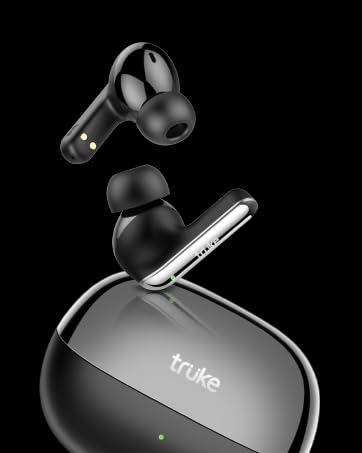
รูปที่ 3: รายละเอียด view of a single earbud, highlighting its half in-ear design.
4. การตั้งค่าและการจับคู่
The truke BTG Alpha E215 earbuds support instant pairing technology for quick connection to your device.
4.1 การจับคู่เริ่มต้น
- เปิดกล่องชาร์จ หูฟังจะเข้าสู่โหมดจับคู่โดยอัตโนมัติ
- เปิดใช้งานบลูทูธบนสมาร์ทโฟนหรืออุปกรณ์ของคุณ
- ค้นหา "truke BTG Alpha" in the list of available devices and select it to connect.
- เมื่อเชื่อมต่อแล้ว หูฟังก็พร้อมใช้งาน
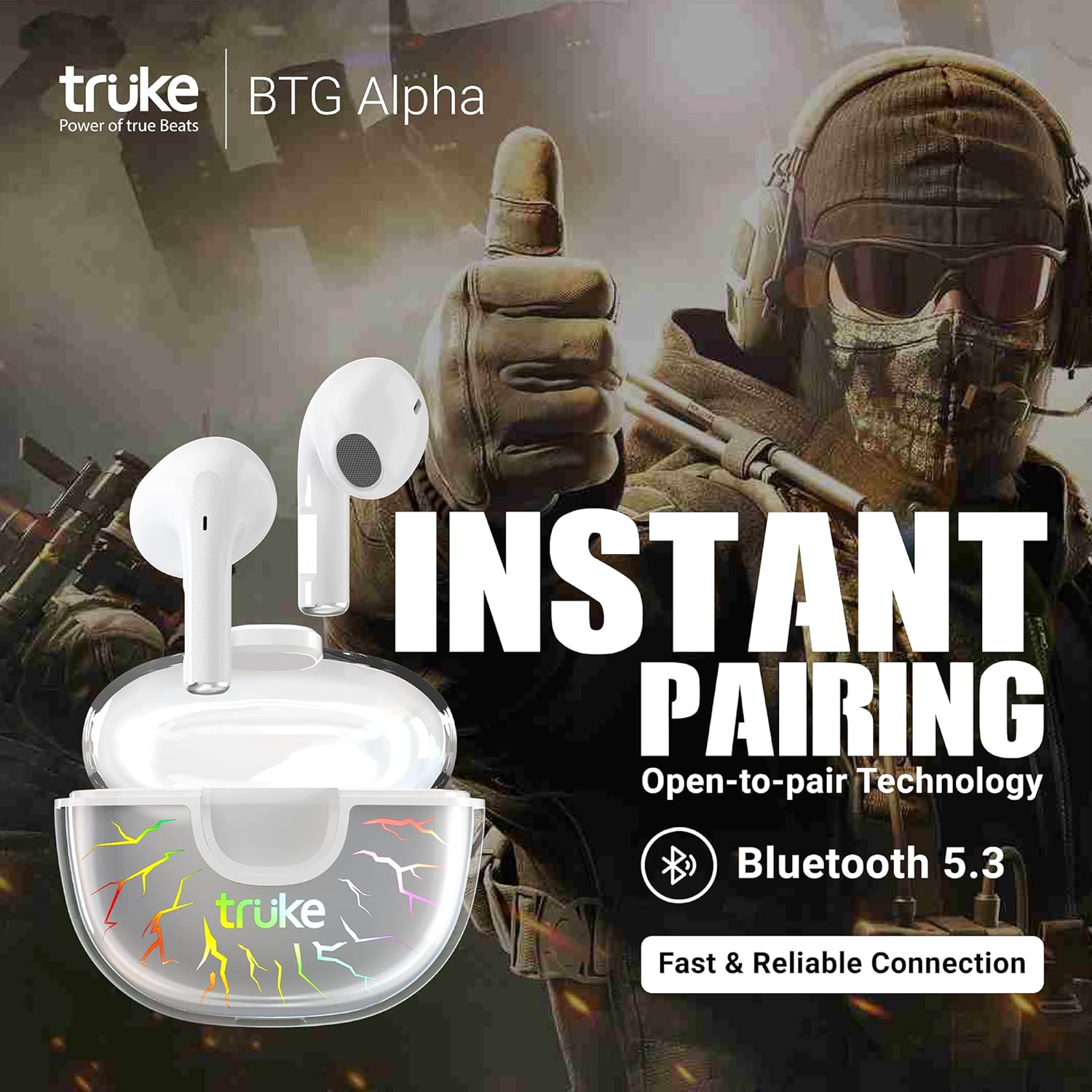
Figure 4: Earbuds instantly pairing with a mobile device upon opening the case.
4.2 คุณสมบัติขาตั้งกล้องแบบขาเดียว
You can use either earbud independently. Simply take one earbud out of the case and close the lid. The remaining earbud will function in monopod mode. To use both again, take the second earbud out, and they will automatically sync.
5. คู่มือการใช้งาน
The truke BTG Alpha E215 earbuds feature intuitive touch controls. Note that single-tap functions are intentionally omitted to prevent accidental touches.
5.1 ระบบควบคุมแบบสัมผัส
- Double Tap (Either Earbud): Play/Pause music or Answer/End calls.
- แตะสามครั้ง (หูฟังข้างขวา): เข้า/ออกจากโหมดการเล่นเกม
- แตะสามครั้ง (หูฟังข้างซ้าย): เปิดใช้งานผู้ช่วยเสียง (Google Assistant/Siri)
- Long Press (Right Earbud for 2 seconds): แทร็กถัดไป
- Long Press (Left Earbud for 2 seconds): แทร็กก่อนหน้า

Figure 5: Visual guide to touch controls for music, calls, and modes.

Figure 6: Activating Google Assistant or Siri via earbud touch control.
โหมดการเล่นเกม 5.2
Activate Gaming Mode by triple-tapping the right earbud. This mode reduces latency to an ultra-low 40ms, providing a competitive edge in gaming by enhancing sound synchronization for footsteps and gunshots.

Figure 7: Highlighting the 40ms ultra-low latency feature for an enhanced gaming experience.
6. Sound Quality and Environmental Noise Cancellation (ENC)
The earbuds are equipped with 10mm dynamic drivers for powerful deep bass and support AAC codec for high-quality audio streaming. Environmental Noise Cancellation (ENC) with dual MEMS microphones ensures clear call quality by accurately picking up your voice and filtering out ambient noise.

Figure 8: Diagram illustrating how Environmental Noise Cancellation works with dual microphones.
7. อายุการใช้งานแบตเตอรี่และการชาร์จ
Enjoy extended listening with up to 8 hours of playtime on a single charge, and an additional 30 hours using the 300mAh charging case, totaling up to 38 hours of playtime. The case supports fast charging via a Type-C cable.
7.1 การชาร์จหูฟังและเคส
- ใส่หูฟังลงในกล่องชาร์จ ตรวจสอบให้แน่ใจว่าใส่เข้าที่อย่างถูกต้อง
- Connect the Type-C charging cable to the port on the charging case and to a power source.
- The RGB LEDs on the case will indicate charging status.
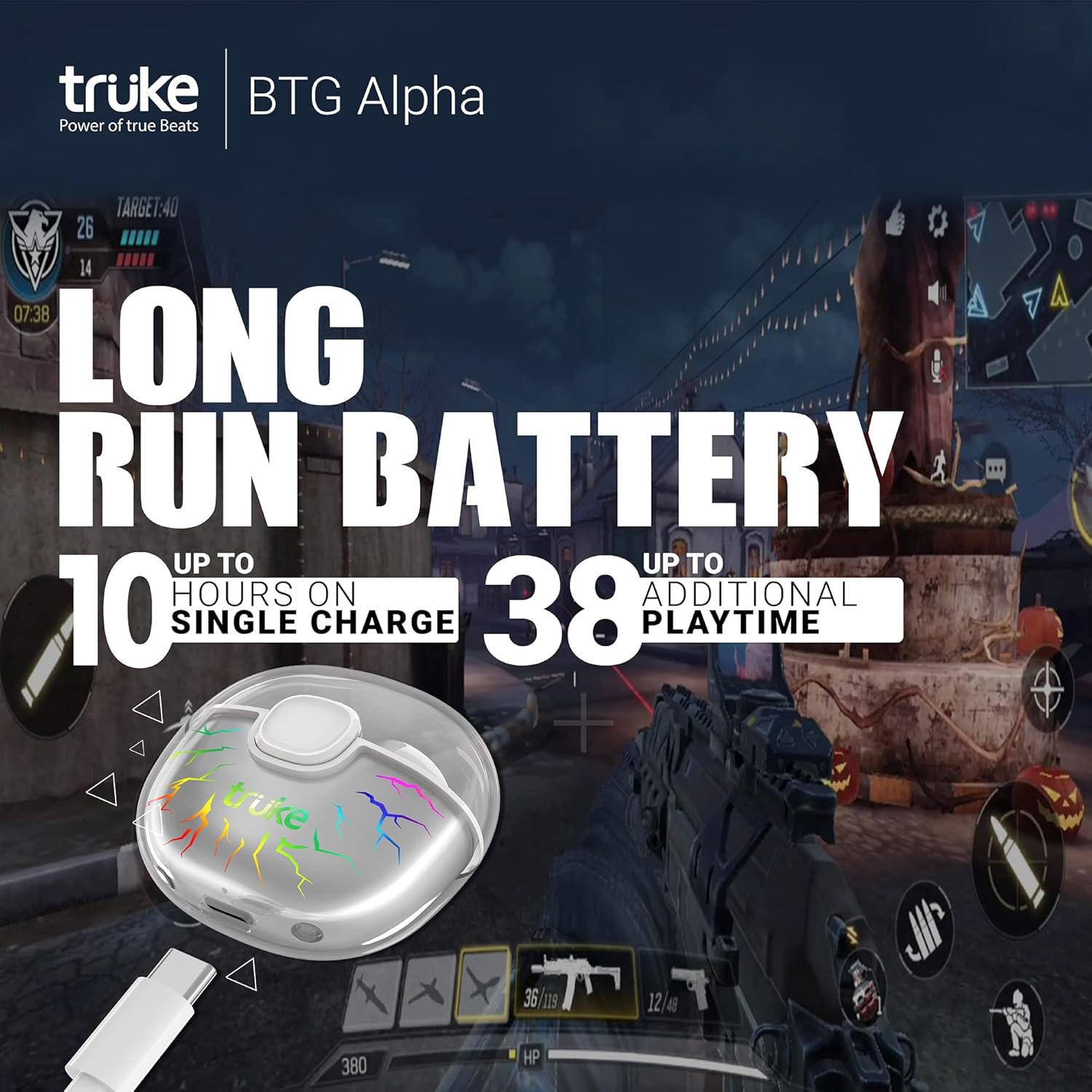
Figure 9: Illustration of the extended battery life, offering up to 38 hours of total playtime.

Figure 10: The charging case connected via a Type-C cable, indicating fast charging capability.
8. การดูแลรักษา
The earbuds are IPX4 water-resistant, making them suitable for workouts and light splashes. However, they are not designed for submersion in water. Clean the earbuds and charging case regularly with a soft, dry cloth. Avoid using harsh chemicals or abrasive materials.
9 การแก้ไขปัญหา
If you encounter any issues with your truke BTG Alpha E215 earbuds, please try the following common troubleshooting steps:
- ไม่มีเสียง: ตรวจสอบให้แน่ใจว่าหูฟังชาร์จไฟเต็มและเชื่อมต่อกับอุปกรณ์ของคุณอย่างถูกต้องแล้ว ตรวจสอบระดับเสียงทั้งในหูฟังและอุปกรณ์ของคุณ
- ปัญหาการจับคู่: Turn off Bluetooth on your device, place the earbuds back in the case, close the lid, then reopen and try pairing again. Ensure no other devices are trying to connect simultaneously.
- การเชื่อมต่อไม่ต่อเนื่อง: ตรวจสอบให้แน่ใจว่าคุณอยู่ในระยะสัญญาณบลูทูธของอุปกรณ์ หลีกเลี่ยงสิ่งกีดขวางที่อาจรบกวนสัญญาณ
- ระบบควบคุมแบบสัมผัสที่ไม่ตอบสนอง: ตรวจสอบให้แน่ใจว่านิ้วของคุณสะอาดและแห้ง ลองรีสตาร์ทหูฟังโดยใส่หูฟังลงในกล่องแล้วนำออกมาอีกครั้ง
For further assistance, refer to the warranty card for contact information or visit the official truke support webเว็บไซต์.
10. ข้อมูลจำเพาะ
| คุณสมบัติ | ข้อมูลจำเพาะ |
|---|---|
| ชื่อรุ่น | truke BTG Alpha |
| หมายเลขรุ่น | E215 |
| เวอร์ชันบลูทูธ | 5.3 |
| ความหน่วงต่ำ | 40ms (โหมดเกม) |
| ขนาดไดร์เวอร์ | ไดรเวอร์ไดนามิกขนาด 10 มม. |
| เวลาเล่น (เอียร์บัด) | นานถึง 8 ชั่วโมง |
| เวลาเล่นทั้งหมด (รวมเคส) | นานถึง 38 ชั่วโมง |
| พอร์ตชาร์จ | ประเภทซี |
| ไมโครโฟน | Dual MEMS Mic with ENC |
| ความต้านทานต่อน้ำ | IPX4 |
| รองรับตัวแปลงสัญญาณเสียง | SBC & AAC |
| การวางตำแหน่งหู | หูครึ่งเดียว |
| การออกแบบเคส | Transparent with 7 RGB LEDs |
11. วิดีโอผลิตภัณฑ์อย่างเป็นทางการ
วิดีโอ 1: การปรับปรุงอย่างครอบคลุมview and demonstration of the truke BTG Alpha E215 earbuds, covering unboxing, design, features, and performance.
12. การรับประกันและการสนับสนุน
The truke BTG Alpha E215 earbuds come with a 1-year warranty from the date of purchase. Mandatory registration is required on the truke website within 10 days of purchase to activate the warranty. For warranty claims or technical support, please refer to the contact information provided on your warranty card or visit the official truke support channels.
ข้อมูลติดต่อผู้นำเข้า: Eccentric Enterprises Private Limited. 1st Floor, UNIT NO 137, Building No 1 Edison Tesla Industrial Park, Raheja Plot No Gen -2/1 Industrial Area, MIDC Thane Juinagar Navi Mumbai, Thane, Maharashtra, 400705. Contact: +91 93541 70767, support@eccentricindia.com