
1. บทนำ
Thank you for choosing the HXSJ L800 3-Mode 61-Key RGB Mechanical Gaming Keyboard. This keyboard offers versatile connectivity options including 2.4GHz wireless, Bluetooth 5.0, and wired USB-C, making it suitable for various devices and usage scenarios. Its compact 61-key layout is designed for portability and efficiency, providing ample space for mouse movement. The keyboard features durable two-color injection molded ABS keycaps and vibrant RGB backlighting for an enhanced user experience. This manual provides detailed instructions for setup, operation, maintenance, and troubleshooting to ensure optimal performance.
2. เนื้อหาบรรจุภัณฑ์
- 1 x HXSJ L800 Mechanical Gaming Keyboard
- 1 x ตัวรับสัญญาณ USB (สำหรับการเชื่อมต่อไร้สาย 2.4GHz)
- 1 x Type-C Cable (for wired connection and charging)
- 1 x คู่มือผู้ใช้

3. การตั้งค่า
3.1 โหมดการเชื่อมต่อ
The HXSJ L800 keyboard supports three connection modes: 2.4GHz wireless, Bluetooth 5.0, and wired USB-C. You can switch between these modes based on your device and preference.
3.1.1 การเชื่อมต่อไร้สาย 2.4GHz
- ค้นหาตัวรับสัญญาณ USB ที่มาพร้อมกับแพ็คเกจ
- เสียบตัวรับสัญญาณ USB เข้ากับพอร์ต USB ที่ว่างอยู่บนคอมพิวเตอร์หรืออุปกรณ์ที่ใช้งานร่วมกันได้
- Ensure the keyboard's mode switch (usually on the back or side) is set to 2.4G wireless mode.
- The keyboard should automatically connect. If not, press and hold the Fn + R keys simultaneously for a few seconds to initiate pairing.
3.1.2 การเชื่อมต่อบลูทูธ 5.0
แป้นพิมพ์สามารถเชื่อมต่อกับอุปกรณ์ Bluetooth ได้สูงสุดสามเครื่องพร้อมกัน
- ตรวจสอบให้แน่ใจว่าสวิตช์โหมดของแป้นพิมพ์ถูกตั้งค่าเป็นโหมดบลูทูธ
- บนอุปกรณ์ของคุณ (คอมพิวเตอร์ แท็บเล็ต สมาร์ทโฟน) เปิดใช้งาน Bluetooth และค้นหาอุปกรณ์ใหม่
- To connect to the first device, press and hold Fn+Z (BT1) until the indicator light flashes rapidly.
- To connect to the second device, press and hold Fn + X (BT2) until the indicator light flashes rapidly.
- To connect to the third device, press and hold เอฟเอ็น + ซี (BT3) until the indicator light flashes rapidly.
- Select "HXSJ L800" or a similar name from your device's Bluetooth list to pair.

3.1.3 การเชื่อมต่อ USB-C แบบมีสาย
- ต่อปลายด้านหนึ่งของสาย Type-C ที่ให้มาเข้ากับพอร์ต Type-C ของคีย์บอร์ด
- เชื่อมต่อปลายอีกด้านของสายเคเบิลเข้ากับพอร์ต USB บนคอมพิวเตอร์ของคุณ
- แป้นพิมพ์จะเปลี่ยนเป็นโหมดแบบมีสายโดยอัตโนมัติและเริ่มชาร์จไฟ
3.2 ความเข้ากันได้ของระบบ
The HXSJ L800 keyboard is compatible with a wide range of operating systems, including IBM PC, Win98SE, Me, 2000, XP, VISTA, WIN 7, and WIN10. It also supports Mac OS, iOS, and Android systems.

4. คู่มือการใช้งาน
4.1 ฟังก์ชั่นที่สำคัญ
The 61-key layout is compact but retains all essential functions. Many keys have secondary functions accessible via the Fn key. Refer to the keyboard's keycap legends for specific Fn combinations (e.g., Fn + number row for F1-F12, Fn + arrow keys for page navigation).
4.1.1 Blue Mechanical Switches
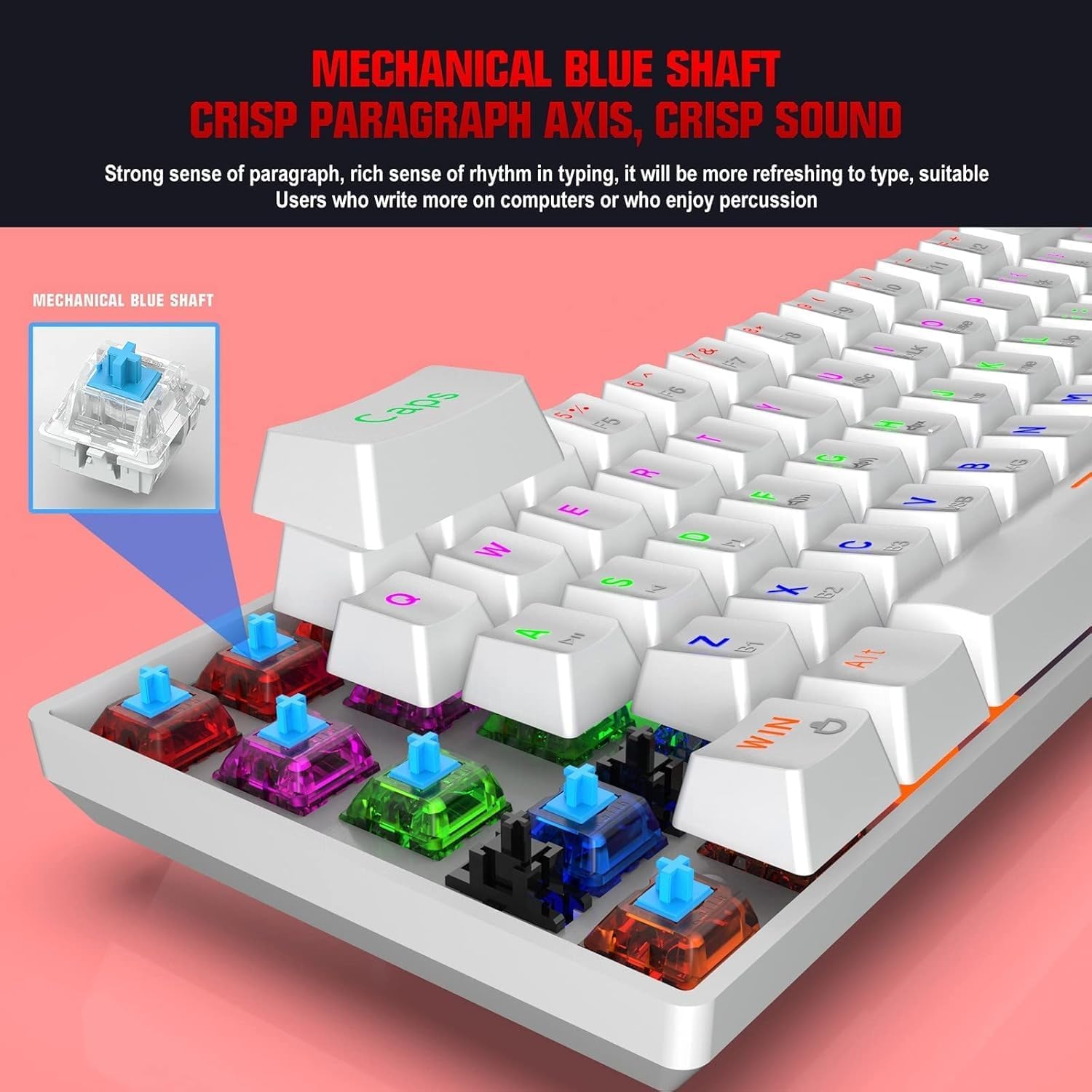
The keyboard is equipped with blue mechanical switches, known for their distinct tactile bump and audible click. This provides clear feedback for each keystroke, preferred by many for typing and gaming.
4.2 RGB แบ็คไลท์
The keyboard features dynamic RGB backlight effects. Use specific Fn key combinations (e.g., Fn + \|) to cycle through different lighting modes, adjust brightness, or change colors. Consult the full user manual for a complete list of lighting controls.
4.3 การชาร์จคีย์บอร์ด
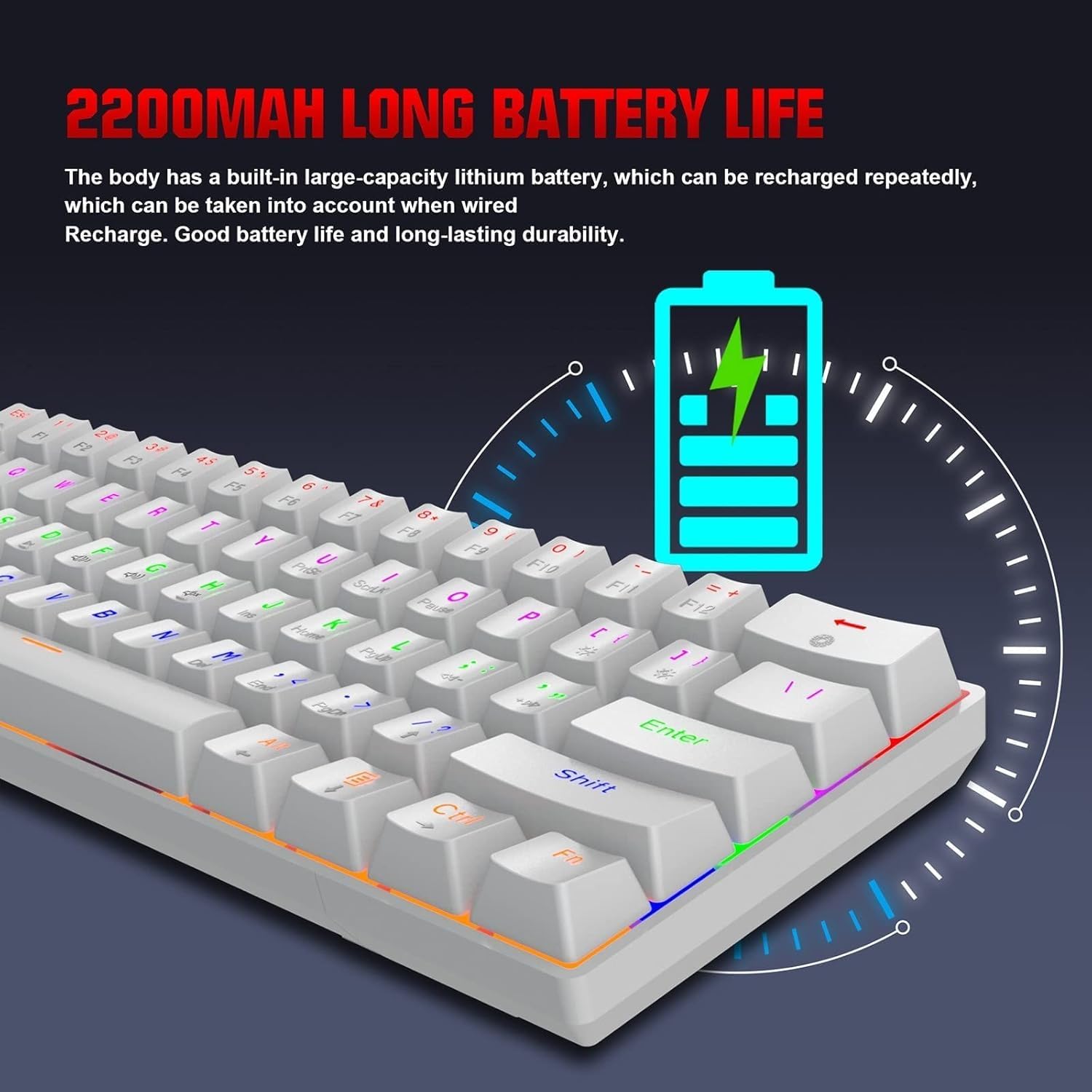
The HXSJ L800 has a built-in 2200mAh rechargeable lithium battery. When the battery is low, the indicator light may flash or change color. Connect the keyboard to a USB power source using the provided Type-C cable to charge. The indicator light will typically show charging status and turn off or change color when fully charged.
5. การบำรุงรักษา
To ensure the longevity and optimal performance of your HXSJ L800 keyboard, follow these maintenance guidelines:
- การทำความสะอาด: Regularly clean the keyboard with a soft, dry cloth. For deeper cleaning, use compressed air to remove dust and debris from between the keycaps. You may carefully remove keycaps using a keycap puller (not included) for thorough cleaning, but ensure to reattach them correctly.
- คีย์แคป: The two-color injection molded ABS keycaps are designed for durability and resistance to fading. Avoid using harsh chemicals or abrasive materials that could damage the keycap surface.
- พื้นที่จัดเก็บ: เก็บแป้นพิมพ์ไว้ในที่แห้งและเย็น หลีกเลี่ยงแสงแดดโดยตรงและอุณหภูมิที่สูงหรือต่ำเกินไป
- การสัมผัสของเหลว: หลีกเลี่ยงการทำของเหลวหกใส่แป้นพิมพ์ หากเกิดการหก ให้ถอดปลั๊กแป้นพิมพ์ทันที คว่ำแป้นพิมพ์ลงเพื่อให้ของเหลวไหลออก และปล่อยให้แห้งสนิทก่อนเสียบปลั๊กกลับเข้าไปใหม่
6 การแก้ไขปัญหา
If you encounter issues with your HXSJ L800 keyboard, refer to the following common troubleshooting steps:
| ปัญหา | วิธีแก้ปัญหาที่เป็นไปได้ |
|---|---|
| แป้นพิมพ์ไม่ตอบสนอง (แบบมีสาย) | ตรวจสอบให้แน่ใจว่าสาย USB-C เชื่อมต่อกับทั้งคีย์บอร์ดและคอมพิวเตอร์อย่างแน่นหนา ลองใช้พอร์ต USB หรือสายอื่น |
| Keyboard not connecting (2.4GHz wireless) | Ensure the USB receiver is plugged in and the keyboard is in 2.4G mode. Try re-pairing by pressing Fn + R. Check battery level. |
| แป้นพิมพ์ไม่เชื่อมต่อ (บลูทูธ) | Ensure the keyboard is in Bluetooth mode and discoverable (Fn + Z/X/C). Check your device's Bluetooth settings. Forget and re-pair the device. Check battery level. |
| ไฟแบ็คไลท์ RGB ไม่ทำงานหรือค้าง | Ensure the backlight is not turned off. Use Fn key combinations to cycle through modes or adjust brightness. Check battery level. |
| ปุ่มกดไม่ทำงานหรือพิมพ์ซ้ำ | Clean under the affected keycap. Ensure the switch is not damaged. Try updating keyboard drivers if available. |
| อายุการใช้งานแบตเตอรี่สั้น | Ensure the keyboard is fully charged. Reduce backlight brightness or turn it off when not needed. |
7. ข้อมูลจำเพาะ
| คุณสมบัติ | รายละเอียด |
|---|---|
| ยี่ห้อ | HXSJ |
| แบบอย่าง | L800 |
| ประเภทสินค้า | 3-Mode Mechanical Gaming Keyboard |
| การเชื่อมต่อ | Type-C Wired + 2.4GHz Wireless + Bluetooth 5.0 |
| สี | สีขาว |
| แสงไฟแบ็คไลท์ | RGB Backlight Effect |
| เค้าโครงคีย์ | 61 คีย์ |
| คีย์ไลฟ์ | 50 ล้านครั้ง |
| สวิตช์แมคคานิก | สวิทช์สีฟ้า |
| วัสดุปุ่มกด | เอบีเอส |
| เทคโนโลยีคีย์แคป | Two-color Injection Molded Keycaps |
| ความจุแบตเตอรี่ในตัว | 2200mAh |
| ปฏิบัติการฉบับที่tage | DC 5V + 5% |
| กระแสไฟฟ้าที่ได้รับการจัดอันดับ | 150mA (สูงสุด) |
| พอร์ตอินเทอร์เฟซ | ประเภทซี |
| ความยาวสายเคเบิล | 1.75ม. |
| ขนาด (กว้าง×ยาว×สูง) | ประมาณ 289 × 101 × 38 มม. |
| น้ำหนัก | 590กรัม |
| การรองรับระบบปฏิบัติการ | IBM PC Win98SE/Me/2000/XP/VISTA/WIN 7/WIN10, Mac OS, iOS, Android |
8. ข้อมูลการรับประกัน
This product is covered by a standard manufacturer's warranty against defects in materials and workmanship. The warranty period typically begins from the date of purchase. Please retain your proof of purchase for warranty claims. The warranty does not cover damage caused by misuse, accident, unauthorized modification, or normal wear and tear. For specific warranty terms and conditions, please refer to the documentation provided at the time of purchase or contact your retailer.
9. การสนับสนุน
If you require further assistance or have questions not covered in this manual, please contact the seller or manufacturer's customer support. You may find contact information on the product packaging or the retailer's website. When contacting support, please have your product model (L800) and purchase details ready.