
ASWEE P6
ASWEE Smart Watch User Manual
Model: P6 | Brand: ASWEE
1. บทนำ
Thank you for choosing the ASWEE Smart Watch. This device is designed to enhance your daily life by providing convenient access to communications, health monitoring, and fitness tracking. Featuring a 1.83-inch HD touchscreen, Bluetooth calling capabilities, and a wide array of sports modes, your ASWEE Smart Watch is a versatile companion for both men and women. This manual will guide you through the setup, operation, and maintenance of your new smartwatch.

Figure 1: ASWEE Smart Watch Overview
The ASWEE Smart Watch is equipped with advanced sensors for 24/7 heart rate and sleep monitoring, a step counter, and support for over 123 sports activities. Its IP67 waterproof rating ensures durability for various environments, including workouts and outdoor adventures. Enjoy seamless connectivity with your Android or iOS smartphone for notifications, music control, and weather updates.
2. อะไรอยู่ในกล่อง
กรุณาตรวจสอบเนื้อหาในแพ็คเกจของคุณเพื่อให้แน่ใจว่ามีสินค้าครบทั้งหมด:
- ASWEE Smart Watch (P6)
- สายชาร์จ
- คู่มือการใช้งาน
- วงนาฬิกา
3. การตั้งค่า
3.1 การชาร์จเริ่มต้น
Before first use, fully charge your ASWEE Smart Watch. Connect the magnetic charging cable to the charging points on the back of the watch and plug the USB end into a standard USB power adapter (not included). A full charge typically takes approximately 2 hours.
3.2 การติดตั้งและการจับคู่แอป
To unlock the full functionality of your smartwatch, download and install the 'Keep Health' app on your smartphone.
- Scan the QR code provided in the quick start guide or search for 'Keep Health' in your phone's app store (App Store for iOS, Google Play Store for Android).
- Install the 'Keep Health' app.
- เปิดแอปและสร้างบัญชีหรือเข้าสู่ระบบ
- ตรวจสอบให้แน่ใจว่าได้เปิดใช้งาน Bluetooth บนสมาร์ทโฟนของคุณแล้ว
- In the 'Keep Health' app, navigate to the 'Device' section and select 'Add Device'.
- The app will search for nearby devices. Select 'ASWEE P6' from the list of found devices.
- ทำตามคำแนะนำบนหน้าจอเพื่อทำการจับคู่ให้เสร็จสมบูรณ์ คุณอาจต้องยืนยันคำขอจับคู่ทั้งบนโทรศัพท์และนาฬิกาของคุณ

Figure 2: Keep Health App Interface
4. ปฏิบัติการ
4.1 การนำทางพื้นฐาน
The ASWEE Smart Watch features a full touch screen for easy navigation:
- ปัดขึ้น/ลง: เลื่อนดูเมนูและการแจ้งเตือน
- ปัดไปทางซ้าย/ขวา: Access quick functions or different data screens (e.g., heart rate, steps, weather).
- แตะ: เลือกสินค้าหรือยืนยันการดำเนินการ
- กดค้างไว้: On the watch face, press and hold to change watch faces.
การโทรบลูทูธ 4.2
Once paired with your smartphone, you can make and answer calls directly from your watch:
- การรับสายโทรศัพท์: When a call comes in, the watch will vibrate and display the caller ID. Tap the green phone icon to answer.
- โทรออก: Access the 'Call' function on your watch to dial numbers or select contacts from your synced phonebook.
4.3 การแจ้งเตือนอัจฉริยะ
Receive real-time alerts for calls, messages, and app notifications directly on your wrist. Ensure notification permissions are enabled in the 'Keep Health' app and your phone settings.
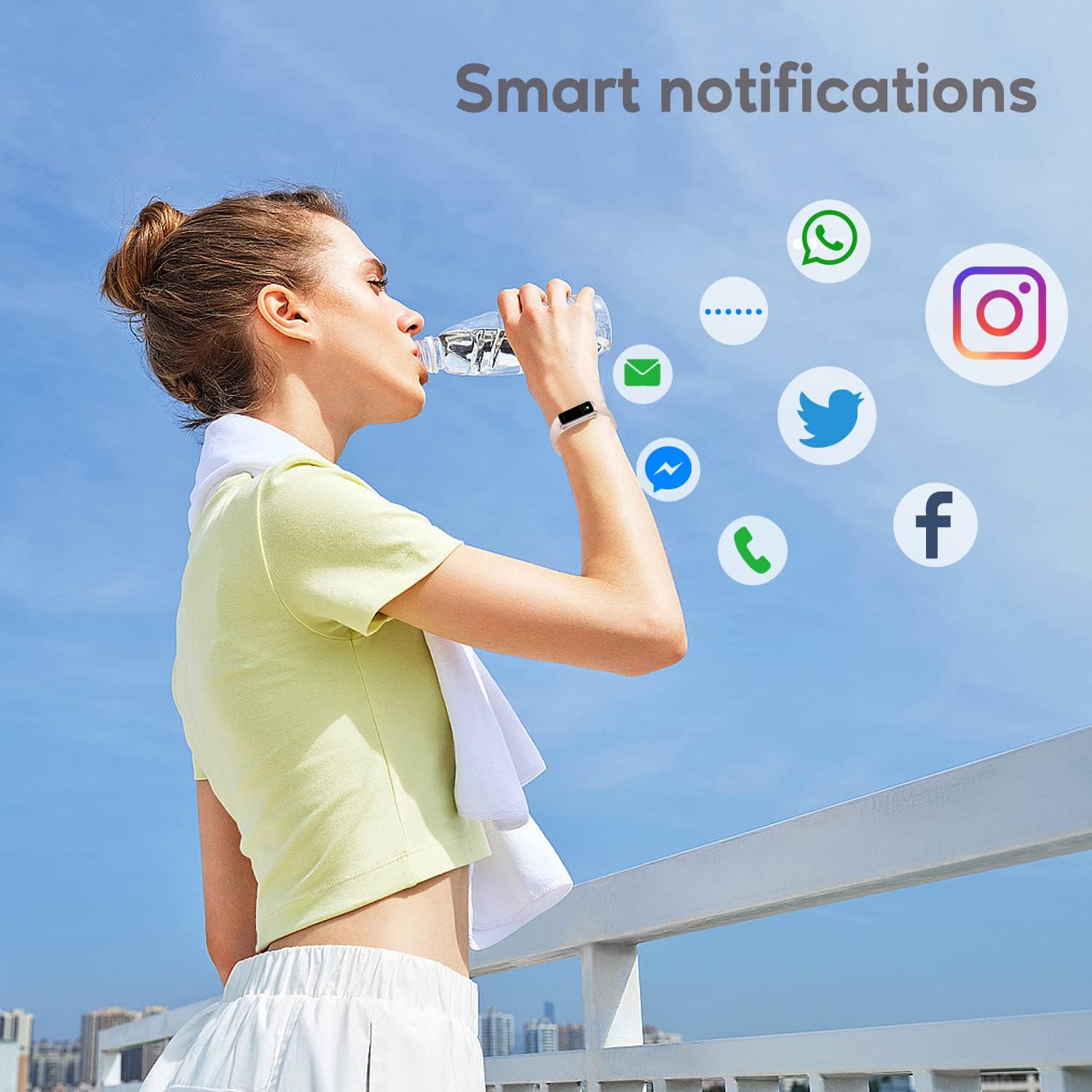
Figure 3: Smart Notifications
โหมดกีฬา 4.4 โหมด
The watch supports over 123 sports modes to track your workouts. Select your desired activity from the 'Sports' menu to record data such as heart rate, calories burned, and distance.

รูปที่ 4: คุณสมบัติหลักเหนือview
4.5 การตรวจติดตามสุขภาพ
Your ASWEE Smart Watch continuously monitors key health metrics:
- อัตราการเต้นของหัวใจ: มีระบบตรวจสอบอัตราการเต้นของหัวใจตลอด 24 ชั่วโมง 7 วันต่อสัปดาห์ View ข้อมูลแบบเรียลไทม์บนนาฬิกาหรือแนวโน้มโดยละเอียดในแอป
- การติดตามการนอนหลับ: Tracks your sleep patterns, including deep, light, and REM sleep stagเอส. รีview your sleep quality score and duration in the 'Keep Health' app.
- เครื่องนับก้าว: Automatically tracks your daily steps, distance, and calories burned.
- การติดตามวัฏจักรหญิง: For women, the watch can help track menstrual cycles and log symptoms through the app.

Figure 5: Heart Rate Monitor in Use

Figure 6: Sleep Monitoring Feature
4.6 หน้าปัดนาฬิกาแบบกำหนดเอง
Personalize your watch by choosing from a variety of pre-installed watch faces or uploading your own photos and designs via the 'Keep Health' app.

รูปที่ 7: หน้าปัดนาฬิกาที่สามารถปรับแต่งได้
4.7 การควบคุมกล้อง
Use your smartwatch as a remote shutter for your phone's camera. Open the camera function in the 'Keep Health' app and tap the camera icon on your watch to take a photo.

Figure 8: Camera Remote Control
5. การบำรุงรักษา
5.1 ความต้านทานต่อน้ำ
The ASWEE Smart Watch is IP67 waterproof, meaning it is resistant to splashes, rain, and brief immersion in water. It is suitable for daily use, hand washing, and light rain. However, it is not recommended for hot showers, saunas, or diving, as steam and hot water can damage the seals.

รูปที่ 9: ความต้านทานต่อน้ำ
5.2 การทำความสะอาดและการดูแล
เพื่อรักษารูปลักษณ์และฟังก์ชันการทำงานของนาฬิกาของคุณ:
- ควรเช็ดนาฬิกาและสายนาฬิกาเป็นประจำด้วยผ้าแห้งเนื้อนุ่ม
- หากจำเป็น ให้ใช้ง. เล็กน้อยamp ใช้ผ้าเช็ดทำความสะอาด แล้วเช็ดให้แห้งสนิท
- หลีกเลี่ยงการใช้สารเคมีรุนแรง น้ำยาทำความสะอาดที่มีฤทธิ์กัดกร่อน หรือตัวทำละลาย
- รักษาหน้าสัมผัสการชาร์จให้สะอาดและแห้งเพื่อให้แน่ใจว่าชาร์จได้อย่างถูกต้อง
6 การแก้ไขปัญหา
6.1 Watch Won't Connect or Keeps Disconnecting
หากคุณประสบปัญหาการเชื่อมต่อ:
- ตรวจสอบให้แน่ใจว่าบลูทูธของโทรศัพท์ของคุณเปิดอยู่
- Verify the watch and phone are within the maximum Bluetooth range (8-10 meters). Obstacles can affect connection.
- If issues persist, delete the watch's Bluetooth serial number from the 'Keep Health' app, then uninstall and reinstall the app. Repeat the pairing process.
6.2 Watch Not Receiving Message Notifications
If notifications are not appearing on your watch:
- Confirm your phone is successfully connected to the watch in the 'Keep Health' app.
- Check your phone's settings: Go to phone settings > find the 'Keep Health' app > turn on 'Notifications' permission.
- Within the 'Keep Health' app, ensure the 'notification' function is enabled for the specific apps you wish to receive alerts from.
- If the problem continues, delete the watch's Bluetooth serial number from the 'Keep Health' app, then uninstall and reinstall the app.
7. ข้อมูลจำเพาะ
| คุณสมบัติ | รายละเอียด |
|---|---|
| ยี่ห้อ | สวัสดี |
| หมายเลขรุ่น | P6 |
| ขนาดหน้าจอ | 1.83 Inches (HD Touch Screen) |
| ระบบปฏิบัติการ | สวม OS3.0 |
| เทคโนโลยีการเชื่อมต่อ | บลูทูธ |
| ความจุของแบตเตอรี่ | 240 มิลลิวินาทีamp Hours (up to 7 days heavy use, 25 days standby) |
| ความต้านทานต่อน้ำ | IP67 |
| คุณสมบัติพิเศษ | Touchscreen, Lightweight, Activity Tracker, Daily Workout Memory, Phone Call |
| ขนาดสินค้า | 1.2 x 1.5 x 25 ซม.; 80 กรัม |
8. การรับประกันและการสนับสนุน
ASWEE products are manufactured to high quality standards. For any issues or inquiries regarding your ASWEE Smart Watch, please refer to the warranty information provided at the time of purchase or contact ASWEE customer support through the official website or your retailer. Please have your model number (P6) and purchase details ready when contacting support.
เอกสารที่เกี่ยวข้อง - P6
 |
ASWEE Smart Watch Manual: Features, Setup, and Care User manual for the ASWEE Smart Watch, detailing app download and connection, watch functions like health tracking (heart rate, sleep, steps), weather, music control, and device care. Includes setup instructions and operational guides for various features. |
 |
คู่มือการใช้งานสมาร์ทวอทช์ ASWEE: การตั้งค่า คุณสมบัติ และวิธีการใช้งาน เรียนรู้วิธีการตั้งค่าและใช้งานสมาร์ทวอทช์ ASWEE ของคุณ คู่มือนี้ครอบคลุมการเชื่อมต่อกับโทรศัพท์ การใช้งานคุณสมบัติการตรวจสอบสุขภาพ โหมดกีฬา และการแก้ไขปัญหา |
Ask a question about this manual
Ask about setup, troubleshooting, compatibility, parts, safety, or missing instructions. Manuals+ will review the question and use this page’s manual context to help answer it.