
Finlux FLU5535ANDROID
Finlux FLU5535ANDROID 55-inch 4K Ultra HD Android Smart TV
คู่มือการใช้งาน
1. บทนำ
ขอบคุณสำหรับการซื้อasing the Finlux FLU5535ANDROID 55-inch 4K Ultra HD Android Smart TV. This manual provides essential information for setting up, operating, and maintaining your new television. Please read this manual thoroughly before using the product and keep it for future reference.
ข้อมูลด้านความปลอดภัยที่สำคัญ
Always follow basic safety precautions when using this television to reduce the risk of fire, electric shock, and injury to persons. Do not expose the TV to rain or moisture. Do not open the cabinet. Refer all servicing to qualified personnel.
- ตรวจสอบให้แน่ใจว่ามีการระบายอากาศที่เหมาะสมรอบๆ ทีวี
- อย่าปิดกั้นช่องระบายอากาศด้วยสิ่งของต่างๆ เช่น หนังสือพิมพ์ ผ้าปูโต๊ะ หรือผ้าม่าน
- ห้ามวางทีวีบนรถเข็น ขาตั้ง ขาตั้งกล้อง ขายึด หรือโต๊ะที่ไม่มั่นคง
- ถอดปลั๊กทีวีในระหว่างที่มีพายุฝนฟ้าคะนองหรือเมื่อไม่ได้ใช้งานเป็นเวลานาน
- Keep small components and batteries out of reach of children.
2. อะไรอยู่ในกล่อง
Upon unpacking your Finlux FLU5535ANDROID TV, please ensure all the following items are present:
- Finlux FLU5535ANDROID 55-inch 4K Ultra HD Android Smart TV
- รีโมทคอนโทรลพร้อมแบตเตอรี่
- สายไฟ
- Stand (if applicable, for tabletop placement)
- คู่มือการใช้งาน (เอกสารนี้)
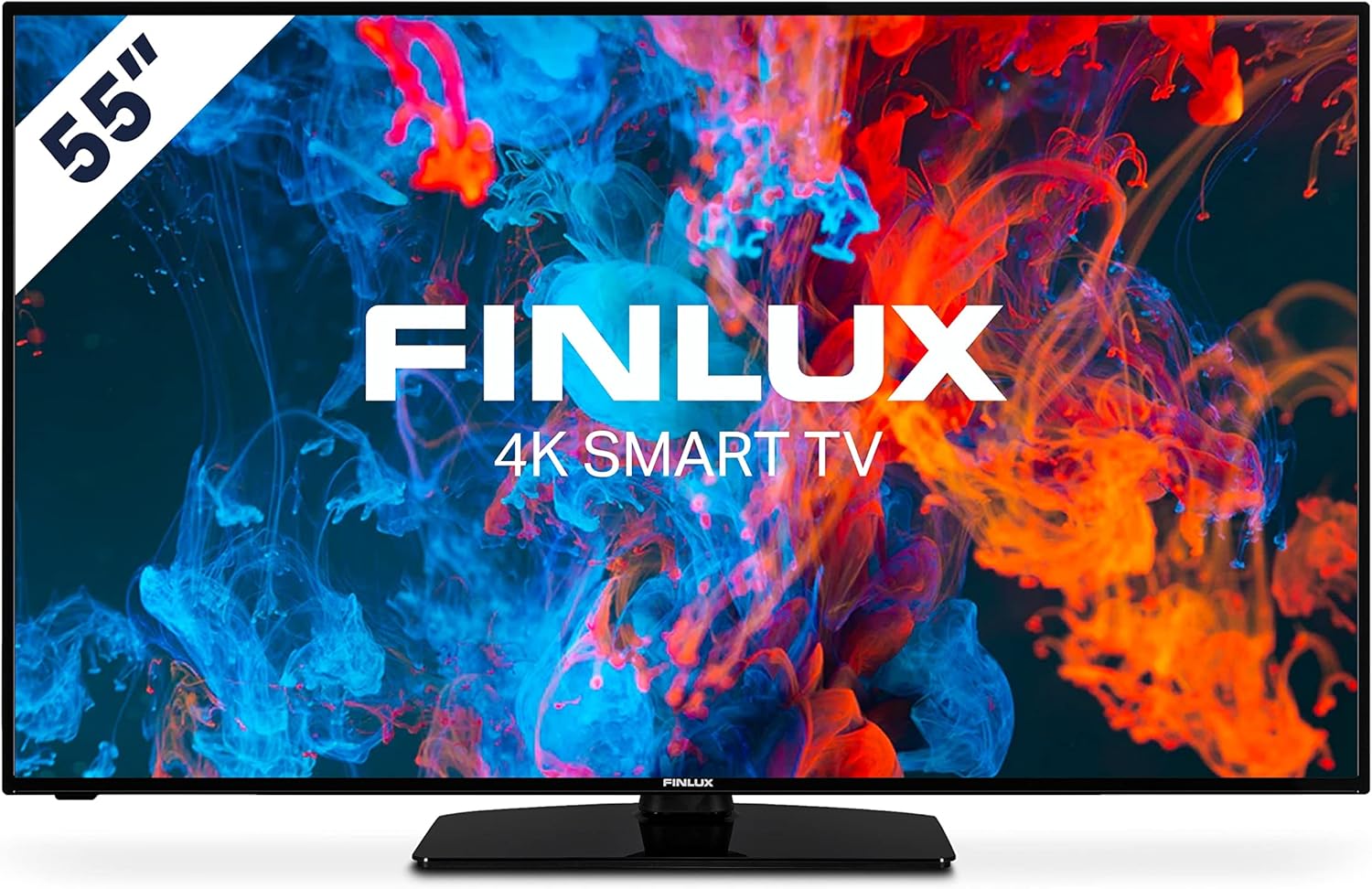
ภาพ: ด้านหน้า view of the Finlux FLU5535ANDROID 55-inch 4K Ultra HD Android Smart TV, showcasing its slim bezel and central stand.
3. การตั้งค่า
3.1 การจัดวางทางกายภาพ
The Finlux FLU5535ANDROID TV features a practical size and a slim screen, making it easy to place in various rooms. Its flat back and thin screen design allow for easy wall mounting or placement against a wall.
- ตำแหน่งบนโต๊ะ: Attach the provided stand securely to the TV following the instructions in the separate quick start guide. Place the TV on a stable, level surface.
- การติดตั้งบนผนัง: If you plan to wall mount the TV, ensure you use a VESA-compatible wall mount (not included) and follow the wall mount manufacturer's instructions.
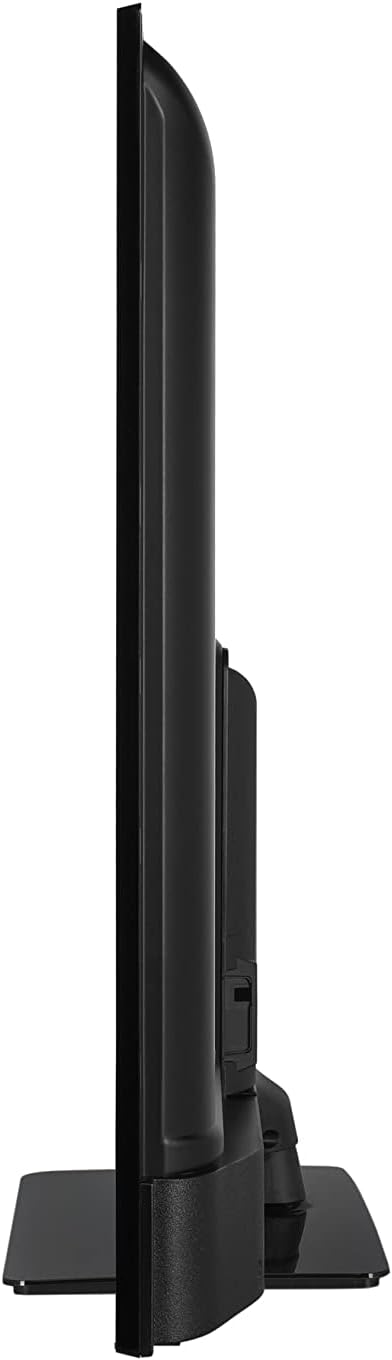
ภาพ: ไซด์โปรfile view of the Finlux FLU5535ANDROID TV, highlighting its slim design.
3.2 สายเชื่อมต่อ
Connect the power cable to the TV's power input and then to a wall outlet. Connect your external devices such as set-top boxes, gaming consoles, or Blu-ray players to the appropriate ports on the TV.

ภาพ: ด้านหลัง view of the Finlux FLU5535ANDROID TV, displaying the arrangement of its input ports including HDMI and USB.
- ช่องต่อ HDMI: Connect high-definition devices using HDMI cables. This TV features 4 HDMI ports.
- ยูเอสบี: Connect USB storage devices for media playback or PVR functionality. This TV has 2 USB ports.
- เสาอากาศ/สายเคเบิล: Connect your antenna or cable TV input for broadcast channels.
- อีเธอร์เน็ต: เพื่อการเชื่อมต่ออินเตอร์เน็ตแบบมีสายที่เสถียร
3.3 ตัวช่วยเปิดเครื่องและการตั้งค่าเบื้องต้น
After connecting all necessary cables, plug the TV into a power outlet and press the power button on the remote control or the TV itself. The TV will guide you through the initial setup process, including language selection, network connection, and channel scanning.
4. การใช้งานทีวีของคุณ
4.1 การควบคุมระยะไกลจบลงview
The provided remote control allows you to navigate the TV's features and menus. Insert the included batteries into the remote control before use.

Image: The Finlux TV remote control, featuring dedicated buttons for quick access to popular streaming services like Netflix and YouTube, along with standard navigation and number keys.
- ปุ่มเปิด/ปิด: เปิดหรือปิดทีวี
- ปุ่มตัวเลข: สำหรับการเลือกช่องสัญญาณโดยตรง
- แผงนำทาง (ขึ้น/ลง/ซ้าย/ขวา/ตกลง): To navigate menus and confirm selections.
- เพิ่ม/ลดระดับเสียง: ปรับระดับเสียง
- ช่องขึ้น/ลง: เปลี่ยนช่องทีวี
- ปุ่ม Netflix/YouTube: การเข้าถึงแอปพลิเคชันสตรีมมิ่งเหล่านี้โดยตรง
- ปุ่มเมนู: Opens the main settings menu.
- ปุ่มออก: ออกจากเมนูหรือแอพพลิเคชันปัจจุบัน
4.2 คุณสมบัติของสมาร์ททีวี Android
This TV runs on the Android operating system, providing access to a wide range of applications and smart features. Popular applications like Netflix, YouTube, and Prime Video are pre-configured for your convenience.
- บริการสตรีมมิ่ง: Enjoy movies and series in high quality from Netflix, YouTube, Prime Video, and Spotify.
- ร้านค้า Google Play: ดาวน์โหลดแอป เกม และเนื้อหาเพิ่มเติมจาก Google Play Store
- Chromecast ในตัว: Easily cast content from your smartphone or other compatible devices directly to your TV.
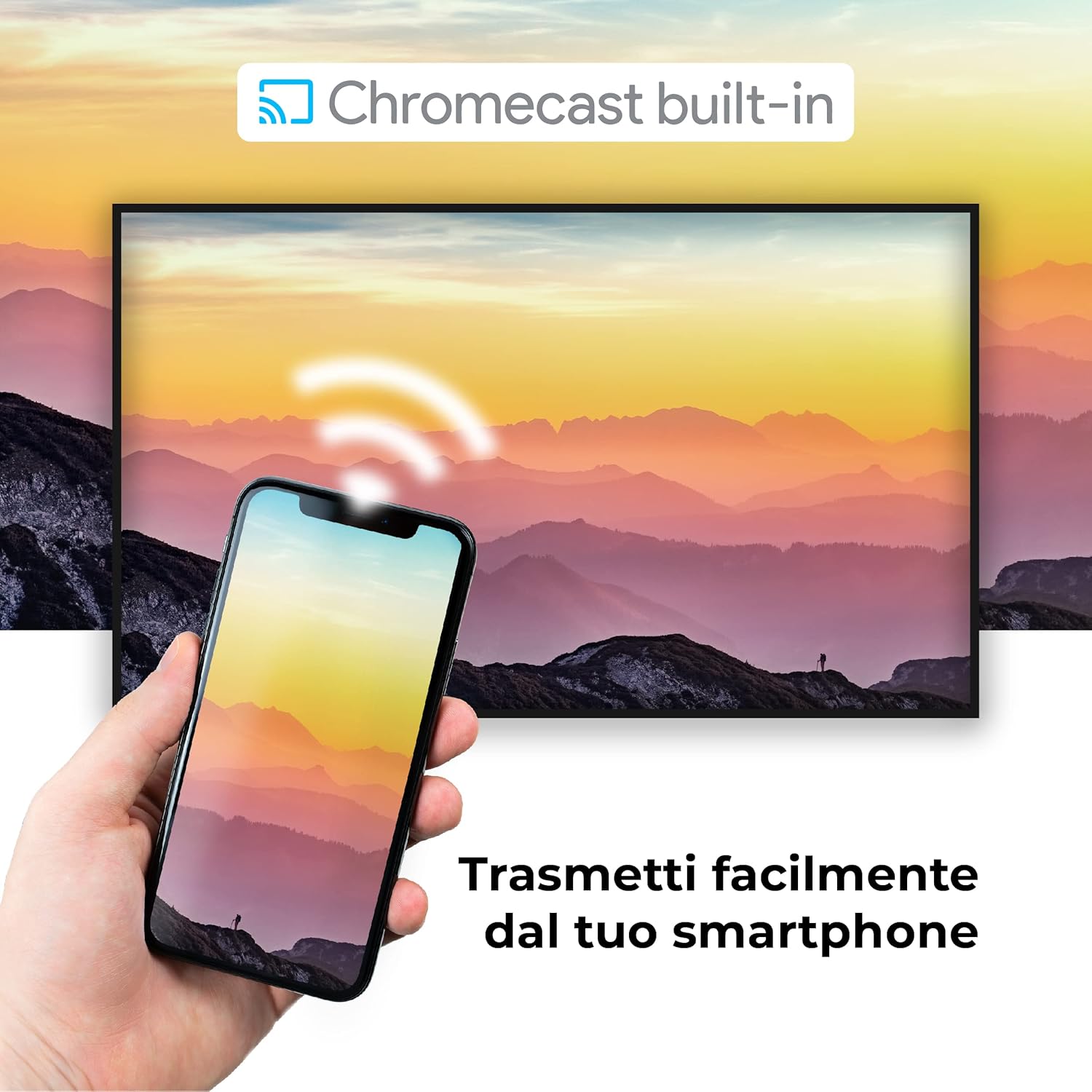
Image: A visual representation of the Chromecast built-in feature, demonstrating how content can be easily streamed from a smartphone to the Finlux TV.
4.3 USB Media Player and PVR
The TV supports USB multimedia playback, allowing you to view photos, play music, or watch videos directly from a USB storage device. It also features PVR (Personal Video Recorder) readiness, enabling you to record TV programs to a connected USB drive.
5. การเชื่อมต่อ
Your Finlux TV offers a variety of connection options for external devices:
- พอร์ต HDMI (x4): สำหรับเชื่อมต่ออุปกรณ์ความละเอียดสูง เช่น เครื่องเล่นบลูเรย์ เครื่องเล่นเกม และกล่องรับสัญญาณทีวี
- พอร์ต USB (x2): For connecting USB storage devices (e.g., flash drives, external hard drives) for media playback or PVR functionality.
- บลูทูธ: For wireless connection to compatible audio devices like headphones or soundbars.
- ไวไฟ : Built-in Wi-Fi for wireless internet access and Smart TV features.
- อีเธอร์เน็ต (LAN): เพื่อการเชื่อมต่ออินเตอร์เน็ตแบบมีสายที่เสถียร
- อินพุตเสาอากาศ: For connecting an aerial for digital terrestrial television (DVB-T, DVB-T2).
- อินพุตดาวเทียม: For connecting a satellite dish (DVB-S, DVB-S2).
- เอาต์พุตเสียงดิจิตอลออปติคอล: For connecting to a soundbar or home theater system for high-quality audio.
6. การบำรุงรักษา
6.1 การทำความสะอาดทีวี
To ensure the longevity and optimal performance of your TV, regular cleaning is recommended:
- หน้าจอ: เช็ดหน้าจอเบาๆ ด้วยผ้านุ่มที่ไม่เป็นขุย สำหรับรอยฝังแน่น ให้...ampen the cloth slightly with water or a specialized screen cleaner. Never spray cleaner directly onto the screen.
- คณะรัฐมนตรี: ใช้ผ้านุ่มและแห้งเช็ดตู้ทีวี หลีกเลี่ยงการใช้น้ำยาทำความสะอาดหรือตัวทำละลายที่มีฤทธิ์กัดกร่อน
- ก่อนการทำความสะอาด: ควรถอดปลั๊กทีวีออกจากเต้ารับไฟฟ้าทุกครั้งก่อนทำความสะอาด
6.2 การดูแลทั่วไป
- หลีกเลี่ยงการวางทีวีไว้กลางแสงแดดโดยตรงหรือใกล้แหล่งความร้อน
- อย่าตั้งทีวีไว้ในที่ที่มีอุณหภูมิหรือความชื้นสูงเกินไป
- Protect the TV from dust by regularly dusting its surface.
- ห้ามวางสิ่งของหนักๆ ไว้บนทีวี
7 การแก้ไขปัญหา
If you encounter issues with your TV, refer to the following common problems and solutions before contacting support:
| ปัญหา | สาเหตุที่เป็นไปได้ / วิธีแก้ไข |
|---|---|
| ไม่มีไฟฟ้า | Ensure the power cable is securely plugged into the TV and the wall outlet. Check if the power outlet is working. Try pressing the power button on the TV itself. |
| ไม่มีภาพ / ไม่มีเสียง | Check the input source (HDMI, AV, TV) is correctly selected. Ensure external devices are powered on and connected properly. For sound, check volume levels and mute settings. |
| คุณภาพของภาพไม่ดี | Check antenna/cable connection. Adjust picture settings (brightness, contrast, sharpness) in the TV menu. Ensure the source content is high quality. |
| รีโมตคอนโทรลไม่ทำงาน | ตรวจสอบและเปลี่ยนแบตเตอรี่ ตรวจสอบให้แน่ใจว่าไม่มีสิ่งกีดขวางระหว่างรีโมทและเซ็นเซอร์อินฟราเรดของทีวี |
| ไม่สามารถเชื่อมต่อ Wi-Fi ได้ | Ensure Wi-Fi is enabled on the TV. Check your router is working and within range. Re-enter the Wi-Fi password. Try restarting both the TV and the router. |
| แอปสมาร์ททีวีโหลดไม่ขึ้น | Check your internet connection. Try restarting the TV. Ensure the app is updated to the latest version. Clear app cache if available in settings. |
8. ข้อมูลจำเพาะ
Below are the key technical specifications for the Finlux FLU5535ANDROID TV:
| คุณสมบัติ | รายละเอียด |
|---|---|
| ยี่ห้อ | ฟินลักซ์ |
| หมายเลขรุ่น | FLU5535ANDROID |
| ขนาดหน้าจอ | 55 นิ้ว (140 ซม.) |
| เทคโนโลยีการแสดงผล | นำ |
| ปณิธาน | 4K Ultra HD (3840 x 2160) |
| อัตราการรีเฟรช | 100 Hz (with integrated technology, base 50 Hz) |
| ระบบปฏิบัติการ | แอนดรอยด์ |
| การเชื่อมต่อ | บลูทูธ, HDMI, USB, Wi-Fi, อีเธอร์เน็ต |
| พอร์ต HDMI | 4 |
| พอร์ต USB | 2 |
| คุณสมบัติพิเศษ | Flat Design, Android Smart TV, Chromecast Built-in, PVR Ready |
| บริการอินเทอร์เน็ตที่รองรับ | Netflix, YouTube, Prime Video, Spotify |
| ส่วนประกอบที่รวมอยู่ | Power cable, Standard, TV |

Image: EU Energy Label for the Finlux FLU5535ANDROID TV, indicating its energy efficiency class G and power consumption details. For more details, visit the official EPREL database: ข้อมูลผลิตภัณฑ์ EPREL
9. การรับประกันและการสนับสนุน
Finlux products are designed for reliability and performance. This product comes with a standard manufacturer's warranty. Please refer to the warranty card included with your product for specific terms and conditions.
For technical support, troubleshooting assistance beyond this manual, or warranty claims, please contact Finlux customer service. Contact information can typically be found on the manufacturer's official webไซต์หรือบนบรรจุภัณฑ์ผลิตภัณฑ์
Note: Information regarding spare parts availability is not provided. Software updates are not guaranteed beyond a certain period.
Ask a question about this manual
Ask about setup, troubleshooting, compatibility, parts, safety, or missing instructions. Manuals+ will review the question and use this page’s manual context to help answer it.