
1. บทนำและเรื่องอื่นๆview
The Alienware X17 R2 is a high-performance VR Ready Gaming Laptop designed for demanding tasks such as gaming, video editing, and graphic design. It features a 17.3-inch Full HD display with a 360Hz refresh rate and 1ms response time, powered by a 12th Gen Intel Core i7-12700H processor and NVIDIA GeForce RTX 3070 Ti graphics with 8GB GDDR6 memory. This manual provides essential information for setting up, operating, maintaining, and troubleshooting your device.
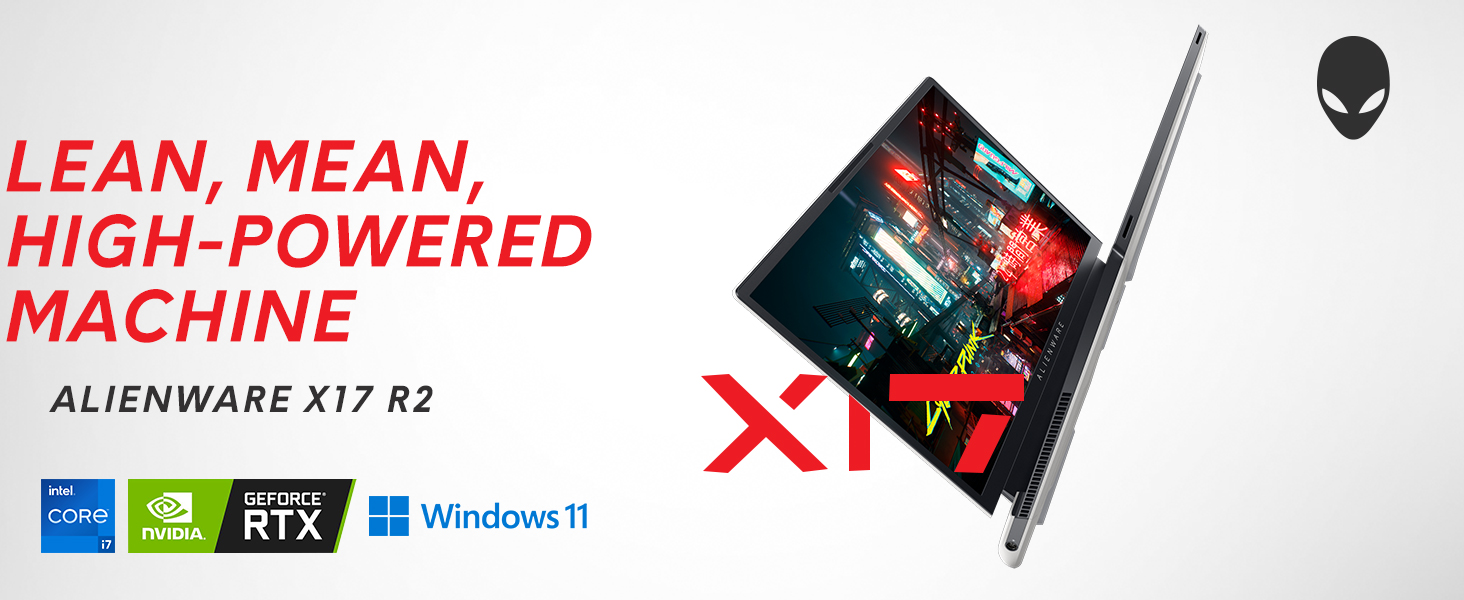
Image: Alienware X17 R2 showcasing its powerful components and sleek design.
2. อะไรอยู่ในกล่อง
Upon unboxing your Alienware X17 R2, ensure all the following components are present:
- Alienware X17 R2 Notebook
- อะแดปเตอร์แปลงไฟ (ขนาดเล็ก 240 วัตต์)
- สายไฟ
- เอกสารประกอบ (รวมถึงคู่มือนี้)
3. การตั้งค่า
3.1 การเปิดเครื่องครั้งแรก
- Connect the power adapter to the laptop's power/DC-in port and then to a power outlet.
- เปิดฝาแล็ปท็อป
- Press the Alienware head power button located on the keyboard deck to turn on the laptop.
- ทำตามคำแนะนำบนหน้าจอเพื่อทำการติดตั้ง Windows 11 Home ให้เสร็จสมบูรณ์
3.2 การเชื่อมต่ออุปกรณ์ต่อพ่วง
Utilize the various ports available for connecting external devices:
- USB 3.2 Gen 1 ประเภท A: สำหรับอุปกรณ์ USB มาตรฐาน
- USB 3.2 Gen 2 Type-C with Power Delivery: For high-speed data transfer and charging compatible devices.
- Thunderbolt 4 / USB 3.2 Gen 2 Type-C with Power Delivery: For ultra-fast data transfer, display output, and power delivery.
- HDMI2.1: Connect to external displays or TVs.
- Mini Display Port 1.4: เชื่อมต่อกับจอแสดงผลภายนอก
- Killer E3100 RJ-45 2.5G Ethernet: สำหรับการเชื่อมต่อเครือข่ายแบบใช้สาย
- ช่องเสียบหูฟังแบบสากล: สำหรับอินพุต/เอาต์พุตเสียง
- ช่องเสียบการ์ด Micro SD: สำหรับการขยายพื้นที่เก็บข้อมูลหรือการถ่ายโอน files.
ภาพ: รายละเอียด view of the Alienware X17 R2's rear and side ports.
4. การใช้งานแล็ปท็อปของคุณ
4.1 คุณสมบัติการแสดงผล
The 17.3-inch Full HD display offers a 360Hz refresh rate and 1ms response time for smooth visuals. It also features ComfortView Plus technology to reduce blue light emissions, enhancing viewing comfort during extended use. Dolby Vision support provides an authentic visual experience with enhanced color profiles.
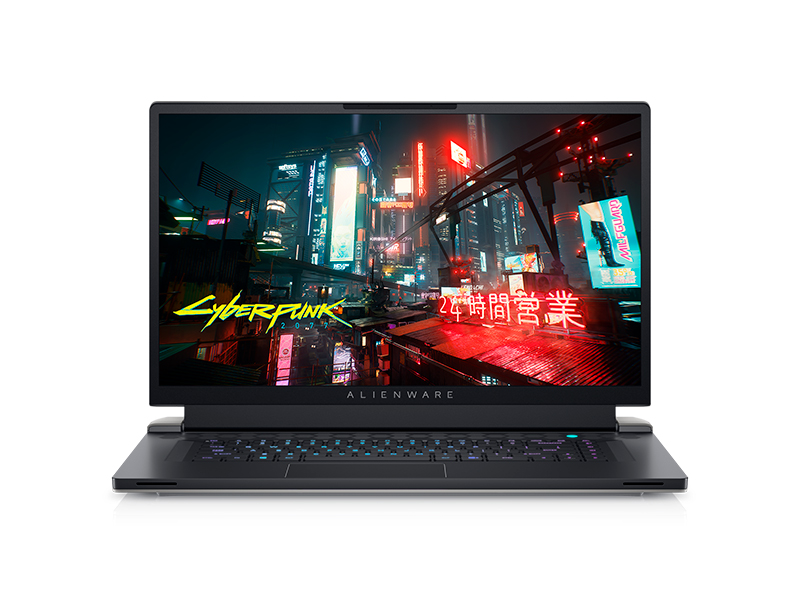
Image: Laptop screen showing vibrant game graphics with Dolby Vision and Atmos branding.
4.2 Keyboard and Lighting
The Alienware X17 R2 features an AlienFX keyboard with customizable backlighting, supporting 16.8 million colors. You can personalize the lighting effects, including wave patterns or solid colors, through the Alienware Command Center software. The power button, shaped like the Alienware head, also illuminates and can be customized.
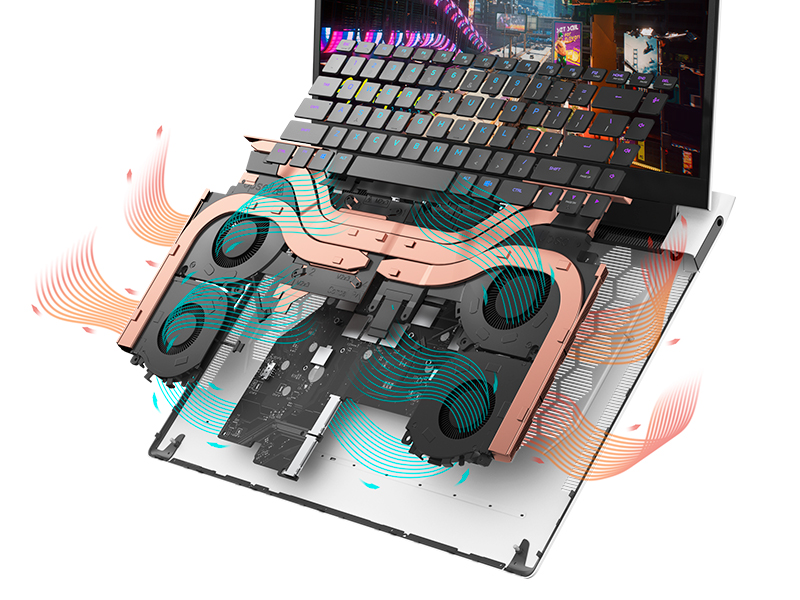
Image: The Alienware X17 R2 keyboard with customizable RGB lighting.
4.3 ระบบเสียง
The laptop is equipped with stereo speakers, including two 2W tweeters and two 2W woofers, totaling 8W for rich audio output. Dolby Atmos support further enhances the immersive sound experience.
4.4 การเชื่อมต่อ
Enjoy high-speed wireless connectivity with Wi-Fi 6 (802.11ax) and Bluetooth. The USB 3.2 Gen 2 Type-C ports offer data transfer speeds up to 40Gbps, ensuring rapid file transfers and peripheral performance.

ภาพ: ด้านหลัง view of the Alienware X17 R2 showing connectivity options and lighting.
5. การบำรุงรักษา
5.1 การจัดการความร้อน
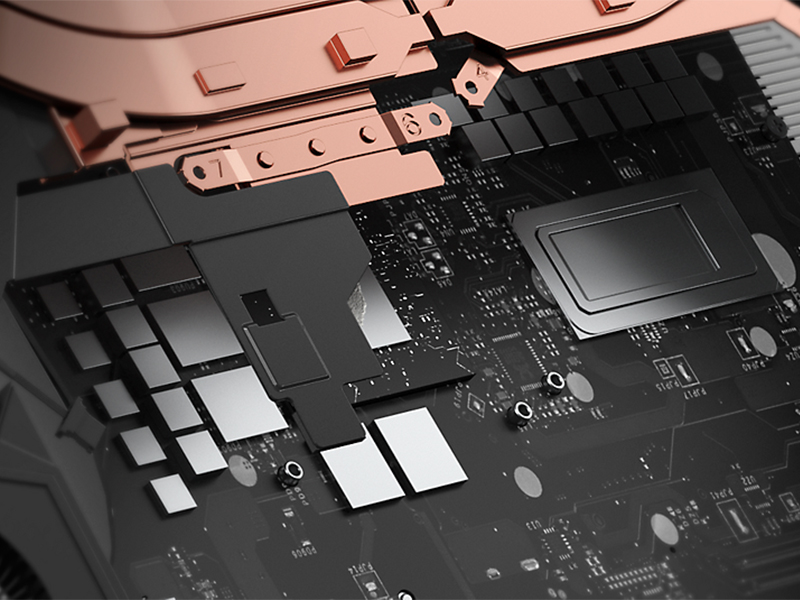
The Alienware X17 R2 features an advanced thermal design utilizing Element 31, an encapsulated gallium-silicone thermal interface material. This system maximizes airflow by expelling warm air through side vents and drawing in cooler air from the top of the keyboard, helping to keep the laptop cool during intensive use.

ภาพ: ภายใน view of the Alienware X17 R2's cooling technology.
5.2 การทำความสะอาดและการดูแล
- ควรทำความสะอาดหน้าจอเป็นประจำด้วยผ้าเนื้อนุ่มที่ไม่เป็นขุยและน้ำยาทำความสะอาดหน้าจอที่ปลอดภัย
- Use compressed air to clear dust from the keyboard and ventilation ports.
- Avoid placing heavy objects on the laptop or exposing it to extreme temperatures.
6 การแก้ไขปัญหา
If you encounter issues with your Alienware X17 R2, consider the following general troubleshooting steps:
- ไม่มีไฟฟ้า: Ensure the power adapter is securely connected to both the laptop and the power outlet. Try a different outlet if necessary.
- ปัญหาการแสดงผล: If the screen is black, try connecting an external monitor to determine if the issue is with the laptop's display or graphics card. Restart the laptop.
- ประสิทธิภาพการทำงานช้าลง: Close unnecessary applications, check for background processes, and ensure your system drivers are up to date. Overheating can also cause slowdowns; ensure vents are clear.
- ปัญหาการเชื่อมต่อ: สำหรับปัญหาเกี่ยวกับ Wi-Fi ให้รีสตาร์ทเราเตอร์และแล็ปท็อป สำหรับปัญหาเกี่ยวกับ Bluetooth ให้ตรวจสอบว่าอุปกรณ์สามารถค้นหาได้และอยู่ในระยะทำการ
- ข้อบกพร่องของซอฟต์แวร์: Restart the laptop. If problems persist, check for Windows updates or consider reinstalling problematic software.
For more detailed troubleshooting or persistent issues, refer to the official Alienware support webเว็บไซต์หรือติดต่อฝ่ายบริการลูกค้า
7. ข้อมูลจำเพาะ
| คุณสมบัติ | ข้อมูลจำเพาะ |
|---|---|
| ขนาดการแสดงผลหน้าจอยืน | 17.3 นิ้ว |
| ความละเอียดหน้าจอ | 1920 x 1080 พิกเซล |
| ความละเอียดหน้าจอสูงสุด | 1920x1080 พิกเซล |
| โปรเซสเซอร์ | 4.7 GHz core_i7_family (Intel Core i7-12700H) |
| แรม | 16GB DDR5 (4800 เมกะเฮิรตซ์) |
| ฮาร์ดไดรฟ์ | 1 TB SSD (M.2 PCIe NVMe) |
| โคโปรเซสเซอร์กราฟิก | การ์ดจอ NVIDIA GeForce RTX 3070 Ti |
| ขนาดแรมการ์ดจอ | แรม 8GB GDDR6 |
| ประเภทไร้สาย | 802.11ax (Wi-Fi 6), บลูทูธ |
| จำนวนพอร์ต USB 3.0 | 3 |
| ระบบปฏิบัติการ | วินโดวส์ 11 โฮม |
| น้ำหนักสินค้า | 6.82 ปอนด์ |
| ขนาดสินค้า | 11.79 x 15.72 x 0.82 นิ้ว |
| สี | แสงจันทร์ |
| แหล่งพลังงาน | ใช้พลังงานจากแบตเตอรี่ |
| แบตเตอรี่ | ต้องใช้แบตเตอรี่ลิเธียมไอออน 1 ก้อน (รวมอยู่ด้วย) |
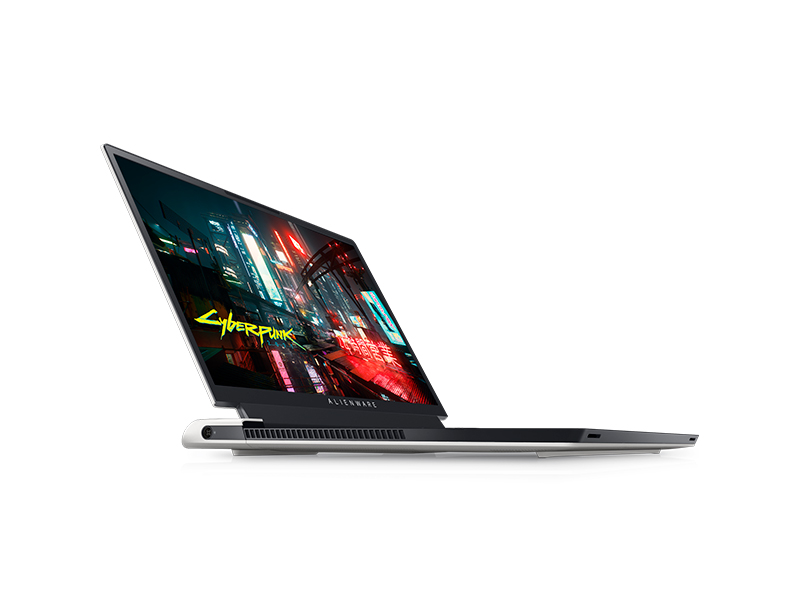
Image: Key specifications of the Alienware X17 R2.
8. การรับประกันและการสนับสนุน
Your Alienware X17 R2 laptop comes with a manufacturer's warranty. Please refer to the included warranty documentation for details on coverage, terms, and conditions. For technical support, driver downloads, or service requests, visit the official Alienware support webเว็บไซต์หรือติดต่อฝ่ายบริการลูกค้าของพวกเขา