
การแนะนำ
This manual provides detailed instructions for the installation, operation, and maintenance of your LAXIHUB P2 Indoor Security Camera. Please read this manual thoroughly before using the product to ensure proper function and safety. Keep this manual for future reference.
สินค้าเกินview
The LAXIHUB P2 is a versatile indoor security camera designed for monitoring pets, babies, or general home surveillance. It features 1080P Full HD video, 355° horizontal pan and 60° vertical tilt for comprehensive coverage, super IR night vision, motion and sound detection, and two-way audio communication. The camera is compatible with Amazon Alexa and Google Assistant for convenient voice control.
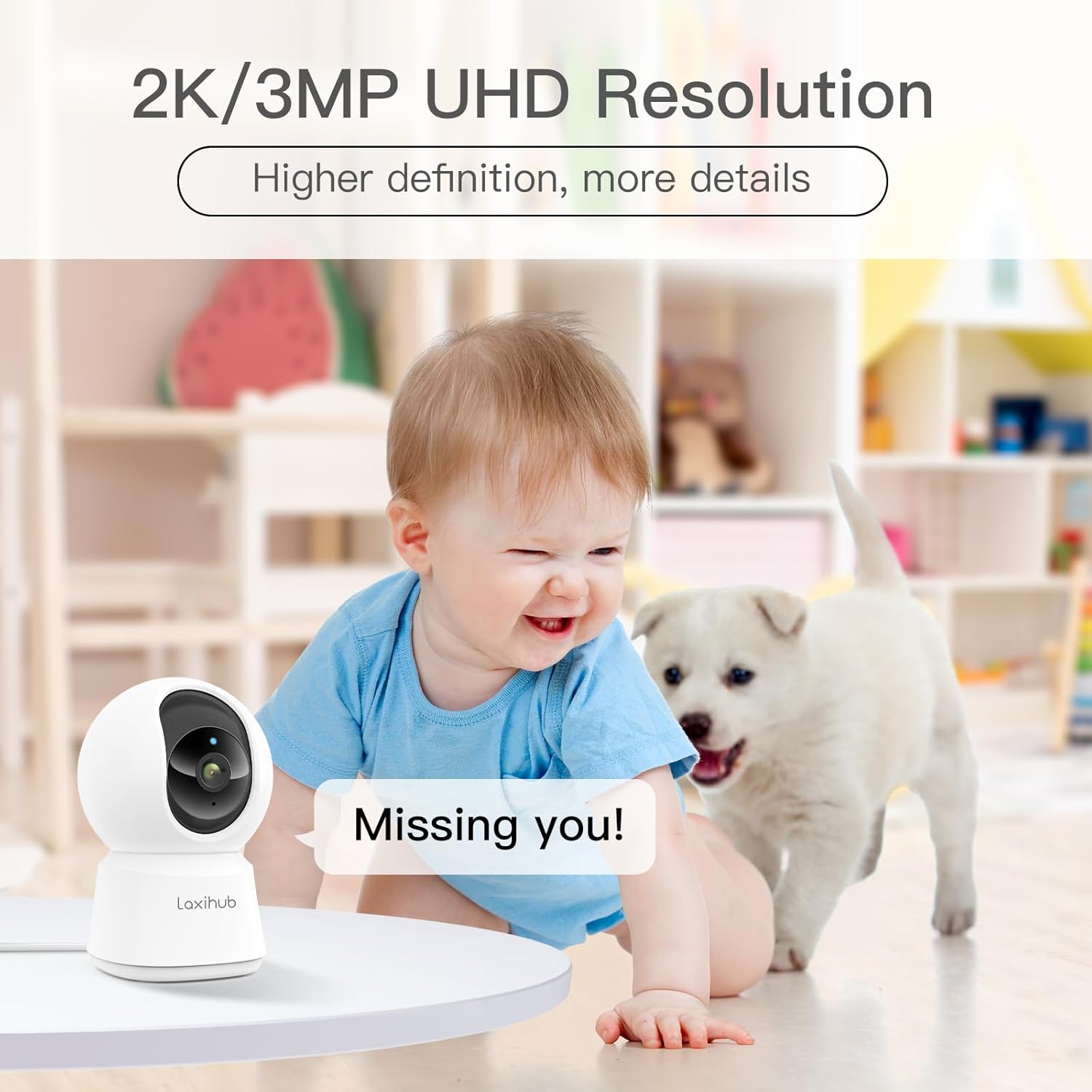
ภาพ: ด้านหน้า view of the LAXIHUB P2 Indoor Security Camera, showcasing การออกแบบที่กะทัดรัด
คู่มือการติดตั้ง
1. การติดตั้งแอพ
To begin, download the Arenti app from your smartphone's app store (Google Play Store for Android or Apple App Store for iOS). ค้นหา "Arenti" and install the application.
2. เปิดเครื่อง
Connect the camera to a power source using the provided USB cable and power adapter. The camera will power on automatically, and an indicator light will begin to flash, signaling it is ready for setup.
Video: This video demonstrates the initial setup process, including powering on the camera and preparing for app connection.
3. การเชื่อมต่อกับ Wi-Fi
- Open the Arenti app and create an account or log in.
- แตะไอคอน '+' เพื่อเพิ่มอุปกรณ์ใหม่
- Select the P2 camera model from the list of devices.
- Follow the in-app instructions to connect the camera to your 2.4 GHz Wi-Fi network. Note: The camera only supports 2.4 GHz Wi-Fi.
- The app will display a QR code. Position your phone 5-8 inches in front of the camera lens for the camera to scan the code. You will hear a tone when the scan is successful.
- Once connected, you can name your device and access live view.
4. ตัวเลือกการติดตั้ง
The LAXIHUB P2 camera offers flexible installation options. It can be placed on a flat surface or mounted to a wall or ceiling using the included mounting bracket. Ensure the camera is securely fastened and has a clear line of sight to the desired monitoring area.

Image: The LAXIHUB P2 camera demonstrating its pan and tilt capabilities, providing a wide view of a living room.
คำแนะนำการใช้งาน
1. การควบคุมแพน/เอียง
จากการถ่ายทอดสด view in the Arenti app, use the on-screen controls to remotely pan (355° horizontally) and tilt (60° vertically) the camera lens to adjust your viewมุมกว้างขึ้นและครอบคลุมพื้นที่กว้างขึ้น
Video: This video illustrates the 355° pan and 60° tilt functionality of the P2 camera, showing its ability to cover a full 360° view.
2. เสียงสองทาง
The camera features a built-in microphone and speaker, allowing for two-way communication. Tap the microphone icon in the app to speak through the camera, or listen to audio from the camera's environment.

Image: The LAXIHUB P2 camera positioned near a dog on a couch, symbolizing the two-way audio feature for pet interaction.
3. การตรวจจับการเคลื่อนไหวและเสียง
The P2 camera is equipped with advanced motion and sound detection capabilities. When motion or sound is detected, the camera can send instant alerts to your smartphone. You can customize sensitivity levels and alert preferences within the app settings.

Image: The LAXIHUB P2 camera capturing motion from two dogs, with a smartphone displaying an alert notification.
4. ระบบมองเห็นกลางคืนแบบอินฟราเรดขั้นสูง
The camera's super IR night vision provides clear video footage even in low-light or complete darkness, with a range of up to 32 feet (10 meters). This ensures continuous monitoring around the clock.
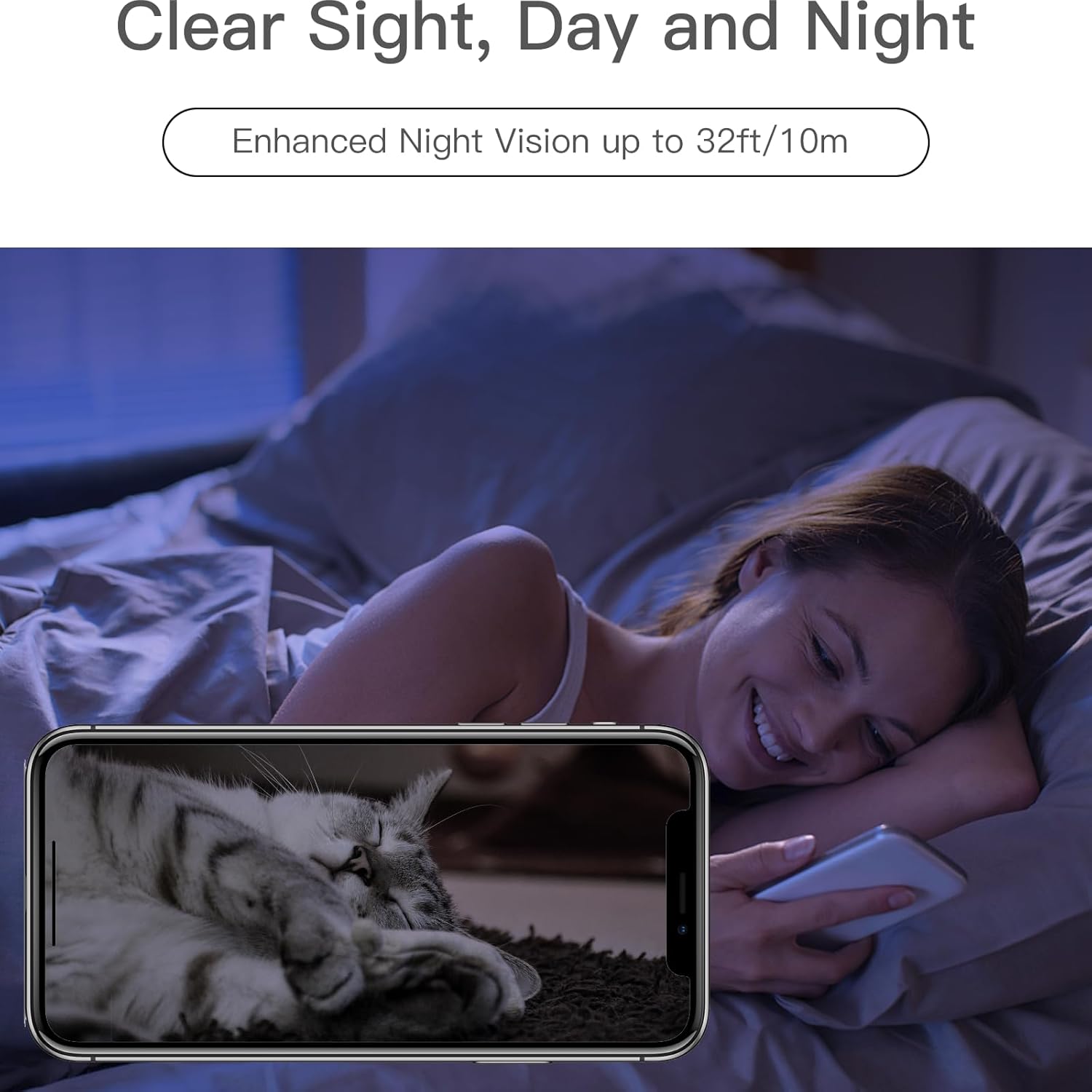
Image: A smartphone displaying clear night vision footage from the LAXIHUB P2 camera, showing a cat sleeping in a dark room.
5. โหมดความเป็นส่วนตัว
Activate Privacy Mode through the app to temporarily disable video recording and monitoring when you desire privacy. This feature can be scheduled or manually toggled.
6. Video Playback and Storage
บันทึกแล้วฟูtage can be stored locally on a microSD card (not included) or via cloud storage services (subscription may be required). Access and review recorded videos through the Arenti app.
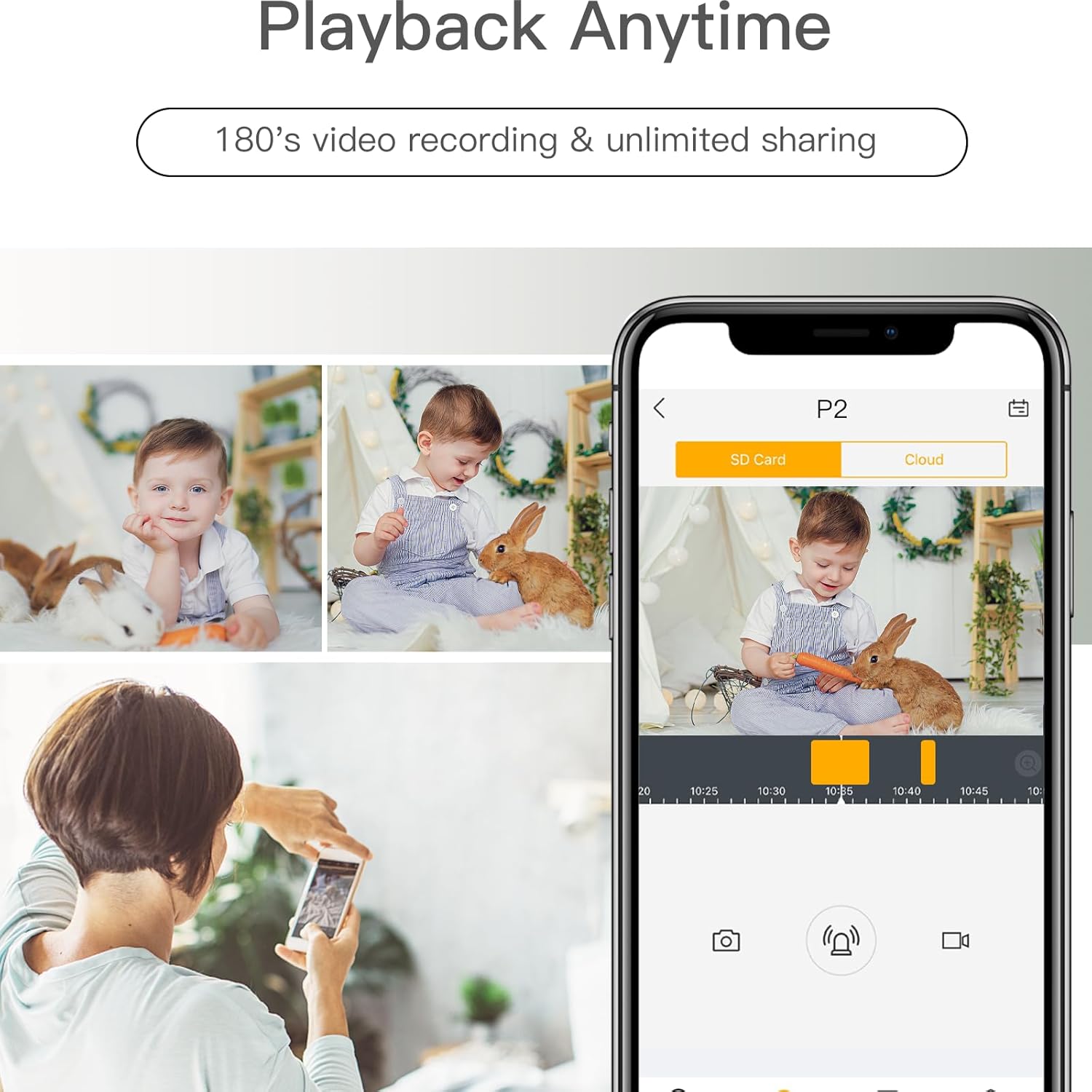
Image: The Arenti app interface on a smartphone, showing options for SD card and cloud storage, with a video playback of a baby.
7. การบูรณาการบ้านอัจฉริยะ
The LAXIHUB P2 camera works with Amazon Alexa and Google Assistant. Link your camera to these platforms through the Arenti app settings to enable voice commands for live view และฟังก์ชั่นอื่นๆ
Video: A short video demonstrating the LAXIHUB P2 camera's compatibility with smart home devices like Alexa and Google Assistant, showing live feed on a smart display.
การซ่อมบำรุง
1. การทำความสะอาด
To maintain optimal performance, regularly clean the camera lens and exterior with a soft, dry cloth. Avoid using harsh chemicals or abrasive materials that could damage the device.
2. การอัปเดตเฟิร์มแวร์
Ensure your camera's firmware is up to date by checking for updates within the Arenti app. Firmware updates often include performance improvements, new features, and security enhancements.
การแก้ไขปัญหา
- กล้องไม่เชื่อมต่อกับ Wi-Fi: Ensure your Wi-Fi network is 2.4 GHz. Check your Wi-Fi password and router settings. Move the camera closer to the router.
- ไม่มีภาพวิดีโอ: Verify the camera is powered on and connected to Wi-Fi. Check your internet connection.
- คุณภาพวิดีโอไม่ดี: Ensure the lens is clean. Check your internet speed. Adjust video resolution settings in the app if available.
- Motion/Sound alerts not working: Check alert settings in the app, including sensitivity and notification preferences. Ensure Privacy Mode is not active.
- ปัญหาเสียงสองทาง: Check microphone and speaker volumes in the app. Ensure there is no obstruction to the microphone or speaker on the camera.
ข้อมูลจำเพาะ
| คุณสมบัติ | ข้อมูลจำเพาะ |
|---|---|
| แบบอย่าง | P2 |
| ความละเอียดวิดีโอ | 1080P Full HD (720p listed in specs, but product title states 1080P) |
| ช่วงแพน | 355° |
| ช่วงความเอียง | 60° |
| ช่วงการมองเห็นตอนกลางคืน | สูงถึง 32 ฟุต (10 เมตร) |
| การเชื่อมต่อ | Wi-Fi 2.4 GHz |
| เสียง | ระบบเสียงสองทาง |
| การตรวจจับ | Motion Sensor, Sound Detection |
| ความเข้ากันได้ของสมาร์ทโฮม | Amazon Alexa, Google Assistant |
| ตัวเลือกการจัดเก็บข้อมูล | MicroSD Card (up to 128GB, not included), Cloud Storage (subscription required) |
| การใช้งานภายใน/ภายนอกอาคาร | ในร่ม |
การรับประกันและการสนับสนุน
For warranty information and technical support, please refer to the official LAXIHUB webหรือติดต่อฝ่ายบริการลูกค้าโดยตรง โปรดเก็บใบเสร็จรับเงินไว้เป็นหลักฐานการซื้อสำหรับการเรียกร้องการรับประกัน