
1. สินค้าหมดview
The VNNBBS Wireless CarPlay Adapter (Model CPC200-CP2A) converts your car's existing wired Apple CarPlay system into a wireless connection. This device allows for seamless integration of your iPhone with your car's infotainment system without the need for a physical cable connection after initial setup. Enjoy navigation, music, calls, and more directly on your car's display.

Image: The VNNBBS Wireless CarPlay Adapter, showing its compact design, USB-A to USB-C converter, and how it enables wireless CarPlay on a car's display.
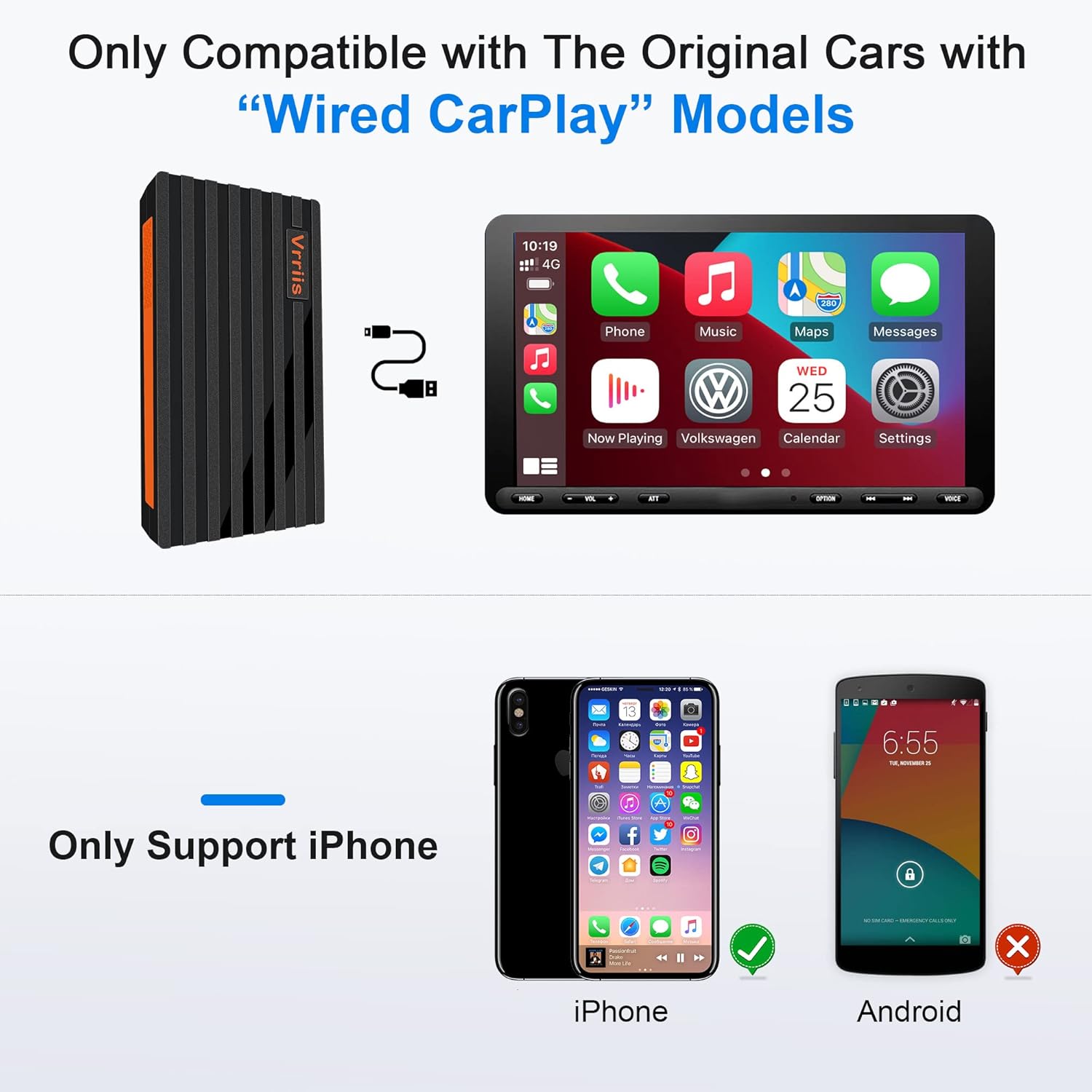
Image: Key features of the Wireless CarPlay Dongle, including Plug and Play, Wifi & Bluetooth connectivity, Fast Transmission, No audio delay, High Compatibility, and Steady Pairing.
2. คำแนะนำในการตั้งค่า
Follow these steps to set up your VNNBBS Wireless CarPlay Adapter:
- เชื่อมต่ออะแดปเตอร์: Plug the USB dongle into your car's head unit USB port. If your car stereo only has a Type-C port, use the included USB-A to Type-C converter.
- เปิดใช้งานบลูทูธและไวไฟ: บน iPhone ของคุณ ให้เปิดใช้งานทั้ง Bluetooth และ Wi-Fi
- Pair with Your Car: On your car's display, click "Search" for Bluetooth devices. Your phone's Bluetooth signal should appear. Select it to connect.
- Confirm CarPlay Connection: On your iPhone, click "Pair" and then "Use CarPlay" to establish the wireless connection.

Image: Visual guide demonstrating the three main steps for connecting the wireless CarPlay adapter: plugging it into the car's USB port, enabling Bluetooth and Wi-Fi on the iPhone, and confirming the pairing on both devices.
Video: An official seller video demonstrating the setup process for the Wireless CarPlay Adapter for Factory Wired Apple CarPlay, showing how to connect the device and pair it with an iPhone.
วิดีโอ: วิดีโอแนะนำสินค้าอย่างเป็นทางการจากผู้ขายasing the upgraded 2022 Wireless CarPlay Adapter and its quick connection capabilities.
Video: An official seller video highlighting the features and ease of use of the 2022 Hot Sell Wireless Apple CarPlay Dongle.
Video: An official seller video demonstrating the USB Wireless CarPlay Dongle Adapter for iPhone, showing its connection and functionality.
3. คู่มือการใช้งาน
Once connected, the VNNBBS Wireless CarPlay Adapter allows you to control your iPhone's CarPlay interface using your car's native controls.
3.1 วิธีการควบคุม
- Original Car Button Operation: Use your car's existing physical buttons to navigate the CarPlay interface.
- Original Car Touchscreen Operation: Interact directly with the CarPlay display if your car has a touchscreen.
- การใช้งานปุ่มควบคุมในรถยนต์แบบดั้งเดิม: Utilize the car's control knob for precise navigation within CarPlay menus.
- การควบคุมด้วยเสียง Siri: Activate Siri for hands-free commands, such as making calls, sending messages, getting directions, or playing music.

Image: Demonstrates how to control CarPlay using the car's original buttons, touchscreen, control knob, and Siri voice commands for a seamless user experience.
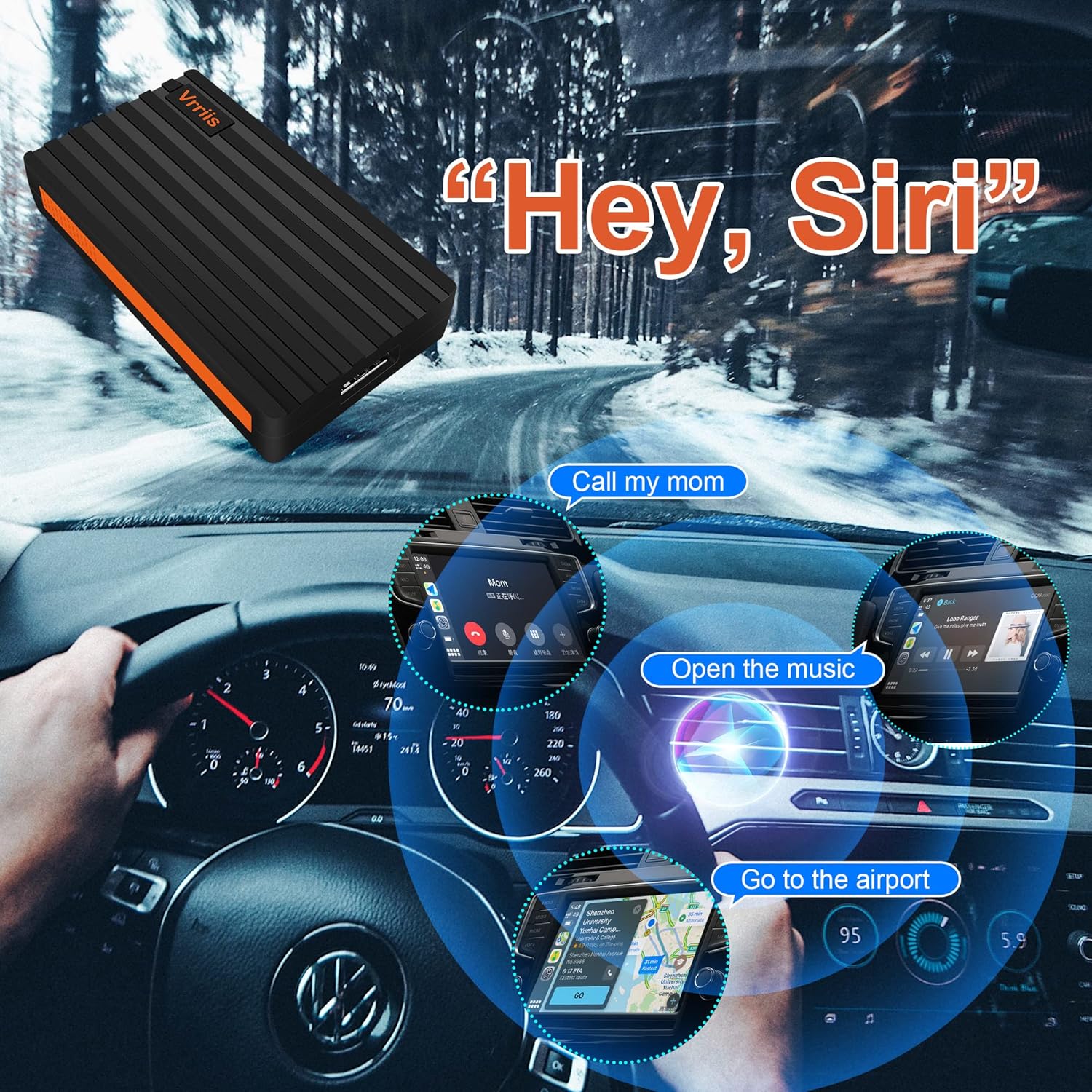
Image: Illustrates the use of Siri Voice Control with CarPlay, showing examples like 'Call my mom', 'Open the music', and 'Go to the airport' for hands-free operation.
3.2 การเชื่อมต่ออัตโนมัติ
After the initial pairing, the adapter will automatically connect to your iPhone when you start your car, providing a hassle-free wireless CarPlay experience.

Image: A visual comparison showing the clutter of a wired CarPlay connection (BEFORE) versus the clean, seamless experience of a wireless CarPlay connection (AFTER) enabled by the adapter.
4. ความเข้ากันได้
The VNNBBS Wireless CarPlay Adapter is designed for specific car and phone configurations:
- ความเข้ากันได้ของรถยนต์: Only compatible with original cars that come with factory-installed wired Apple CarPlay models.
- ความเข้ากันได้กับโทรศัพท์: Only supports iPhone devices. Android phones are not supported.
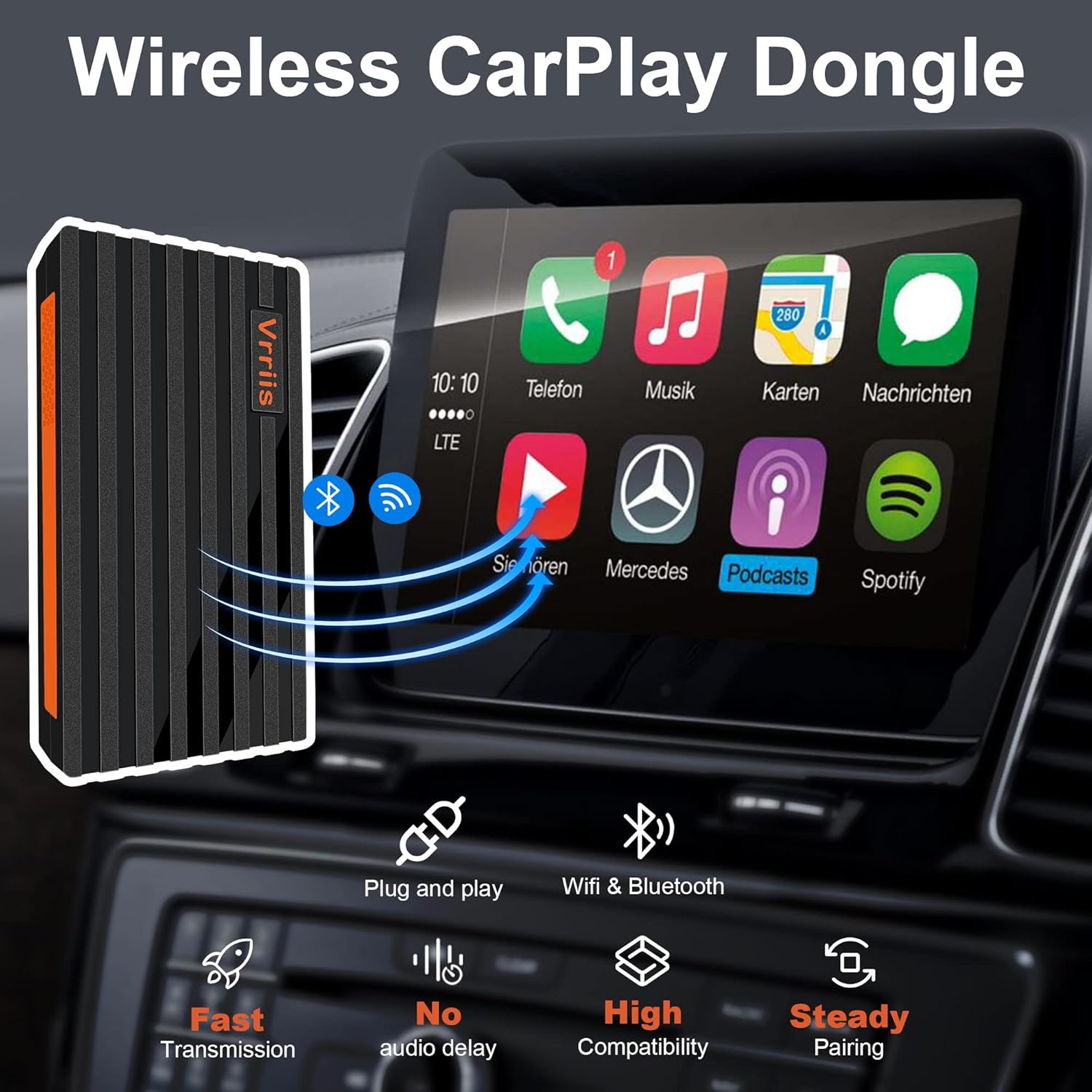
Image: Clearly states that the adapter is only compatible with original cars featuring wired CarPlay and exclusively supports iPhone devices, with Android devices explicitly shown as incompatible.
5. การบำรุงรักษา
To ensure the longevity and optimal performance of your VNNBBS Wireless CarPlay Adapter, please follow these maintenance guidelines:
- รักษาความสะอาด: เช็ดอะแดปเตอร์ด้วยผ้านุ่มแห้งเป็นประจำเพื่อกำจัดฝุ่นและเศษผง หลีกเลี่ยงการใช้น้ำยาทำความสะอาด
- หลีกเลี่ยงอุณหภูมิที่สูงหรือต่ำเกินไป: อย่าให้เครื่องโดนความร้อนหรือความเย็นจัด เพราะอาจส่งผลต่อส่วนประกอบภายในได้
- จัดการด้วยความระมัดระวัง: หลีกเลี่ยงการทำอะแดปเตอร์หล่นหรือได้รับแรงกระแทกรุนแรง
- การจัดเก็บที่เหมาะสม: เมื่อไม่ได้ใช้งานเป็นเวลานาน ควรเก็บอะแดปเตอร์ไว้ในที่แห้งและเย็น หลีกเลี่ยงแสงแดดโดยตรง
6 การแก้ไขปัญหา
If you encounter issues with your VNNBBS Wireless CarPlay Adapter, try the following solutions:
- ไม่มีการเชื่อมต่อ:
- Ensure your car supports wired Apple CarPlay.
- ตรวจสอบว่าบลูทูธและ Wi-Fi เปิดใช้งานบน iPhone ของคุณแล้ว
- Unplug the adapter from the car's USB port, wait 10 seconds, and plug it back in.
- Restart your iPhone and your car's infotainment system.
- Check if your iPhone's Bluetooth is paired directly with the car's system. If so, unpair it and try connecting via the adapter again.
- Intermittent Connection/Dropped Connection:
- ตรวจสอบให้แน่ใจว่าเสียบอะแดปเตอร์เข้ากับพอร์ต USB อย่างแน่นหนาแล้ว
- Minimize potential interference from other wireless devices in the car.
- Update your iPhone's iOS to the latest version.
- ถอดปลั๊กอะแดปเตอร์แล้วเสียบใหม่
- ความหน่วงหรือความล่าช้า:
- Ensure your iPhone is not running too many background applications.
- ตรวจสอบว่ามีเฟิร์มแวร์เวอร์ชั่นอัปเดตสำหรับอะแดปเตอร์หรือไม่ (โปรดดูข้อมูลจากผู้ผลิต) web(ถ้ามี)
7. ข้อมูลจำเพาะ
| คุณสมบัติ | รายละเอียด |
|---|---|
| ขนาดสินค้า | 2.6 x 0.4 x 0.31 นิ้ว |
| น้ำหนักสินค้า | 3.56 ออนซ์ |
| ASIN | B09MN4BCWJ |
| หมายเลขรุ่นสินค้า | CPC200-CP2A |
| วันที่พร้อมใช้งานครั้งแรก | วันที่ 24 ธันวาคม 2021 |
| ผู้ผลิต | วีเอ็นบีบีเอส |
| อุปกรณ์ที่รองรับ | Smartphone (iPhone only) |
| การใช้งานเฉพาะของผลิตภัณฑ์ | Cell Phone (CarPlay integration) |
| ประเภทขั้วต่อ | USB Type C (with USB-A to USB-C converter included) |
| สี | สีดำ |
8. การรับประกันและการสนับสนุน
For warranty information and technical support, please refer to the documentation included with your product or visit the official VNNBBS webไซต์นี้ โปรดเก็บใบเสร็จรับเงินที่ซื้อไว้เพื่อใช้เรียกร้องการรับประกัน