
การแนะนำ
Thank you for choosing the TRUSTECH Evaporative Air Cooler. This portable unit is designed to provide a comfortable and cool environment by combining the functions of an air cooler and a humidifier. With its bladeless design, multiple speed settings, and convenient timer, it offers an efficient and safe cooling solution for your home or office.
โปรดอ่านคู่มือนี้อย่างละเอียดก่อนใช้งานเครื่องใช้ไฟฟ้า และเก็บรักษาไว้เพื่อใช้อ้างอิงในอนาคต
คำแนะนำเพื่อความปลอดภัย
เพื่อให้มั่นใจถึงการทำงานที่ปลอดภัยและป้องกันความเสียหาย โปรดปฏิบัติตามข้อควรระวังด้านความปลอดภัยต่อไปนี้:
- Always place the unit on a stable, level surface to prevent tipping and water leakage.
- ห้ามจุ่มอุปกรณ์ สายไฟ หรือปลั๊กในน้ำหรือของเหลวอื่นๆ
- Unplug the unit from the power outlet before cleaning, filling, or performing any maintenance.
- Keep the unit out of reach of children and pets. The bladeless design enhances safety, but supervision is always recommended.
- Do not block the air inlets or outlets. Ensure adequate space around the unit for proper airflow.
- Use only clean tap water or distilled water in the water tank.
- Do not use the appliance if the power cord or plug is damaged. Contact customer support for assistance.
- หลีกเลี่ยงการวางเครื่องไว้ใกล้แหล่งความร้อนหรือโดนแสงแดดโดยตรง
สินค้าเกินview
Familiarize yourself with the components of your TRUSTECH Evaporative Air Cooler.

Figure 1: Main unit of the TRUSTECH Evaporative Air Cooler, showing its sleek design, remote control, and included ice packs.
แผงควบคุมและจอแสดงผล
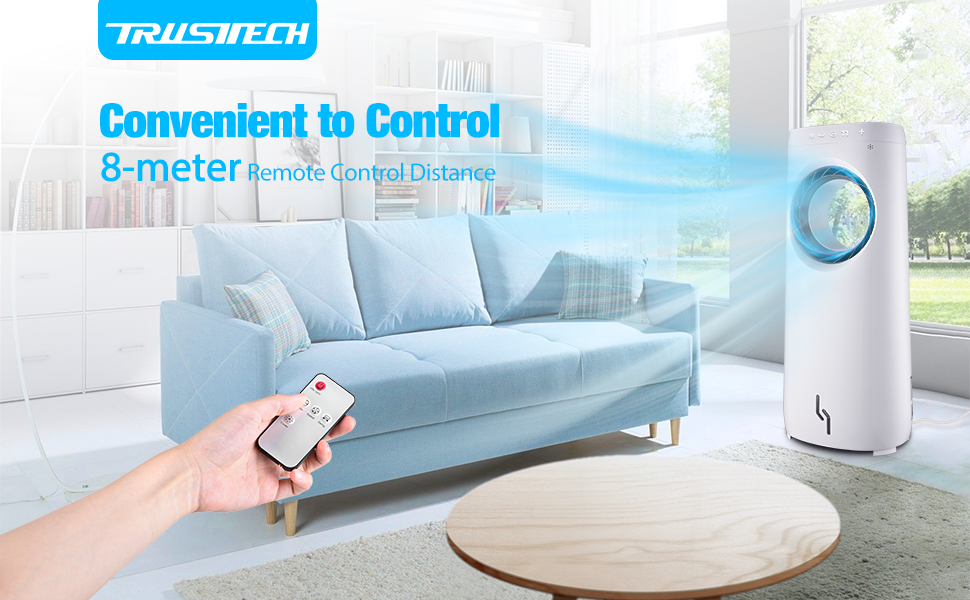
Figure 2: The clear screen display and touch-sensitive buttons on the top of the unit for easy control.
The intuitive control panel located on the top of the unit allows for easy operation. It includes buttons for Cooler, Swing, Timer, Speed, and On/Off functions. An LED display indicates current settings.
รีโมทคอนโทรล

Figure 3: The remote control allows convenient operation from up to 26.25 feet away.
The included remote control provides convenient access to all functions from a distance of up to 26.25 feet (8 meters).
การตั้งค่า
- การแกะกล่อง: Carefully remove the air cooler from its packaging. Retain all packaging materials for future storage or transport.
- การจัดวาง: Place the unit on a firm, level surface in the desired location. Ensure there is sufficient space around the unit for optimal airflow.
- การเติมน้ำในถัง:

Figure 4: Adding ice cubes and ice packs to the water tank for enhanced cooling.
Pull out the water tank located at the bottom rear of the unit. Fill the 4-liter water tank with clean tap water. For enhanced cooling, place the two included ice boxes (after freezing) and/or ice cubes into the water tank. Do not exceed the maximum fill line. Carefully push the water tank back into place until it clicks securely.
- การเชื่อมต่อไฟฟ้า: เสียบสายไฟเข้ากับเต้ารับไฟฟ้ามาตรฐาน 110V AC
คำแนะนำการใช้งาน
Your TRUSTECH Evaporative Air Cooler offers multiple functions for personalized comfort.

Figure 5: The air cooler offers multiple functions including cooling, swing, timer, and adjustable speed.
- เปิด/ปิดเครื่อง: กดปุ่ม เปิด/ปิด ปุ่มบนแผงควบคุมหรือรีโมทคอนโทรลเพื่อเปิดหรือปิดเครื่อง
- การปรับความเร็วพัดลม:

Figure 6: The air cooler provides three adjustable wind speeds: Low, Medium, and High.
กดปุ่ม ความเร็ว button repeatedly to cycle through the three available wind speeds: Low, Medium, and High. The current speed setting will be indicated on the display.
- ฟังก์ชั่นสวิง:
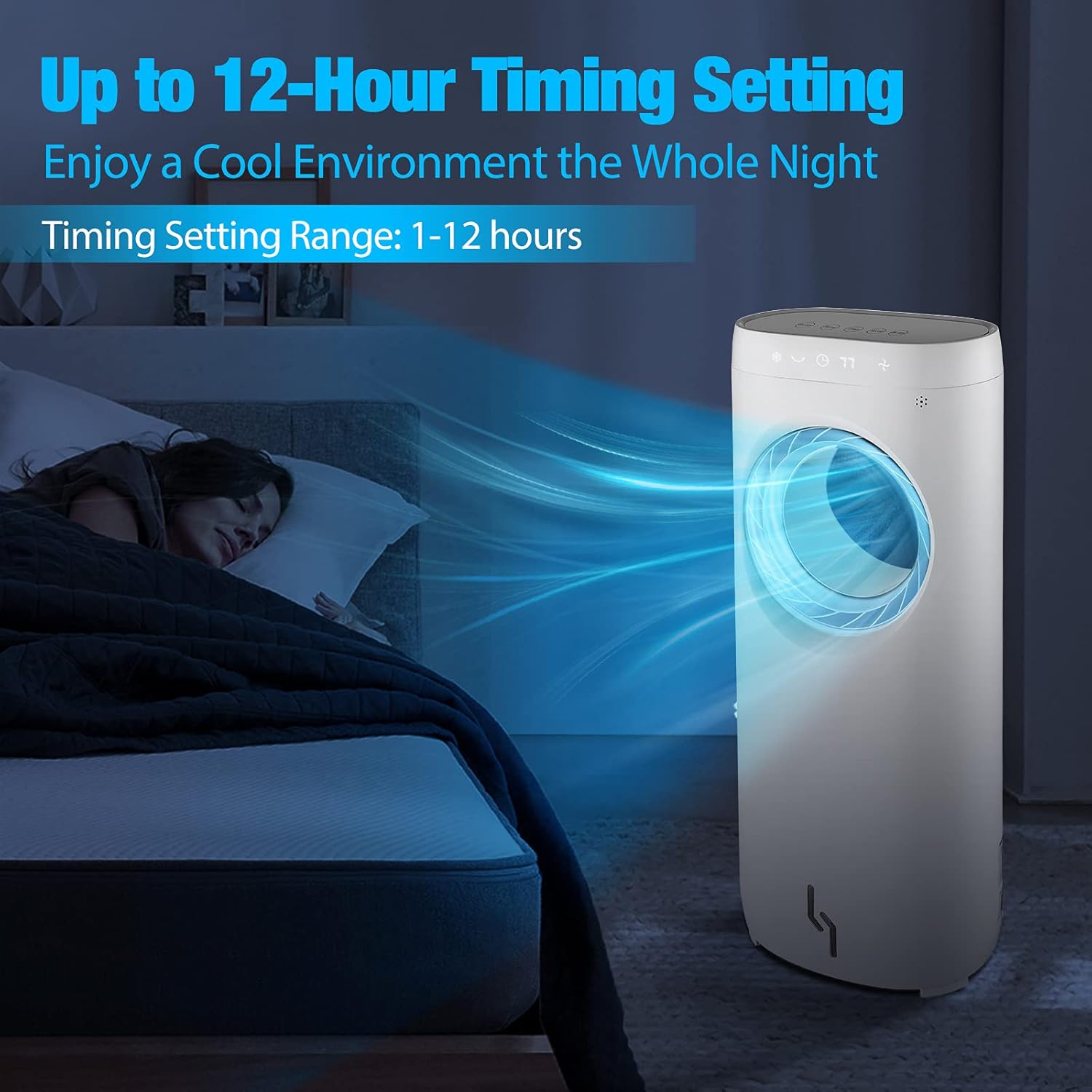
Figure 7: The 360° oscillation feature helps distribute cool air evenly throughout the room.
กดปุ่ม แกว่ง button to activate the 360° oscillation feature, which helps distribute cool air more widely across the room. Press again to stop oscillation.
- การตั้งเวลา:
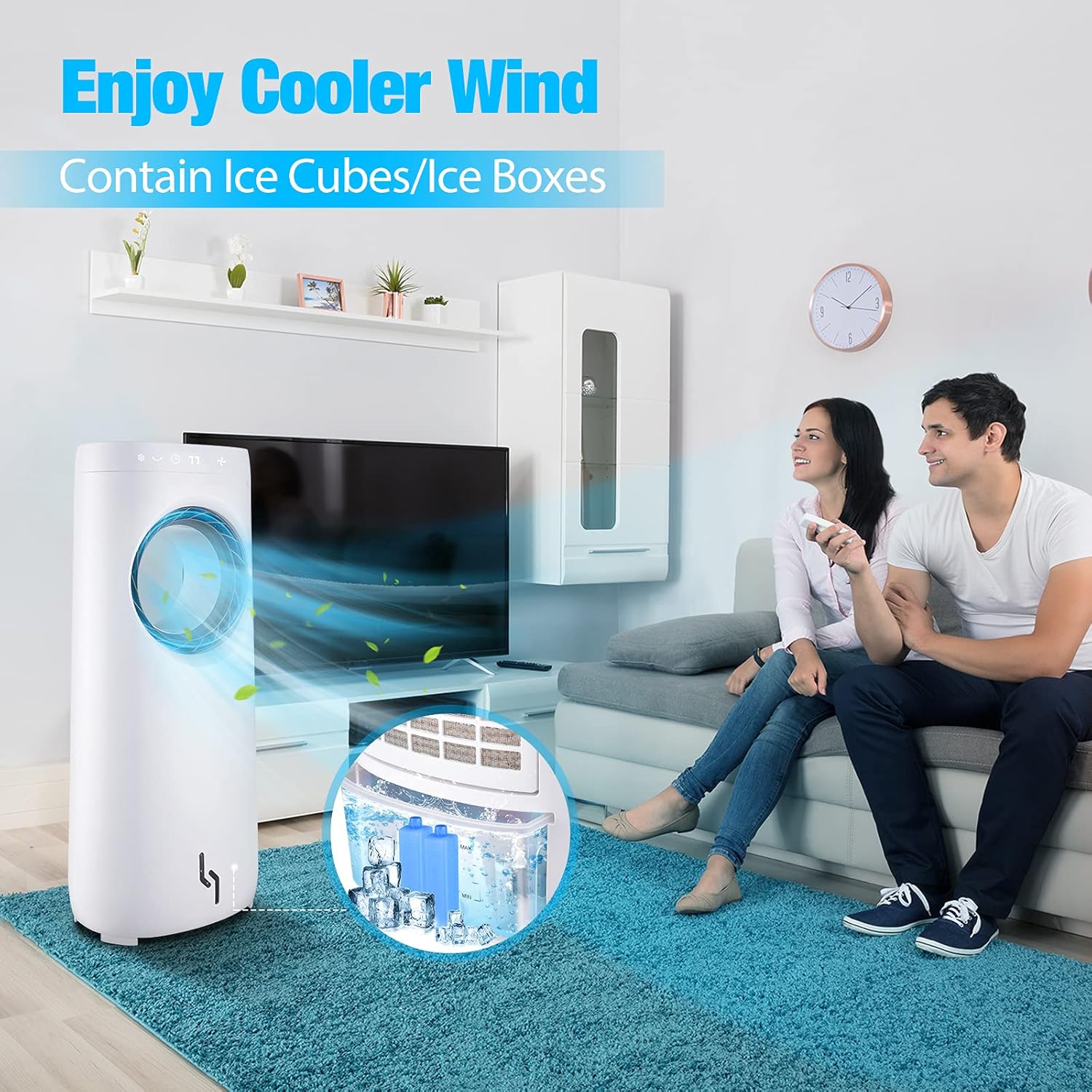
Figure 8: Set the timer for up to 12 hours to enjoy uninterrupted cooling throughout the night.
กดปุ่ม ตัวจับเวลา button to set the operating time. Each press increases the timer by 1 hour, up to a maximum of 12 hours. The unit will automatically turn off once the set time has elapsed.
- โหมดทำความเย็น: กดปุ่ม เครื่องทำความเย็น button to activate the evaporative cooling function. This mode uses the water and ice in the tank to provide a cooler, humidified airflow. Press again to deactivate.
วิดีโอการทำงานของผลิตภัณฑ์
Video 1: An official demonstration of the TRUSTECH Evaporative Air Cooler, showcasinก. คุณสมบัติและการใช้งาน
การซ่อมบำรุง
การบำรุงรักษาตามปกติจะช่วยให้เครื่องทำความเย็นอากาศของคุณมีประสิทธิภาพสูงสุดและมีอายุการใช้งานยาวนาน
- การทำความสะอาดภายนอก:
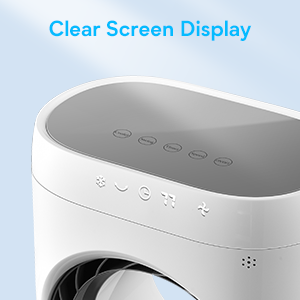
Figure 9: The bladeless design allows for easy and safe cleaning of the unit's interior.
Before cleaning, always unplug the unit. Wipe the exterior surfaces with a soft, damp cloth. Do not use abrasive cleaners or solvents. The bladeless design makes the interior easy to wipe clean.
- การทำความสะอาดถังเก็บน้ำ: The water tank should be cleaned regularly (e.g., weekly) to prevent mold or mildew buildup. Pull out the water tank, empty any remaining water, and clean it with a mild detergent and water. Rinse thoroughly. While the tank is connected by wires, it can be carefully maneuvered for cleaning.
- พื้นที่จัดเก็บ: If storing the unit for an extended period, ensure the water tank is completely empty and dry. Clean the unit thoroughly, then store it in a cool, dry place, preferably in its original packaging.
การแก้ไขปัญหา
หากคุณพบปัญหาเกี่ยวกับเครื่องปรับอากาศ โปรดดูปัญหาและวิธีแก้ไขทั่วไปต่อไปนี้:
| ปัญหา | สาเหตุที่เป็นไปได้ | สารละลาย |
|---|---|---|
| เครื่องไม่เปิด | ไม่มีไฟเข้า; สายไฟไม่ได้เชื่อมต่ออย่างถูกต้อง | Check if the unit is plugged in securely. Verify the power outlet is functional. |
| No cool air/cooling effect is weak. | Water tank is empty; no ice packs/cubes; room too large or humid. | Fill the water tank. Add frozen ice packs or ice cubes. Evaporative coolers are most effective in dry climates. Ensure proper ventilation. |
| น้ำรั่ว. | Water tank not properly seated; unit not on a level surface; overfilled water tank. | Ensure the water tank is securely pushed in. Place the unit on a flat, stable surface. Do not overfill the water tank beyond the MAX line. |
| เสียงรบกวนที่ผิดปกติ | Water pump noise (normal); foreign object in unit. | A slight trickling sound from the water pump is normal during cooling operation. If the noise is excessive or unusual, unplug the unit and inspect for any obstructions. |
หากปัญหายังคงมีอยู่หลังจากลองวิธีแก้ไขเหล่านี้แล้ว โปรดติดต่อฝ่ายสนับสนุนลูกค้า
ข้อมูลจำเพาะ
- ยี่ห้อ: ทรัสเทค
- ชื่อรุ่น : BLE-T08FL-3
- ประเภทการติดตั้ง: อิสระ
- คุณสมบัติพิเศษ: แบบพกพา, จับเวลา
- สี: สีขาวและสีเทา
- ประเภทการควบคุม: ระยะไกล
- ความจุอ่างเก็บน้ำ: 4 ลิตร
- ส่วนประกอบที่รวมอยู่: เครื่องทำความเย็นอากาศ
- จำนวนความเร็ว: 3
- ขนาดสินค้า : ลึก 11.1 นิ้ว x กว้าง 12.1 นิ้ว x สูง 31.4 นิ้ว
- Ampอายุ: 0.59 Amps
- เล่มที่tage: 110โวลต์
- น้ำหนักสินค้า: 13.07 ปอนด์
- Batteries required (for remote): No (batteries for remote not specified, assuming included or standard type)
การรับประกันและการสนับสนุน
คำอธิบายการรับประกัน: ผลิตภัณฑ์นี้มาพร้อมกับการรับประกัน 1 ปีนับจากวันที่ซื้อ
For technical support, warranty claims, or any inquiries regarding your TRUSTECH Evaporative Air Cooler, please visit the official TRUSTECH store or contact their customer service department.
Official TRUSTECH Store: https://www.amazon.com/stores/TRUSTECH/page/BF2FA90C-2E4A-4493-B889-72CF63E05121