
1. สินค้าหมดview
The Symcode W81 RFID card reader is designed for identifying animal tags and various RFID cards. It utilizes passive radio frequency technology in RFID low frequency full duplex (FDX-B) format. This reader complies with the ISO 11784/5 international standard protocol, operating at 134.2KHz, and also supports 125KHz frequencies. It can recognize EMID and FDX-B format tags, as well as 1326 family proximity cards. The W81 is a HID USB device, offering plug-and-play functionality without requiring additional drivers.
It is widely applicable in animal management, fish management, and automatic feeding equipment. The device features configurable output formats, buzzer control, and QW/AZERTY keyboard layout options.

Image: The Symcode W81 RFID Card Reader, showcasing its sleek design and the central scanning area.
2. เนื้อหาบรรจุภัณฑ์
- Symcode W81 RFID Card Reader Writer
- สายสื่อสาร USB
- (Optional) Software for output format configuration (contact manufacturer for download)
3. คำแนะนำในการตั้งค่า
- เชื่อมต่ออุปกรณ์: Connect one end of the provided USB data cable to the communication port on the Symcode W81 card reader.
- เชื่อมต่อกับคอมพิวเตอร์: Connect the other end of the USB data cable to an available USB port on your computer.
- การเริ่มต้น: Upon connection, the card reader will perform a self-test and initialization, indicated by an audible beep.
- สถานะพร้อม: The indicator light on the card reader will turn "blue," signifying that the device is powered on and ready to scan cards.

Image: The Symcode W81 RFID Card Reader connected to a computer via its USB cable, illustrating the simple plug-and-play setup.
4. คู่มือการใช้งาน
The Symcode W81 operates as a keyboard emulation device, meaning it does not require specific drivers for basic functionality. When a compatible RFID card or tag is presented to the reader, the data will be output directly to the active cursor position on your computer, as if typed from a keyboard.
- ตำแหน่งการ์ด: Hold the RFID card or animal tag within the reading distance of the device (typically 0-150mm).
- Reading Indication: The "green" status indicator light will illuminate, and a beep will sound, confirming a successful read.
- ข้อมูลออก: The card's ID number will appear in any open text field on your computer (e.g., Notepad, Word document, spreadsheet, or specific application).
- ประเภทการ์ดที่รองรับ: The reader supports EMID, FDX-A, FDX-B, and 1326 family proximity cards.

Image: The Symcode W81 RFID Card Reader actively scanning an animal tag, demonstrating its primary function in animal identification.
4.1. Output Format Configuration
The device offers configurable output formats, buzzer enable/disable, and QW/AZERTY keyboard layout options. To customize these settings, dedicated software is required. Please contact Symcode customer support for information on obtaining this software and detailed instructions for its use.

Image: The Symcode W81 RFID Card Reader showcasing its broad compatibility with various operating systems such as Windows, Linux, and Android.
5. การบำรุงรักษา
To ensure the longevity and optimal performance of your Symcode W81 RFID Card Reader, follow these maintenance guidelines:
- การทำความสะอาด: Use a soft, dry cloth to clean the exterior of the device. Avoid using abrasive cleaners, solvents, or harsh chemicals, as these can damage the casing.
- พื้นที่จัดเก็บ: เก็บอุปกรณ์ไว้ในที่แห้งและเย็น หลีกเลี่ยงแสงแดดโดยตรงและอุณหภูมิที่สูงหรือต่ำเกินไปเมื่อไม่ได้ใช้งาน
- การจัดการ: ใช้งานอุปกรณ์ด้วยความระมัดระวัง หลีกเลี่ยงการทำตกหรือกระแทกแรงๆ
- การดูแลสายเคเบิล: Ensure the USB cable is not bent sharply or subjected to excessive strain, which can damage the internal wires.
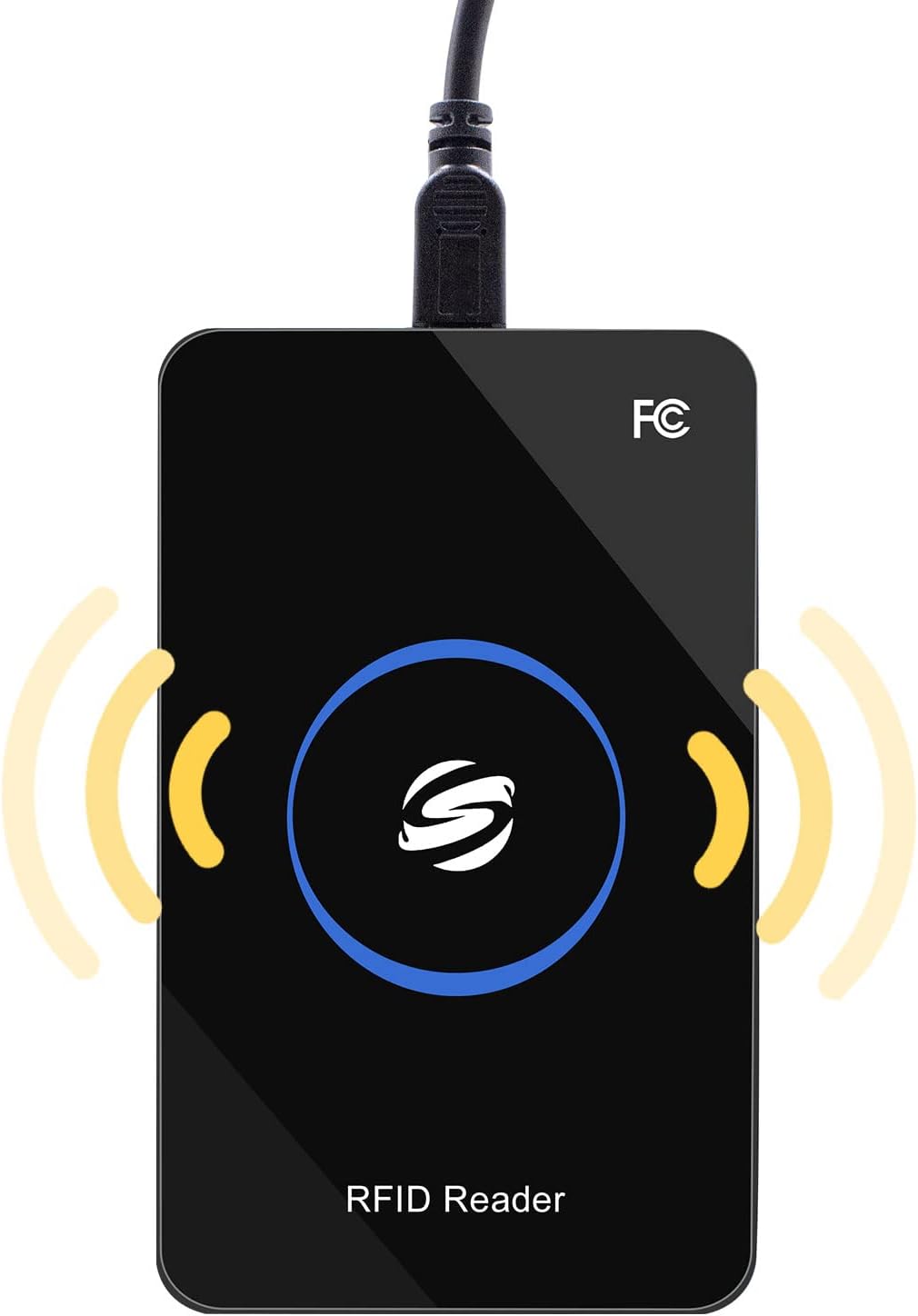
ภาพ: ภาพระยะใกล้ view of the Symcode W81 RFID Card Reader, highlighting its premium design and robust construction.
6 การแก้ไขปัญหา
| ปัญหา | สาเหตุที่เป็นไปได้ | สารละลาย |
|---|---|---|
| Device not recognized / No power indicator | สาย USB ไม่ได้เชื่อมต่ออย่างถูกต้องหรือพอร์ต USB ชำรุด | Ensure the USB cable is securely connected to both the reader and the computer. Try a different USB port or a different USB cable. |
| No data output when scanning a card | Card not compatible, card too far from reader, or no active text field. | Verify the card type is supported (EMID, FDX-A, FDX-B, 1326 family). Ensure the card is within 0-150mm reading distance. Click into a text field (e.g., Notepad) to ensure the cursor is active. |
| Incorrect data output / Keyboard layout issues | Incorrect keyboard layout setting or output format. | If you require a specific keyboard layout (e.g., AZERTY) or output format, you will need the configuration software. Contact Symcode support for assistance. |
| Buzzer not working or too loud | Buzzer disabled or settings need adjustment. | The buzzer can be controlled via the configuration software. Contact Symcode support for details on adjusting these settings. |
7. ข้อมูลจำเพาะ
| คุณสมบัติ | รายละเอียด |
|---|---|
| ความถี่ในการทำงาน | 125 กิโลเฮิร์ตซ์ / 134.2 กิโลเฮิร์ตซ์ |
| อินเทอร์เฟซการสื่อสาร | ยูเอสบี |
| ประเภทเครื่องอ่านการ์ด | EMID, FDX-A, FDX-B, 1326 Family Proximity Cards |
| อุณหภูมิในการทำงาน | -20℃ ถึง 70℃ (-4°F ถึง 158°F) |
| ปฏิบัติการฉบับที่tage | 5V |
| กระแสไฟฟ้าทำงาน | 100มิลลิแอมป์ |
| ระยะการอ่าน | 0 ~ 150mm (varies with tag พิมพ์) |
| Card Reading Time | <100มิลลิวินาที |
| Card Reading Speed | 0.2วินาที |
| Time Between Two Reads | 0.5วินาที |
| ขนาด | 105 มม. × 65 มม. × 15 มม. (4.13 นิ้ว × 2.56 นิ้ว × 0.59 นิ้ว) |
| น้ำหนัก | ประมาณ 120g (4.23 ออนซ์) |
| ความเข้ากันได้ของระบบปฏิบัติการ | Win XP, Win CE, Win 7, Win 10, Linux, Vista, Android, MacOS |
| ตัวระบุสถานะ | 2-color LED (Blue: Power, Green: Status) |
| Built-in Horn | Buzzer (controllable) |

Image: The Symcode W81 RFID Card Reader displaying its physical dimensions, providing a clear understanding of its size.
8. การรับประกันและการสนับสนุน
Symcode is committed to providing quality products and customer satisfaction. For specific warranty information regarding your W81 RFID Card Reader, please refer to the documentation included with your purchase or contact Symcode customer service directly.
8.1. การสนับสนุนลูกค้า
If you encounter any issues, have questions about product functionality, or require the configuration software, please reach out to Symcode customer support. They can provide assistance with troubleshooting, software downloads, and custom output format requests.
For support, please visit the official Symcode website or use the contact information provided with your product. You can also refer to the Symcode Brand Store on Amazon สำหรับทรัพยากรเพิ่มเติม