
POTTER PSN-106B
POTTER PSN-106B 10 AMP 6 NAC Power Supply User Manual
Model: PSN-106B
1. บทนำ
This manual provides essential information for the safe and efficient installation, operation, and maintenance of the POTTER PSN-106B 10 AMP 6 NAC Power Supply. Please read this manual thoroughly before attempting to install or operate the unit. Retain this manual for future reference.
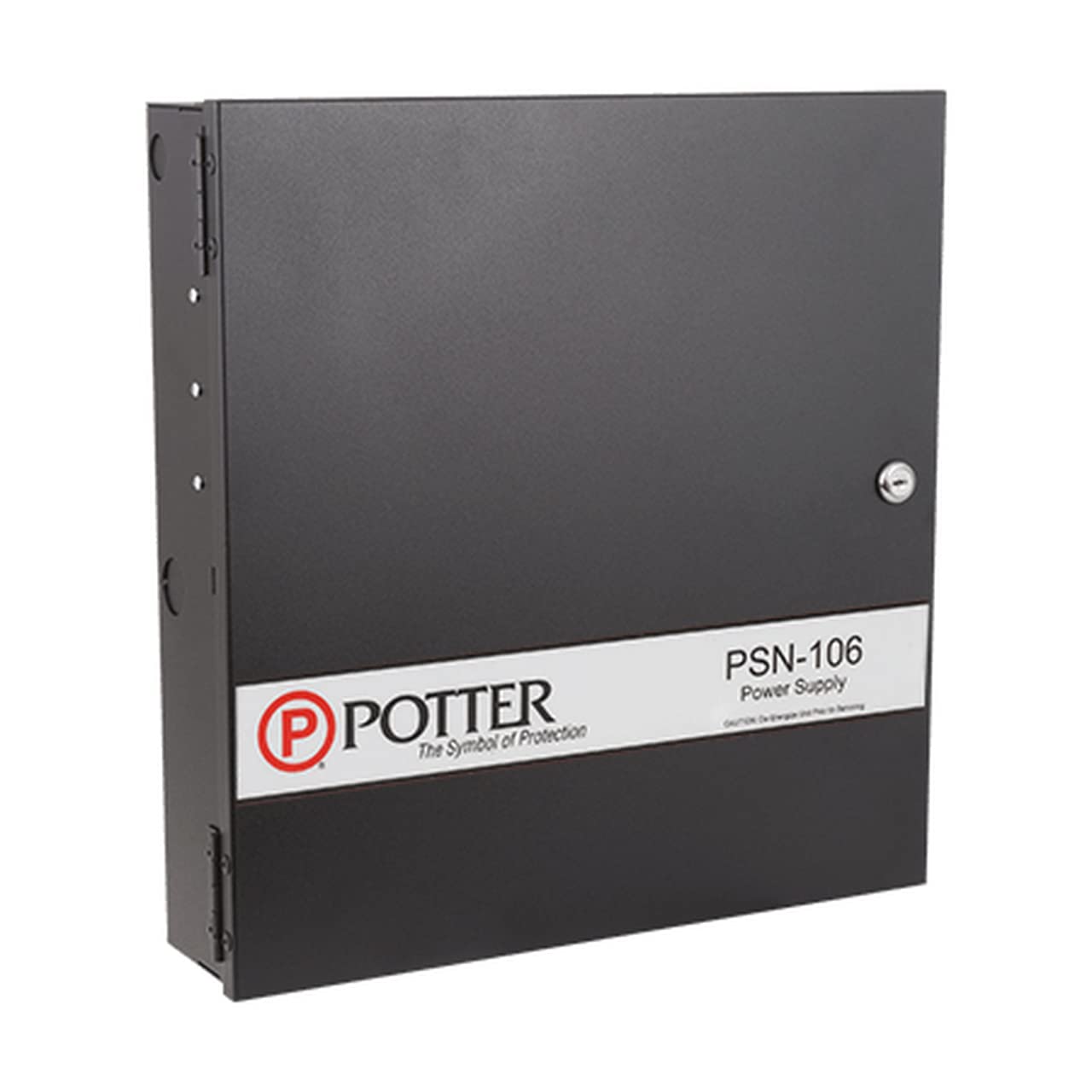
Figure 1: POTTER PSN-106B 10 AMP 6 NAC Power Supply. This image shows the front view of the power supply, highlighting its black casing and the layout of its connection terminals and status indicators.
2. ข้อมูลด้านความปลอดภัย
คำเตือน: Installation and servicing must be performed by qualified personnel only. Disconnect all power sources before servicing to prevent electric shock or equipment damage.
- ปฏิบัติตามกฎข้อบังคับเกี่ยวกับไฟฟ้าในระดับท้องถิ่นและระดับชาติเสมอ
- ตรวจสอบให้แน่ใจว่ามีการต่อสายดินของตัวเครื่องอย่างเหมาะสม
- อย่าวางอุปกรณ์ไว้ในที่ชื้นหรืออุณหภูมิที่สูงหรือต่ำเกินไป
- ตรวจสอบปริมาณอินพุตtage and current ratings before connecting to a power source.
3. สินค้าหมดview
The POTTER PSN-106B is a 10 AMP, 6 NAC (Notification Appliance Circuit) power supply designed for fire alarm and security applications. It provides regulated and filtered power to connected devices.
คุณสมบัติหลัก:
- 10 Amp total output current.
- Six independently supervised Notification Appliance Circuits (NACs).
- Built-in battery charger for standby power.
- Fault monitoring and reporting capabilities.
4. การตั้งค่าและการติดตั้ง
4.1 การติดตั้งเครื่อง
- Select a suitable location that is clean, dry, and free from excessive vibration or heat.
- Mount the power supply securely to a wall or other stable surface using appropriate fasteners. Ensure adequate ventilation around the unit.
4.2 การเชื่อมต่อสายไฟ
Refer to the wiring diagram provided inside the unit's enclosure for specific connection points. All wiring must comply with NFPA 70 (National Electrical Code) and NFPA 72 (National Fire Alarm and Signaling Code).
- อินพุตไฟ AC: Connect the main AC power source to the designated terminals. Ensure the power source matches the unit's voltagข้อกำหนดอี
- การเชื่อมต่อแบตเตอรี่: Connect standby batteries to the battery terminals, observing correct polarity. Batteries are essential for maintaining power during AC failures.
- NAC Outputs: Connect notification appliances (horns, strobes, etc.) to the NAC terminals. Each NAC is supervised for open and short circuits.
- เอาท์พุทเสริม: Connect auxiliary devices requiring regulated power to the auxiliary power terminals.
- Trouble/Supervisory Relays: Connect these outputs to the main fire alarm control panel (FACP) for remote fault reporting.
5. คู่มือการใช้งาน
5.1 การเพิ่มพลังเริ่มต้น
- After all wiring is complete and verified, apply AC power to the unit.
- Observe the status indicators. The AC POWER LED should illuminate steadily.
- If batteries are connected, the BATTERY CHARGE LED should indicate charging status.
5.2 ตัวบ่งชี้สถานะ
| ตัวบ่งชี้ | สถานะ | คำอธิบาย |
|---|---|---|
| ไฟฟ้ากระแสสลับ | สีเขียว (คงที่) | AC power is present and within normal operating range. |
| แบตเตอรี่ | สีเขียว (คงที่) | Batteries are connected and fully charged. |
| แบตเตอรี่ | สีเหลือง (กะพริบ) | กำลังชาร์จแบตเตอรี่ |
| ปัญหา | สีเหลือง (คงที่) | A fault condition exists (e.g., AC failure, battery fault, ground fault, NAC fault). |
| NAC 1-6 | สีเขียว (คงที่) | NAC is active and supplying power. |
| NAC 1-6 | สีเหลือง (คงที่) | NAC fault detected (open or short circuit). |
6. การบำรุงรักษา
Regular maintenance ensures the reliable operation of your PSN-106B power supply. All maintenance should be performed by qualified personnel.
- รายเดือน: Inspect the unit for any visible damage. Verify all status indicators are normal.
- รายปี: ทดสอบปริมาตรแบตเตอรี่tage and capacity. Replace batteries as recommended by the manufacturer (typically every 3-5 years). Clean any dust accumulation from the enclosure and ventilation openings.
- การบันทึกข้อมูล: Maintain a log of all inspections, tests, and maintenance performed.
7 การแก้ไขปัญหา
If the unit exhibits abnormal behavior, refer to the following table before contacting technical support.
| ปัญหา | สาเหตุที่เป็นไปได้ | สารละลาย |
|---|---|---|
| AC POWER LED Off | ไม่ต้องใช้ไฟ AC ในการป้อนเข้าระบบ | Check circuit breaker, power cord, and AC input terminals. |
| TROUBLE LED On | General fault condition. | Check other status LEDs for specific fault (e.g., battery, ground, NAC). |
| BATTERY LED Yellow (Steady) | Battery fault or low battery. | Check battery connections, voltage, and age. Replace if necessary. |
| NAC LED Yellow (Steady) | NAC open or short circuit. | Inspect wiring on the affected NAC for breaks or shorts. Verify end-of-line resistor. |
8. ข้อมูลจำเพาะ
| พารามิเตอร์ | ค่า |
|---|---|
| แบบอย่าง | พีเอสเอ็น-106บี |
| ยี่ห้อ | พอตเตอร์ |
| กระแสไฟขาออก | 10 Amps (รวม) |
| เอ็นเอซี | 6 |
| วัดtage | 100 วัตต์ |
| ยูพีซี | 742779300829 |
| ASIN | B09LFLLWWD |
| วันที่พร้อมใช้งานครั้งแรก | 9 พฤศจิกายน 2021 |
9. การรับประกันและการสนับสนุนทางเทคนิค
For warranty information, please refer to the documentation included with your purchase or visit the official POTTER website. For technical assistance, contact POTTER customer support. Ensure you have your model number (PSN-106B) and purchase details available when contacting support.
ผู้ผลิต: พอตเตอร์
Web: www.pottersignal.com (อดีตampลิงค์จริงอาจแตกต่างกัน)
Ask a question about this manual
Ask about setup, troubleshooting, compatibility, parts, safety, or missing instructions. Manuals+ will review the question and use this page’s manual context to help answer it.