
การแนะนำ
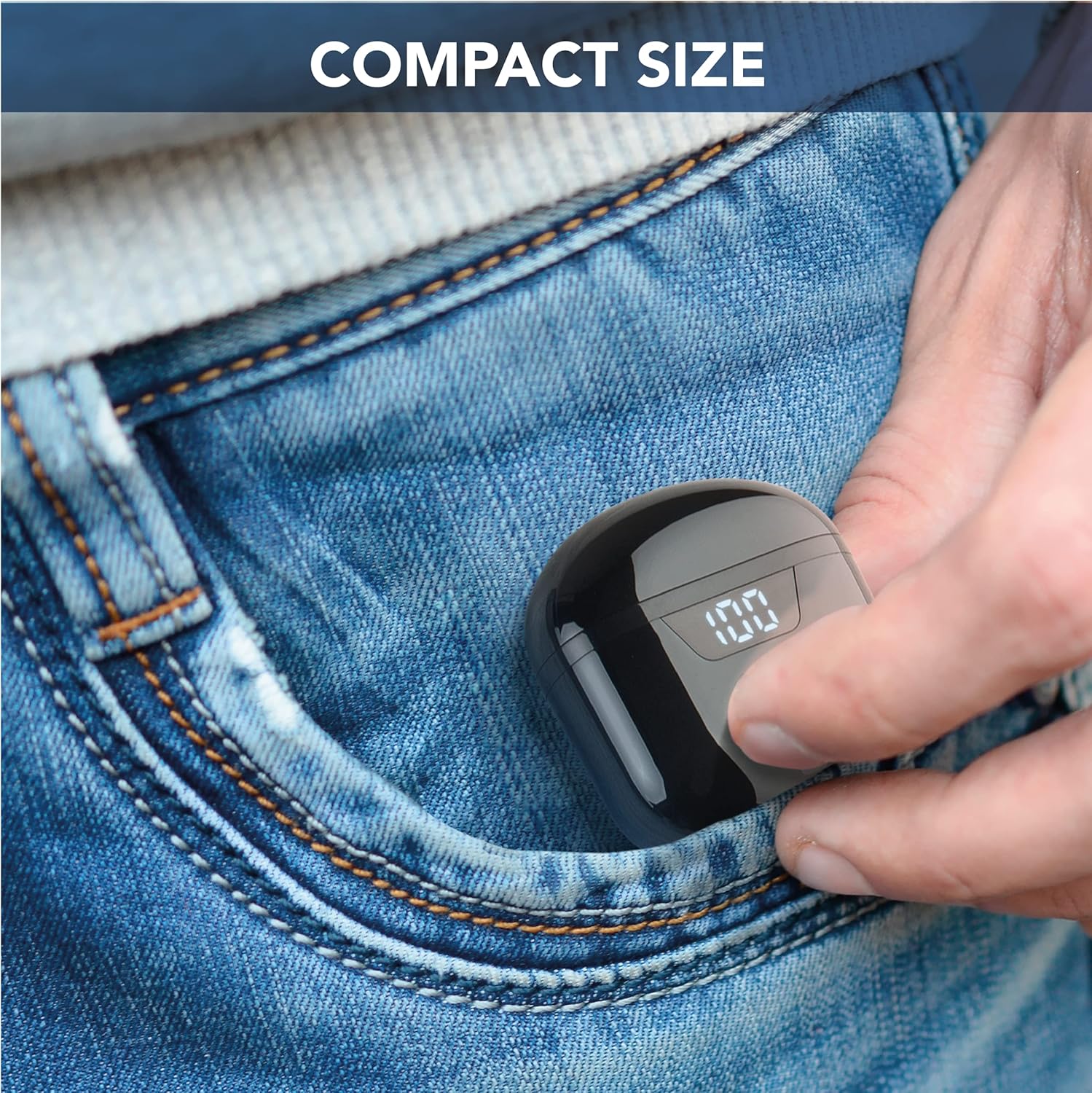
The cellularline Seek earbuds are compact, in-ear Bluetooth headphones designed for a balanced audio experience. Featuring Bluetooth 5.0 connectivity, a portable charging case with an LED display, and touch controls, these earbuds offer convenience and up to 15 hours of total playtime.
This manual provides essential information for setting up, operating, maintaining, and troubleshooting your cellularline Seek earbuds.
เนื้อหาแพ็คเกจ
- cellularline Seek Bluetooth Earbuds
- เคสชาร์จไฟ
- สายชาร์จ USB-C
สินค้าเกินview


การตั้งค่า
1. การชาร์จครั้งแรก
Before first use, fully charge the earbuds and the charging case. Connect the provided USB-C cable to the charging port on the case and to a compatible USB power source. The LED display on the case will show the charging progress and remaining battery percentage.
- เวลาในการชาร์จ: ประมาณ 1.5 ชั่วโมงสำหรับการชาร์จเต็ม
- ระยะเวลาใช้งานหูฟัง (ต่อการชาร์จหนึ่งครั้ง): นานถึง 3 ชั่วโมง
- เวลาเล่นทั้งหมดพร้อมกล่องชาร์จ: Up to 15 hours (case provides up to 4 full charges for the earbuds).

2. การจับคู่กับอุปกรณ์
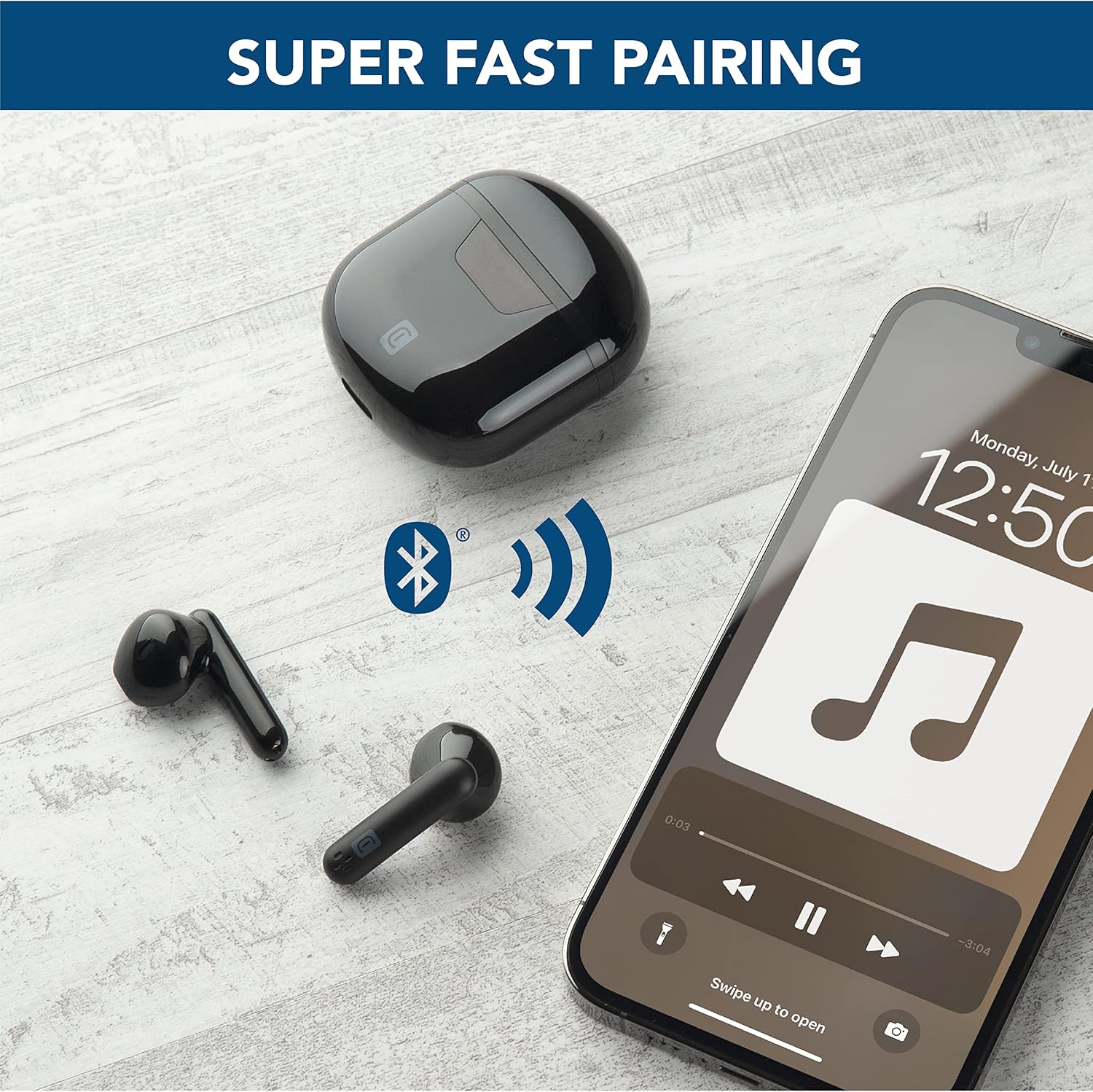
- ตรวจสอบให้แน่ใจว่าหูฟังได้รับการชาร์จและใส่ไว้ในกล่องชาร์จ
- เปิดกล่องชาร์จ หูฟังจะเข้าสู่โหมดจับคู่โดยอัตโนมัติ
- บนอุปกรณ์ของคุณ (สมาร์ทโฟน แท็บเล็ต แล็ปท็อป) ไปที่การตั้งค่าบลูทูธ
- ค้นหา available devices and select "cellularline Seek" from the list.
- เมื่อเชื่อมต่อแล้ว คุณจะได้ยินเสียงยืนยัน และหูฟังจะพร้อมใช้งาน
คำแนะนำการใช้งาน
การควบคุมแบบสัมผัส
The cellularline Seek earbuds feature intuitive touch controls for managing calls, music playback, and volume directly from the earbuds, eliminating the need to access your connected device.
- เล่น/หยุดเพลง: แตะที่หูฟังข้างใดข้างหนึ่งเพียงครั้งเดียว
- เพลงถัดไป: แตะสองครั้งที่หูฟังด้านขวา
- แทร็กก่อนหน้า: แตะสองครั้งที่หูฟังด้านซ้าย
- รับ/วางสาย: แตะที่หูฟังข้างใดข้างหนึ่งเพียงครั้งเดียว
- ปฏิเสธสาย: กดเอียร์บัดข้างใดข้างหนึ่งค้างไว้ 2 วินาที
- เปิดใช้งาน Voice Assistant: Triple tap on either earbud (functionality depends on device).
- การควบคุมระดับเสียง: Specific gestures for volume control may vary. Refer to your device's settings or experiment with long presses on left/right earbuds if not explicitly defined.
การสวมหูฟัง
The capsule shape of the Seek earbuds is designed for optimal comfort and stability. Insert each earbud gently into your ear canal and rotate slightly to find a secure and comfortable fit. A proper fit ensures the best audio quality, including rich and deep bass.

การซ่อมบำรุง
การทำความสะอาด
- ทำความสะอาดหูฟังและกล่องชาร์จเป็นประจำด้วยผ้าแห้งนุ่มที่ไม่เป็นขุย
- ห้ามใช้สารทำความสะอาดที่มีฤทธิ์กัดกร่อน ตัวทำละลาย หรือสเปรย์แอโรซอล
- เพื่อให้แน่ใจว่าการชาร์จมีประสิทธิภาพสูงสุด โปรดตรวจสอบให้แน่ใจว่าขั้วชาร์จทั้งบนหูฟังและเคสสะอาดและปราศจากสิ่งสกปรก
พื้นที่จัดเก็บ
- เมื่อไม่ได้ใช้งาน ให้เก็บหูฟังไว้ในกล่องชาร์จเพื่อปกป้องหูฟังและชาร์จไฟให้หูฟังอยู่เสมอ
- เก็บอุปกรณ์ไว้ในที่แห้งและเย็น หลีกเลี่ยงอุณหภูมิที่สูงและแสงแดดโดยตรง
ความต้านทานต่อน้ำ
The cellularline Seek earbuds are ไม่กันน้ำหลีกเลี่ยงการสัมผัสกับน้ำ ความชื้น ฝน หรือเหงื่อ เพื่อป้องกันความเสียหาย
การแก้ไขปัญหา
| ปัญหา | สาเหตุที่เป็นไปได้ | สารละลาย |
|---|---|---|
| หูฟังเอียร์บัดไม่จับคู่ | Earbuds not in pairing mode, low battery, or previously paired device interference. | Ensure earbuds are charged and case is open. Turn off Bluetooth on other nearby devices. Forget the device in your phone's Bluetooth settings and try pairing again. |
| ไม่มีเสียงหรือเสียงเบา | Volume too low on device/earbuds, improper fit, or earbud blockage. | Increase volume on both your device and the earbuds. Adjust earbuds for a secure fit. Clean any debris from the earbud speakers. |
| การเชื่อมต่อ/ตัดการเชื่อมต่อเป็นระยะๆ | Distance from device, interference, or low earbud battery. | Keep earbuds within 10 meters of your device. Avoid environments with strong Wi-Fi or other Bluetooth signals. Ensure earbuds are sufficiently charged. |
| Charging case LED not working or charging slowly | Faulty cable, power source, or dirty charging port. | Try a different USB-C cable and power adapter. Ensure the charging port on the case is clean and free of debris. |
ข้อมูลจำเพาะ
- ยี่ห้อ: เซลลูลาร์ไลน์
- ชื่อรุ่น : BTSEEKTWSK
- สี: สีดำ
- ตำแหน่งหู: อินเอียร์
- ฟอร์มแฟกเตอร์: อินเอียร์
- การควบคุมเสียงรบกวน: การแยกเสียง
- เทคโนโลยีการเชื่อมต่อ: ไร้สาย (Bluetooth)
- เวอร์ชันบลูทูธ: 5.0
- ช่วงบลูทู ธ : 10 เมตร
- ประเภทการควบคุม: Call Control (Touch)
- ประเภทไดรเวอร์เสียง: ไดร์เวอร์แบบไดนามิก
- การตอบสนองความถี่: 20 เฮิรตซ์ - 20,000 เฮิรตซ์
- เวลาในการชาร์จแบตเตอรี่: 1.5 ชั่วโมง
- Average Battery Life (Earbuds): 3 ชั่วโมง
- เวลาเล่นทั้งหมด (พร้อมเคสชาร์จ): 15 ชั่วโมง
- น้ำหนัก: 40 กรัม
- วัสดุ: พลาสติก
- ระดับการต้านทานน้ำ: ไม่ทนน้ำ
- อุปกรณ์ที่รองรับ: Phones, Tablets, Laptops, Computers
ข้อมูลการรับประกัน
This cellularline product comes with a สินค้ารับประกัน 2 ปี. Additionally, spare parts availability in the EU is guaranteed for 2 years. Please retain your proof of purchase for warranty claims. For detailed warranty terms and conditions, refer to the documentation provided with your product or visit the official cellularline webเว็บไซต์.
สนับสนุน
For further assistance, technical support, or to explore other cellularline products, please visit the official cellularline store or contact customer service.
Official cellularline Store: Visit the cellularline Store