
การแนะนำ
This manual provides detailed instructions for the setup, operation, and maintenance of your NADAMOO Bur3121-P2-30 2D Wireless Barcode Scanner. This device is designed for efficient scanning of 1D and 2D barcodes, offering versatile connectivity and a unique adjustable back clip for mobile phone integration.
คุณสมบัติผลิตภัณฑ์
- Adjustable Back Clip Design: The scanner features a retractable clip that allows it to be securely attached to mobile phones with lengths between 5.61-6.5 inches (13.5-16.5 cm). The clip includes anti-slip silicone to prevent damage to your phone.
- โหมดการใช้งานคู่: Can be used as a clip-on barcode scanner fixed behind a mobile phone for real-time data viewing, or as a standalone Bluetooth barcode scanner.
- การเชื่อมต่อบลูทูธ: Supports Bluetooth HID, SPP, and BLE modes, offering a wireless range of approximately 50 meters (164 feet) in open environments. Compatible with Windows, Mac OS, Android OS, and iOS devices.
- Advanced 2D CMOS Sensor: Equipped with a 300,000-pixel CMOS sensor for superior reading performance on both printed and screen-displayed 1D/2D barcodes.
- Enhanced Decoding Capability: Capable of reading damaged, distorted, colored, reflective, smudged, scratched, or poorly printed barcodes.
- ประเภทบาร์โค้ดที่รองรับ:
- บาร์โค้ด 1 มิติ: UPC/EAN, UPC/EAN with supplemental code, ISBN/ISSN, Code 128, GS1-128, GS1 DataBar, Code 39, Code32, Code11, Code 93, Interleaved 2 of 5, Industrial 2 of 5, Matrix 2 of 5, Standard 2 of 5, Codabar.
- บาร์โค้ด 2 มิติ: QR Code, PDF417, Data Matrix, Aztec. Also supports reading reverse 1D Code, QR Code, Data Matrix, Aztec (white barcode on black background).
- Two Scanning Modes:
- โหมดการทำงานแบบแมนนวล: Press the trigger to scan.
- Self-sensing Mode: The scanner automatically reads barcodes when detected, without needing to press the trigger.
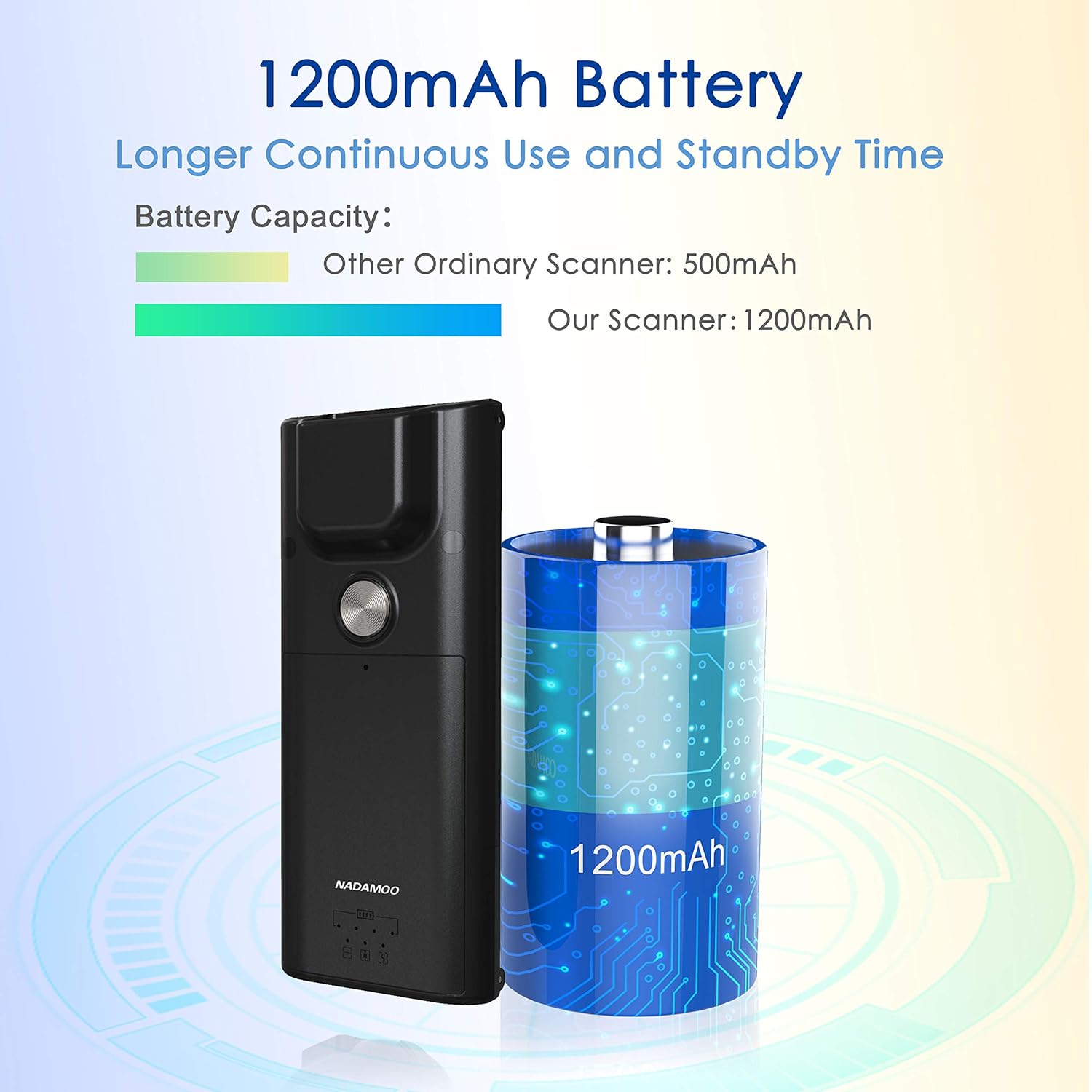
- แบตเตอรี่ใช้งานได้ยาวนาน: Features a 1200mAh battery for extended continuous use and standby time.
การตั้งค่า
1. Attaching to a Mobile Phone (Optional)
- Ensure your mobile phone's length is between 5.61-6.5 inches (13.5-16.5 cm).
- Gently extend the adjustable back clip of the scanner.
- Position your phone within the clip, ensuring it is securely held by both the fixed top clip and the flexible bottom clip. The anti-slip silicone pads should protect your phone's surface.


2. การจับคู่บลูทู ธ
- เปิดเครื่องสแกนเนอร์
- On your host device (computer, tablet, or smartphone), enable Bluetooth and search for available devices.
- Select "NADAMOO Scanner" or a similar identifier from the list of found devices.
- Follow any on-screen prompts to complete the pairing process. The scanner supports Bluetooth HID, SPP, and BLE modes.

คำแนะนำการใช้งาน
1. การสแกนบาร์โค้ด
- โหมดการทำงานแบบแมนนวล: Aim the scanner at the barcode and press the trigger button. The scanner will emit a beep and/or vibrate upon successful scan.
- Self-sensing Mode: In this mode, simply present the barcode to the scanner's window. The scanner will automatically detect and read the barcode without requiring a trigger press.
ตรวจสอบให้แน่ใจว่าบาร์โค้ดอยู่ในระยะการตรวจจับของเครื่องสแกน view and properly illuminated for optimal reading performance. The scanner can read various types of 1D and 2D barcodes, including those that are damaged, distorted, or printed on colored backgrounds.

2. การชาร์จเครื่องสแกน
Connect the scanner to a power source using the provided charging cable. The indicator light will show charging status. A full charge provides extended operational time due to the 1200mAh battery.
การซ่อมบำรุง
- การทำความสะอาด: ใช้ผ้าแห้งเนื้อนุ่มเช็ดทำความสะอาดภายนอกเครื่องสแกน สำหรับช่องสแกน ให้ใช้ผ้าเช็ดเลนส์และน้ำยาทำความสะอาดอ่อนๆ หากจำเป็น หลีกเลี่ยงวัสดุที่มีฤทธิ์กัดกร่อนหรือสารเคมีรุนแรง
- พื้นที่จัดเก็บ: เก็บเครื่องสแกนเนอร์ไว้ในที่แห้งและเย็น หลีกเลี่ยงแสงแดดโดยตรงและอุณหภูมิที่สูงหรือต่ำเกินไป
- การดูแลแบตเตอรี่ To prolong battery life, avoid fully discharging the battery frequently. Charge the scanner regularly, even if not in active use for extended periods.
การแก้ไขปัญหา
| ปัญหา | สาเหตุที่เป็นไปได้ | สารละลาย |
|---|---|---|
| เครื่องสแกนเนอร์ไม่สามารถเปิดเครื่องได้ | แบตเตอรี่เหลือน้อยหรือมีปัญหาเรื่องไฟเลี้ยง | Charge the scanner using the provided cable. Ensure the charging cable is properly connected to a power source. |
| ไม่สามารถจับคู่ผ่านบลูทูธได้ | Bluetooth not enabled on host device, scanner not in pairing mode, or out of range. |
|
| เครื่องสแกนไม่สามารถอ่านบาร์โค้ดได้ | Barcode damaged/unreadable, incorrect scanning mode, or scanner window dirty. |
|
| Data not transmitting to device. | Bluetooth connection lost or incorrect application focus. |
|
ข้อมูลจำเพาะ
| คุณสมบัติ | รายละเอียด |
|---|---|
| หมายเลขรุ่น | Bur3121-P2-30 |
| ASIN | B09KXPTHNX |
| เทคโนโลยีการเชื่อมต่อ | บลูทูธ |
| อุปกรณ์ที่รองรับ | คอมพิวเตอร์ตั้งโต๊ะ, แล็ปท็อป, สมาร์ทโฟน |
| แหล่งพลังงาน | ใช้พลังงานจากแบตเตอรี่ |
| น้ำหนักสินค้า | 4.4 ออนซ์ (125 กรัม) |
| ขนาดแพ็คเกจ | 6.89 x 4.84 x 1.5 นิ้ว |
| ประเภทเซนเซอร์ | CMOS (300,000 Pixels) |
| ความจุของแบตเตอรี่ | 1200mAh |
| Phone Length Compatibility | 5.61-6.5 นิ้ว / 13.5-16.5 ซม. |
การรับประกันและการสนับสนุน
For warranty information or technical support, please refer to the documentation included with your product or contact NADAMOO customer service through their official website or the platform where the product was purchased. Please have your model number (Bur3121-P2-30) and ASIN (B09KXPTHNX) ready when contacting support.